Quest Forward Learning PC
Opportunity Education
Download Quest Forward Learning on PC With GameLoop Emulator
Quest Forward Learning on PC
Quest Forward Learning, coming from the developer Opportunity Education, is running on Android systerm in the past.
Now, You can play Quest Forward Learning on PC with GameLoop smoothly.
Download it in the GameLoop library or search results. No more eyeing the battery or frustrating calls at the wrong time any more.
Just enjoy Quest Forward Learning PC on the large screen for free!
Quest Forward Learning Introduction
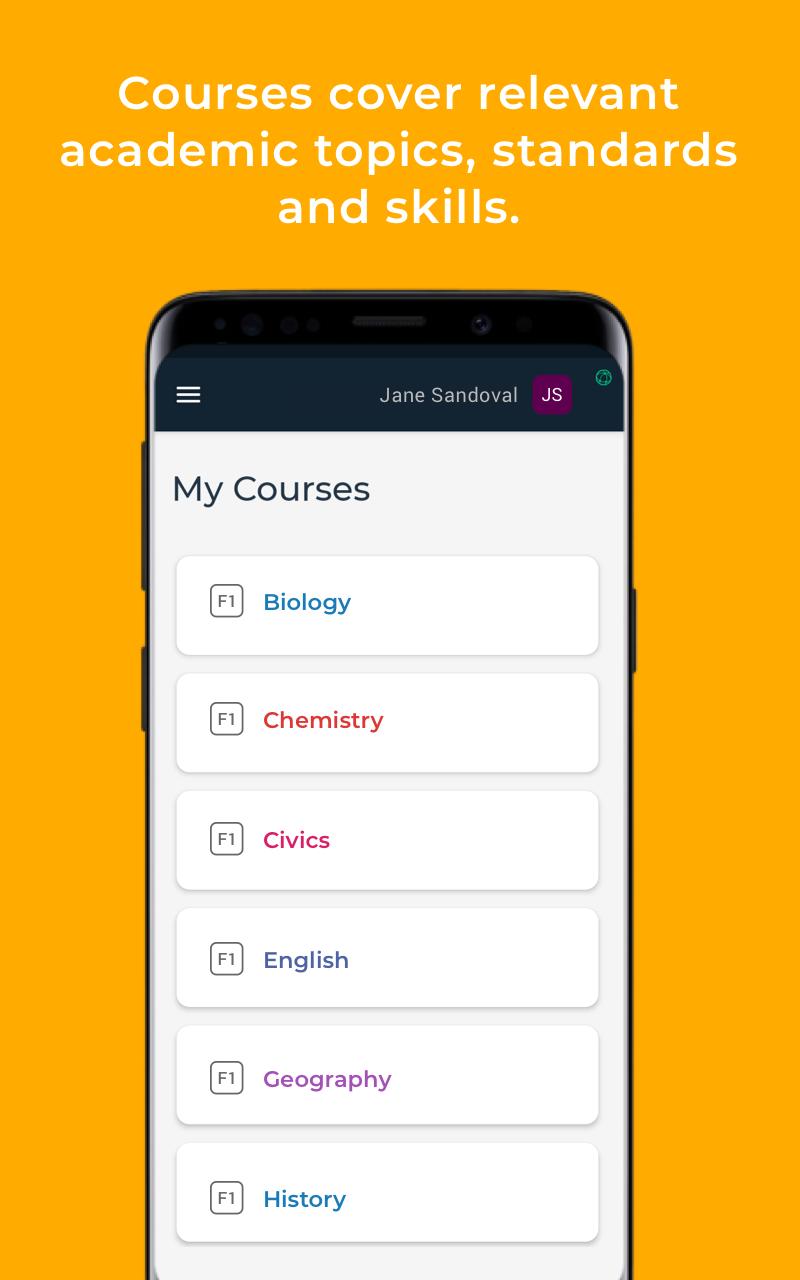
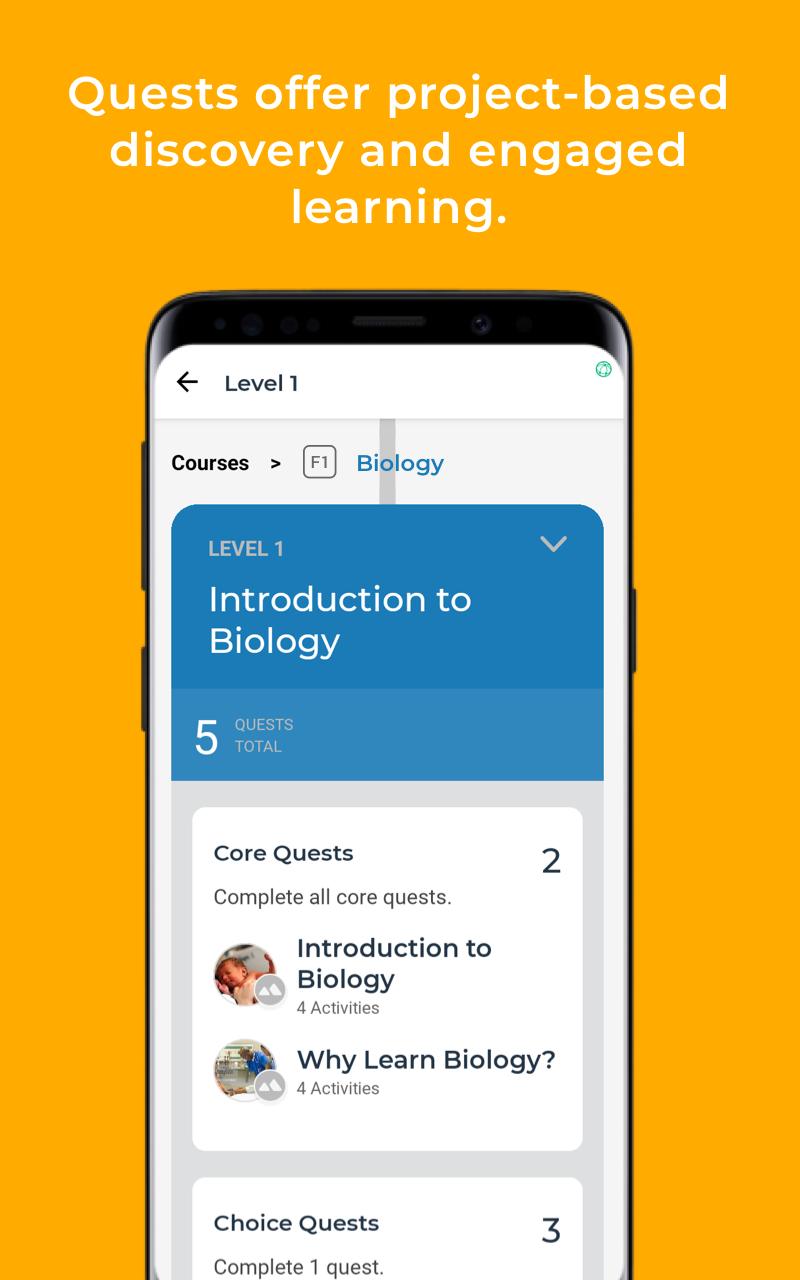
With the Quest Forward Learning™ app, students and teachers at Quest Forward Schools can access Opportunity Education's global learning platform. The app engages secondary school students in courses covering a wide range of academic subjects, as well as essential habits and career readiness skills. Courses are filled with quests, which enable personalized, project-based learning for students, focused on building relevant knowledge as well as the mindset, habits, and skills for success in life and work.
Quest Forward Learning™ was created so secondary school students across the globe can learn at their own pace and depth of inquiry. Quest Forward Learning™ uses peer learning methods and a mentoring approach to teaching. With mentor support and guidance, students proceed at a pace that is appropriate for them, on a path that will enable them to meet their goals.
Opportunity Education also offers the QuestMaker™ app, which subject matter experts and teachers use to publish materials to the Quest Forward Learning™ app, and QuestCommunity™, which enables school leaders to manage student and mentor work and view progress on quest-based courses.
Preview
Tags
EducationInformation
Developer
Opportunity Education
Latest Version
2.1.0
Last Updated
2025-05-30
Category
Education
Available on
Google Play
Show More
How to play Quest Forward Learning with GameLoop on PC
1. Download GameLoop from the official website, then run the exe file to install GameLoop
2. Open GameLoop and search for “Quest Forward Learning” , find Quest Forward Learning in the search results and click “Install”
3. Enjoy playing Quest Forward Learning on GameLoop
Minimum requirements
OS
Windows 8.1 64-bit or Windows 10 64-bit
GPU
GTX 1050
CPU
i3-8300
Memory
8GB RAM
Storage
1GB available space
Recommended requirements
OS
Windows 8.1 64-bit or Windows 10 64-bit
GPU
GTX 1050
CPU
i3-9320
Memory
16GB RAM
Storage
1GB available space