
PSC Crop | PSC Photo Editor | PC
dropdevelopers
Download PSC Crop | PSC Photo Editor | on PC With GameLoop Emulator
PSC Crop | PSC Photo Editor | on PC
PSC Crop | PSC Photo Editor | , coming from the developer dropdevelopers, is running on Android systerm in the past.
Now, You can play PSC Crop | PSC Photo Editor | on PC with GameLoop smoothly.
Download it in the GameLoop library or search results. No more eyeing the battery or frustrating calls at the wrong time any more.
Just enjoy PSC Crop | PSC Photo Editor | PC on the large screen for free!
PSC Crop | PSC Photo Editor | Introduction
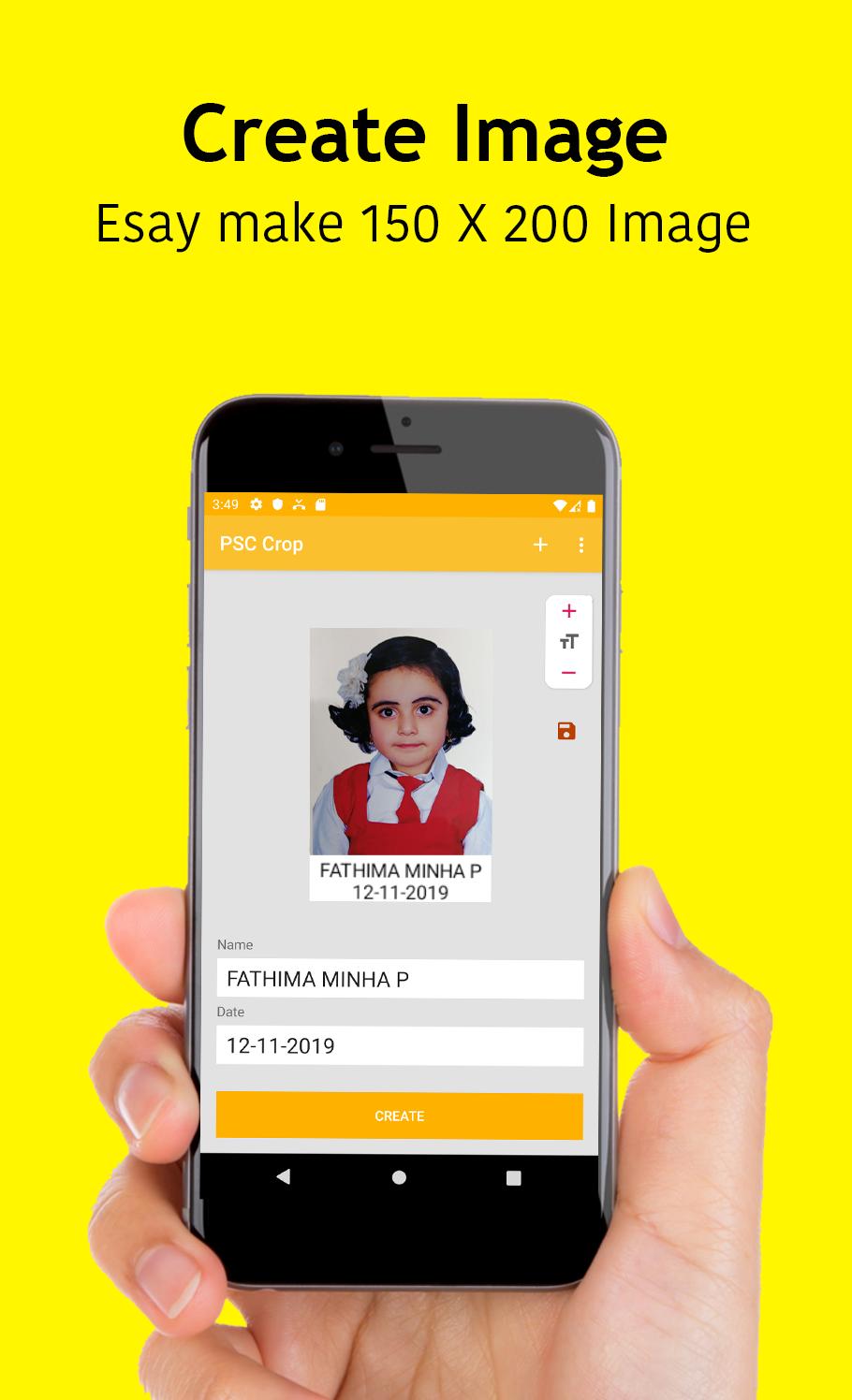
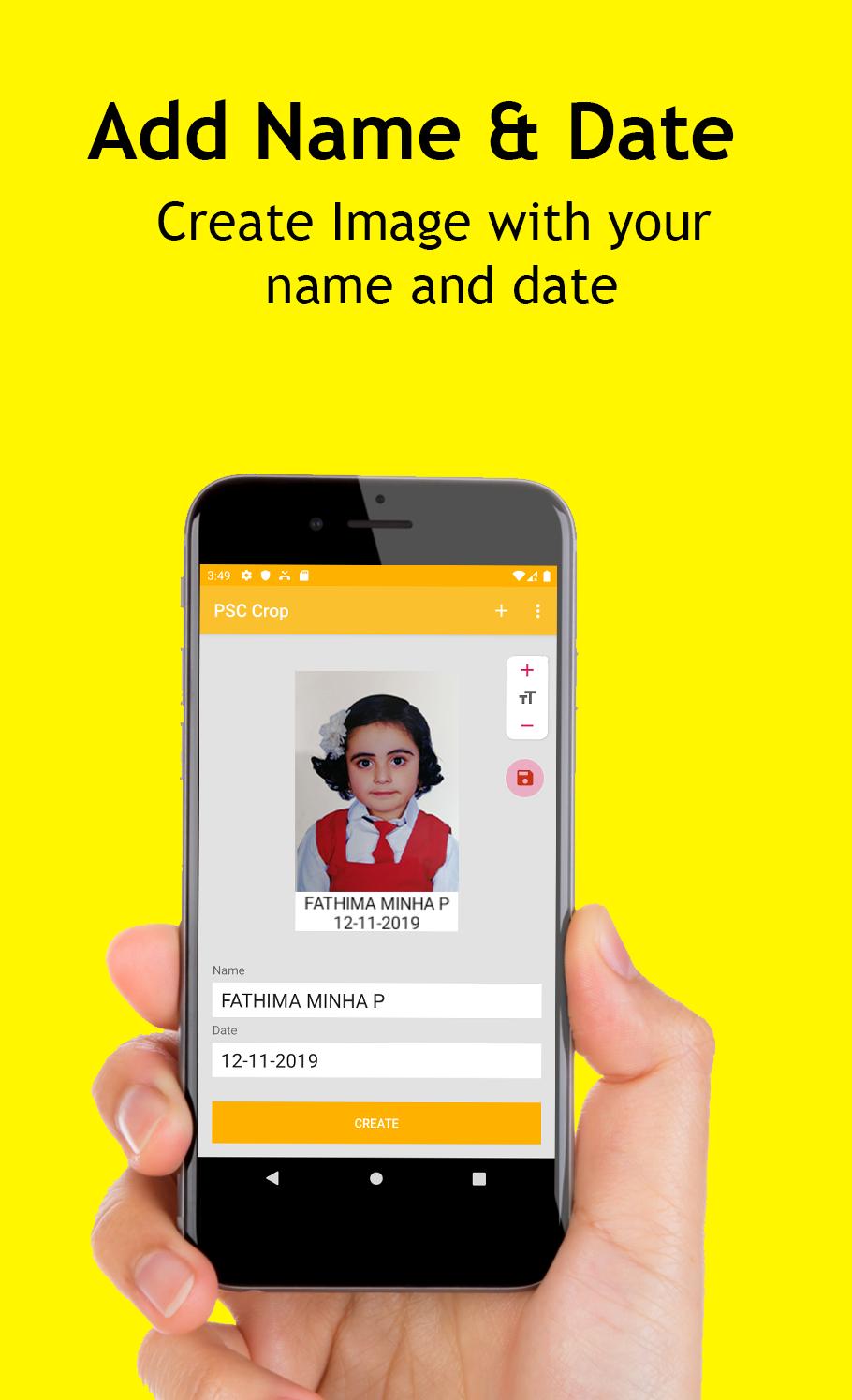
🎉 Kerala PSC Image creator with name and date. This is a simple way of create Kerala PSC Photo 150 X 200 size image creator. This a two setup method without knowledge of computer or photoshop.
How to use?
◇ Select Image from you directory / Gallery
◇ Enter name and date below PSC Crop
◇ Click the save button of top corner (You must enter date and name before the save)
◇ Open your favourite File browser and open PSC Crop folder open your image
◇ More info Click https://bit.ly/33ozFQS
✨ FEATURES
◇ Simple and User friendly UI
◇ Faster and More Performance PSC Crop
◇ Only two step for the Operations
👉 Don't forget share this information
Preview
Tags
EducationInformation
Developer
dropdevelopers
Latest Version
1.2.5
Last Updated
2021-05-06
Category
Education
Available on
Google Play
Show More
How to play PSC Crop | PSC Photo Editor | with GameLoop on PC
1. Download GameLoop from the official website, then run the exe file to install GameLoop
2. Open GameLoop and search for “PSC Crop | PSC Photo Editor | ” , find PSC Crop | PSC Photo Editor | in the search results and click “Install”
3. Enjoy playing PSC Crop | PSC Photo Editor | on GameLoop
Minimum requirements
OS
Windows 8.1 64-bit or Windows 10 64-bit
GPU
GTX 1050
CPU
i3-8300
Memory
8GB RAM
Storage
1GB available space
Recommended requirements
OS
Windows 8.1 64-bit or Windows 10 64-bit
GPU
GTX 1050
CPU
i3-9320
Memory
16GB RAM
Storage
1GB available space