Preschool Number Tracing 1-99 PC
Trigonom sh.p.k.
Download Preschool Number Tracing 1-99 on PC With GameLoop Emulator
Preschool Number Tracing 1-99 on PC
Preschool Number Tracing 1-99, coming from the developer Trigonom sh.p.k., is running on Android systerm in the past.
Now, You can play Preschool Number Tracing 1-99 on PC with GameLoop smoothly.
Download it in the GameLoop library or search results. No more eyeing the battery or frustrating calls at the wrong time any more.
Just enjoy Preschool Number Tracing 1-99 PC on the large screen for free!
Preschool Number Tracing 1-99 Introduction
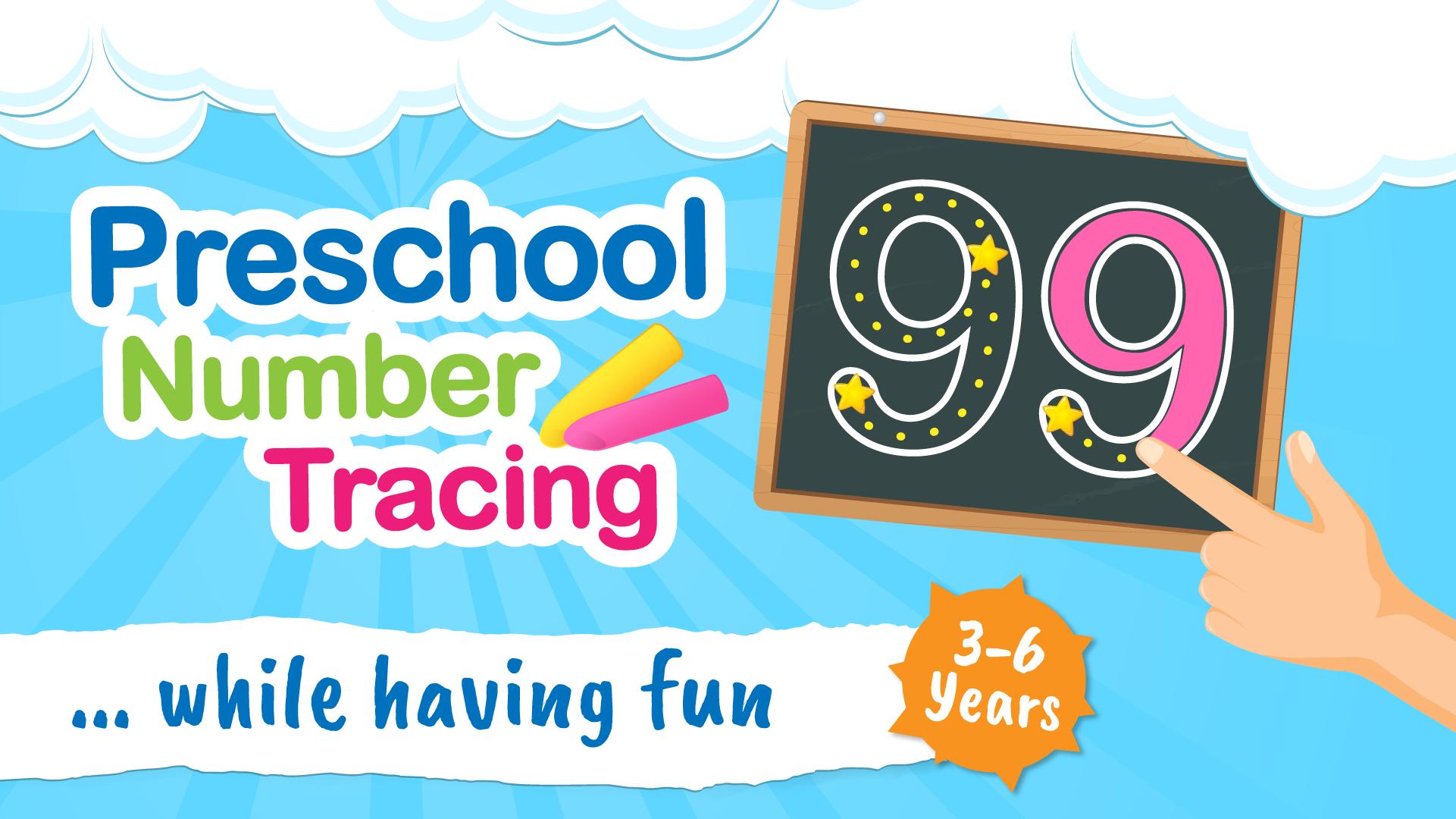
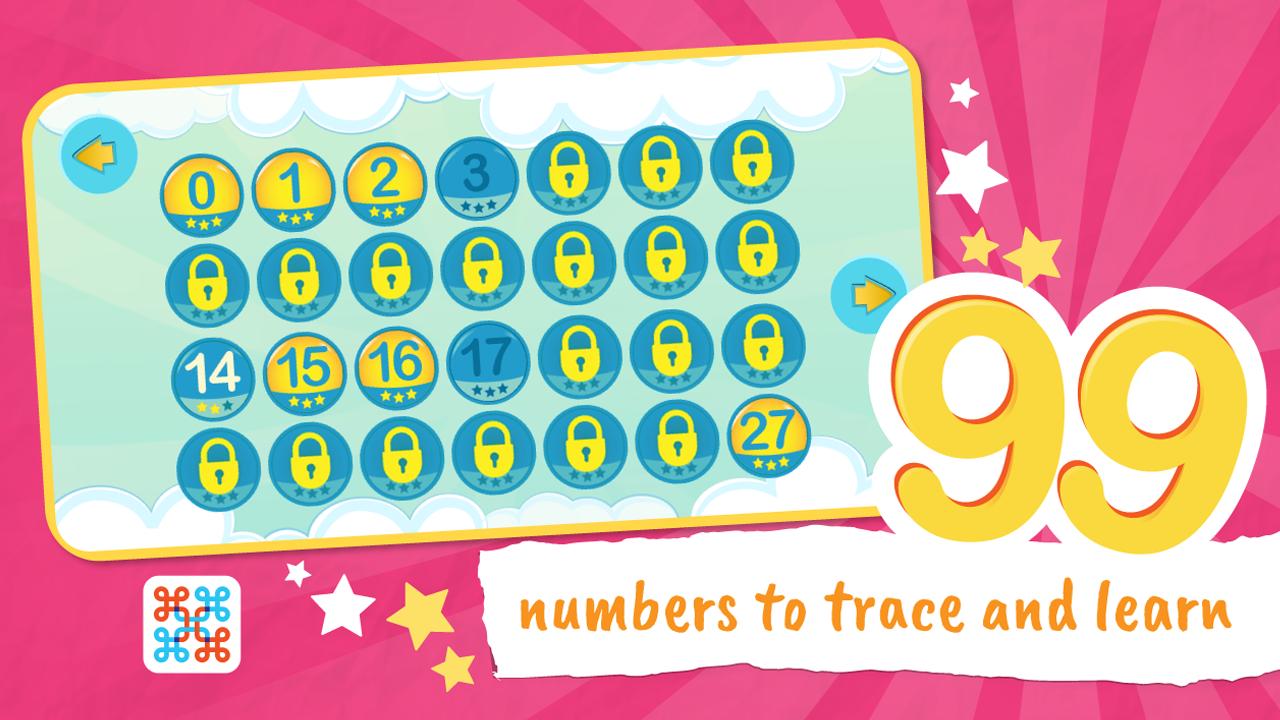
This educational app brings the numbers to life, with the ability to draw the numbers out by hand using the colors your children want to use.
For many kids, simply reading and writing isn’t enough to help them learn. They need to develop a love for learning, understanding that it can be fun, engaging, and downright entertaining. With this new educational app, they won’t even realize they’re learning! They’ll just be having fun, which is what every kid should be doing today.
Should I download Preschool Number Tracing? Here are some of our key features.
– Colors: Your kids can choose from 4 different colors as they draw the numbers. They can use just one color, up to all 4, per singular number, helping them to find fun and engagement in learning, writing, and reading.
– Eraser: Don’t worry – if your child messes up and wants to start again, our numbers app includes an eraser! They can easily erase their mess and try a second time, helping to boost their self-confidence.
– Engagement: For many children, today, simply reading and writing isn’t compatible with their personal learning abilities. Kids need visual and interactive fun, which is exactly what they will get with this numbers app for kids.
– Fun: Most importantly: kids just want to have fun. If you can show them that learning is fun, that is something they will take with them throughout their schooling. It will lay the groundwork for a successful educational career.
FUN FOR THE WHOLE FAMILY
You can sit with your kids and watch their faces light up with smiles as they explore every number of our app. Try new numbers and colors as your kids master the number essentials, providing a fun and engaging family-friendly activity for everyone at night. Sit back after a long day of work, open the mobile device, and watch your children LOVE to learn.
Is there anything better than that?
With over 3,000,000+ installs already, this is an app that is parent-supported and kid-approved.
Try it today with your family.
************************
SAY HELLO
************************
We are constantly working hard on making the “Preschool Number Tracing” app better and more useful for your kid’s learning. We need your constant support to get going. Please feel free to email us for any queries/suggestions/problems or if you just want to say hello. We would love to hear from you. If you have enjoyed any feature of the “Preschool Number Tracing” app, do not forget to rate us on Play Store.
Preview
Tags
EducationInformation
Developer
Trigonom sh.p.k.
Latest Version
2.53.161023
Last Updated
2023-10-16
Category
Education
Available on
Google Play
Show More
How to play Preschool Number Tracing 1-99 with GameLoop on PC
1. Download GameLoop from the official website, then run the exe file to install GameLoop
2. Open GameLoop and search for “Preschool Number Tracing 1-99” , find Preschool Number Tracing 1-99 in the search results and click “Install”
3. Enjoy playing Preschool Number Tracing 1-99 on GameLoop
Minimum requirements
OS
Windows 8.1 64-bit or Windows 10 64-bit
GPU
GTX 1050
CPU
i3-8300
Memory
8GB RAM
Storage
1GB available space
Recommended requirements
OS
Windows 8.1 64-bit or Windows 10 64-bit
GPU
GTX 1050
CPU
i3-9320
Memory
16GB RAM
Storage
1GB available space