
Pratik Almanca Konuşma PC
Alex&C
Download Pratik Almanca Konuşma on PC With GameLoop Emulator
Pratik Almanca Konuşma on PC
Pratik Almanca Konuşma, coming from the developer Alex&C, is running on Android systerm in the past.
Now, You can play Pratik Almanca Konuşma on PC with GameLoop smoothly.
Download it in the GameLoop library or search results. No more eyeing the battery or frustrating calls at the wrong time any more.
Just enjoy Pratik Almanca Konuşma PC on the large screen for free!
Pratik Almanca Konuşma Introduction
The main aim of the application, they need to speak German to Turkish
to provide the possibility to use in basic areas.
German connoisseurs of this practice at a certain level for the first time also began
Be able to benefit.
Designed for quick and easy to learn German.
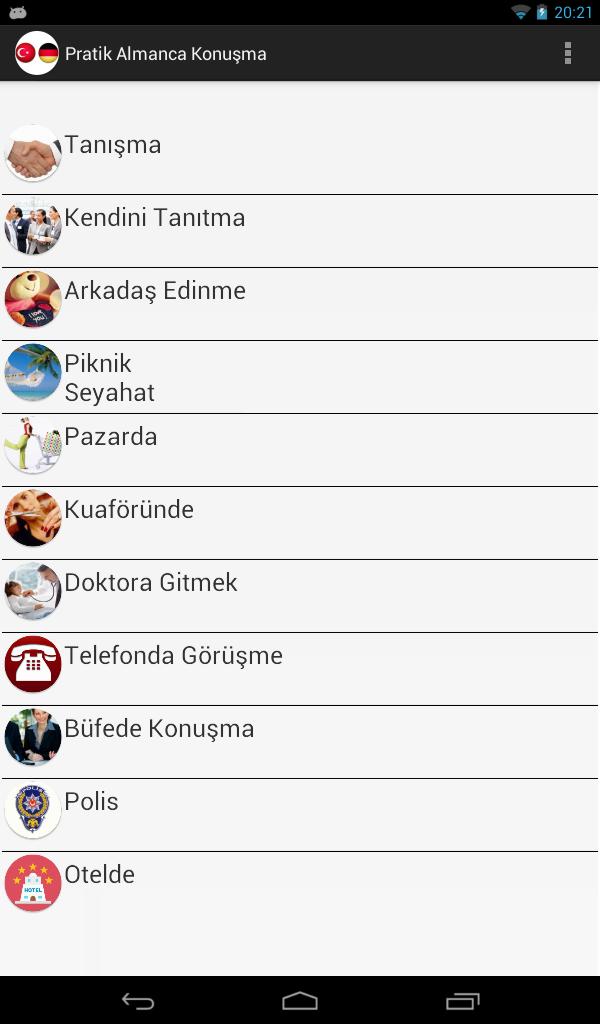
Practice consists of 10 basic sections.
You do not have to be online, you have the opportunity to use these phrases when you want.
Whether in a foreign country, whether at school, or in a space tourist, German everywhere you need,
Practically speaking German and will solve your problems, as well as to improve your language.
Part of the application:
acquaintance
Introduce yourself
Make friends
Picnic-Trip
Hairdressing
go Ph.D.
Talks on the phone
Speaking at the buffet
Police
In hotel
German learn or practice for an enormous practical.
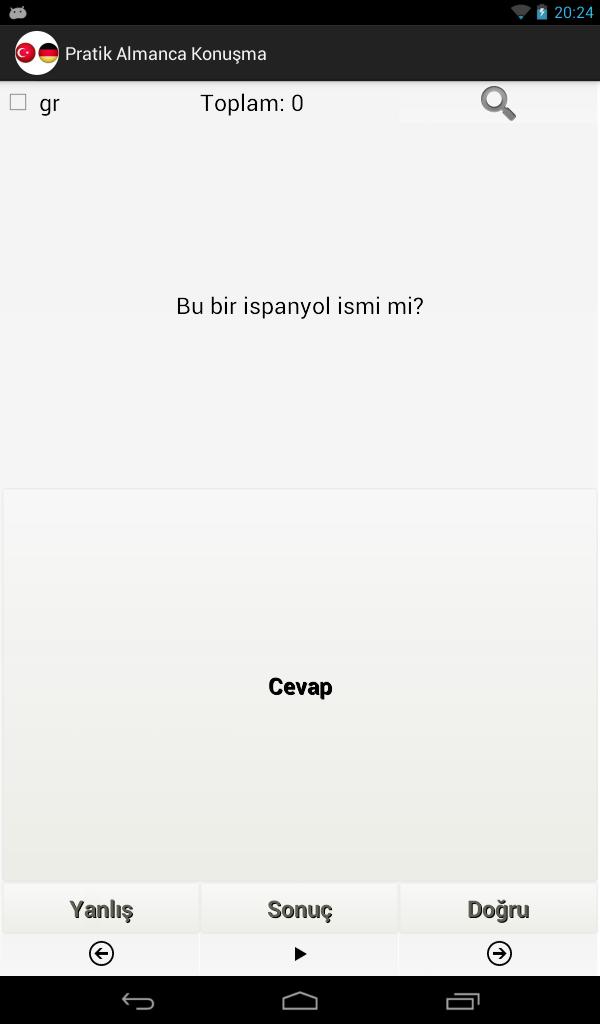
You can use the program as a learning German. German Turkish translations are available and tükçe German tercume. (Oli dictionary) spoken discourse and the practical as a good opportunity for easy learning.
Preview
Tags
EducationInformation
Developer
Alex&C
Latest Version
1.0
Last Updated
2018-01-13
Category
Education
Available on
Google Play
Show More
How to play Pratik Almanca Konuşma with GameLoop on PC
1. Download GameLoop from the official website, then run the exe file to install GameLoop
2. Open GameLoop and search for “Pratik Almanca Konuşma” , find Pratik Almanca Konuşma in the search results and click “Install”
3. Enjoy playing Pratik Almanca Konuşma on GameLoop
Minimum requirements
OS
Windows 8.1 64-bit or Windows 10 64-bit
GPU
GTX 1050
CPU
i3-8300
Memory
8GB RAM
Storage
1GB available space
Recommended requirements
OS
Windows 8.1 64-bit or Windows 10 64-bit
GPU
GTX 1050
CPU
i3-9320
Memory
16GB RAM
Storage
1GB available space