Planet Rise Set Chart PC
Greg A Miller
Download Planet Rise Set Chart on PC With GameLoop Emulator
Planet Rise Set Chart on PC
Planet Rise Set Chart, coming from the developer Greg A Miller, is running on Android systerm in the past.
Now, You can play Planet Rise Set Chart on PC with GameLoop smoothly.
Download it in the GameLoop library or search results. No more eyeing the battery or frustrating calls at the wrong time any more.
Just enjoy Planet Rise Set Chart PC on the large screen for free!
Planet Rise Set Chart Introduction
Please rate this app after trying it out, knowing that people like and use my apps is the only thing that keeps us free app developers going. If there are things you like, or want improved please say so in the comments.
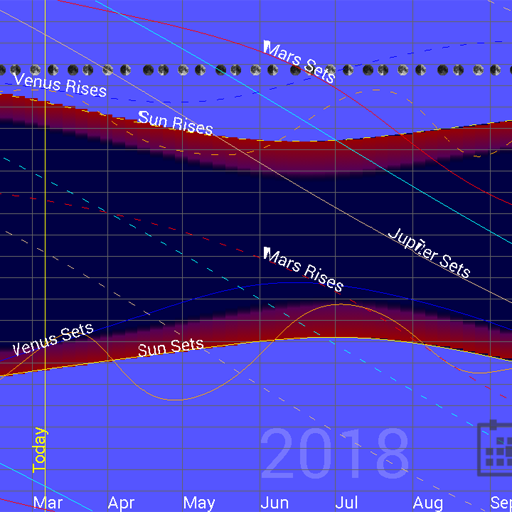
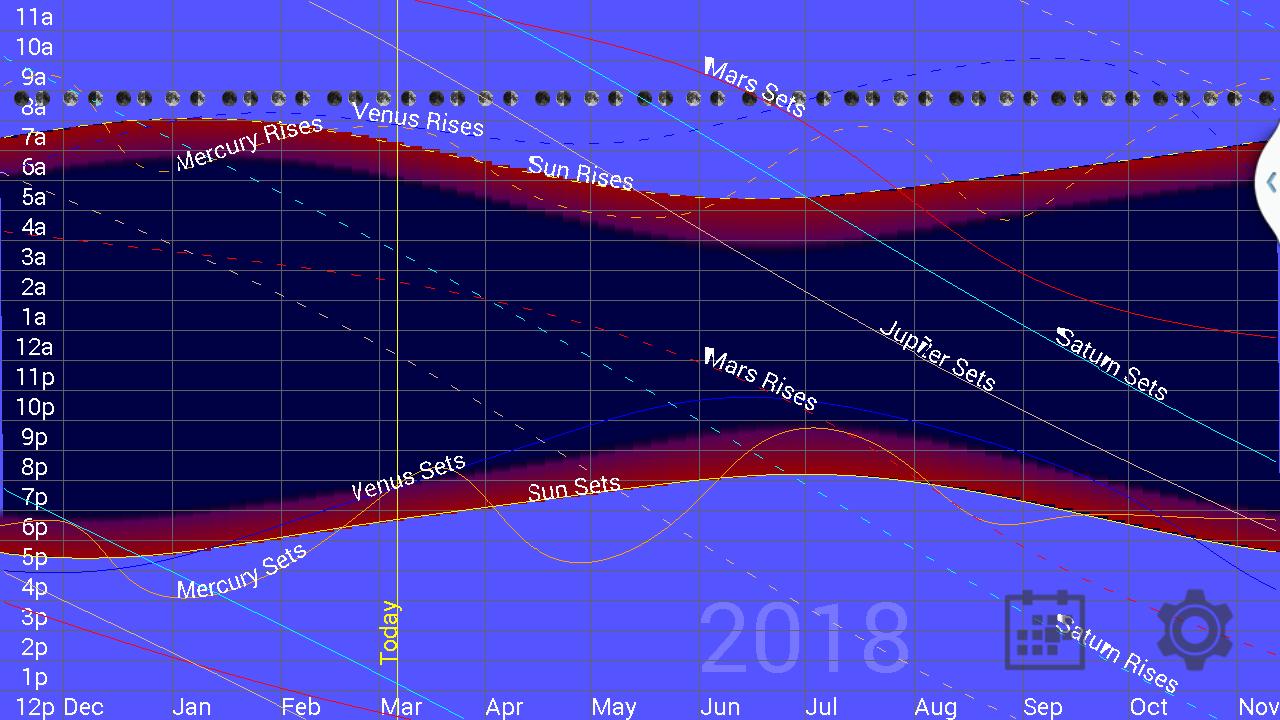
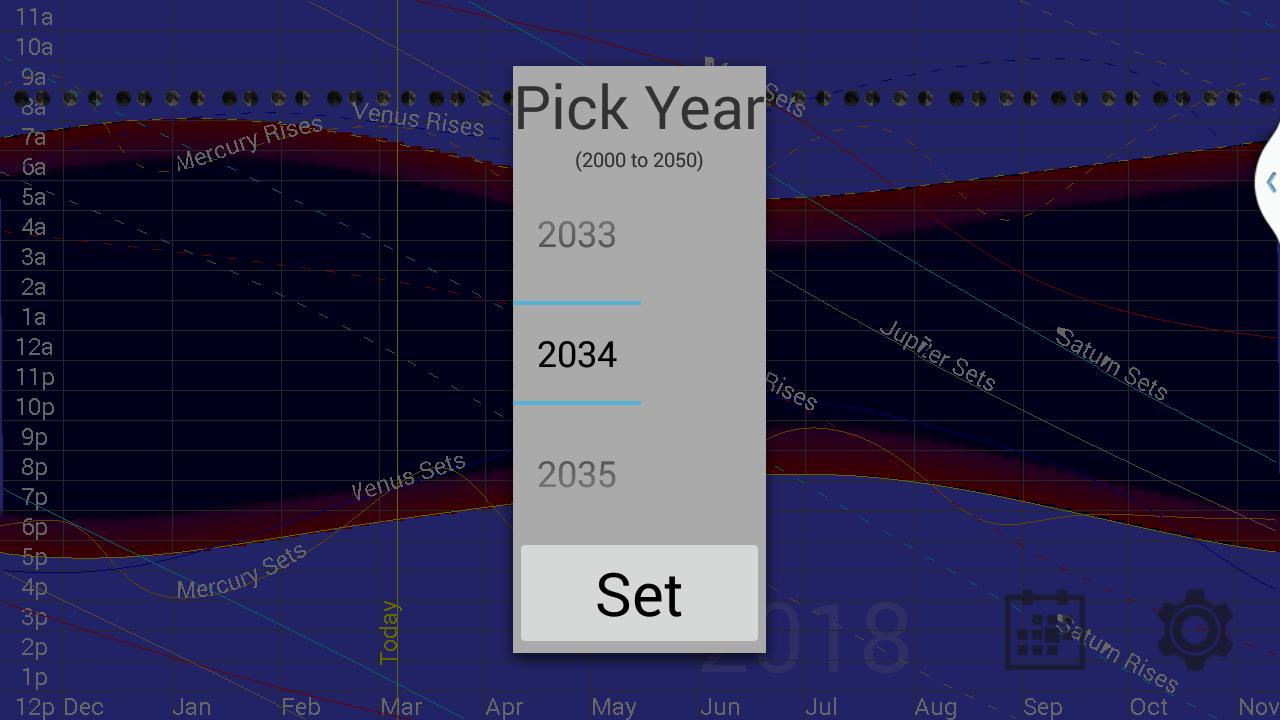
Useful for determining when a planet will be visible. This application shows a graph of the rise and set times for all of the planets from 2000 to 2050. It also show sunrise, sunset, astronomical twilight times, and moon phases. The planets visible to the naked eye are defaulted to on (Mercury, Venus, Mars, Jupiter, Saturn), but Uranus, Neptune and Pluto are available in the options. The app uses the devices GPS unit to show rise and set times for your particular location. Note that all times are standard time, so you will need to add or subtract an hour to account for Daylight Savings Time when in use.
Preview
Tags
EducationInformation
Developer
Greg A Miller
Latest Version
2.1
Last Updated
2020-12-22
Category
Education
Available on
Google Play
Show More
How to play Planet Rise Set Chart with GameLoop on PC
1. Download GameLoop from the official website, then run the exe file to install GameLoop
2. Open GameLoop and search for “Planet Rise Set Chart” , find Planet Rise Set Chart in the search results and click “Install”
3. Enjoy playing Planet Rise Set Chart on GameLoop
Minimum requirements
OS
Windows 8.1 64-bit or Windows 10 64-bit
GPU
GTX 1050
CPU
i3-8300
Memory
8GB RAM
Storage
1GB available space
Recommended requirements
OS
Windows 8.1 64-bit or Windows 10 64-bit
GPU
GTX 1050
CPU
i3-9320
Memory
16GB RAM
Storage
1GB available space