Pinkfong Super Phonics: Kids PC
The Pinkfong Company
Download Pinkfong Super Phonics: Kids on PC With GameLoop Emulator
Pinkfong Super Phonics: Kids on PC
Pinkfong Super Phonics: Kids, coming from the developer The Pinkfong Company, is running on Android systerm in the past.
Now, You can play Pinkfong Super Phonics: Kids on PC with GameLoop smoothly.
Download it in the GameLoop library or search results. No more eyeing the battery or frustrating calls at the wrong time any more.
Just enjoy Pinkfong Super Phonics: Kids PC on the large screen for free!
Pinkfong Super Phonics: Kids Introduction
Learn your ABCs & phonics with Pinkfong Super Phonics!
Pinkfong Super Phonics -- the sequel to “Baby Shark ABC Phonics” app -- is an educational app that helps kids develop their English reading and writing skills.
Learn how to associate the alphabet, make new words, and pronounce them with videos and games!
1. Fun, Animated Videos on Phonics
- Watch 24 videos on rhyming words and words with similar sounds.
- Sing along to the songs and learn how to pronounce new vocabulary.
- Meet kids’ favorite characters, including Pinkfong and cute animals.
2. Word Activities Chosen by English Education Experts
- Build 96 different rhyming words through a simple touch.
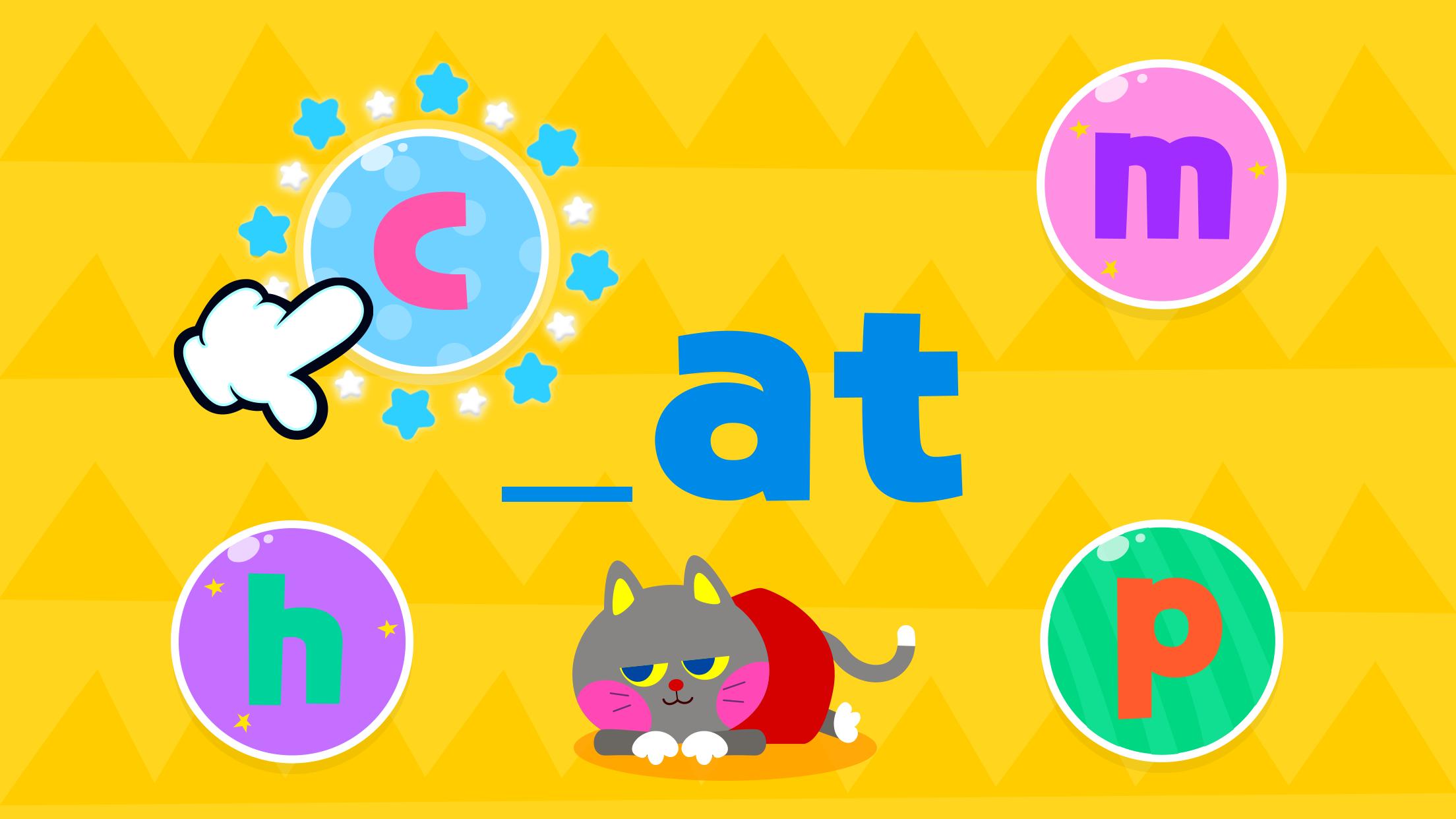
- Listen to how each word is connected by alphabet letters. Watch how the letter “c” and “at” are linked to make the word “cat”!
3. Various Learning Activities
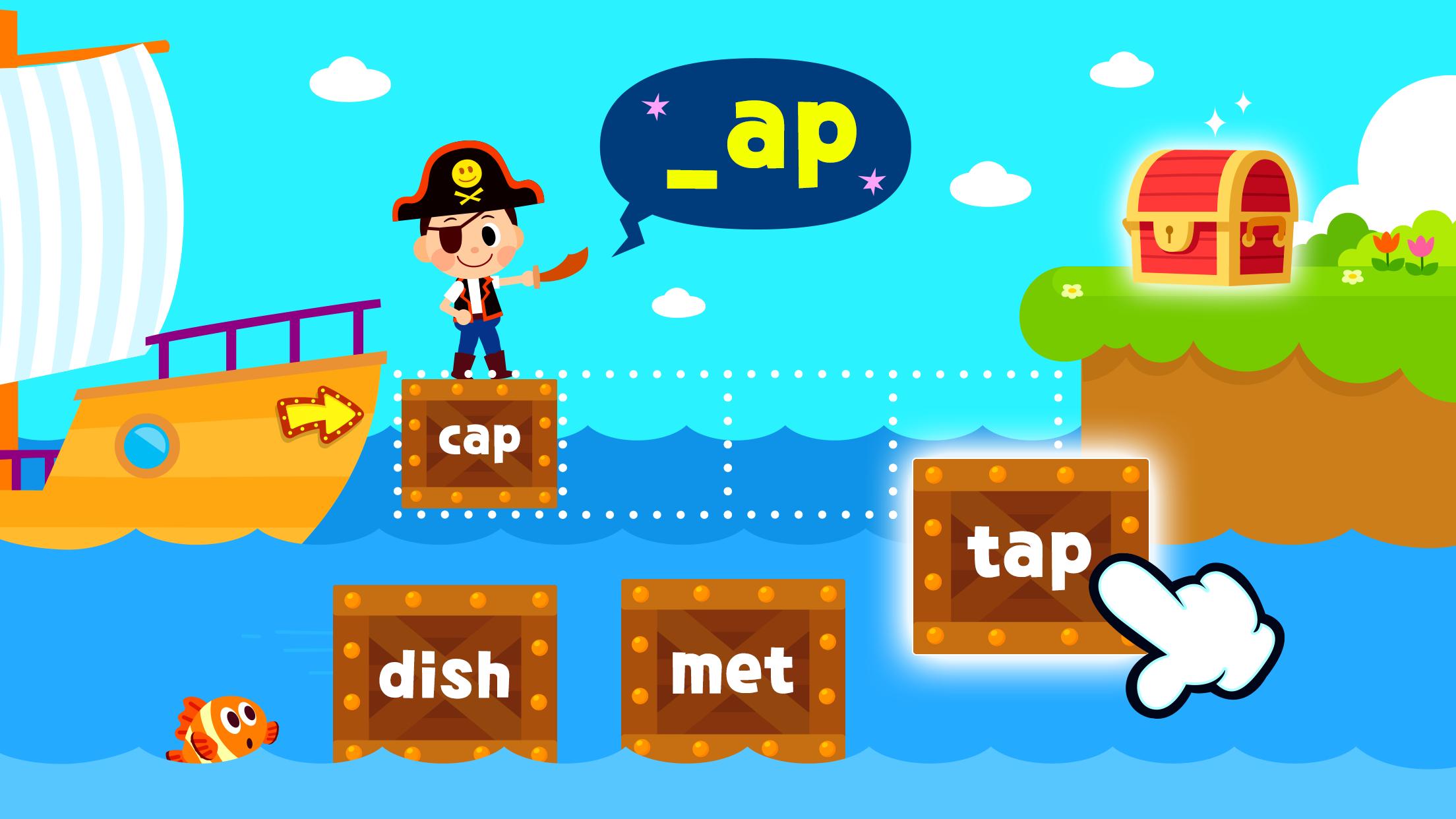
- Listen and choose words, link words with pictures, and match words that rhyme together!
- Includes fun games, such as catching the mole, building bridges, roller coasters, and more.
4. Make your own Character with Cute Frames!
- Take photos of yourself and make your own character.
- Get free costumes by completing each learning activity, and dress up your character.
- Collect various costumes, ranging from cute animals, heroes, princesses, monsters, and more!
* “Phonics” is a learning method on how to pronounce the alphabet. Learning the sounds and relationship between letters helps kids build their basic English reading, writing, and listening skills.
Help kids master their English skills with “Pinkfong Super Phonics”!
Are you ready for an exciting adventure to learning English?
-
A World of Play + Learning
- Discover a premium kids' membership designed by Pinkfong's unique expertise!
• Official Website: https://fong.kr/pinkfongplus/
• What's so great about Pinkfong Plus:
1. 30+ apps with different themes and levels for each stage of child development!
2. Interactive play and educational content that allows for self-directed learning!
3. Unlock all premium content
4. Block unsafe ads and inappropriate content
5. Exclusive Pinkfong Plus original content only available to members!
6. Connect with various devices such as smartphones, tablets, and smart TVs
7. Certified by teachers and professional organizations!
• Unlimited apps available with Pinkfong Plus:
- Baby Shark World for Kids,Baby Shark English, Bebefinn Play Phone , Baby Shark Dentist Play, Baby Shark Princess Dress Up, Baby Shark Chef Cooking Game, Bebefinn Baby Care, Baby Shark Hospital Play, Baby Shark Taco Sandwich Maker, Baby Shark's Dessert Shop, Pinkfong Baby Shark, Baby Shark Pizza Game, Pinkfong Baby Shark Phone, Pinkfong Shapes & Colors, Pinkfong Dino World, Pinkfong Tracing World, Baby Shark Coloring Book, Baby Shark Jigsaw Puzzle Fun, Baby Shark ABC Phonics, Baby Shark Makeover Game, Pinkfong My Body, Baby Shark Car Town, Pinkfong 123 Numbers, Pinkfong Guess the Animal, Pinkfong Numbers Zoo, , Pinkfong Learn Korean, Pinkfong Police Heroes Game, Pinkfong Coloring Fun, Pinkfong Super Phonics, Pinkfong Baby Shark Storybook, Pinkfong Word Power, Pinkfong Mother Goose, Pinkfong Birthday Party, Pinkfong Fun Times Tables, Pinkfong Baby Bedtime Songs, Pinkfong Hogi Star Adventure + more!
- More available apps will be updated soon.
- Click the 'More Apps' button on each app's main screen or search for the app on Google Play!
-
Privacy Policy:
https://pid.pinkfong.com/terms?type=privacy-policy
Terms of Use of Pinkfong Integrated Services:
https://pid.pinkfong.com/terms?type=terms-and-conditions
Terms of Use of Pinkfong Interactive App:
https://pid.pinkfong.com/terms?type=interactive-terms-and-conditions
Preview
Tags
EducationInformation
Developer
The Pinkfong Company
Latest Version
19.21
Last Updated
2024-12-22
Category
Education
Available on
Google Play
Show More
How to play Pinkfong Super Phonics: Kids with GameLoop on PC
1. Download GameLoop from the official website, then run the exe file to install GameLoop
2. Open GameLoop and search for “Pinkfong Super Phonics: Kids” , find Pinkfong Super Phonics: Kids in the search results and click “Install”
3. Enjoy playing Pinkfong Super Phonics: Kids on GameLoop
Minimum requirements
OS
Windows 8.1 64-bit or Windows 10 64-bit
GPU
GTX 1050
CPU
i3-8300
Memory
8GB RAM
Storage
1GB available space
Recommended requirements
OS
Windows 8.1 64-bit or Windows 10 64-bit
GPU
GTX 1050
CPU
i3-9320
Memory
16GB RAM
Storage
1GB available space