
NewLife Secondary School PC
Bright Office Systems
Download NewLife Secondary School on PC With GameLoop Emulator
NewLife Secondary School on PC
NewLife Secondary School, coming from the developer Bright Office Systems, is running on Android systerm in the past.
Now, You can play NewLife Secondary School on PC with GameLoop smoothly.
Download it in the GameLoop library or search results. No more eyeing the battery or frustrating calls at the wrong time any more.
Just enjoy NewLife Secondary School PC on the large screen for free!
NewLife Secondary School Introduction
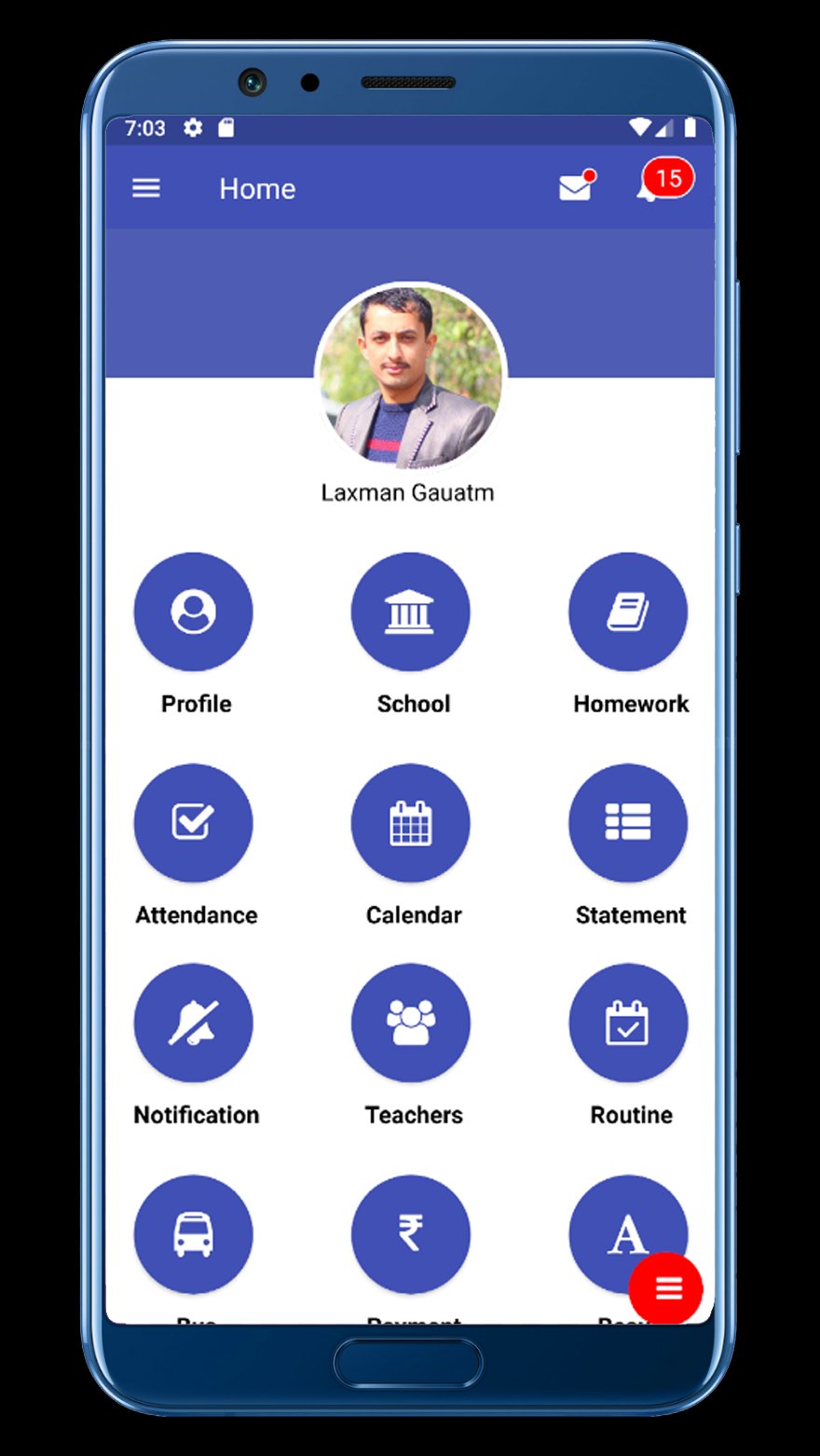
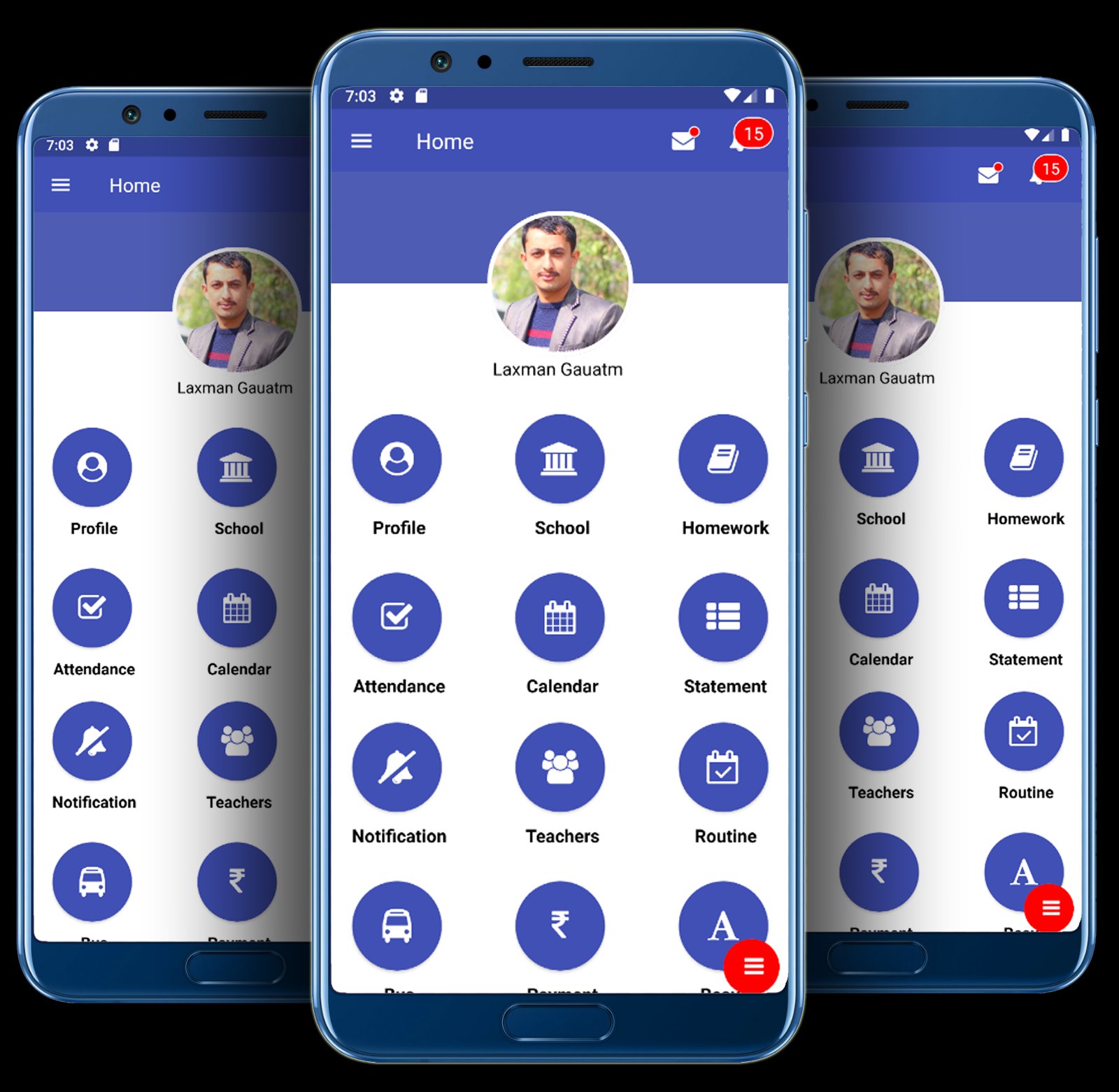
School Communication Information System – BRiGHT SCIS is a platform where important information can be transfer among stakeholders ( School Management, Teachers, Students and Parents)
Features of BRiGHT SCIS :
A. Automatic Notification:
An Automatic Notification Will be Sent To Parents & Guardian's when their child is absent or other information in real time.
B. Live Attendance:
Teachers & Accountant would be able to take the attendance in this class by using there computer, Laptop, Smart Phone no need extra Device
C. Student Homework & Assignments :
Iolite provides facility to post homework/assignments to students of all the division and standard as per teacher. Teachers can post homework/assignments to students of their class and provide necessary documents for reference. Students can see the homework assigned to them online through the medium of their desk and refer the reference documents uploaded by the teacher. Parents can see the homework assigned to their ward and get it completed on time.
D. Exam Routine / Class Roution:
you can generate the Exam Routine & Class Routine easily. you can view Routine by student, Teacher And parents. you can view and Print a PDF version of the Routine
E. Marks Detail:
You can generate marks sheet & Grade Sheet .you can easily view student mark And print And PDF version
F. Revenue Report:
Every transaction you can generate and Parents easily view student Revenue Report
G. SMS / Email Integration:
You can generate SMS and Email
H. Student Log messages:
I. You can generate student Log And Send Parents.
J. Academic Calendar:
School/College generate Academic Calendar
K. News & Events update:
You Can Generate News & Events Then send student, Teacher And parents, class wise, Individual Student , Individual Parents, Individual Teacher. on time
L. Bus GPS Tracking Systems:
When transporting students between home and school , safety real-time location and vehicle Status in this GPS tracking Systems , Receive bus rider status automatically and immediately (available to transportation personnel, principals, parents and school administration via a secure website)
M. Both Ways Messaging Systems:
Parents/student & schoo/teacher both way Systems. no need other massage systems.
Preview
Tags
EducationInformation
Developer
Bright Office Systems
Latest Version
v10.0.55
Last Updated
2025-12-17
Category
Education
Available on
Google Play
Show More
How to play NewLife Secondary School with GameLoop on PC
1. Download GameLoop from the official website, then run the exe file to install GameLoop
2. Open GameLoop and search for “NewLife Secondary School” , find NewLife Secondary School in the search results and click “Install”
3. Enjoy playing NewLife Secondary School on GameLoop
Minimum requirements
OS
Windows 8.1 64-bit or Windows 10 64-bit
GPU
GTX 1050
CPU
i3-8300
Memory
8GB RAM
Storage
1GB available space
Recommended requirements
OS
Windows 8.1 64-bit or Windows 10 64-bit
GPU
GTX 1050
CPU
i3-9320
Memory
16GB RAM
Storage
1GB available space