Morsetor - Morse Code Trainer PC
Hallittu
Download Morsetor - Morse Code Trainer on PC With GameLoop Emulator
Morsetor - Morse Code Trainer on PC
Morsetor - Morse Code Trainer, coming from the developer Hallittu, is running on Android systerm in the past.
Now, You can play Morsetor - Morse Code Trainer on PC with GameLoop smoothly.
Download it in the GameLoop library or search results. No more eyeing the battery or frustrating calls at the wrong time any more.
Just enjoy Morsetor - Morse Code Trainer PC on the large screen for free!
Morsetor - Morse Code Trainer Introduction
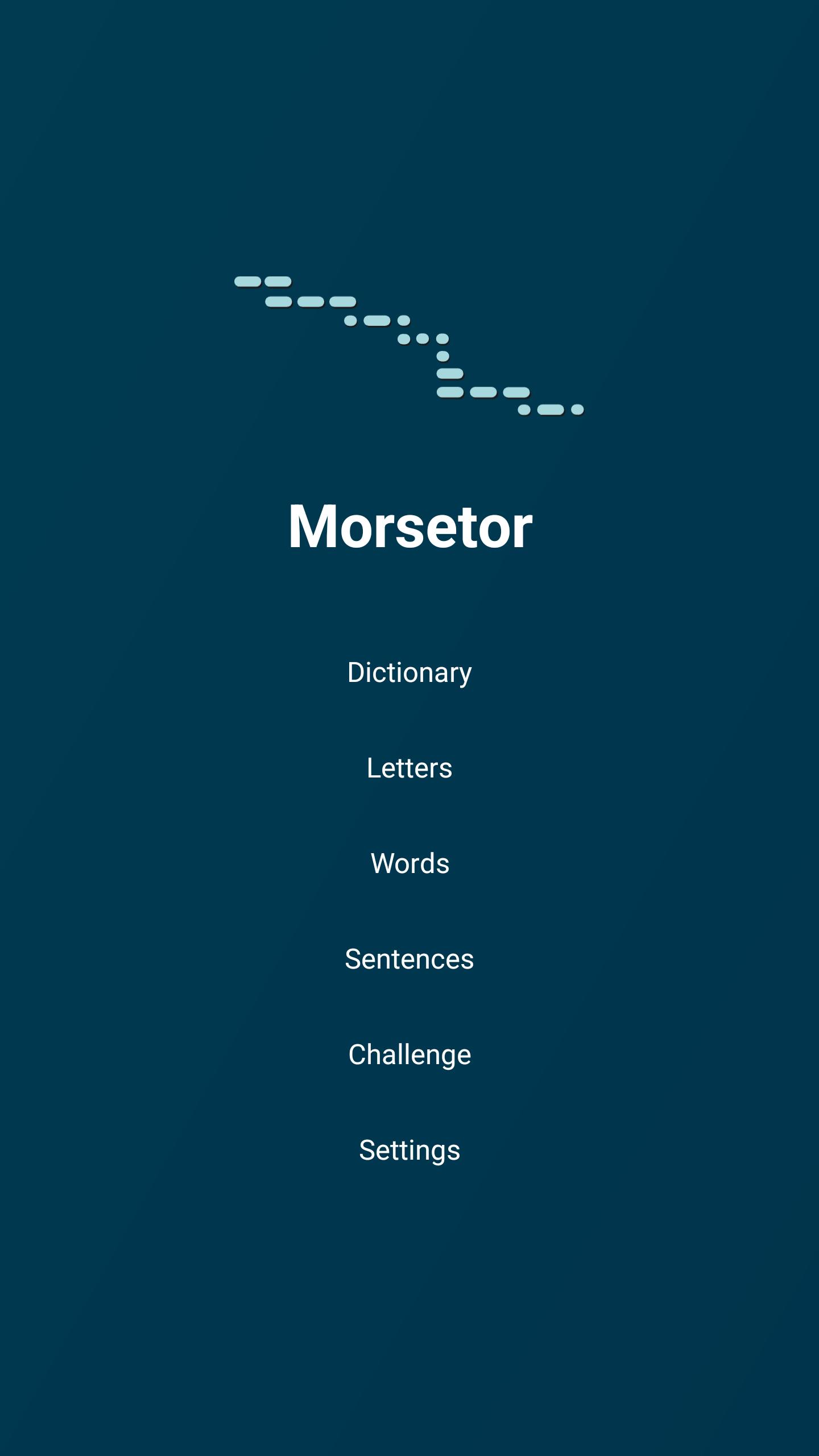
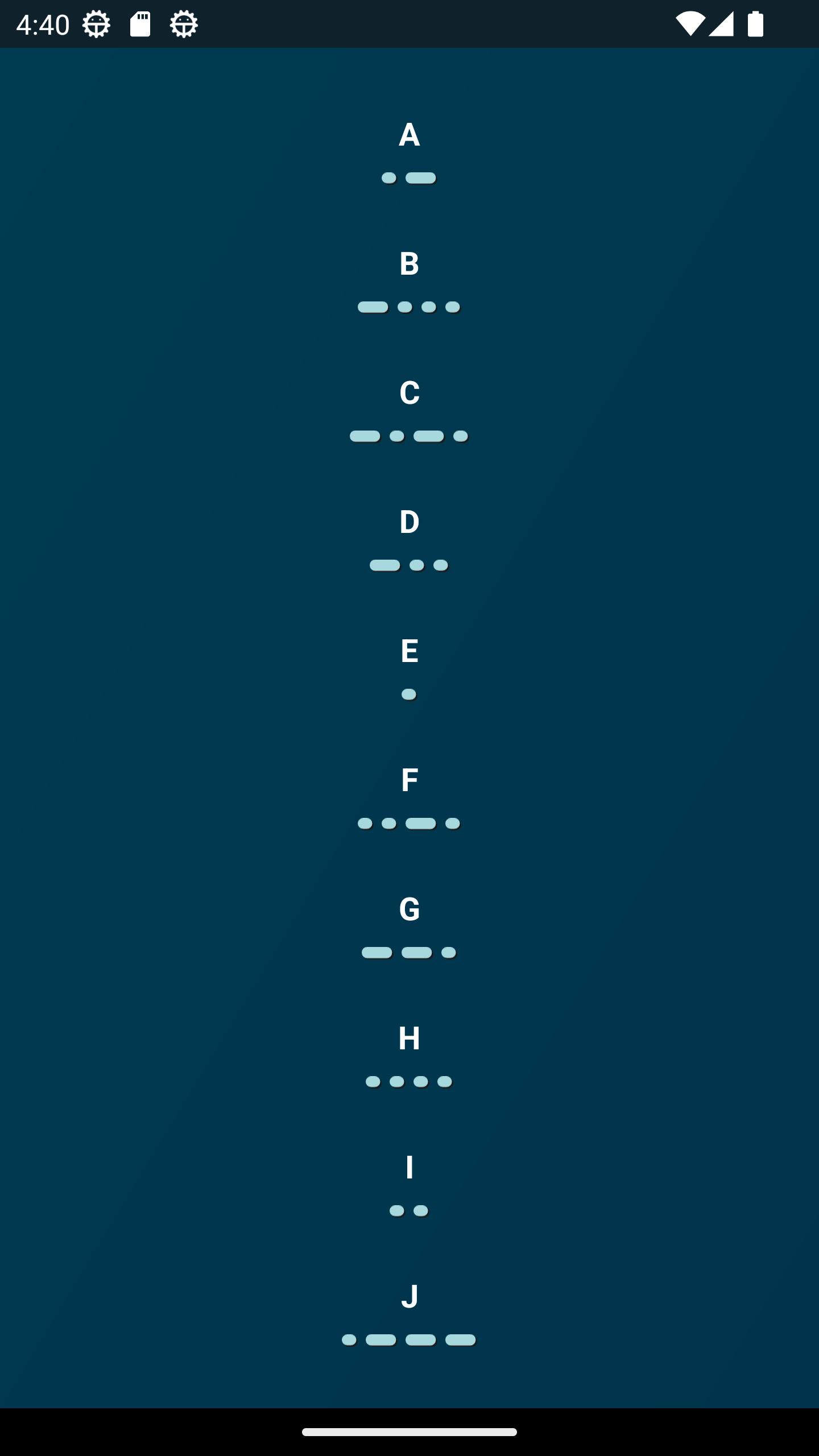
A fun and engaging way to learn morse code through vibration. Start by learning the basics by browsing the dictionary and feeling the different morse codes either on your wrist (watch, Wear OS) or in your hand (phone/tablet, Android). Once you feel comfortable with the basics, you can move on to words and even sentences. As the cherry on the cake, there's a morse code challenge mode that gradually increases in difficulty as you progress. And don't worry, Morsetor saves the highest score you get in the challenge mode in your settings, so you can enjoy your achievements afterwards. So become one of the few who can read morse code by simply feeling the vibrations on their skin!
Here is a short list of Morsetor features:
- Carefully designed morse code vibration patterns to maximise the ability to distinguish different letters and words.
- Simplistic design.
- No ads.
- Does not use the internet and works offline.
Preview
Tags
EducationInformation
Developer
Hallittu
Latest Version
1.3
Last Updated
2023-07-04
Category
Education
Available on
Google Play
Show More
How to play Morsetor - Morse Code Trainer with GameLoop on PC
1. Download GameLoop from the official website, then run the exe file to install GameLoop
2. Open GameLoop and search for “Morsetor - Morse Code Trainer” , find Morsetor - Morse Code Trainer in the search results and click “Install”
3. Enjoy playing Morsetor - Morse Code Trainer on GameLoop
Minimum requirements
OS
Windows 8.1 64-bit or Windows 10 64-bit
GPU
GTX 1050
CPU
i3-8300
Memory
8GB RAM
Storage
1GB available space
Recommended requirements
OS
Windows 8.1 64-bit or Windows 10 64-bit
GPU
GTX 1050
CPU
i3-9320
Memory
16GB RAM
Storage
1GB available space