Magic Letters - Alphabet in 3D PC
CHMIEL
Download Magic Letters - Alphabet in 3D on PC With GameLoop Emulator
Magic Letters - Alphabet in 3D on PC
Magic Letters - Alphabet in 3D, coming from the developer CHMIEL, is running on Android systerm in the past.
Now, You can play Magic Letters - Alphabet in 3D on PC with GameLoop smoothly.
Download it in the GameLoop library or search results. No more eyeing the battery or frustrating calls at the wrong time any more.
Just enjoy Magic Letters - Alphabet in 3D PC on the large screen for free!
Magic Letters - Alphabet in 3D Introduction
Build words, learn the alphabet and names of the objects, practice pronunciation. Learn and have fun!
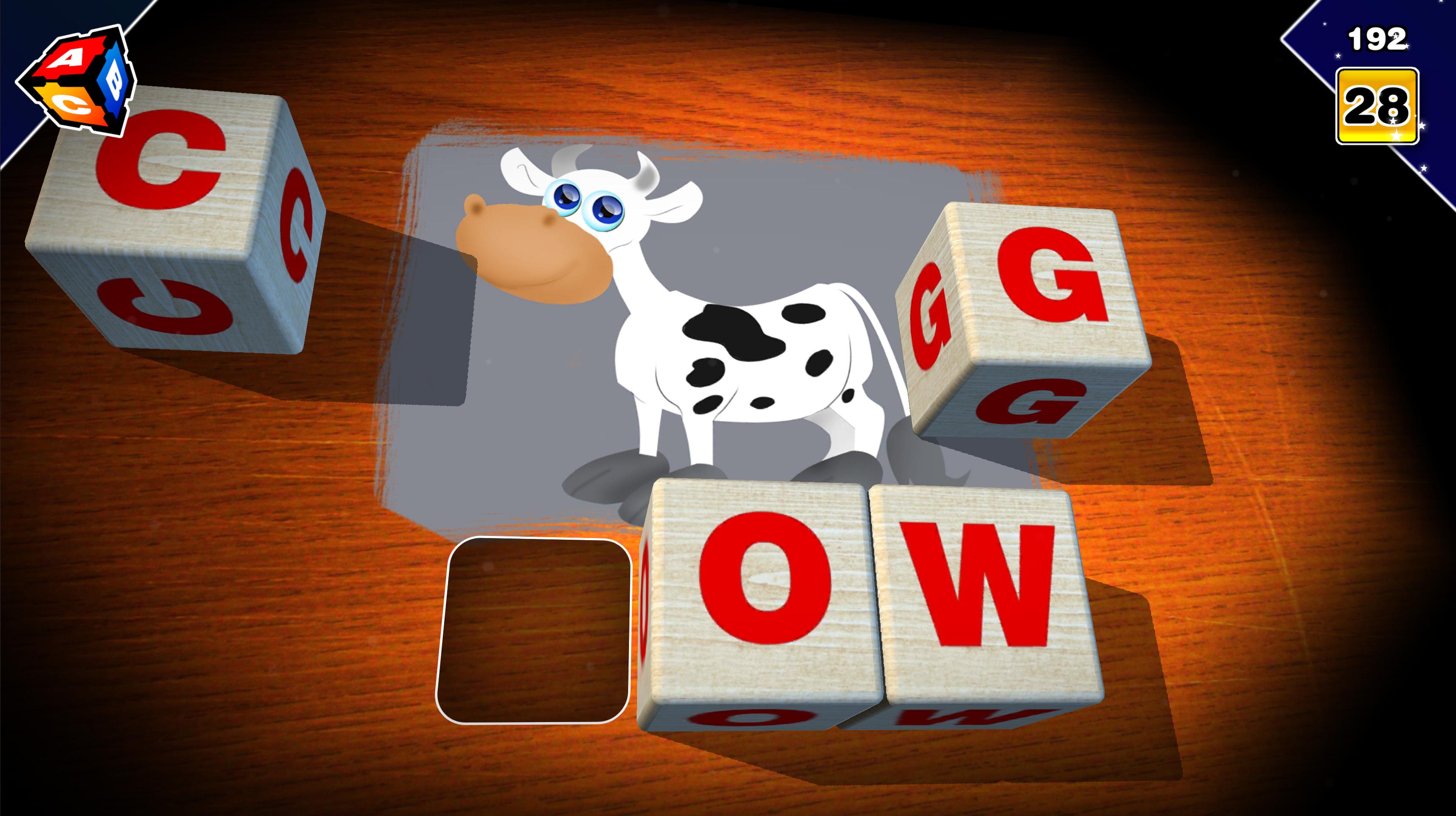
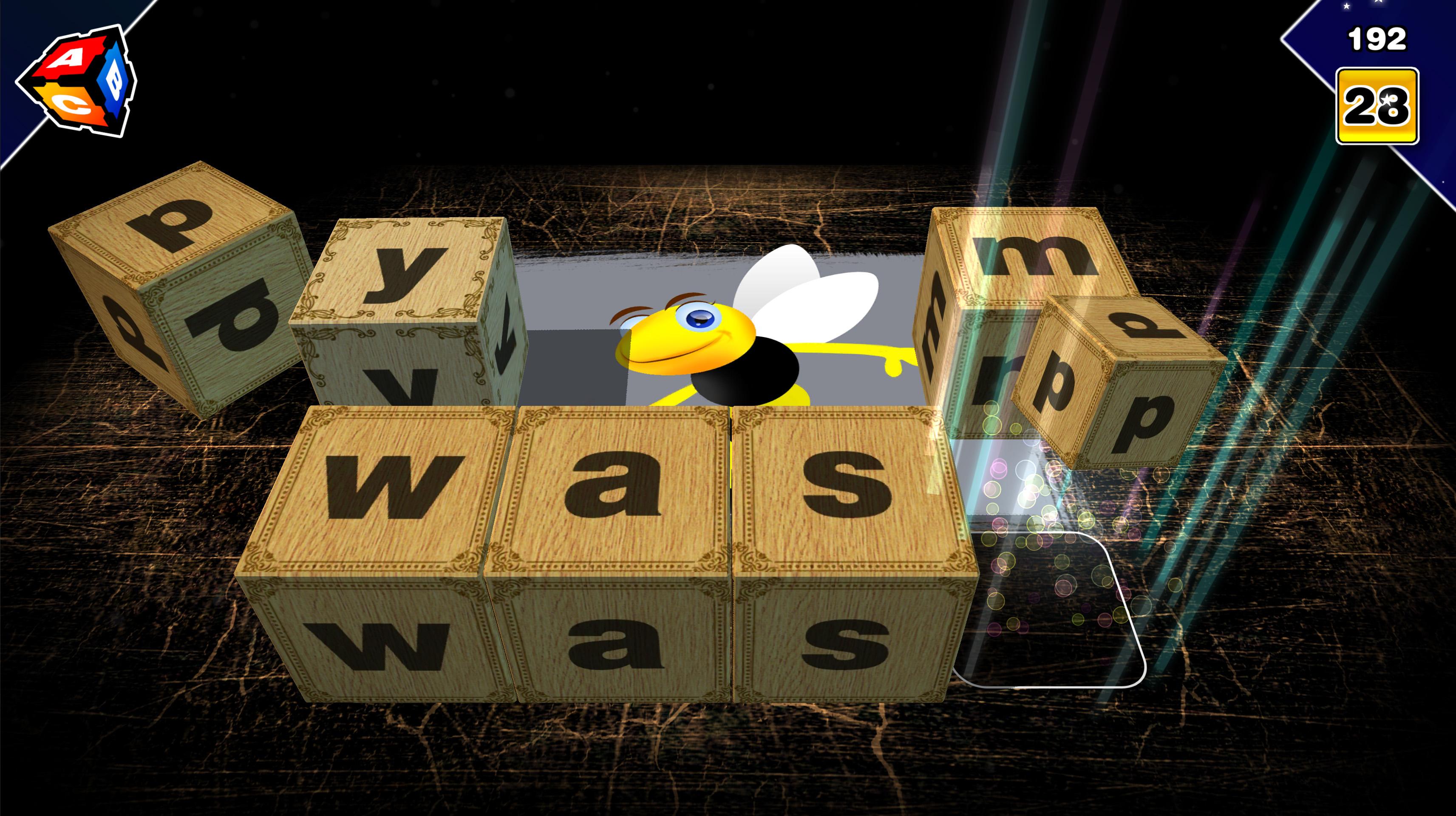
Magic Letters is an educational mobile game. You play using toy blocks with letters. The game is divided into multiple stages. If you want to pass to the next stage you must arrange 5 words. Surprises are waiting for you in subsequent stages. Famous voice artists will take care of the correct pronunciation.
The Magic Letters game was made in a 3D environment with a physics engine. The interface is very natural and intuitive. Graphics and animations have been created in FULL HD quality. Relaxing soundtrack and professionally recorded voice-overs are additional advantages of this educational game.
• Polish, English, German, Italian, French, Romanian, Dutch, Spanish language, its letters, signs and symbols - the whole alphabet in short relaxing lessons.
• Capital and small letters - vivid fonts.
• Education and at the same time fun, enjoyment, training and entertainment.
• Blocks - cubes with scribbles for creating words and phrases
• Learn the meaning of words.
• Exercise of pronunciation, articulation and diction.
• Puzzle game for the pre-school kids.
• Excellent training for children before learning in school.
The product has been tested on children under 6 years old and older.
Preview
Tags
EducationInformation
Developer
CHMIEL
Latest Version
4.21
Last Updated
2022-04-15
Category
Education
Available on
Google Play
Show More
How to play Magic Letters - Alphabet in 3D with GameLoop on PC
1. Download GameLoop from the official website, then run the exe file to install GameLoop
2. Open GameLoop and search for “Magic Letters - Alphabet in 3D” , find Magic Letters - Alphabet in 3D in the search results and click “Install”
3. Enjoy playing Magic Letters - Alphabet in 3D on GameLoop
Minimum requirements
OS
Windows 8.1 64-bit or Windows 10 64-bit
GPU
GTX 1050
CPU
i3-8300
Memory
8GB RAM
Storage
1GB available space
Recommended requirements
OS
Windows 8.1 64-bit or Windows 10 64-bit
GPU
GTX 1050
CPU
i3-9320
Memory
16GB RAM
Storage
1GB available space