
lilTriangle PC
LilTriangle
Download lilTriangle on PC With GameLoop Emulator
lilTriangle on PC
lilTriangle, coming from the developer LilTriangle, is running on Android systerm in the past.
Now, You can play lilTriangle on PC with GameLoop smoothly.
Download it in the GameLoop library or search results. No more eyeing the battery or frustrating calls at the wrong time any more.
Just enjoy lilTriangle PC on the large screen for free!
lilTriangle Introduction
👪Parenting is Hard Work, but our children 👶are the most important people in our life. They make us laugh, smile and keep us going with whatever we do to make a living. For a parent, there is nothing more fulfilling than to see a child grow and you all agree, it happens very fast. In our busy day-to-day lives, we all wish we had more time to spend with our children.
Teaching preschoolers is a lot of work but they leave a lasting impression on a child’s life. We remember the rhymes we learnt in kindergarten. We may forget all math but we never stop using fingers to count. Teachers shouldn’t be spending half their time filling out a tonne of paperwork. They have lessons to teach, brains to mould and a future to build.
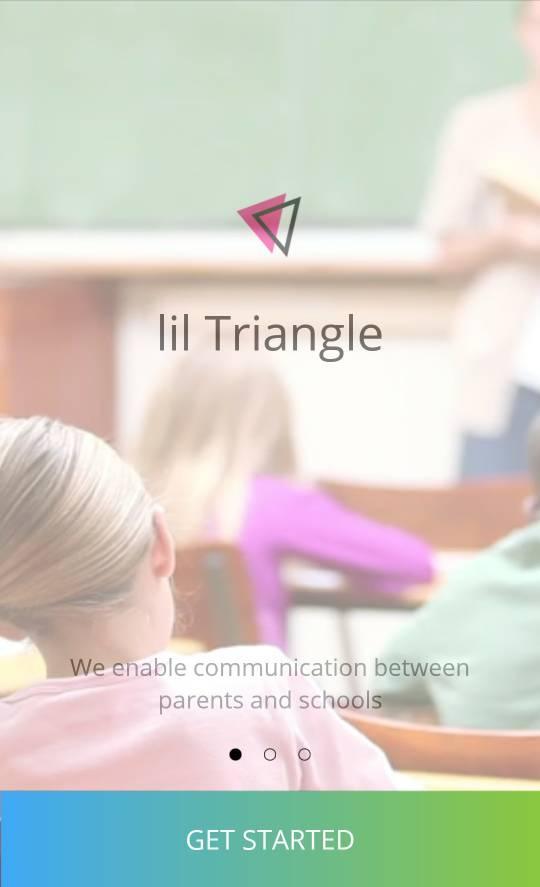
We at lilTriangle, transform the hard work from parents and a lot of work from teachers into Smart Work with our Parent-Teacher collaboration app, which is all about our children. We passionately built it with an unwavering focus on children’s safety and development.
In the era of smartphones, tablets and watches, it is no longer rude to check your phone or smartwatch in a packed meeting at work. It is absolutely OK to get updates about our children!
- Why not receive a notification on your smartwatch that your child is in the class? We make that happen with our ATTENDANCE feature.
- Worried about how your kid is coping up with the temperature he had last night? Check with the teacher, using our in-app MESSAGE feature.
- Have time to kill on your long-ride home? Check your kid’s daily activities and upcoming events with a tap on our DAYCARE DIARY and CALENDAR features.
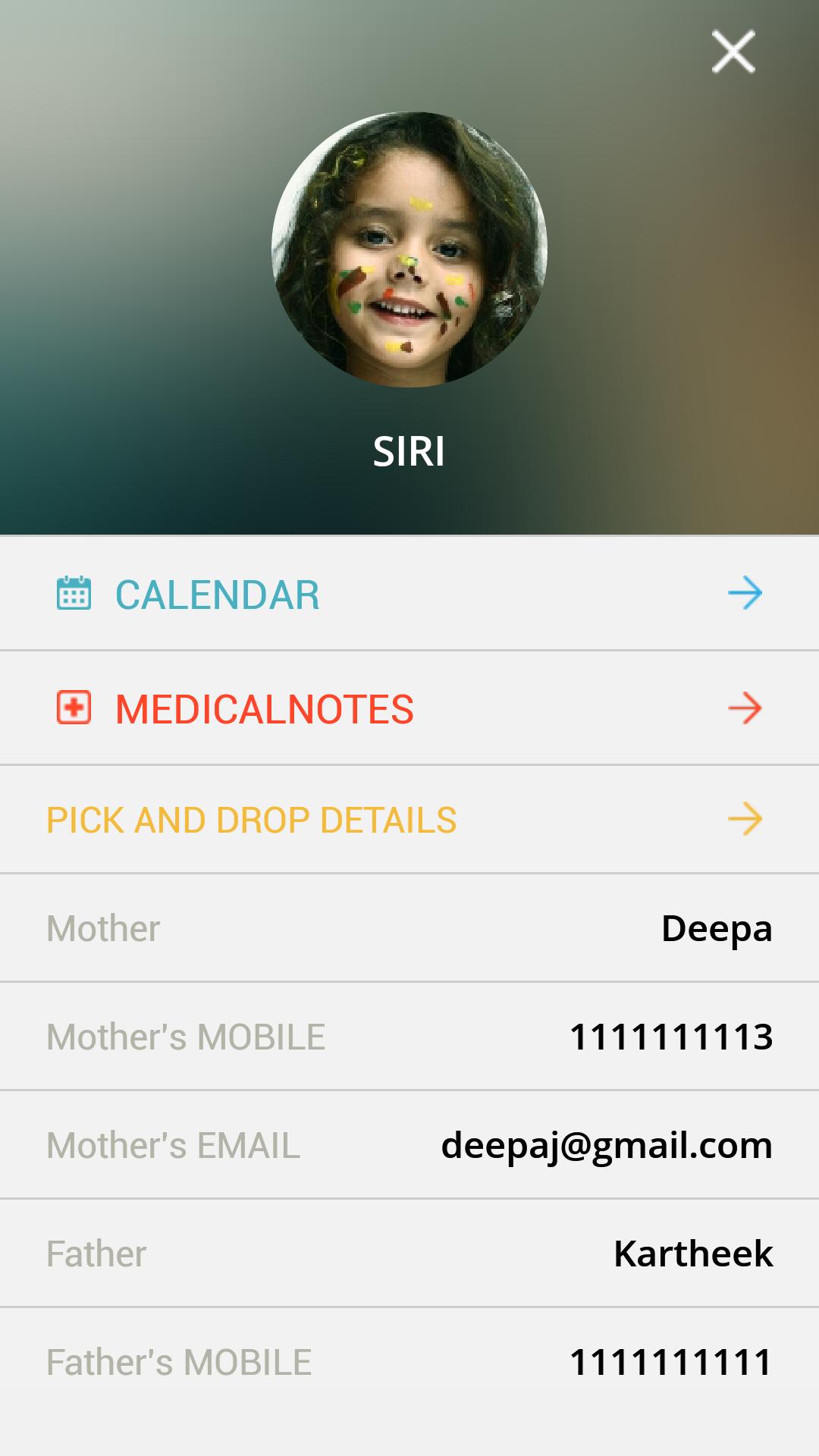
- Running late from work? Let a friend pick-up your kid from school with our PICK AND DROP feature.
- Want to know what your prodigy is up to lately? Find out in our CHILD DEVELOPMENT feature.
- Take a couple more minutes to finish breakfast before rushing to the bus stop. Know the exact location of the bus with our TRANSPORT-TRACKING add-on.
- You just joined your baby at preschool and worried about him? try our Watch Your Baby Feature and see your child live on your mobile screen..!
Teachers, Be productive at work let the app do all your paperwork while you engage with students.
We will never be able to replace your hugs & kisses or your lessons & teachings but we promise to save time for the most important things in your life.
There are more than 1800 preschools across India who is using lilTriangle every day..! what's stopping you?
To learn more, call us @ 7676548853
or write to hello@liltriangle.com
Saving time for more smiles😊
Preview
Tags
EducationInformation
Developer
LilTriangle
Latest Version
2.220
Last Updated
2024-08-29
Category
Education
Available on
Google Play
Show More
How to play lilTriangle with GameLoop on PC
1. Download GameLoop from the official website, then run the exe file to install GameLoop
2. Open GameLoop and search for “lilTriangle” , find lilTriangle in the search results and click “Install”
3. Enjoy playing lilTriangle on GameLoop
Minimum requirements
OS
Windows 8.1 64-bit or Windows 10 64-bit
GPU
GTX 1050
CPU
i3-8300
Memory
8GB RAM
Storage
1GB available space
Recommended requirements
OS
Windows 8.1 64-bit or Windows 10 64-bit
GPU
GTX 1050
CPU
i3-9320
Memory
16GB RAM
Storage
1GB available space