Learning Numbers for Toddlers: Number Recognition PC
Kids Learn With Fun
Download Learning Numbers for Toddlers: Number Recognition on PC With GameLoop Emulator
Learning Numbers for Toddlers: Number Recognition on PC
Learning Numbers for Toddlers: Number Recognition, coming from the developer Kids Learn With Fun, is running on Android systerm in the past.
Now, You can play Learning Numbers for Toddlers: Number Recognition on PC with GameLoop smoothly.
Download it in the GameLoop library or search results. No more eyeing the battery or frustrating calls at the wrong time any more.
Just enjoy Learning Numbers for Toddlers: Number Recognition PC on the large screen for free!
Learning Numbers for Toddlers: Number Recognition Introduction
Here, the game zone kids learn with play new educational games. Your kids age 8 & under? Then you are in right place. Through number recognition game you see that kid’s development of fluency in the calculation, number sense. Numbers counting is a skill that develops over time growing as students continue to expand the range of numbers with which they can count numbers.
123 learning numbers learn and count simple way then play it. Learning numbers for toddlers that fun and educational game to help little ones learn their first number and counting into time at all. Numbering for kids always believe in Edutainment (education + entertainment) which improve school kid’s skills faster and they love to learn new things by motor skills. Your kids can easily improve his/her brain power through recognize numbers for kindergarten game.
Learning numbers for toddlers activities: 123 numbers, count number, spell number, match numbers, find the number, large number, a small number, after number, before the number, between number, spell power.
Features:
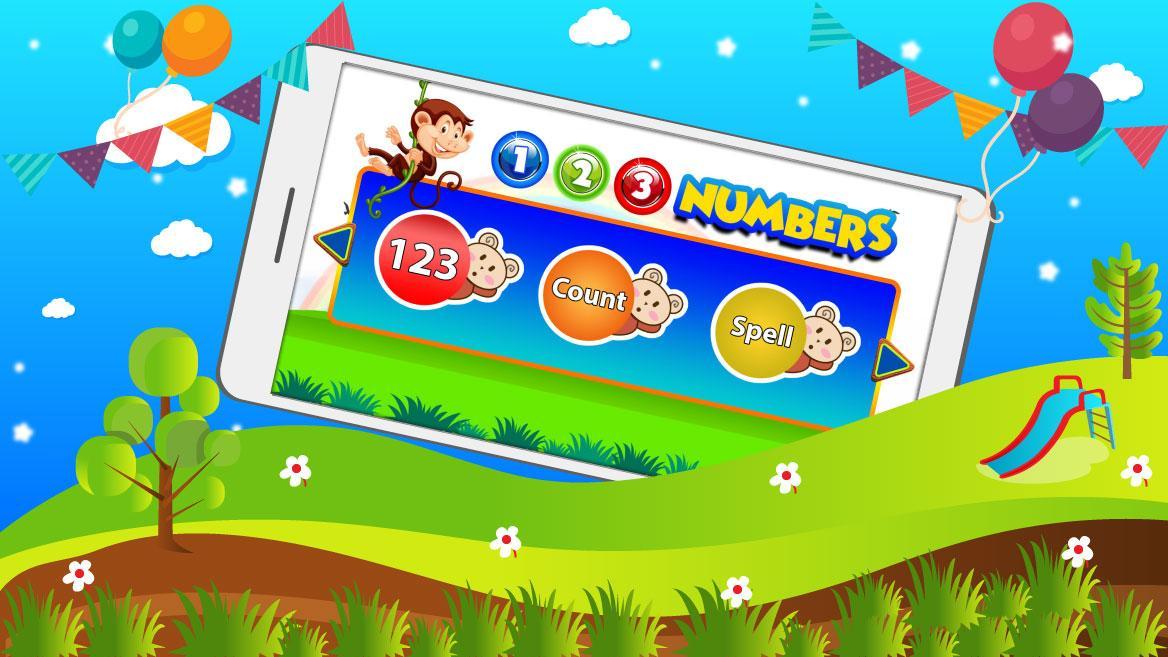
• 123: This feature helps kids to identify numbers.
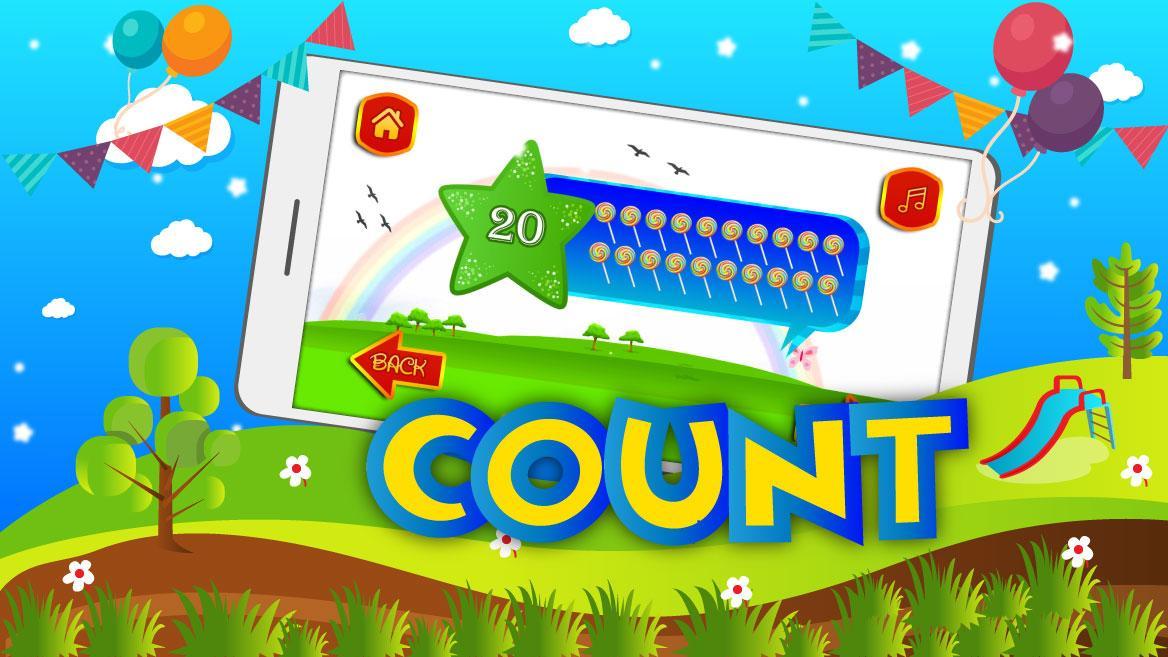
• Count: This method helps kids to learn about number counting and understand how to counting numbers.
• Spell: This method shows how to spell out numbers with spelling.
• Match Number: Improves recognition skill and memorizes skill. Match the correct number in all numbers collection.
• Find Number: Find and identify the number in 3 options.
• After Number: Select after the number in 3 options. To play it preschooler understands numbering orders.
• Before Number: Select before the number in 3 options. Nursery(kids) understand numbers to order.
• Between Number: Choose the right number of between two numbers in 3 options.
• Large Number: Identify which is the largest number in these 4 options.
• Small Number: Identify which is the smallest number in these 4 options.
• Spell Power: Identity which is the right spelling of the given number. Improve your kids spell power.
You can share and recommend this game to your Facebook friends and family members. You want to remove the ads then purchase games. Kids fun games are the best option where you finding a game to learning to number on play store. Get more numbering game collection on www.kidslearnwithfun.com
Preview
Information
Developer
Kids Learn With Fun
Latest Version
1.0.561.0
Last Updated
2019-04-17
Category
Education
Available on
Google Play
Show More
How to play Learning Numbers for Toddlers: Number Recognition with GameLoop on PC
1. Download GameLoop from the official website, then run the exe file to install GameLoop
2. Open GameLoop and search for “Learning Numbers for Toddlers: Number Recognition” , find Learning Numbers for Toddlers: Number Recognition in the search results and click “Install”
3. Enjoy playing Learning Numbers for Toddlers: Number Recognition on GameLoop
Minimum requirements
OS
Windows 8.1 64-bit or Windows 10 64-bit
GPU
GTX 1050
CPU
i3-8300
Memory
8GB RAM
Storage
1GB available space
Recommended requirements
OS
Windows 8.1 64-bit or Windows 10 64-bit
GPU
GTX 1050
CPU
i3-9320
Memory
16GB RAM
Storage
1GB available space