
KIPS VIRTUAL PC
KIPS PREPARATIONS
Download KIPS VIRTUAL on PC With GameLoop Emulator
KIPS VIRTUAL on PC
KIPS VIRTUAL, coming from the developer KIPS PREPARATIONS, is running on Android systerm in the past.
Now, You can play KIPS VIRTUAL on PC with GameLoop smoothly.
Download it in the GameLoop library or search results. No more eyeing the battery or frustrating calls at the wrong time any more.
Just enjoy KIPS VIRTUAL PC on the large screen for free!
KIPS VIRTUAL Introduction
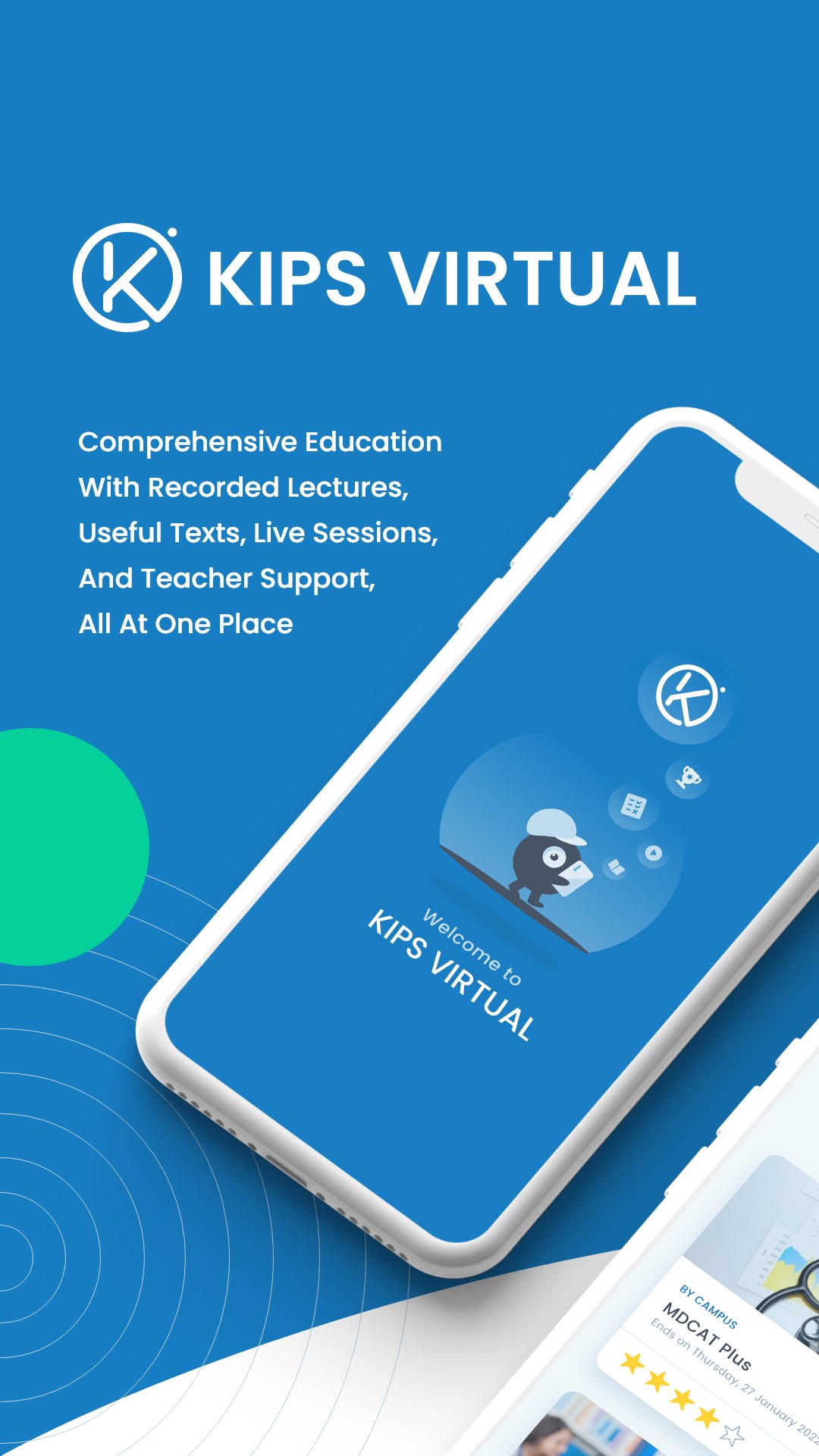
KIPS VIRTUAL is an online Learning Management System for registered KIPS students.
Learning and Practice
• Online quizzes for evaluation, practice, and preparation.
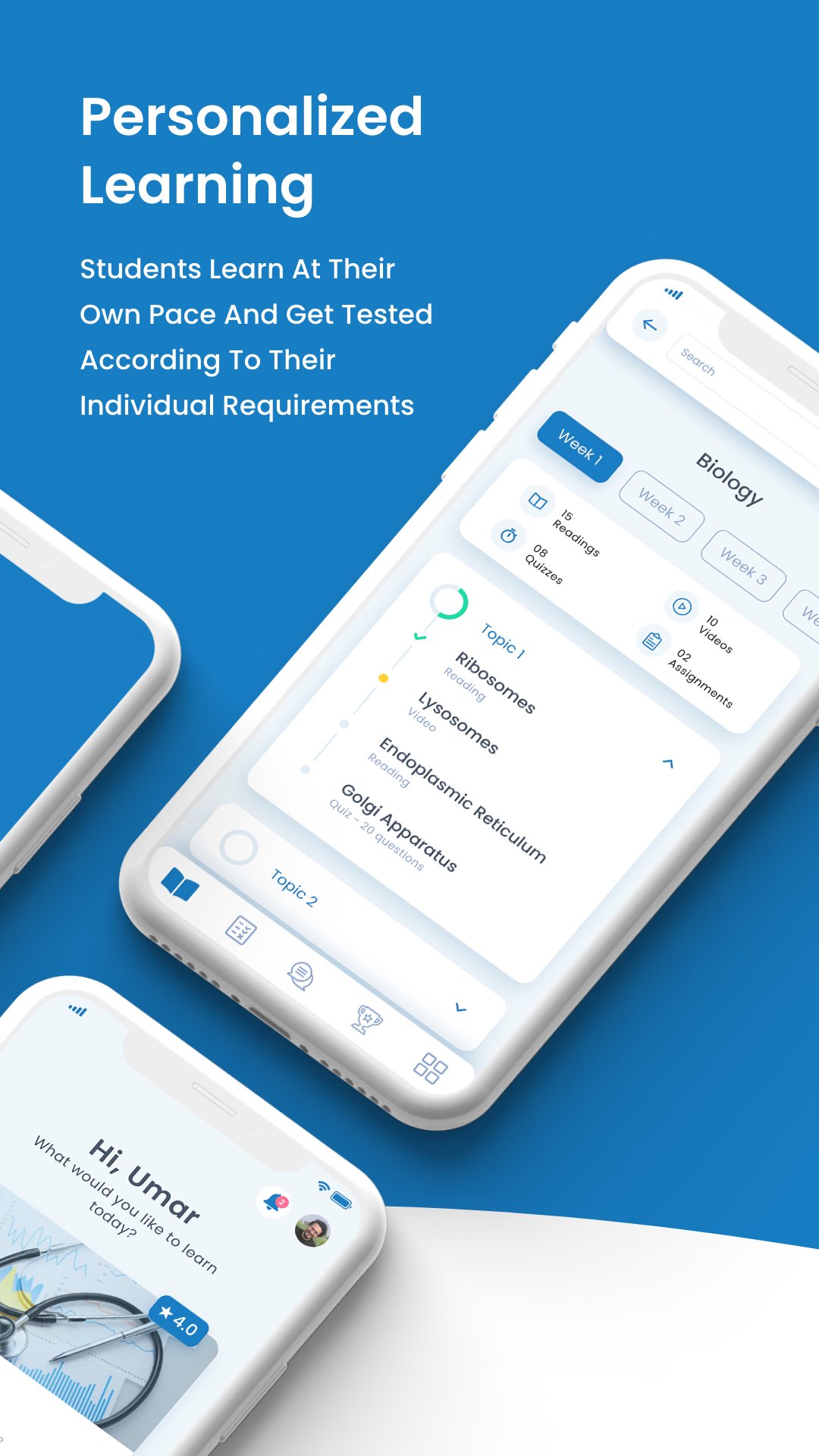
• Learn at your own pace and convenience.
• Test schedules synchronized with KIPS study plans.
• Adaptive quizzes based on your strengths and weaknesses.
• Results with answer explanations.
• Progress charts and feedback for each program and subject.
• Leaderboards displaying the top 20 positions in a program.
• Available video lectures, e-books, and readings.
• Search for videos and readings.
• Notifications for learning updates.
• Teacher support between 10am and 8pm, Monday to Saturday.
Live Online Classes
Join scheduled live classes and interact with instructors in real time. Meeting audio can continue when you switch to another app to take notes or open study materials.
If you grant microphone permission and unmute, your voice is captured and transmitted to meeting participants, including while you use another app during the active class. You can mute your microphone using the meeting controls.
An ongoing meeting notification indicates the active session when notifications are enabled. Return to the meeting and select Leave to end your participation and stop meeting audio and microphone transmission.
If you grant camera permission, you can turn on your video when permitted by the instructor. You can turn your video off using the meeting controls.
Account Access
KIPS VIRTUAL is intended for registered KIPS students. Login information is sent to the phone number provided during campus registration.
Available features and learning materials depend on your enrollment and course access. An internet connection is required for online content and live classes.
Preview
Tags
EducationInformation
Developer
KIPS PREPARATIONS
Latest Version
5.44.18
Last Updated
Yesterday
Category
Education
Available on
Google Play
Show More
How to play KIPS VIRTUAL with GameLoop on PC
1. Download GameLoop from the official website, then run the exe file to install GameLoop
2. Open GameLoop and search for “KIPS VIRTUAL” , find KIPS VIRTUAL in the search results and click “Install”
3. Enjoy playing KIPS VIRTUAL on GameLoop
Minimum requirements
OS
Windows 8.1 64-bit or Windows 10 64-bit
GPU
GTX 1050
CPU
i3-8300
Memory
8GB RAM
Storage
1GB available space
Recommended requirements
OS
Windows 8.1 64-bit or Windows 10 64-bit
GPU
GTX 1050
CPU
i3-9320
Memory
16GB RAM
Storage
1GB available space