Words Learning Game PC
DSTOC Apps
Download Words Learning Game on PC With GameLoop Emulator
Words Learning Game on PC
Words Learning Game, coming from the developer DSTOC Apps, is running on Android systerm in the past.
Now, You can play Words Learning Game on PC with GameLoop smoothly.
Download it in the GameLoop library or search results. No more eyeing the battery or frustrating calls at the wrong time any more.
Just enjoy Words Learning Game PC on the large screen for free!
Words Learning Game Introduction
First words Learning game is to understand the commonly used English words. You enjoy by looking at colorful pictures. you can also learn how to pronounce the words in English. This helps you for home learning. This This learning application is designed for you.
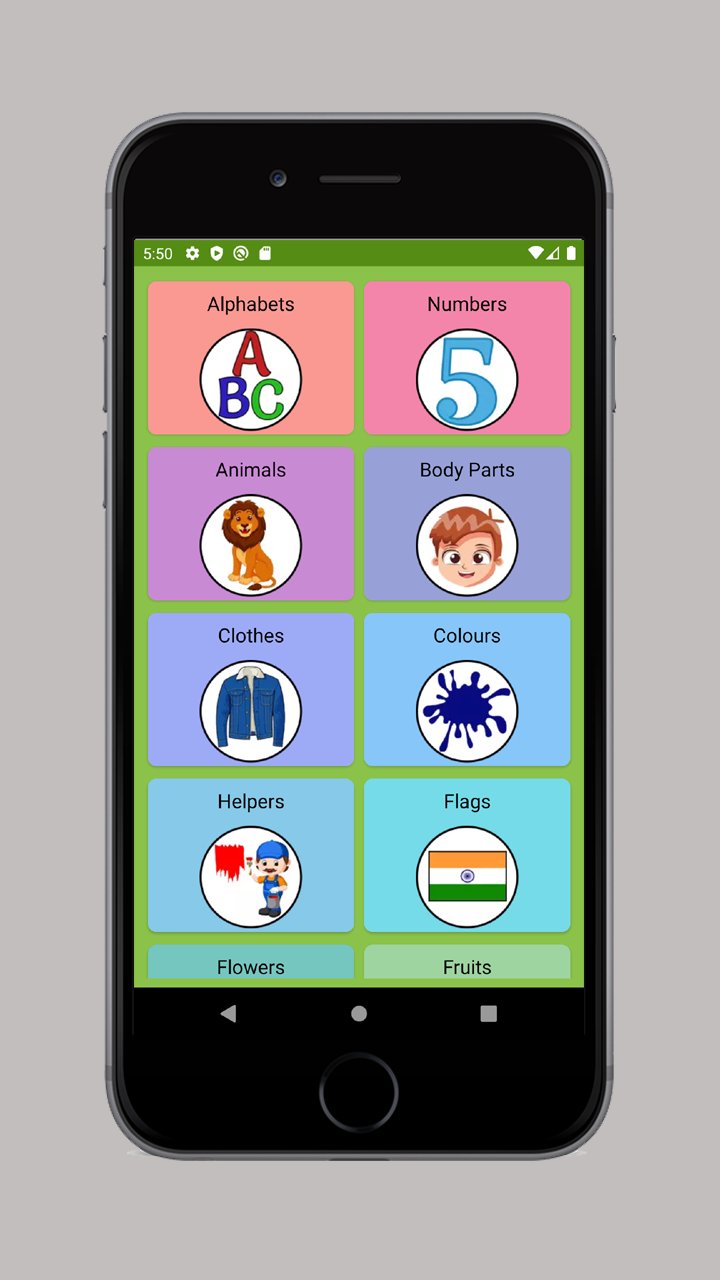
There are 28 different categories included like alphabets, numbers, food, flowers, cloths and many more. Each category has 40 pictures with sound and its spelling. You can learn English first words yourself without any help. You will really enjoy this application.
This application can help to improve the word vocabulary and helps them to understand common words. You can learn words by looking at pictures. It has many pictures like animals, sports, fruits, shapes and colors.
You can listen same word audio many times as they want by clicking on sound button. You can change the picture by next and previous buttons.
You will learn to recognize the different category pictures like helpers, body parts, vegetables, insects, transportation, birds, kitchen tools and sea animals.
Picture Quiz:
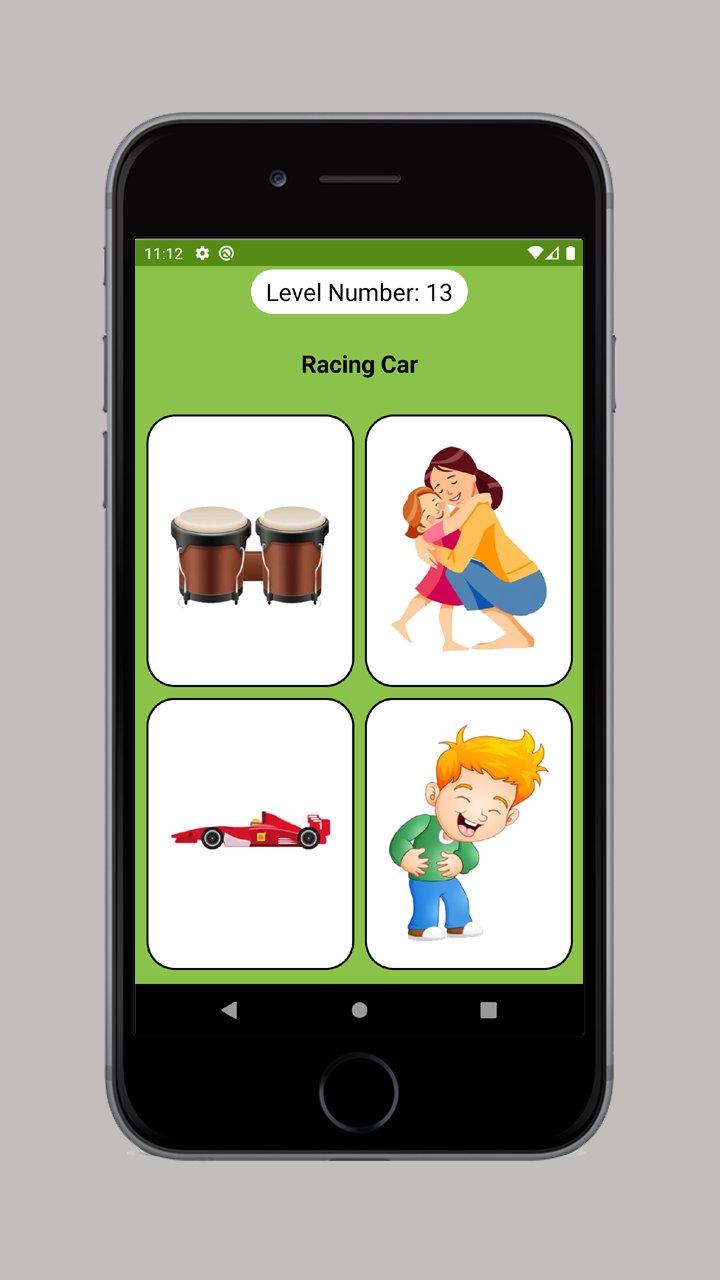
This is guessing the picture quiz. There more then 850+ Quiz added where you just need to choose the correct picture of given spelling. This will help them to remember picture and its spelling.
Spelling Quiz:
This is guessing the spelling quiz. Choose the correct spelling of given picture. This will help you to remember spelling of given picture. There will be four options and select the correct option.
Categories:
- Action Verbs (cook, sing, jump, etc.).
- Alphabets (A to Z).
- Animals (lion, panther, horse, etc.).
- Birds (sparrow, crow, eagle, etc.).
- Body Parts (ear, palms, thumb, etc.).
- clothes (socks, gloves, shirt, etc.).
- Colours (red, orange, pink, etc.).
- Flags (India, America, Russia, etc.).
- Flowers (sunflower, rose, marigold, etc.).
- Foods (burger, taco, sandwich, etc.).
- Fruits (apple, banana, strawberry, etc.).
- Helpers (barber, doctor and trace collector, etc.).
- Insects (butterfly, caterpillar, ant, etc.).
- Kitchen (apron, ladle, oven gloves, etc.).
- Music (violin, trombone, Saxophone, etc.).
- Natural Disasters (earthquake, flood, tsunami, etc.).
- Nature (earth, volcano, river, etc).
- Numbers (1 to 10).
- Places (airport, bank, school, etc.).
- School (pencil, scale, bag, etc.).
- Sea Animals (starfish, octopus, dolphin, etc.).
- Shapes (circle, rectangle, pentagon, etc.).
- Sports (badminton, baseball, football, etc.).
- Technology (camera, microphone, laptop, etc.).
- Toys (abacus, blocks, trampoline, etc.).
- Transports (car, bicycle, ambulance, etc.).
- Travel (compass, guidebook, tent, etc.).
- Vegetables (Eggplant, Okra, cauliflower, etc.).
Features:
- 28 Categories with 850 pictures.
- Audio supported to listen the spelling.
- Very simple and easy to use design.
- Change the pictures by next and previous buttons.
- Learn first words easily.
- Play picture quiz by choosing correct picture of given spelling.
- Play spelling quiz by choosing correct spelling of given picture.
- Four options quiz.
Preview
Tags
EducationInformation
Developer
DSTOC Apps
Latest Version
3.5
Last Updated
2025-07-13
Category
Education
Available on
Google Play
Show More
How to play Words Learning Game with GameLoop on PC
1. Download GameLoop from the official website, then run the exe file to install GameLoop
2. Open GameLoop and search for “Words Learning Game” , find Words Learning Game in the search results and click “Install”
3. Enjoy playing Words Learning Game on GameLoop
Minimum requirements
OS
Windows 8.1 64-bit or Windows 10 64-bit
GPU
GTX 1050
CPU
i3-8300
Memory
8GB RAM
Storage
1GB available space
Recommended requirements
OS
Windows 8.1 64-bit or Windows 10 64-bit
GPU
GTX 1050
CPU
i3-9320
Memory
16GB RAM
Storage
1GB available space