
Juna Accent Coach PC
Ann Bartholomew
Download Juna Accent Coach on PC With GameLoop Emulator
Juna Accent Coach on PC
Juna Accent Coach, coming from the developer Ann Bartholomew, is running on Android systerm in the past.
Now, You can play Juna Accent Coach on PC with GameLoop smoothly.
Download it in the GameLoop library or search results. No more eyeing the battery or frustrating calls at the wrong time any more.
Just enjoy Juna Accent Coach PC on the large screen for free!
Juna Accent Coach Introduction
Juna was developed by an English pronunciation teacher in collaboration with her students over the past 10 years. She wanted to help speakers of different languages with the challenges they encounter speaking English. Juna uses standard American English as represented by Merriam-Webster's Dictionary. This is an essential app for those who want an edge in their natural spoken English.
Features:
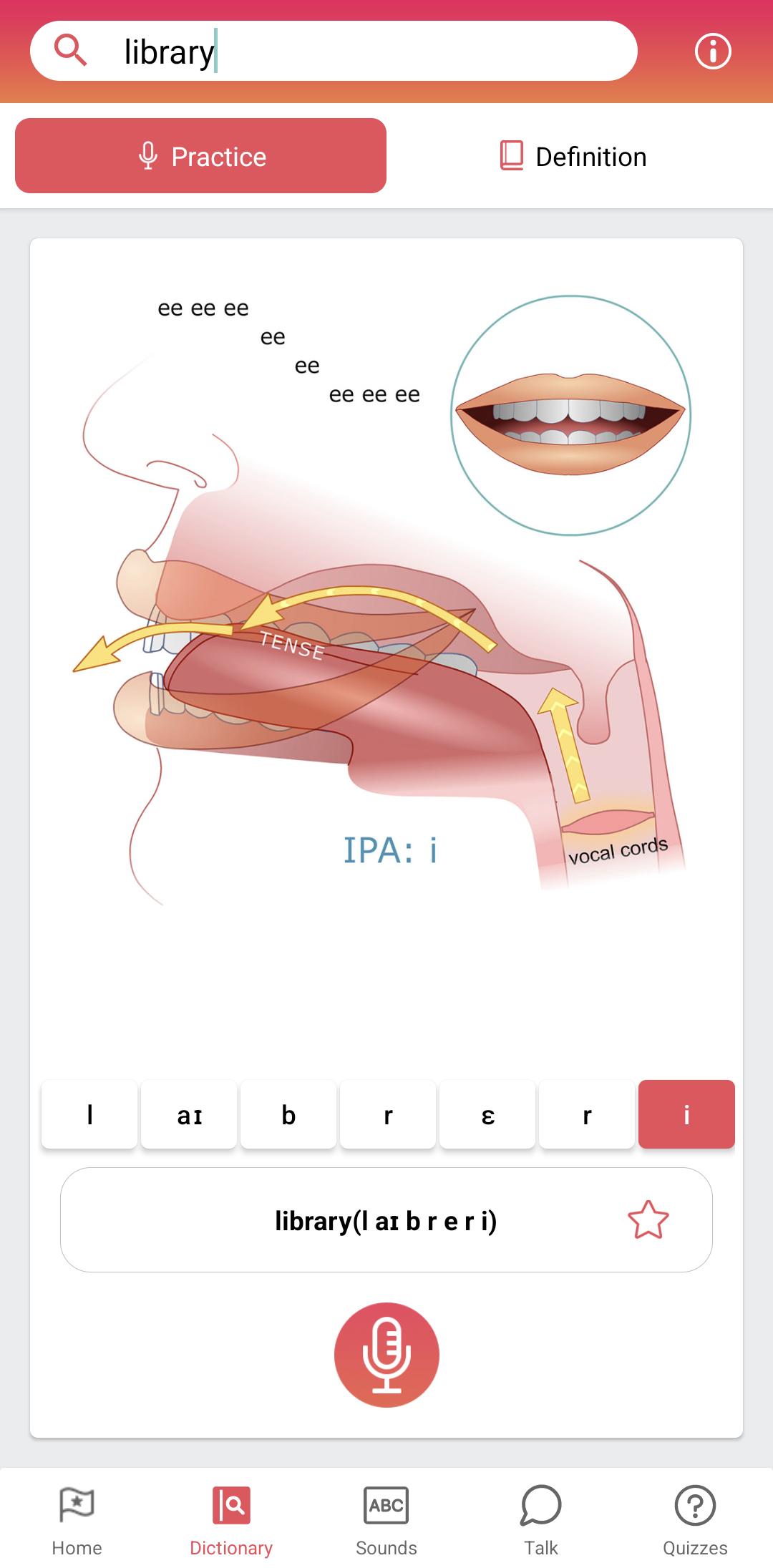
∙ Animated diagram shows how individual English phonemes are made.
∙ In-depth pronunciation guidance for any word in Merriam-Webster's dictionary.
∙ Users can make voice recordings, get voice recognition feedback and save their recordings to track progress or share with teachers and friends.
∙ Voice recording for all dictionary words, word and sentence practices,
∙ Special section for users to record their own words or material and get voice-recognition feedback.
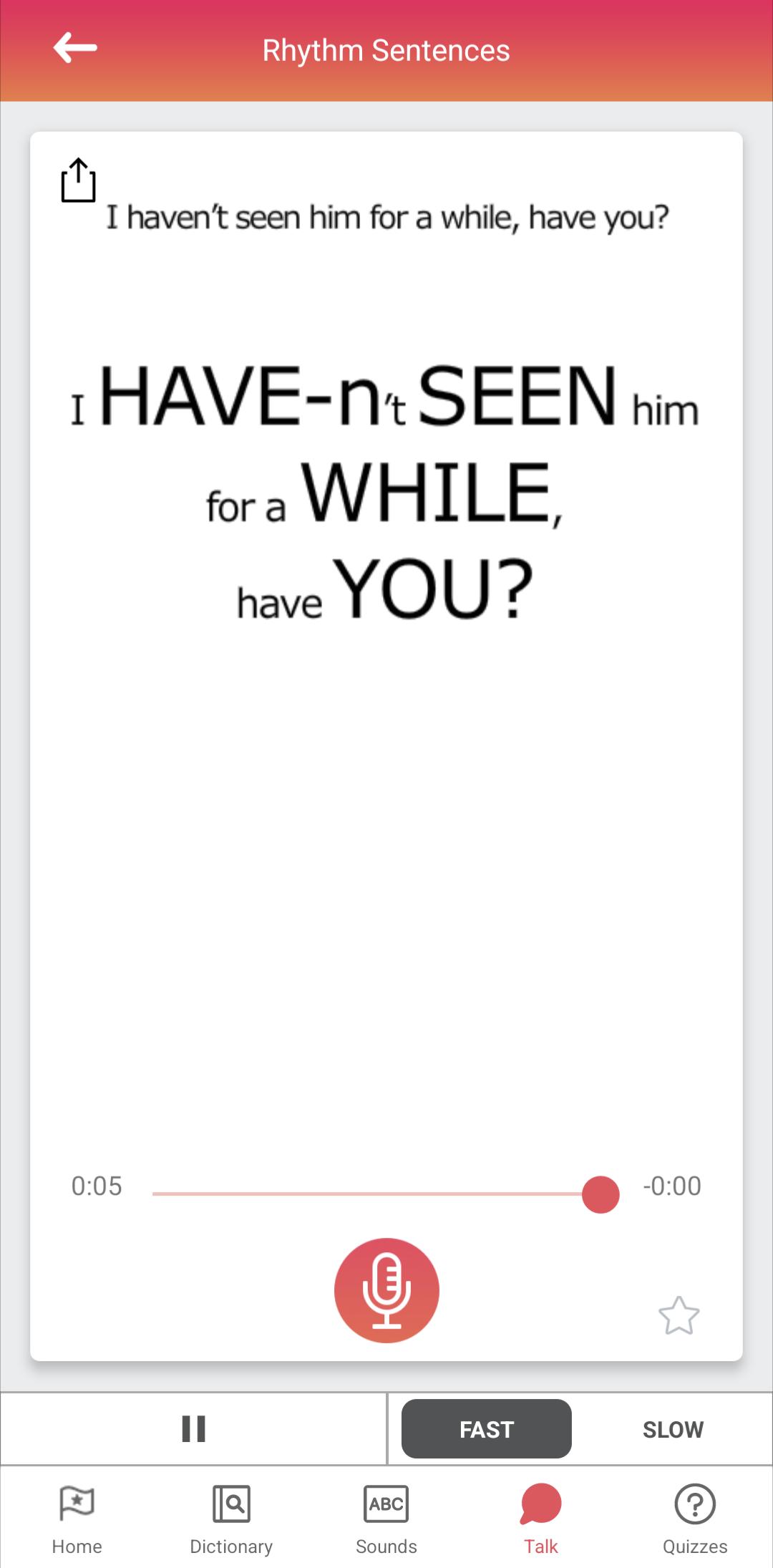
∙ Hundreds of lessons, quizzes and practice sentences with natural spoken English examples.
∙ Rhythm and everyday language for more advanced users.
Preview
Tags
EducationInformation
Developer
Ann Bartholomew
Latest Version
2.9
Last Updated
2025-08-19
Category
Education
Available on
Google Play
Show More
How to play Juna Accent Coach with GameLoop on PC
1. Download GameLoop from the official website, then run the exe file to install GameLoop
2. Open GameLoop and search for “Juna Accent Coach” , find Juna Accent Coach in the search results and click “Install”
3. Enjoy playing Juna Accent Coach on GameLoop
Minimum requirements
OS
Windows 8.1 64-bit or Windows 10 64-bit
GPU
GTX 1050
CPU
i3-8300
Memory
8GB RAM
Storage
1GB available space
Recommended requirements
OS
Windows 8.1 64-bit or Windows 10 64-bit
GPU
GTX 1050
CPU
i3-9320
Memory
16GB RAM
Storage
1GB available space