
eStudy BD - BCS Guidelines PC
Tech Harvest BD
Download eStudy BD - BCS Guidelines on PC With GameLoop Emulator
eStudy BD - BCS Guidelines on PC
eStudy BD - BCS Guidelines, coming from the developer Tech Harvest BD, is running on Android systerm in the past.
Now, You can play eStudy BD - BCS Guidelines on PC with GameLoop smoothly.
Download it in the GameLoop library or search results. No more eyeing the battery or frustrating calls at the wrong time any more.
Just enjoy eStudy BD - BCS Guidelines PC on the large screen for free!
eStudy BD - BCS Guidelines Introduction
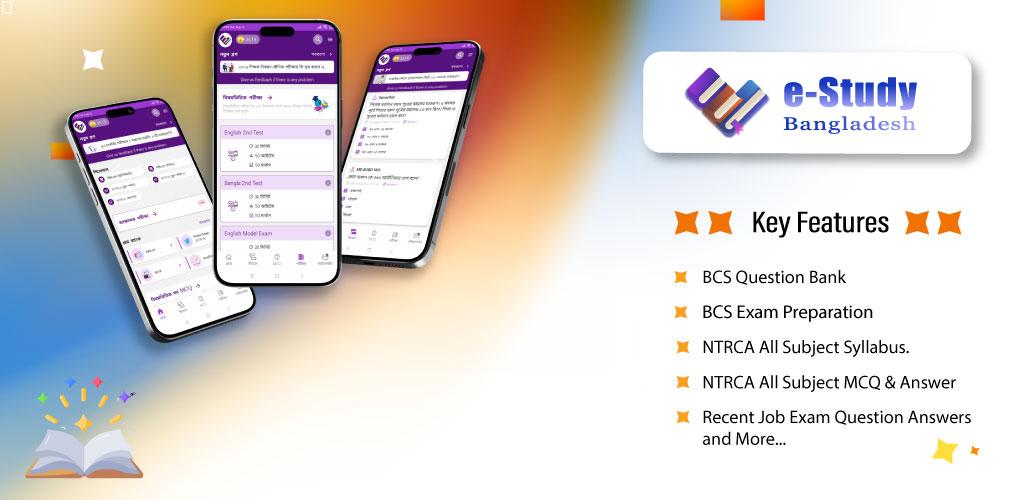
eStudy BD app is mainly designed for students who will take Exam preparation.
Who prepare for job they can use this app for learning.
User can create resume here.
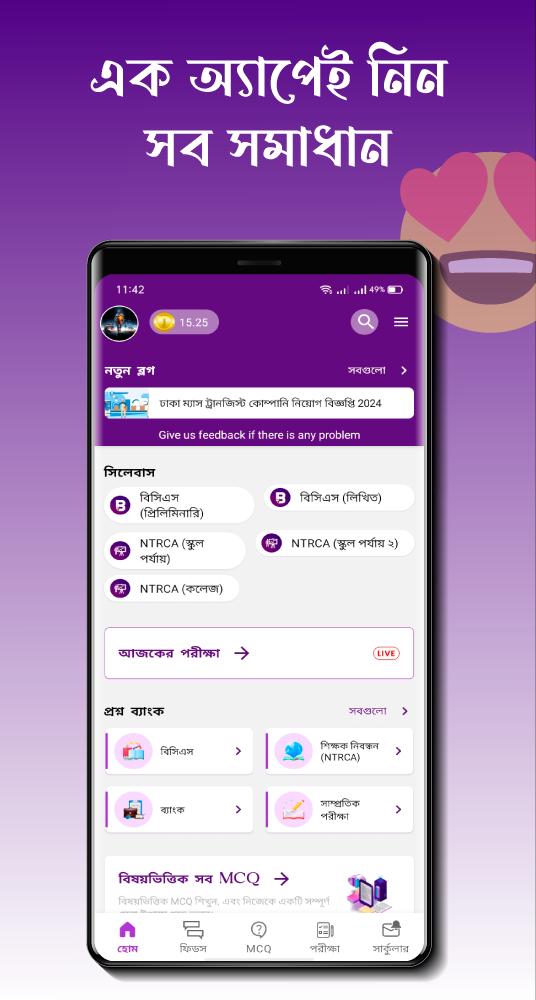
User can learn & take exam here easily. Category wise exam preparation system, Daily Exam System, etc.
Some features of the app:
> Question Bank.
> MCQ & Answer.
> Exam Syllabus.
> Exam Guideline.
> Recent Exam Question & Answers.
> Topic Based Questions with Explanations for Preliminary.
> Taking Daily Exam.
> Subject Wise Exam System.
> Current Affairs.
> There is an opportunity to take an exam once a day to check yourself.
> Exam Marks
Users Privacy
The user can upload her profile photo in this app, It’s not mandatory. If the user requests us we remove him/ her photo from the server. This feature will delight the user. Users can permanently delete his/her account at any time.
Disclaimer:
The eStudy BD app provides publicly available information for educational/reference purposes only. This App does not share any government information.
if need any query please contact: jsolutionbd@gmail.com
Privacy Policy Link: https://thbd.in/e-study-bd-privacy-policy/
Preview
Tags
EducationInformation
Developer
Tech Harvest BD
Latest Version
1.8.9
Last Updated
2025-09-29
Category
Education
Available on
Google Play
Show More
How to play eStudy BD - BCS Guidelines with GameLoop on PC
1. Download GameLoop from the official website, then run the exe file to install GameLoop
2. Open GameLoop and search for “eStudy BD - BCS Guidelines” , find eStudy BD - BCS Guidelines in the search results and click “Install”
3. Enjoy playing eStudy BD - BCS Guidelines on GameLoop
Minimum requirements
OS
Windows 8.1 64-bit or Windows 10 64-bit
GPU
GTX 1050
CPU
i3-8300
Memory
8GB RAM
Storage
1GB available space
Recommended requirements
OS
Windows 8.1 64-bit or Windows 10 64-bit
GPU
GTX 1050
CPU
i3-9320
Memory
16GB RAM
Storage
1GB available space