GMAT Math Flashcards PC
Magoosh
Download GMAT Math Flashcards on PC With GameLoop Emulator
GMAT Math Flashcards on PC
GMAT Math Flashcards, coming from the developer Magoosh, is running on Android systerm in the past.
Now, You can play GMAT Math Flashcards on PC with GameLoop smoothly.
Download it in the GameLoop library or search results. No more eyeing the battery or frustrating calls at the wrong time any more.
Just enjoy GMAT Math Flashcards PC on the large screen for free!
GMAT Math Flashcards Introduction
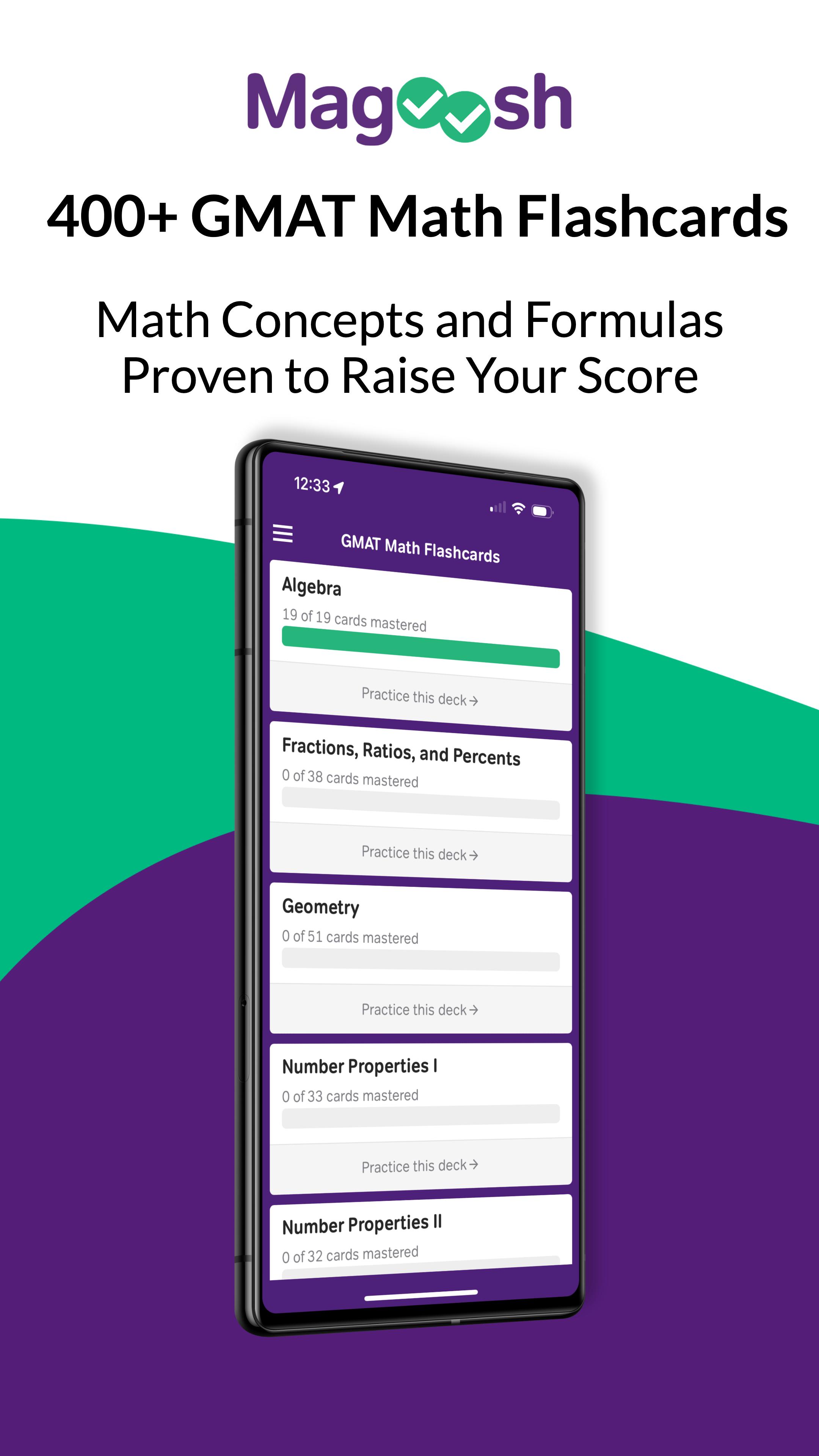
Master GMAT math formulas and solve GMAT questions with free flashcards for Android. Practice every day to prep for the test and get a better GMAT quant score!
• 425 math cards written by our expert GMAT tutors
• Includes GMAT practice questions, solutions, and common mistakes
• Cards cover all difficulty levels
• Track your progress as you study
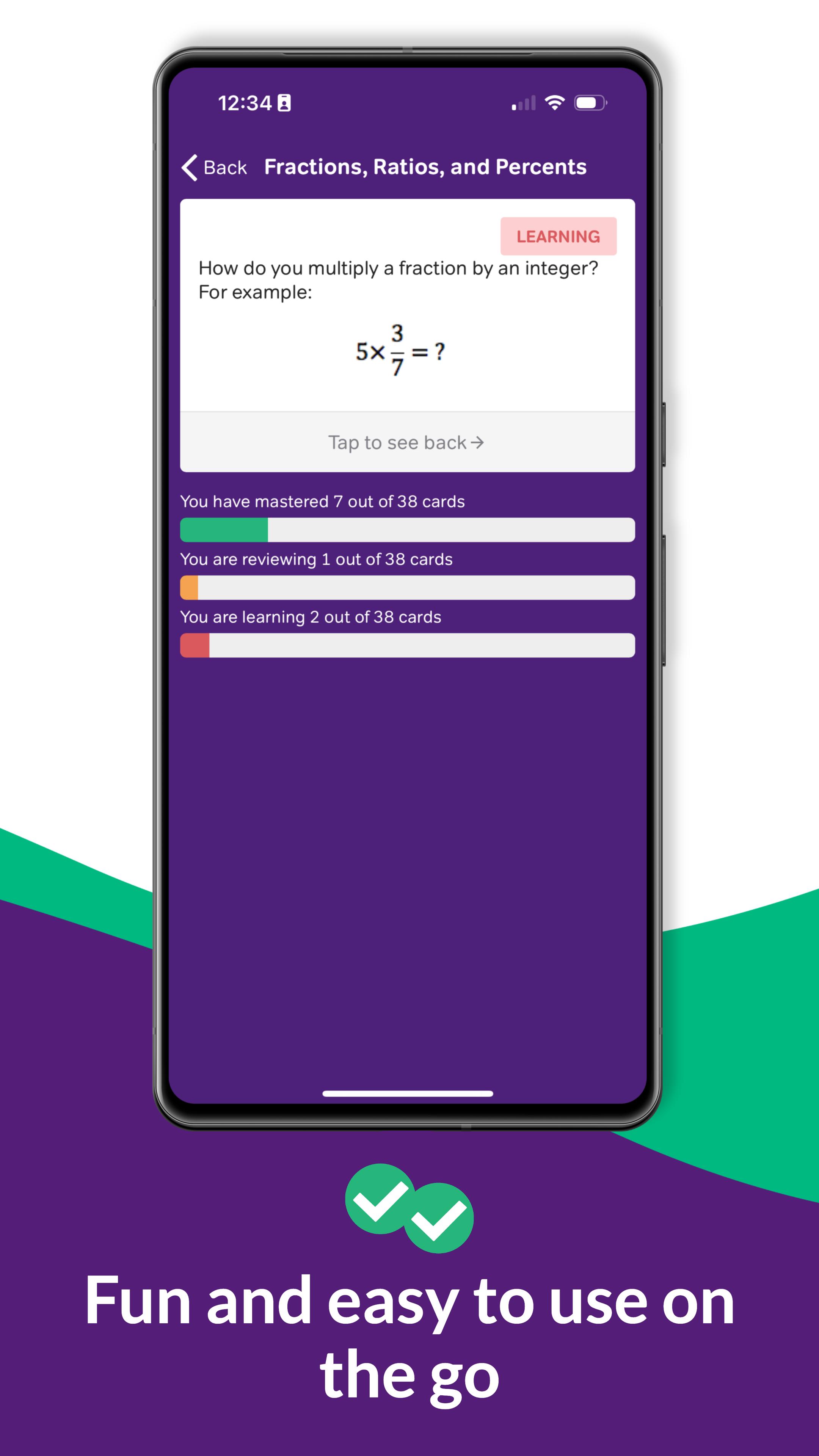
• Smart algorithm focuses your practice for efficient learning
This app gives you free access to all of Magoosh’s GMAT math flash cards. Sign in with a Magoosh account (or create a new one) to save your progress to the web. You can continue your practice online at http://gmat.magoosh.com/flashcards/math/
Written by GMAT experts
===
All of the formulas were selected and explained with usage examples by Magoosh’s expert GMAT tutors, led by Mike McGarry. He has been teaching the GMAT for more than 10 years.
Review that really sticks
===
Academic research has found that memories are formed by repeated exposure to new information, so Magoosh’s flashcard app uses a spaced repetition system. Concepts you are learning will reappear frequently (occurring less frequently the better you know them) and concepts you already know won’t be repeated. The GMAT list is also culled to only 425 so that you don't waste time learning unimportant concepts.
“I really like the way the words appear and the simple interface to show progress of the user. You guys have put good use of algorithms so one comes out learning the words well. The best flashcard app to date.” - Arif
"I was able to learn more words in the 4th week by using your flash card app than I learnt over the previous 3 weeks using Barron's 1100." - Sai
About Magoosh
===
We're an online test prep company with a focus on teaching the GMAT through videos and personalized customer support.
In addition to our online course, we blog about GMAT formulas, problem solving, quantitative reasoning, words, roots, grammar, and reading comprehension along with GMAT study guides and study tips. Articles from the blog have been compiled into 3 separate free ebooks with over 6,000 downloads. Check it out at http://magoosh.com/gmat
More GMAT study tools
===
Search the app store for "magoosh gmat" to continue your prep for the GMAT Exam with Magoosh’s video lessons app. Learn all the math, verbal, and writing you need to know for the test!
When you’re ready to practice for the full GMAT exam, Magoosh’s website has more than 800 excellent GMAT Math and GMAT Verbal practice questions, each with its own detailed video explanation. After each quiz, you can review your answers to see your strengths and weaknesses. Visit http://gmat.magoosh.com for more information.
(Magoosh also has apps for learning English grammar and studying for the GRE. Search the store for "magoosh english" or "magoosh gre" to find them)
Have any questions? Please ask!
===
Customer satisfaction is incredibly important to us. If you have any questions or comments, please send us an email at help@magoosh.com.
“I didn’t have much time to prepare for the GRE, and Magoosh made it possible for me to succeed on the test in a short period of time. I looked at Kaplan GRE, Barron’s, and Princeton Review products, and I can confidently say that Magoosh was definitely the best.”
“The team is really great and actually cares about your score as much as they would care about their own. Simply the best.”
Don’t wait until the last minute to start studying, start learning GMAT math formulas and concepts today!
Preview
Tags
EducationInformation
Developer
Magoosh
Latest Version
3.6.3
Last Updated
2025-08-06
Category
Education
Available on
Google Play
Show More
How to play GMAT Math Flashcards with GameLoop on PC
1. Download GameLoop from the official website, then run the exe file to install GameLoop
2. Open GameLoop and search for “GMAT Math Flashcards” , find GMAT Math Flashcards in the search results and click “Install”
3. Enjoy playing GMAT Math Flashcards on GameLoop
Minimum requirements
OS
Windows 8.1 64-bit or Windows 10 64-bit
GPU
GTX 1050
CPU
i3-8300
Memory
8GB RAM
Storage
1GB available space
Recommended requirements
OS
Windows 8.1 64-bit or Windows 10 64-bit
GPU
GTX 1050
CPU
i3-9320
Memory
16GB RAM
Storage
1GB available space