
Lock PC
Domoscio
Download Lock on PC With GameLoop Emulator
Lock on PC
Lock, coming from the developer Domoscio, is running on Android systerm in the past.
Now, You can play Lock on PC with GameLoop smoothly.
Download it in the GameLoop library or search results. No more eyeing the battery or frustrating calls at the wrong time any more.
Just enjoy Lock PC on the large screen for free!
Lock Introduction
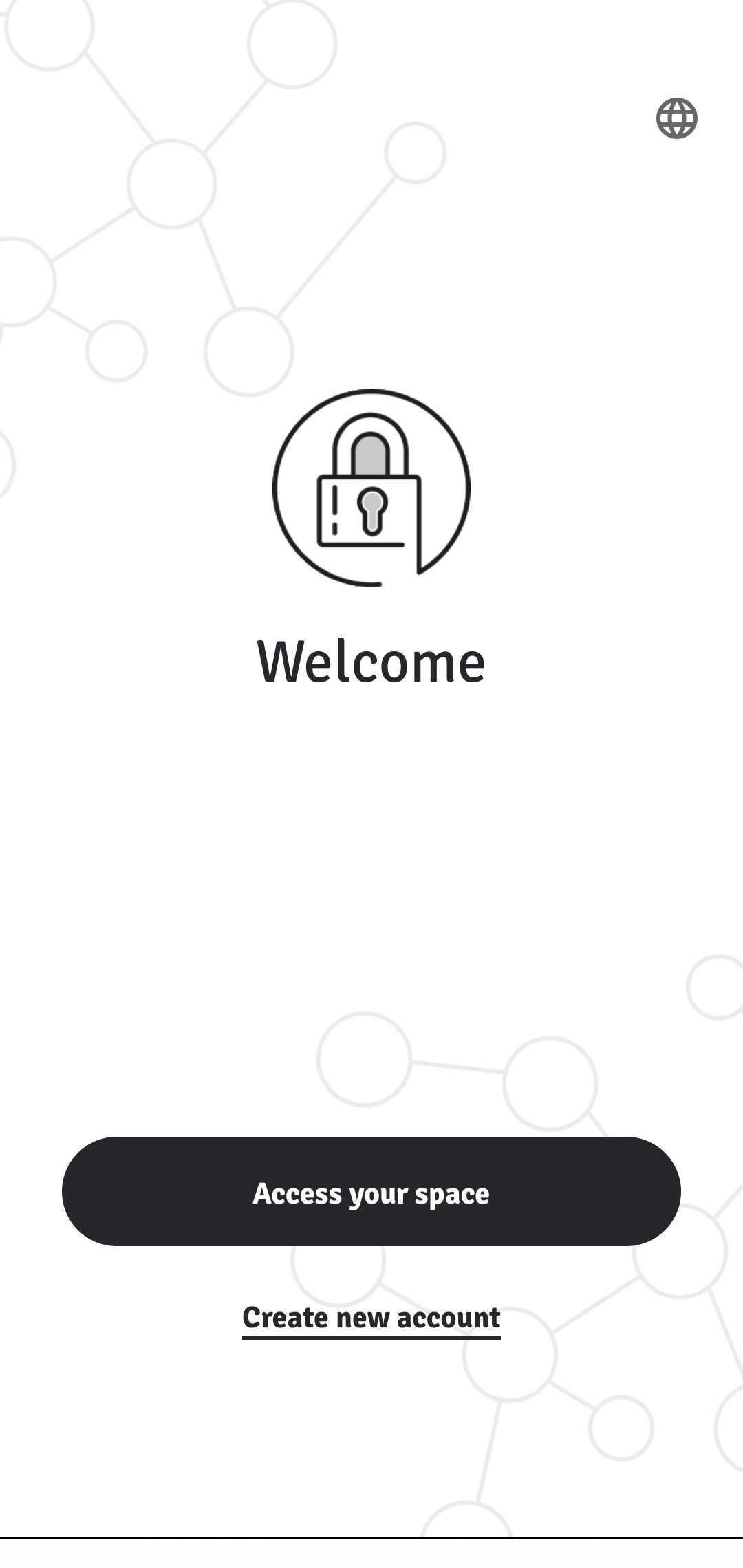
Lock is a learning reinforcement application powered by Domoscio which helps people drive the long-term retention of the skills acquired by their learners.
Based on the research in cognitive science, Lock improves the retention of knowledge and skills to guarantee their application in the field. Our powerful algorithm estimates the learners’ individual retention ability to push them the right reminder at the right time:
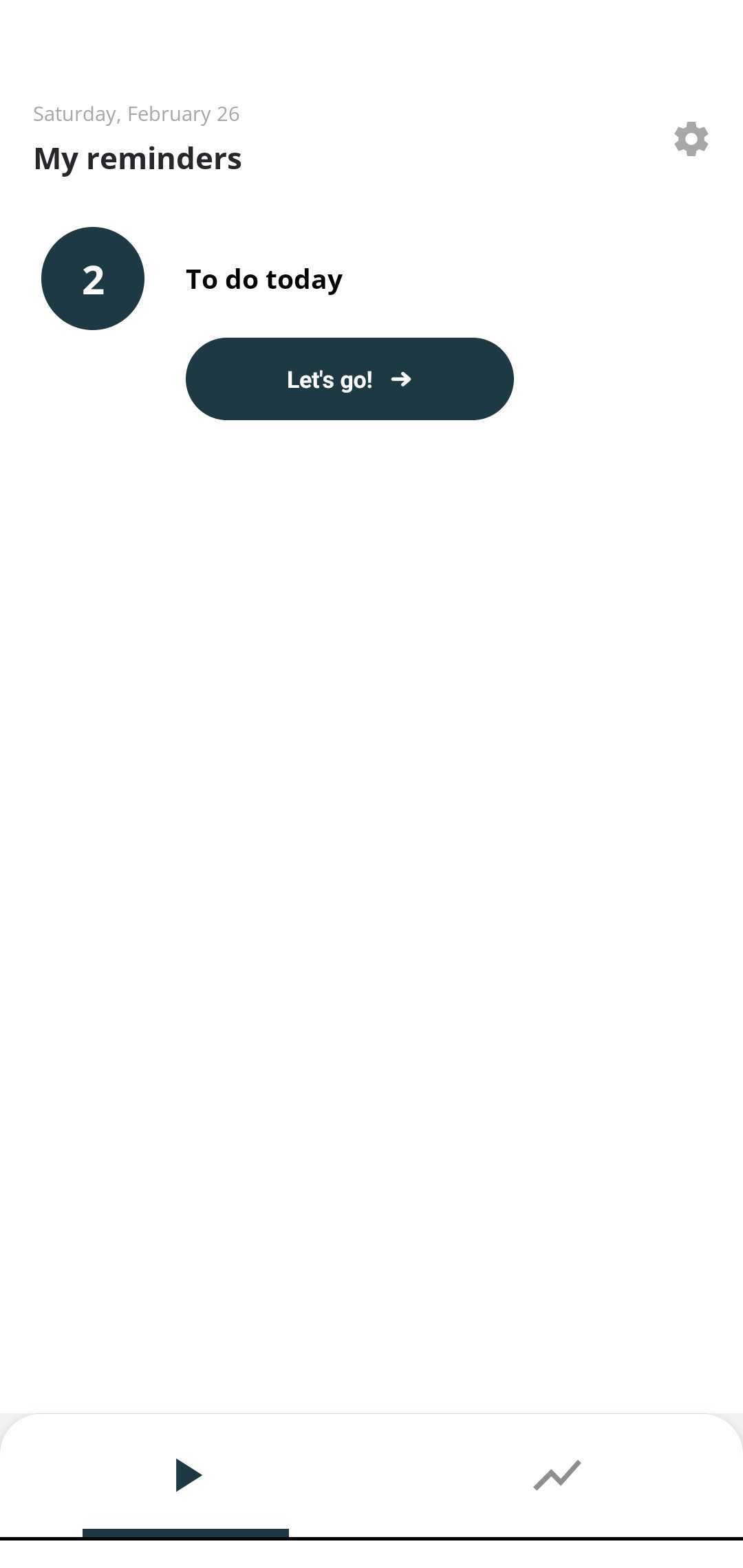
- Learners benefit from spaced and personalized reminders on the concepts they are most likely to forget: for each reminder, they answer a quiz with a feedback.
- Instructors and managers have access to insightful analytics on their web application to monitor the learning process and identify potential learning actions to implement.
Created in 2013, Domoscio is specialized in Smart Data and Artificial Intelligence applied to learning and development.
Preview
Tags
EducationInformation
Developer
Domoscio
Latest Version
4.0.14
Last Updated
2026-02-16
Category
Education
Available on
Google Play
Show More
How to play Lock with GameLoop on PC
1. Download GameLoop from the official website, then run the exe file to install GameLoop
2. Open GameLoop and search for “Lock” , find Lock in the search results and click “Install”
3. Enjoy playing Lock on GameLoop
Minimum requirements
OS
Windows 8.1 64-bit or Windows 10 64-bit
GPU
GTX 1050
CPU
i3-8300
Memory
8GB RAM
Storage
1GB available space
Recommended requirements
OS
Windows 8.1 64-bit or Windows 10 64-bit
GPU
GTX 1050
CPU
i3-9320
Memory
16GB RAM
Storage
1GB available space