English to Spanish Translator PC
Epic Apps Studio
Download English to Spanish Translator on PC With GameLoop Emulator
English to Spanish Translator on PC
English to Spanish Translator, coming from the developer Epic Apps Studio, is running on Android systerm in the past.
Now, You can play English to Spanish Translator on PC with GameLoop smoothly.
Download it in the GameLoop library or search results. No more eyeing the battery or frustrating calls at the wrong time any more.
Just enjoy English to Spanish Translator PC on the large screen for free!
English to Spanish Translator Introduction
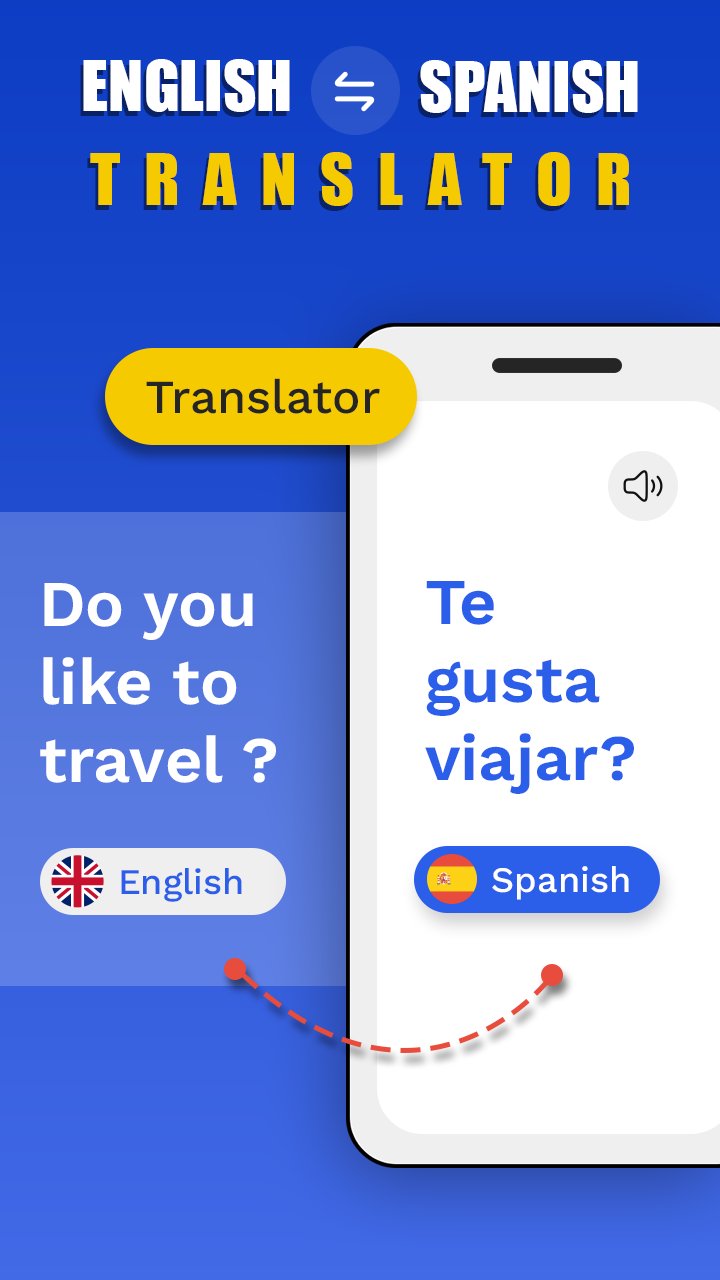
Instantly translate English to Spanish and Spanish to English with this fast, easy, and accurate translator app. Whether you're a traveler, student, or language learner, this translator covers all your needs — from text and voice translation to photo and document translation.
Key Features:
✅ English to Spanish Translator – Type or paste any text and get instant translations.
✅ Spanish to English Translator – Quickly translate Spanish phrases, messages, or words.
✅ Voice Translator – Speak and translate instantly in both English and Spanish.
✅ Photo Translator – Translate text from images or use live camera translation.
✅ Document Translator – Upload and translate PDFs, Word files, and text documents.
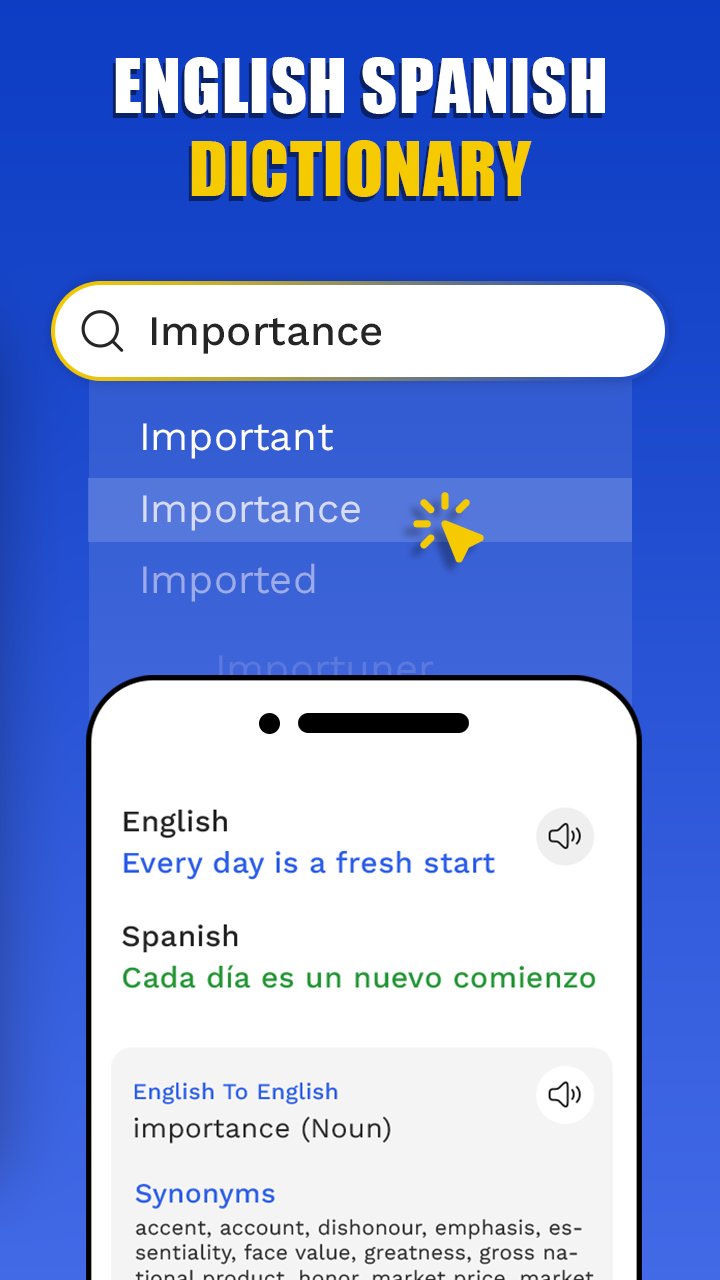
✅ Spanish-English Dictionary – Built-in bilingual dictionary for word definitions.
✅ Conversation Mode – Real-time voice translation for two-way communication.
✅ Common Phrases – Access a library of useful Spanish and English phrases.
✅ Word of the Day – Learn a new word daily to expand your vocabulary.
✅ Translation History – Save and revisit previous translations anytime.
✅ Easy Sharing – Copy or share translations with a single tap.
Break language barriers with powerful tools like voice translator, image translator, and document translator – all in one simple, easy-to-use app. Start translating English and Spanish instantly!
Download the English Spanish Translator App Now
Preview
Tags
EducationInformation
Developer
Epic Apps Studio
Latest Version
7.0
Last Updated
2026-06-26
Category
Education
Available on
Google Play
Show More
How to play English to Spanish Translator with GameLoop on PC
1. Download GameLoop from the official website, then run the exe file to install GameLoop
2. Open GameLoop and search for “English to Spanish Translator” , find English to Spanish Translator in the search results and click “Install”
3. Enjoy playing English to Spanish Translator on GameLoop
Minimum requirements
OS
Windows 8.1 64-bit or Windows 10 64-bit
GPU
GTX 1050
CPU
i3-8300
Memory
8GB RAM
Storage
1GB available space
Recommended requirements
OS
Windows 8.1 64-bit or Windows 10 64-bit
GPU
GTX 1050
CPU
i3-9320
Memory
16GB RAM
Storage
1GB available space