
CampusCare 10x PC
Entab Infotech Pvt. Ltd.
Download CampusCare 10x on PC With GameLoop Emulator
CampusCare 10x on PC
CampusCare 10x, coming from the developer Entab Infotech Pvt. Ltd., is running on Android systerm in the past.
Now, You can play CampusCare 10x on PC with GameLoop smoothly.
Download it in the GameLoop library or search results. No more eyeing the battery or frustrating calls at the wrong time any more.
Just enjoy CampusCare 10x PC on the large screen for free!
CampusCare 10x Introduction
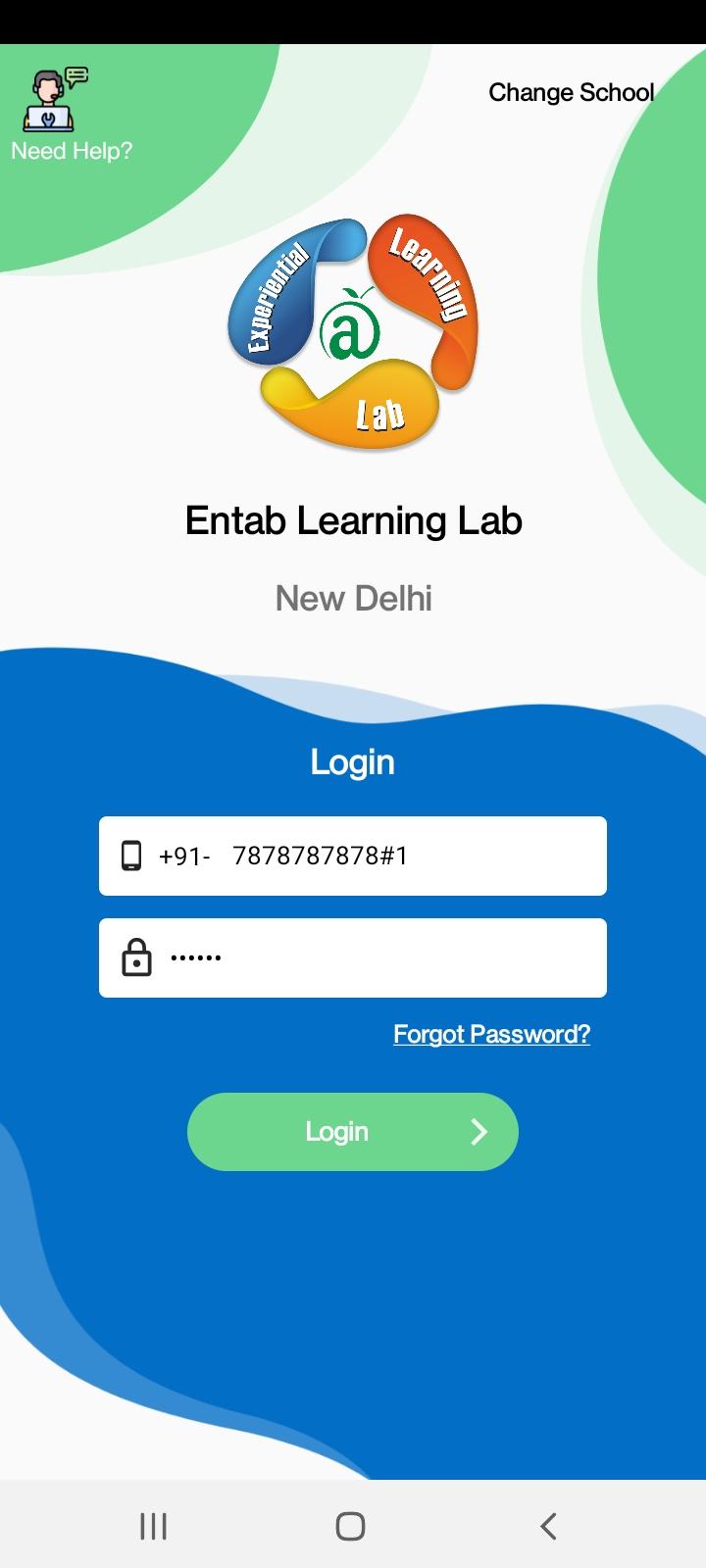
CampusCare10x - School ERP
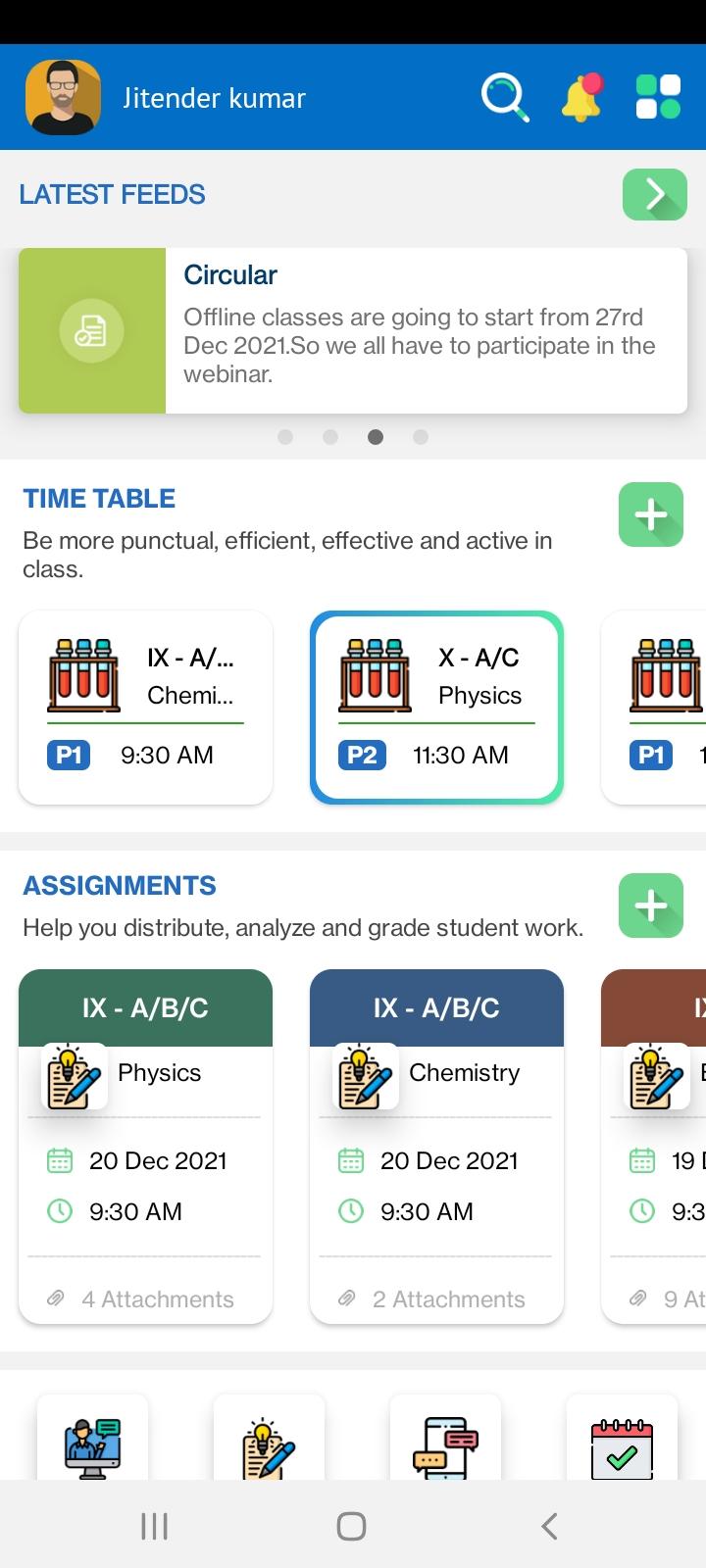
In today's educational landscape, where data-driven decision-making, seamless communication, and automation are paramount, CampusCare10X stands apart as an advanced 24-year-evolved School Enterprise Resource Planning (ERP) solutions powered by the latest cloud-based technological architecture. Aimed at transforming schools, a matured ERP is the keystone of modern educational management helping it become the first choice of parents and be the most sought-after school in the region. In an increasingly mobile world, these ERP systems are designed with responsive interfaces and dedicated mobile apps, enabling users to access critical information and perform tasks on the go.
Integrated with the latest cloud-computing innovations, CampusCare 10X provides educators, administrators, parents, and students with a holistic platform that simplifies and enhances the educational experience. With powerful data analytics tools, schools can gain deep insights into student performance, administrative efficiency, and resource allocation. This data-driven approach empowers educators to make informed decisions that improve teaching and learning outcomes.
The latest technology ensures robust security features and data encryption, safeguarding sensitive student and administrative information from cyber threats and unauthorized access.
Preview
Tags
EducationInformation
Developer
Entab Infotech Pvt. Ltd.
Latest Version
1.60
Last Updated
2025-09-10
Category
Education
Available on
Google Play
Show More
How to play CampusCare 10x with GameLoop on PC
1. Download GameLoop from the official website, then run the exe file to install GameLoop
2. Open GameLoop and search for “CampusCare 10x” , find CampusCare 10x in the search results and click “Install”
3. Enjoy playing CampusCare 10x on GameLoop
Minimum requirements
OS
Windows 8.1 64-bit or Windows 10 64-bit
GPU
GTX 1050
CPU
i3-8300
Memory
8GB RAM
Storage
1GB available space
Recommended requirements
OS
Windows 8.1 64-bit or Windows 10 64-bit
GPU
GTX 1050
CPU
i3-9320
Memory
16GB RAM
Storage
1GB available space