English Proficiency Test PC
Apps2all
Download English Proficiency Test on PC With GameLoop Emulator
English Proficiency Test on PC
English Proficiency Test, coming from the developer Apps2all, is running on Android systerm in the past.
Now, You can play English Proficiency Test on PC with GameLoop smoothly.
Download it in the GameLoop library or search results. No more eyeing the battery or frustrating calls at the wrong time any more.
Just enjoy English Proficiency Test PC on the large screen for free!
English Proficiency Test Introduction
English Proficiency Test – Free & Offline
Learn and practice English step by step from beginner (A1) to advanced (C1). Improve grammar, vocabulary, reading, writing, listening, and speaking with 10,000+ free exercises. Perfect for daily learning, school exams, or test prep for TOEIC®, TOEFL®, and IELTS®. Works fully offline – study anytime, anywhere.
🌟 Why choose this English learning app?
✔ Covers all English levels A1–C1 in one structured platform.
✔ 10,000+ grammar & vocabulary exercises with clear explanations.
✔ TOEIC®, TOEFL®, IELTS® practice tests included.
✔ Works 100% offline – learn English without internet.
✔ Placement test & progress tracking to know your real level.
✔ Personalized study plan to improve faster.
✔ Designed for students, professionals, and self-learners.
📚 Key Features
• Level Practice A1–C1
✔ A1–A2: daily communication & basic grammar.
✔ B1–B2: intermediate vocabulary, writing, listening.
✔ C1: advanced grammar, academic & business English.
• Exam Preparation
✔TOEIC®: 1,000+ listening & reading tasks.
✔ TOEFL®: 1,000+ speaking, writing, comprehension.
✔ IELTS® Academic & General Training.
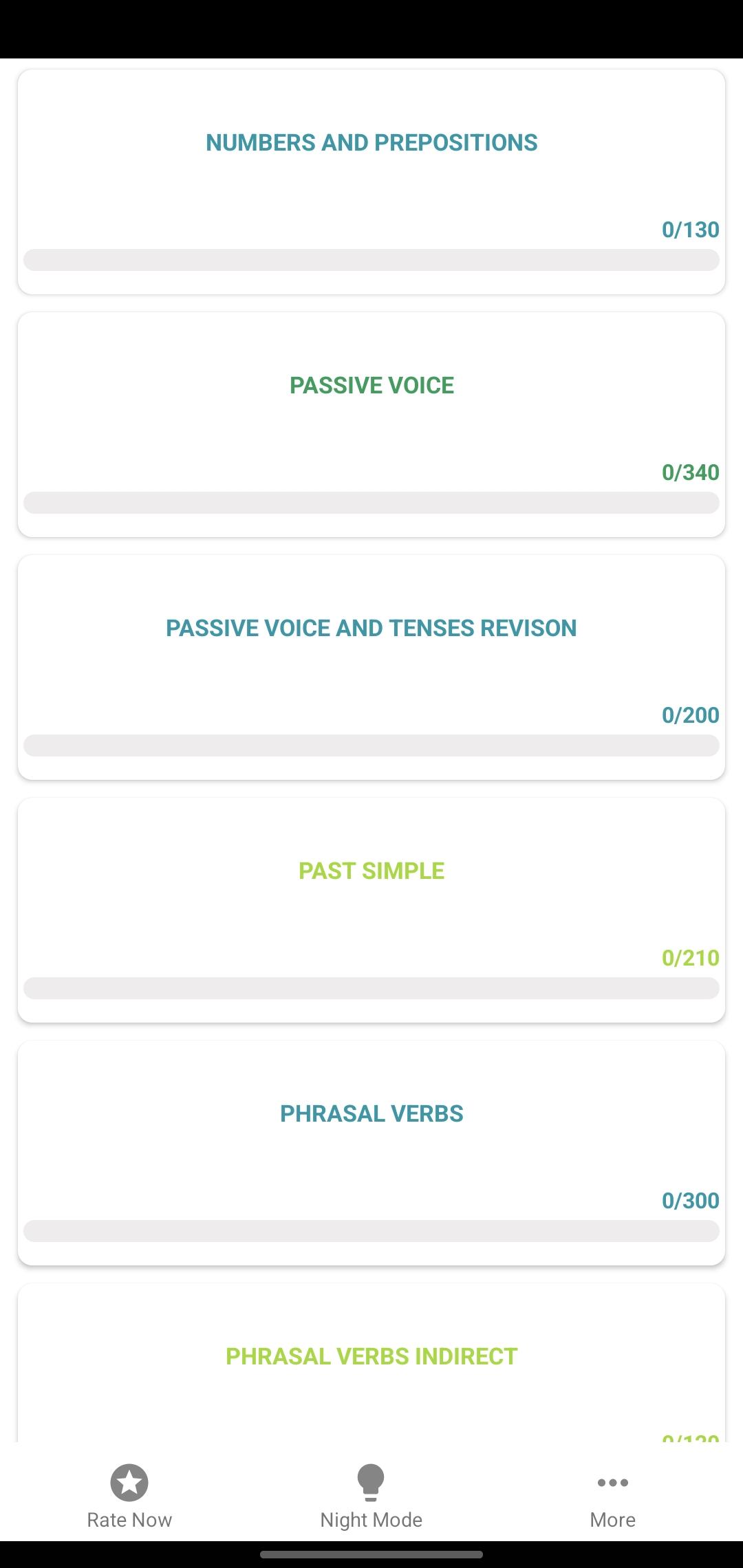
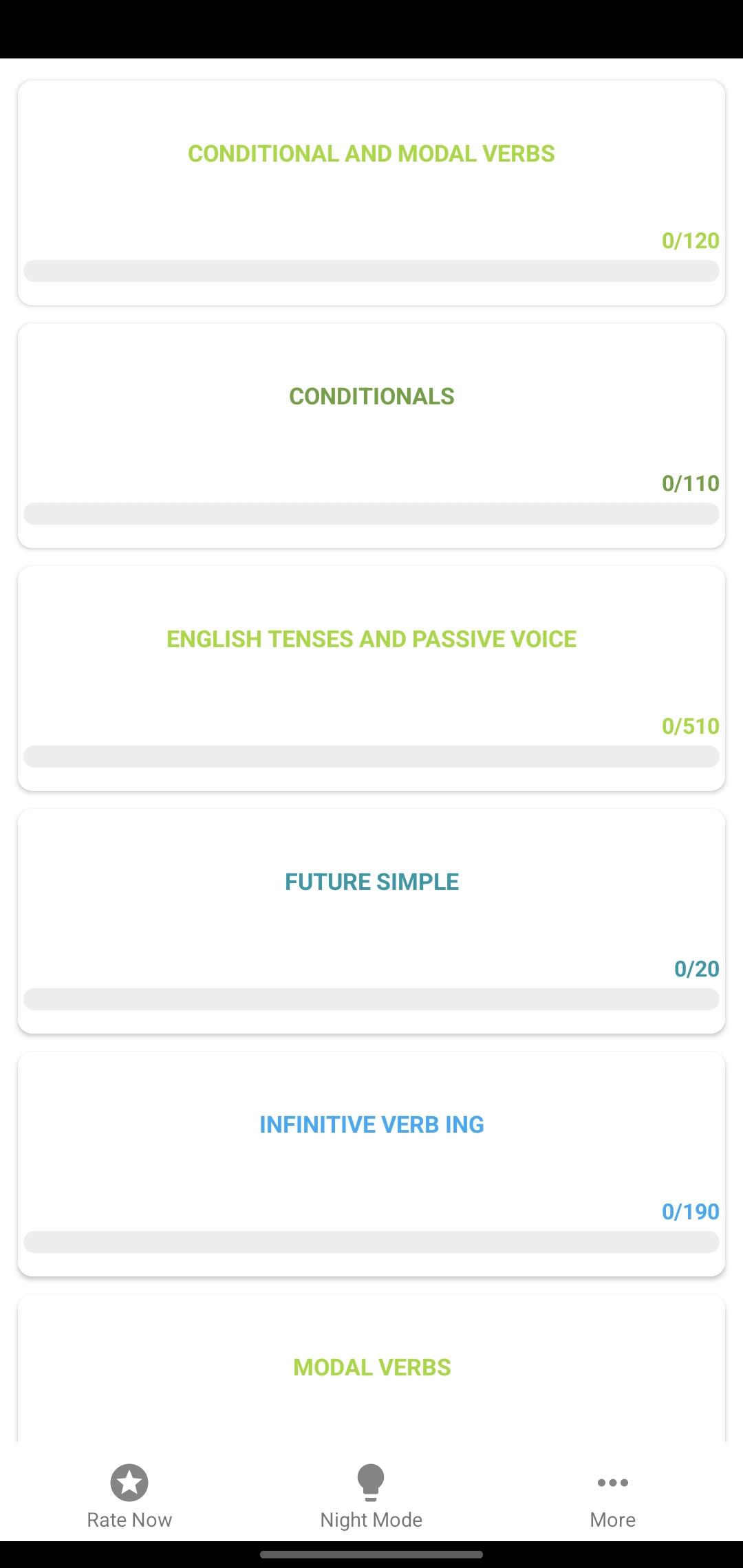
• Grammar Tests – 7,000+ quizzes on verbs, tenses, sentences.
• Vocabulary Builder – essential words, phrases, collocations.
• Four Skills Training – reading, writing, listening, speaking.
🎯 Who is this app for?
• Learners preparing for school exams & English certificates.
• Professionals improving English for career & communication.
• Students practicing English daily with step-by-step levels.
🚀 Benefits
• Learn anywhere, anytime – even offline.
• Build confidence gradually from A1 beginner to C1 advanced.
• Boost exam scores with real practice tests.
• Track progress with detailed reports & study tips.
👉 Start your English learning journey today with English Proficiency Test – Free & Offline. Practice daily, prepare for exams, and improve fluency step by step!
Preview
Tags
EducationInformation
Developer
Apps2all
Latest Version
20.10.25
Last Updated
2025-10-18
Category
Education
Available on
Google Play
Show More
How to play English Proficiency Test with GameLoop on PC
1. Download GameLoop from the official website, then run the exe file to install GameLoop
2. Open GameLoop and search for “English Proficiency Test” , find English Proficiency Test in the search results and click “Install”
3. Enjoy playing English Proficiency Test on GameLoop
Minimum requirements
OS
Windows 8.1 64-bit or Windows 10 64-bit
GPU
GTX 1050
CPU
i3-8300
Memory
8GB RAM
Storage
1GB available space
Recommended requirements
OS
Windows 8.1 64-bit or Windows 10 64-bit
GPU
GTX 1050
CPU
i3-9320
Memory
16GB RAM
Storage
1GB available space