English learning kids game app PC
Ember Studio
Download English learning kids game app on PC With GameLoop Emulator
English learning kids game app on PC
English learning kids game app, coming from the developer Ember Studio, is running on Android systerm in the past.
Now, You can play English learning kids game app on PC with GameLoop smoothly.
Download it in the GameLoop library or search results. No more eyeing the battery or frustrating calls at the wrong time any more.
Just enjoy English learning kids game app PC on the large screen for free!
English learning kids game app Introduction
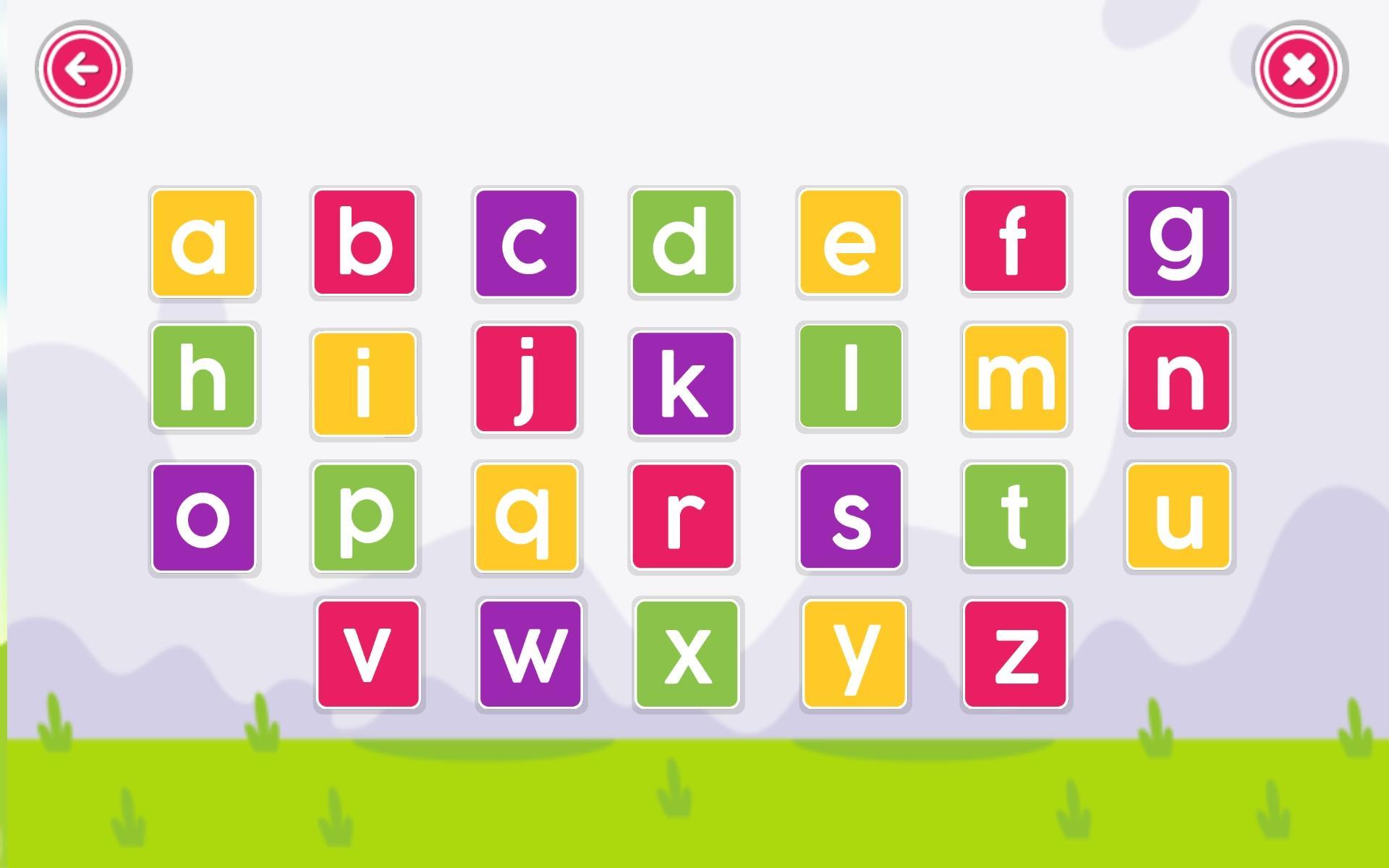
English Learning app for Kids is an educational abc learning game suite to help your preschool kids learn and practice English phonics, words and spelling in an interactive way.
Looking for a learning platform where your child can learn English and practice phonics with a creative interactive game. Keeping in view your child learning needs we are offering customized applications for pre-school children. The game is totally free, and exciting modules are soon to be added in game like quizzes, flash cards, tracing and drawing.
The game is suitable for toddlers, kindergarten, early learners, preschool and 1st grade kids to learn and practice alphabets, words and numbers.
Features of this app: English Learning Games for Kids
> ABC learning via activities
> Learning application
> Phonics sounds
> British pronunciation
> Learning becomes fun
> Free learning English app
> Access anytime anywhere
> Kids friendly
> Colorful graphics
> Attractive design
> Easy to use
> New modules soon to be added
> Offline and No Internet Connection
> Totally Free, No in-app purchases, no tricks. Just pure educational fun!
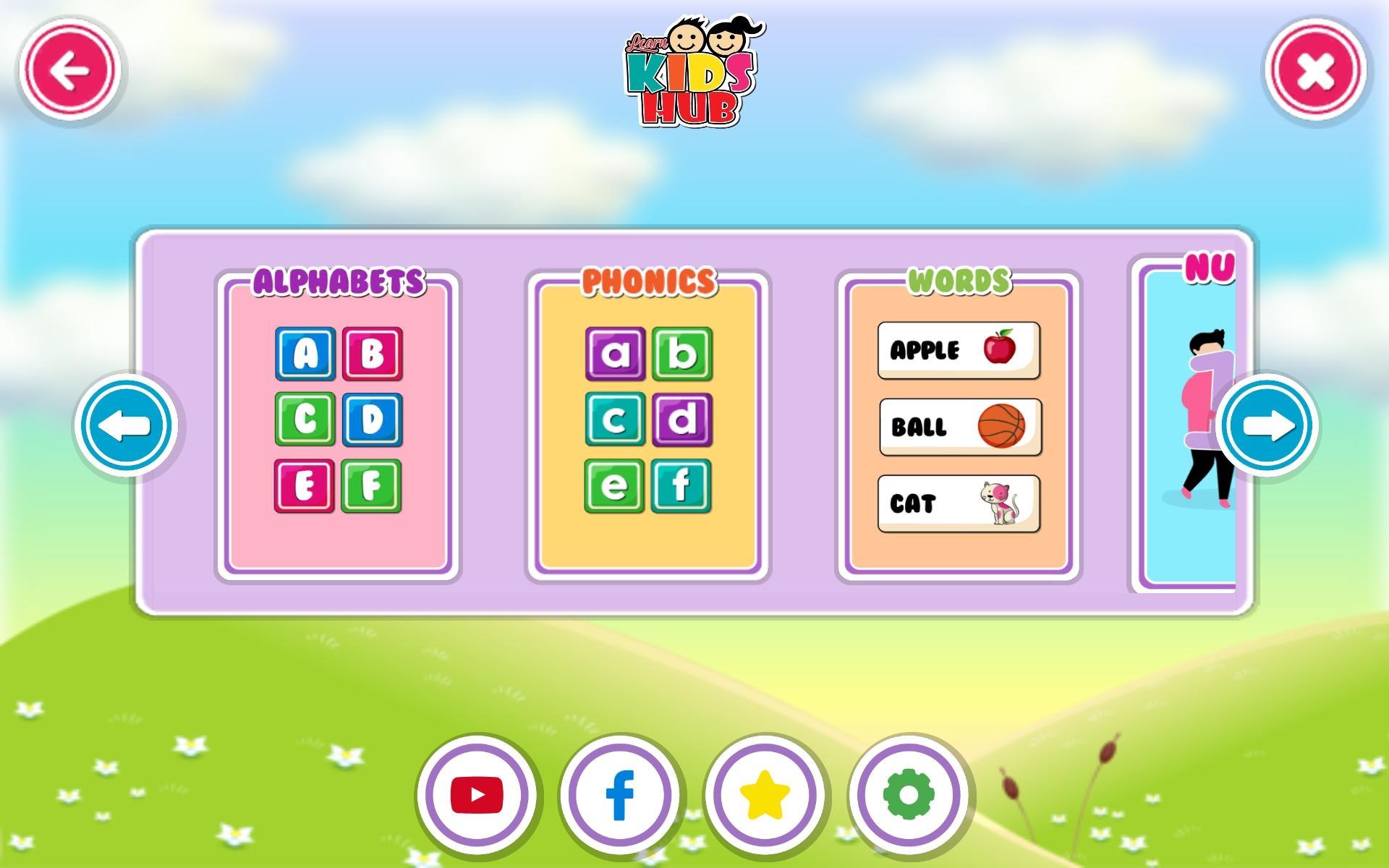
Modules of app: English Learning Games for Kids
> Alphabets
> Phonics
> Words with alphabets
> Numbers
> Counting
> Fruits names
> Vegetables names
> Animals names
> Wild Animals
> Birds names
> Sports
> Vehicles
> Occupations
> Shapes learn
> Kitchen items
> Colors
> Seasons different
> Concepts
> Week days
> Months
> Senses
> Family
Contact
Ph: +92 313 7771991
Email: game@ember.pk
Preview
Tags
EducationInformation
Developer
Ember Studio
Latest Version
1.0
Last Updated
2023-04-10
Category
Education
Available on
Google Play
Show More
How to play English learning kids game app with GameLoop on PC
1. Download GameLoop from the official website, then run the exe file to install GameLoop
2. Open GameLoop and search for “English learning kids game app” , find English learning kids game app in the search results and click “Install”
3. Enjoy playing English learning kids game app on GameLoop
Minimum requirements
OS
Windows 8.1 64-bit or Windows 10 64-bit
GPU
GTX 1050
CPU
i3-8300
Memory
8GB RAM
Storage
1GB available space
Recommended requirements
OS
Windows 8.1 64-bit or Windows 10 64-bit
GPU
GTX 1050
CPU
i3-9320
Memory
16GB RAM
Storage
1GB available space