
DoodleEnglish PC
EZ Education
Download DoodleEnglish on PC With GameLoop Emulator
DoodleEnglish on PC
DoodleEnglish, coming from the developer EZ Education, is running on Android systerm in the past.
Now, You can play DoodleEnglish on PC with GameLoop smoothly.
Download it in the GameLoop library or search results. No more eyeing the battery or frustrating calls at the wrong time any more.
Just enjoy DoodleEnglish PC on the large screen for free!
DoodleEnglish Introduction
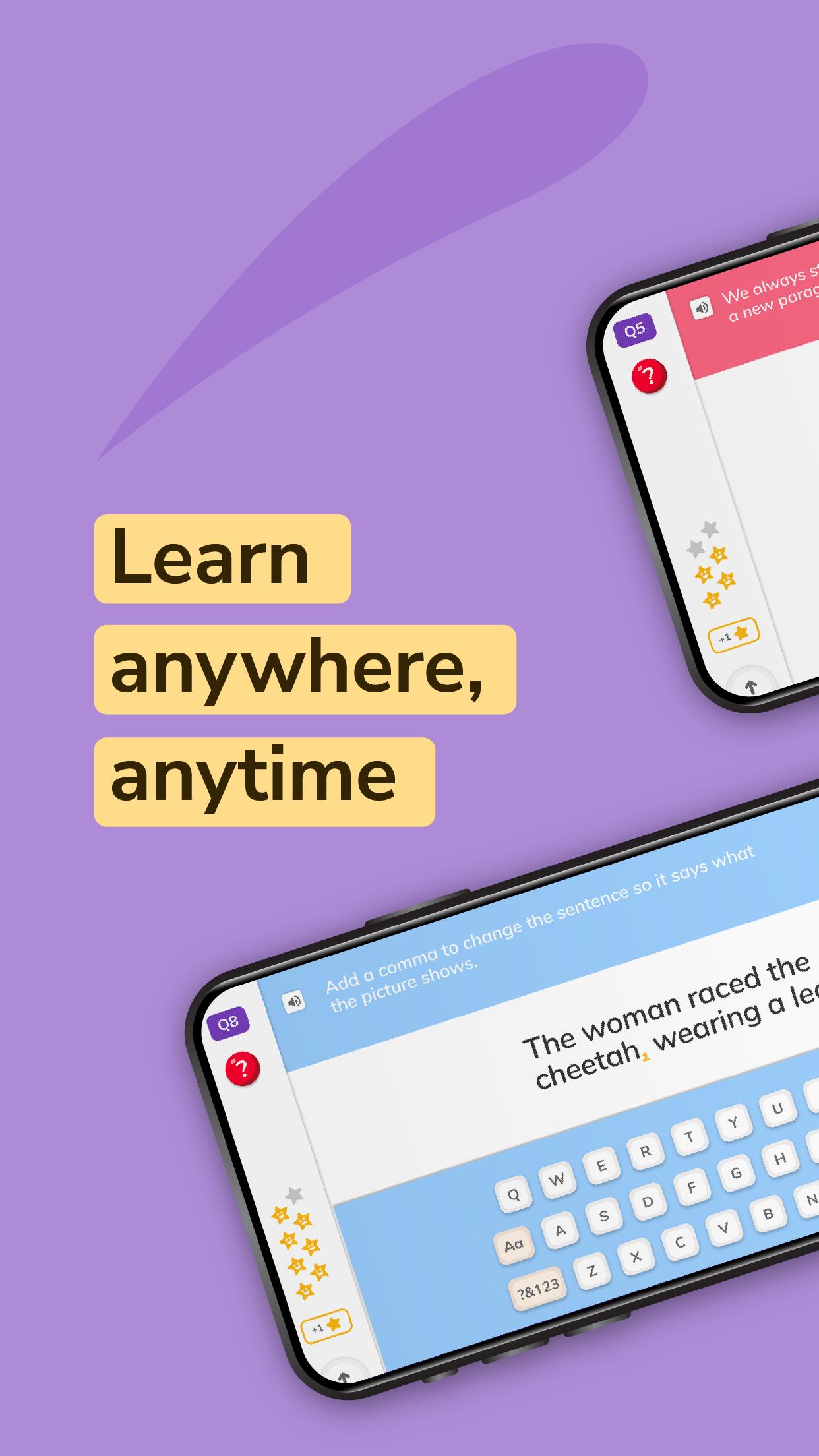
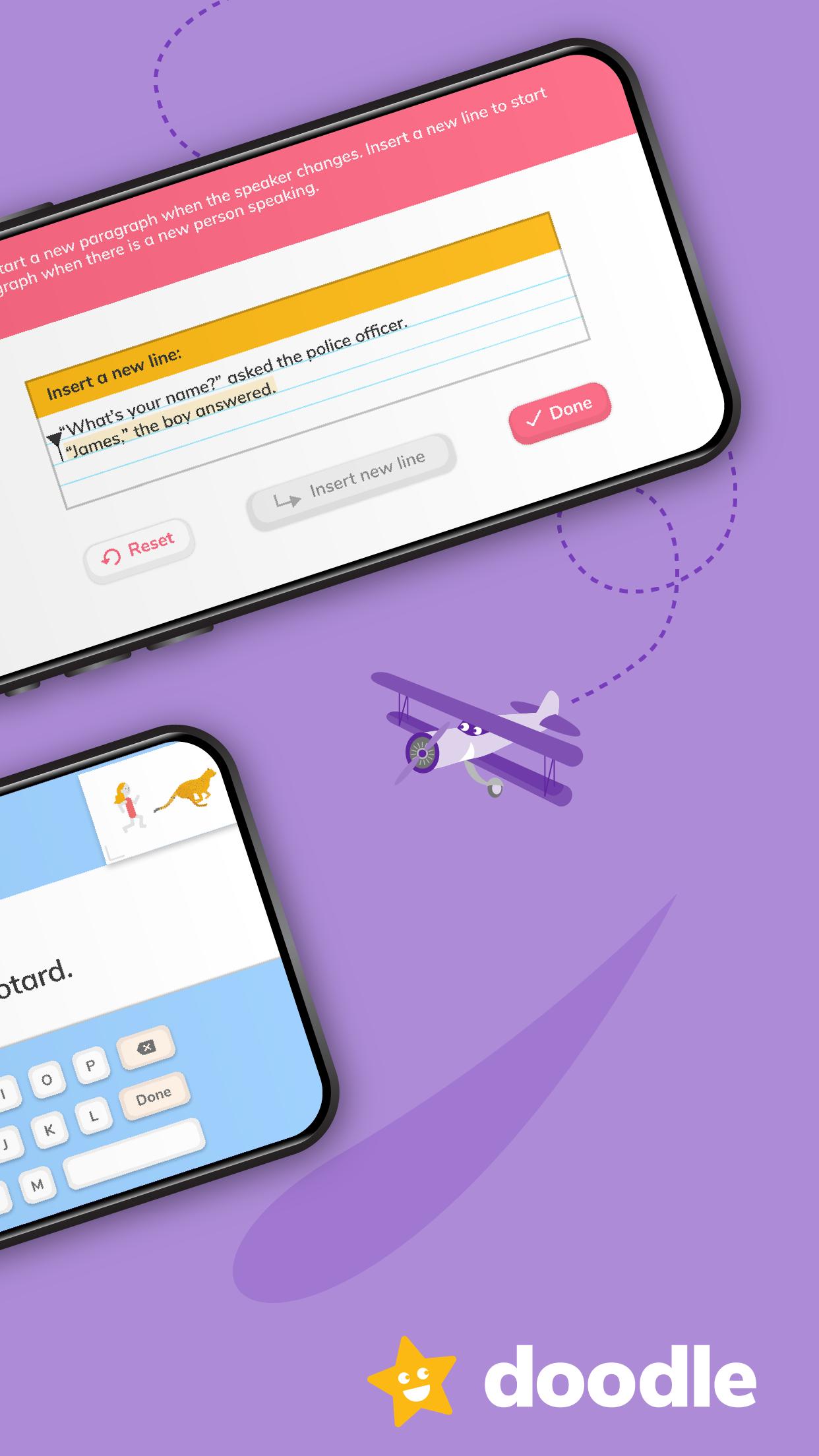
DoodleEnglish builds the confidence of your 5-11 year old with a work programme tailored to their level, strengths and weaknesses. Using Proxima™, the same award-winning technology that powers DoodleEnglish, progression in primary spelling, punctuation, grammar and comprehension is guaranteed.
Parents: with every question answered, Proxima™ learns more about each student’s understanding of English comprehension, grammar and punctuation, building a work programme to improve their ability and confidence. Track progress and help motivate every step of the way through the Parent Dashboard – our online analytics and tracking hub. DoodleEnglish is the low-cost, high-impact alternative to English tuition.
Teachers: whilst necessary, teaching children the finer points of ‘fronted adverbials’ can be dry at the best of times! What’s more, even following a successful lesson, these grammatical rules can be very difficult for children to retain. DoodleEnglish moves children gently and progressively through carefully-authored questions designed to teach children the fundamentals of punctuation and grammar as well as vital comprehension skills. The 7-a-day functionality is brought across from DoodleMaths and implemented in a hugely effective way, constantly reminding children of what they have previously learned: drop terms like ‘adverb’ into your lesson, safe in the knowledge that they are understood by your class and won’t need revisiting before you get started.
DoodleEnglish subscriptions also give full access to DoodleSpell.
We apologise (or apologize!) that DoodleEnglish is only available in UK English at the moment, so you may notice the occasional spelling difference.
For more information or support visit www.help.doodlelearning.com/en/.
Preview
Tags
EducationInformation
Developer
EZ Education
Latest Version
3.6.5
Last Updated
2025-07-03
Category
Education
Available on
Google Play
Show More
How to play DoodleEnglish with GameLoop on PC
1. Download GameLoop from the official website, then run the exe file to install GameLoop
2. Open GameLoop and search for “DoodleEnglish” , find DoodleEnglish in the search results and click “Install”
3. Enjoy playing DoodleEnglish on GameLoop
Minimum requirements
OS
Windows 8.1 64-bit or Windows 10 64-bit
GPU
GTX 1050
CPU
i3-8300
Memory
8GB RAM
Storage
1GB available space
Recommended requirements
OS
Windows 8.1 64-bit or Windows 10 64-bit
GPU
GTX 1050
CPU
i3-9320
Memory
16GB RAM
Storage
1GB available space