
Cpp Droid Guru PC
ATinfotech
Download Cpp Droid Guru on PC With GameLoop Emulator
Cpp Droid Guru on PC
Cpp Droid Guru, coming from the developer ATinfotech, is running on Android systerm in the past.
Now, You can play Cpp Droid Guru on PC with GameLoop smoothly.
Download it in the GameLoop library or search results. No more eyeing the battery or frustrating calls at the wrong time any more.
Just enjoy Cpp Droid Guru PC on the large screen for free!
Cpp Droid Guru Introduction
WHAT’S NEW:-
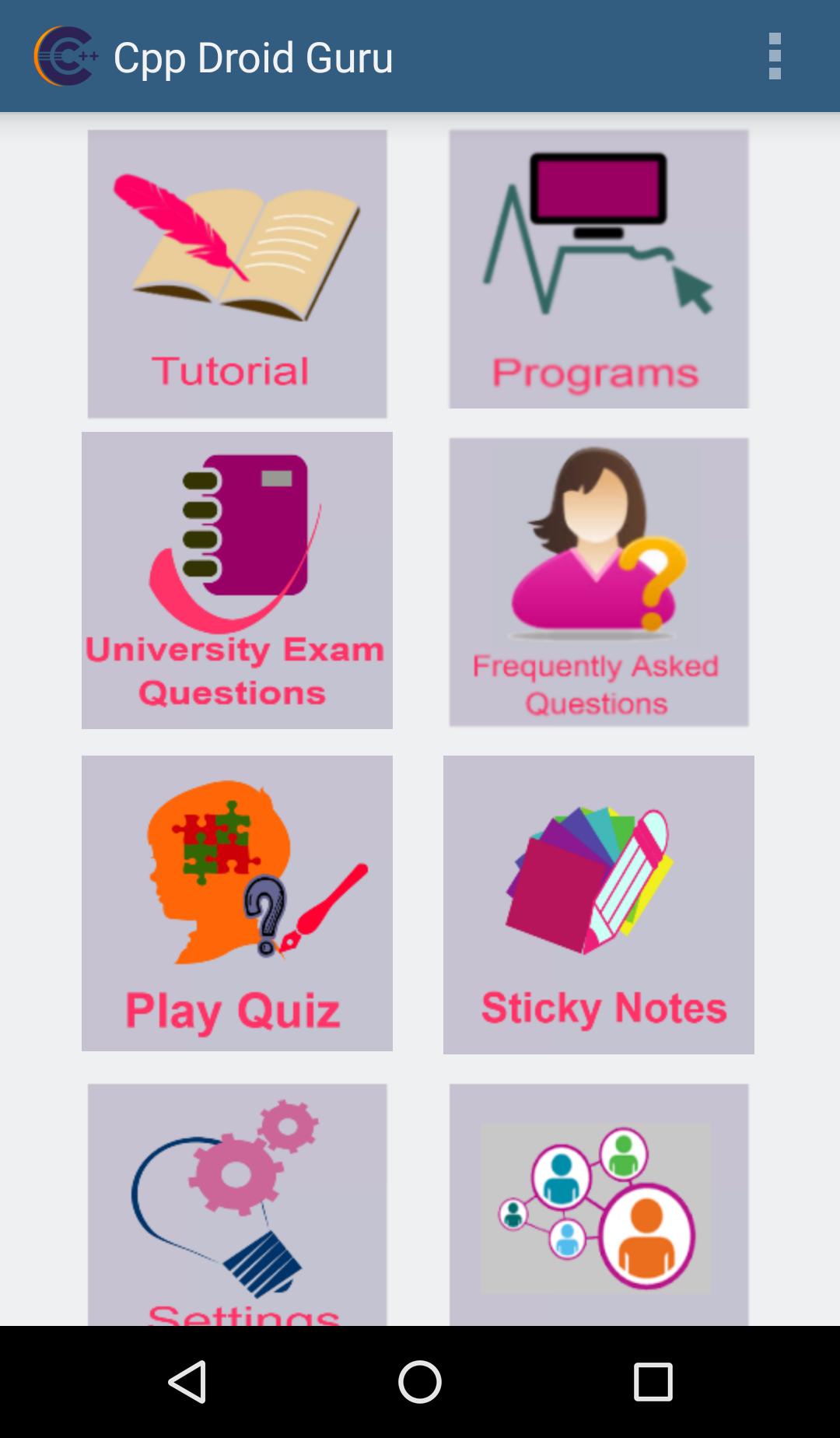
- Colorful Tutorials and Programs with output for better understanding.
- Play Quiz is our brain’s favorite way of learning.Play,Learn and Grow together.
- Sticky Notes can change your life..Simple way of reminding yourself of important notes.
Features:-
- Easy to use.
- Chapter wise complete and colorful C++ Tutorials
- Proper program formatting and indentation 100% working Programs with Output.
- Categorized marks wise University Questions for better learning.
- Mail features for queries, issues and suggestions.
- Chapter wise Play Quiz with results generation.
- Save or note down some important points,update that points and also delete with the use of Sticky Notes.
- One click to share
- Very simple user interface
Best Application for people who want to learn C++ programming.This C++ programming app enables you to carry C++ programming Tutorials in your android phone.
This app has very simple user interface and the contents can be easily understood by the users. It contains C++ programs with output for beginners to practice and improve their skills.
This app has important university questions ,FAQ’s ,User wants to play quiz then it is very easy to improve knowledge,Sticky notes feature is also provide and also share app to your friends and others.
This will definitely help you for preparing for interviews, tests and in many more ways.Whenever and wherever you require any information about C++,you are just a click away.
Preview
Tags
EducationInformation
Developer
ATinfotech
Latest Version
5.0
Last Updated
2025-02-27
Category
Education
Available on
Google Play
Show More
How to play Cpp Droid Guru with GameLoop on PC
1. Download GameLoop from the official website, then run the exe file to install GameLoop
2. Open GameLoop and search for “Cpp Droid Guru” , find Cpp Droid Guru in the search results and click “Install”
3. Enjoy playing Cpp Droid Guru on GameLoop
Minimum requirements
OS
Windows 8.1 64-bit or Windows 10 64-bit
GPU
GTX 1050
CPU
i3-8300
Memory
8GB RAM
Storage
1GB available space
Recommended requirements
OS
Windows 8.1 64-bit or Windows 10 64-bit
GPU
GTX 1050
CPU
i3-9320
Memory
16GB RAM
Storage
1GB available space