
UTKARSH CLASSES PC
ProcreateProgress3
Download UTKARSH CLASSES on PC With GameLoop Emulator
UTKARSH CLASSES on PC
UTKARSH CLASSES, coming from the developer ProcreateProgress3, is running on Android systerm in the past.
Now, You can play UTKARSH CLASSES on PC with GameLoop smoothly.
Download it in the GameLoop library or search results. No more eyeing the battery or frustrating calls at the wrong time any more.
Just enjoy UTKARSH CLASSES PC on the large screen for free!
UTKARSH CLASSES Introduction
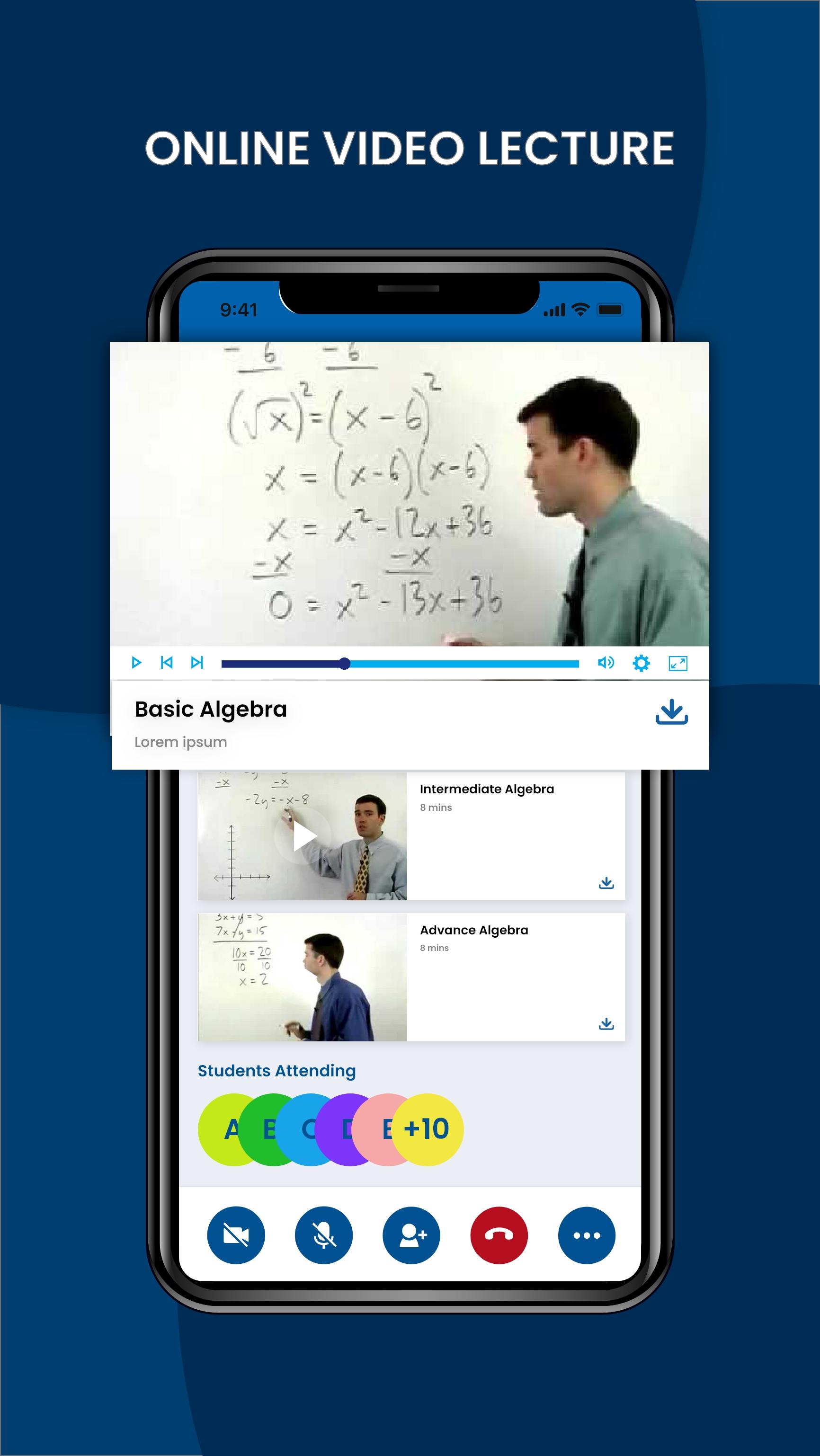
Video lecturing platform:
It is secured and you can use it with any video lecturing format like Zoom, GoogleMeet, Gotomeeting etc. You are assured of safety and privacy.
Best substitute of Tests:
Schedule offline tests for students where the test paper will appear only for the stipulated time and will be removed later.
Students have to compulsorily solve it at that time. The answer sheets can be uploaded by students on the app for the teacher to view and check.
Saves time and efforts of creating links:
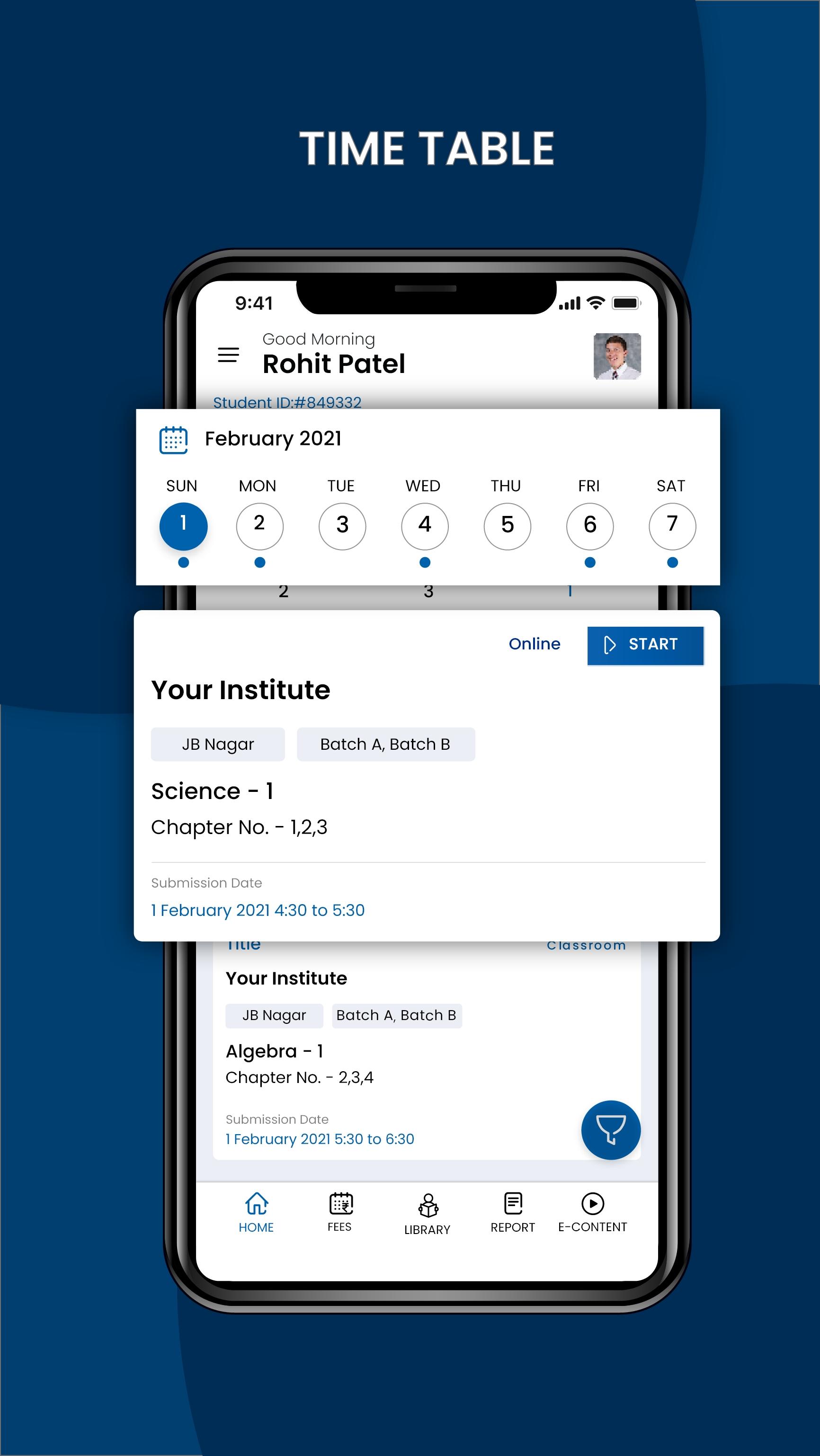
Teachers and students directly connect on the app as per the schedule. No need for your teachers to create and monitor multiple links for every batch and every lecture.
Maintains logbook of every teacher:
APP has multiple features like Online & offline, which will help you evaluate teachers & students‘ performance.
Prepares detailed attendance report:
It has the provision of auto attendance. It also creates a detailed attendance report for every class which includes information about students joining late, exiting early or missing some portions of lectures due to bad bandwidth.
Makes recall and recap easier:
Students can be sent MCQs after every session to recall what they learnt. The APP then shows the performance of every student and helps teachers to decide the topics and time for recall in the next lecture.
Provision for sending Recorded Lecture:
Teachers can also directly send videos to students for revision.
Facilitates access to every session:
Being an admin or host you can enter and exit the system in any class to suggest teachers on ways to improve their online teaching, thus enhancing their productivity as online teaching might not be easy for every teacher.
It’s a great amalgamation of simple user interface design and exciting features; greatly loved by students, parents, and tutors.
Preview
Tags
EducationInformation
Developer
ProcreateProgress3
Latest Version
7.0
Last Updated
2022-11-03
Category
Education
Available on
Google Play
Show More
How to play UTKARSH CLASSES with GameLoop on PC
1. Download GameLoop from the official website, then run the exe file to install GameLoop
2. Open GameLoop and search for “UTKARSH CLASSES” , find UTKARSH CLASSES in the search results and click “Install”
3. Enjoy playing UTKARSH CLASSES on GameLoop
Minimum requirements
OS
Windows 8.1 64-bit or Windows 10 64-bit
GPU
GTX 1050
CPU
i3-8300
Memory
8GB RAM
Storage
1GB available space
Recommended requirements
OS
Windows 8.1 64-bit or Windows 10 64-bit
GPU
GTX 1050
CPU
i3-9320
Memory
16GB RAM
Storage
1GB available space