
LaunchPAD by KG Apps PC
KG Apps Centro de Desarrollo de Tecnología
Download LaunchPAD by KG Apps on PC With GameLoop Emulator
LaunchPAD by KG Apps on PC
LaunchPAD by KG Apps, coming from the developer KG Apps Centro de Desarrollo de Tecnología, is running on Android systerm in the past.
Now, You can play LaunchPAD by KG Apps on PC with GameLoop smoothly.
Download it in the GameLoop library or search results. No more eyeing the battery or frustrating calls at the wrong time any more.
Just enjoy LaunchPAD by KG Apps PC on the large screen for free!
LaunchPAD by KG Apps Introduction
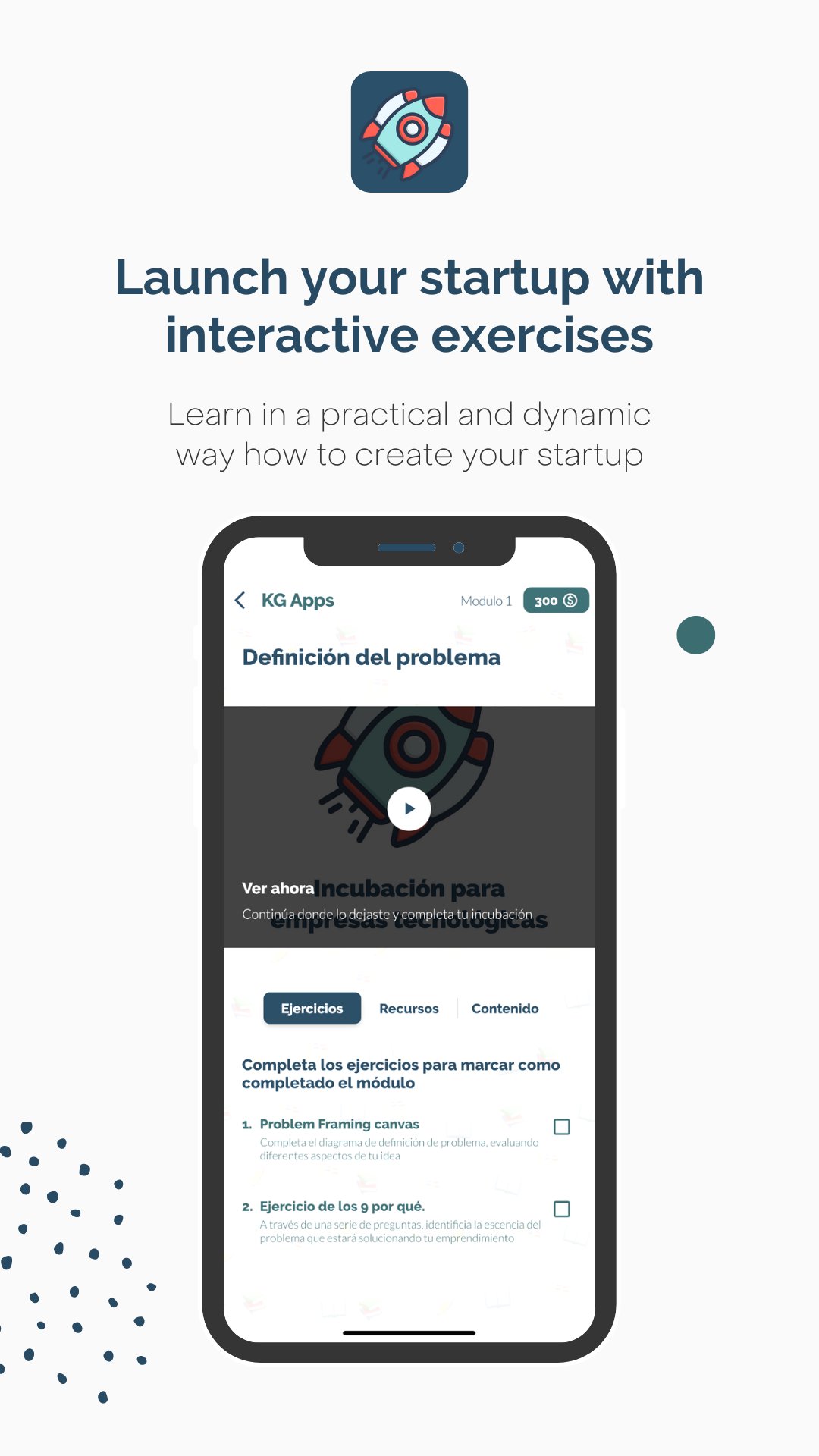
Are you tired of traditional incubation programs that require you to show up in person? LaunchPAD by KG Apps offers a fully remote and digital program that lets you incubate your startup idea from the comfort of your own home. With modules covering Design Thinking, Design Sprint, financing, launch and Branding, you'll have all the tools you need to make your startup a success.
In addition, with in-app exercises, custom sessions, and software development services available, you'll be able to take your idea to the next level. Among the main features you can find:
• 100% remote and digital incubation program.
• In-app exercises and workshops.
• Generate your One Page.
• Link your startups with accelerators and entrepreneurship networks at the end of the program.
• Discover benefits from partners and other startups.
• Option to unlock modules one by one or purchase the entire program at a discount.
• Custom sessions available upon request.
• Discounts for designing and programming your Startup.
• Referral program available to incubate your startup for free by recommending the platform to others.
• The first module is free and allows up to three co-founders to work together.
So what are you waiting for? Download LaunchPAD by KG Apps today and turn your startup dream into a reality!
Preview

Tags
EducationInformation
Developer
KG Apps Centro de Desarrollo de Tecnología
Latest Version
1.0.1
Last Updated
2023-02-16
Category
Education
Available on
Google Play
Show More
How to play LaunchPAD by KG Apps with GameLoop on PC
1. Download GameLoop from the official website, then run the exe file to install GameLoop
2. Open GameLoop and search for “LaunchPAD by KG Apps” , find LaunchPAD by KG Apps in the search results and click “Install”
3. Enjoy playing LaunchPAD by KG Apps on GameLoop
Minimum requirements
OS
Windows 8.1 64-bit or Windows 10 64-bit
GPU
GTX 1050
CPU
i3-8300
Memory
8GB RAM
Storage
1GB available space
Recommended requirements
OS
Windows 8.1 64-bit or Windows 10 64-bit
GPU
GTX 1050
CPU
i3-9320
Memory
16GB RAM
Storage
1GB available space