
Pocket Python PC
Python programming
Download Pocket Python on PC With GameLoop Emulator
Pocket Python on PC
Pocket Python, coming from the developer Python programming, is running on Android systerm in the past.
Now, You can play Pocket Python on PC with GameLoop smoothly.
Download it in the GameLoop library or search results. No more eyeing the battery or frustrating calls at the wrong time any more.
Just enjoy Pocket Python PC on the large screen for free!
Pocket Python Introduction
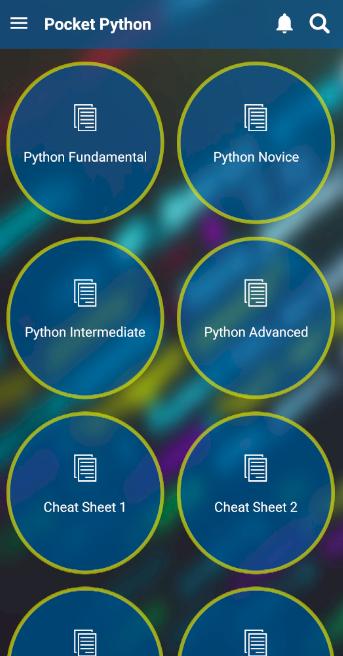
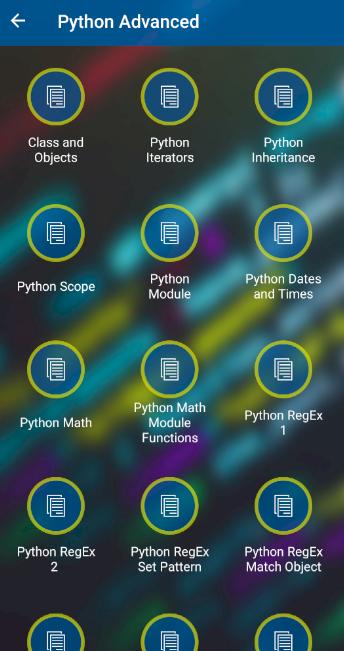
Pocket Python provide a full course about Python programming language from basics to advanced.
Each Python topic comes with explanation and code examples to provided a better understanding an hands on activity experience.
The Python programming concepts are explained clearly with examples.
The Python codes provided in this course are free. You can use or modify them according to your needs.
Python Projects section, provides many fun and functional projects which are handy for a Python learner.
Python Cheat Sheet section provides a short form of each topic in Python. This cheat sheet is really handy for new learners and advanced programmers.
Inter View Quiz section provides many updated questions which are mainly asked during interviews. This quiz provides an immediate feedback on your results and performance.
Python compiler allows users to practice programming and test their knowledge on Python concepts anywhere anytime.
Learning codes and programming in Python environment will be really interesting and engaging.
Just follow the tutorials one by one and try the provided codes in the compiler.
Find the projects and try to understand the lines of code. Try them in the compiler and see the results.
Try to modify the codes and enjoy coding.
Preview
Tags
EducationInformation
Developer
Python programming
Latest Version
1.1.3
Last Updated
2021-01-02
Category
Education
Available on
Google Play
Show More
How to play Pocket Python with GameLoop on PC
1. Download GameLoop from the official website, then run the exe file to install GameLoop
2. Open GameLoop and search for “Pocket Python” , find Pocket Python in the search results and click “Install”
3. Enjoy playing Pocket Python on GameLoop
Minimum requirements
OS
Windows 8.1 64-bit or Windows 10 64-bit
GPU
GTX 1050
CPU
i3-8300
Memory
8GB RAM
Storage
1GB available space
Recommended requirements
OS
Windows 8.1 64-bit or Windows 10 64-bit
GPU
GTX 1050
CPU
i3-9320
Memory
16GB RAM
Storage
1GB available space