Solar System Planets 3D View PC
Lymbda Apps
Download Solar System Planets 3D View on PC With GameLoop Emulator
Solar System Planets 3D View on PC
Solar System Planets 3D View, coming from the developer Lymbda Apps, is running on Android systerm in the past.
Now, You can play Solar System Planets 3D View on PC with GameLoop smoothly.
Download it in the GameLoop library or search results. No more eyeing the battery or frustrating calls at the wrong time any more.
Just enjoy Solar System Planets 3D View PC on the large screen for free!
Solar System Planets 3D View Introduction
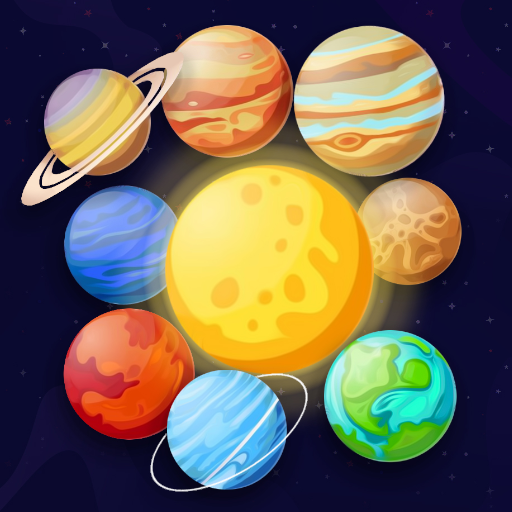
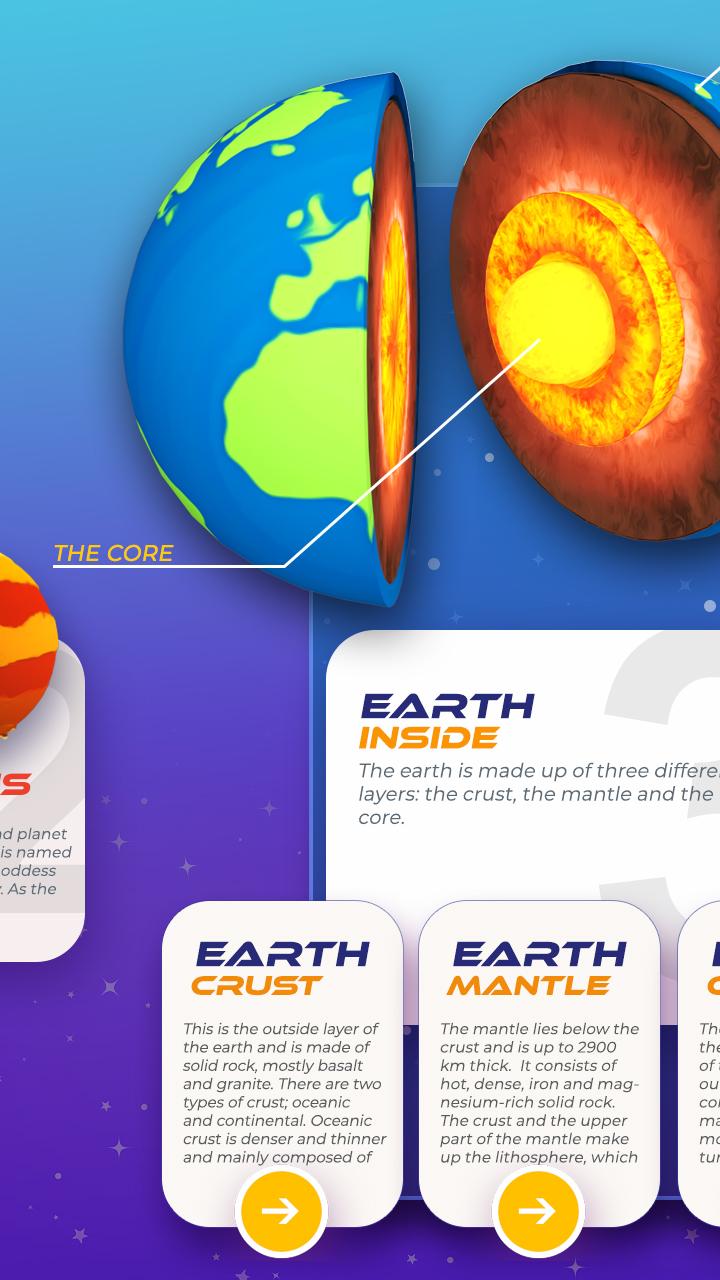
Study solar system planets and explore home planet and donut planet with authentic models. Interior models of the planets with 3D view. Solar system planets 3d view is designed for all astronomy students and teachers. Explore all 3d planets models and also planets internal layers visualization. Special features like pinch and zoom of planets models making the app more intrusting and easy. Check size of the planets perfectly and explore smallest planet, hottest planet and exoplanet. The four Jovian planets are: Jupiter, Saturn, Uranus, and Neptune. These planets also comprise the outer planets of our solar system. In an outer spiral arm of the Milky Way galaxy is where our solar system is situated.
Our solar system is made up of our star, the Sun, and everything gravitationally connected to it, including the moons, asteroids, comets, and millions of asteroids, comets, and asteroids, as well as the planets Mercury, Venus, Earth, Mars, Jupiter, Saturn, Uranus, and Neptune.
More planets than stars can be found in the universe beyond our own solar system. We have so far detected millions of planetary systems in the Milky Way that are orbiting other stars, and we continue to find new planets.
Mercury planet:
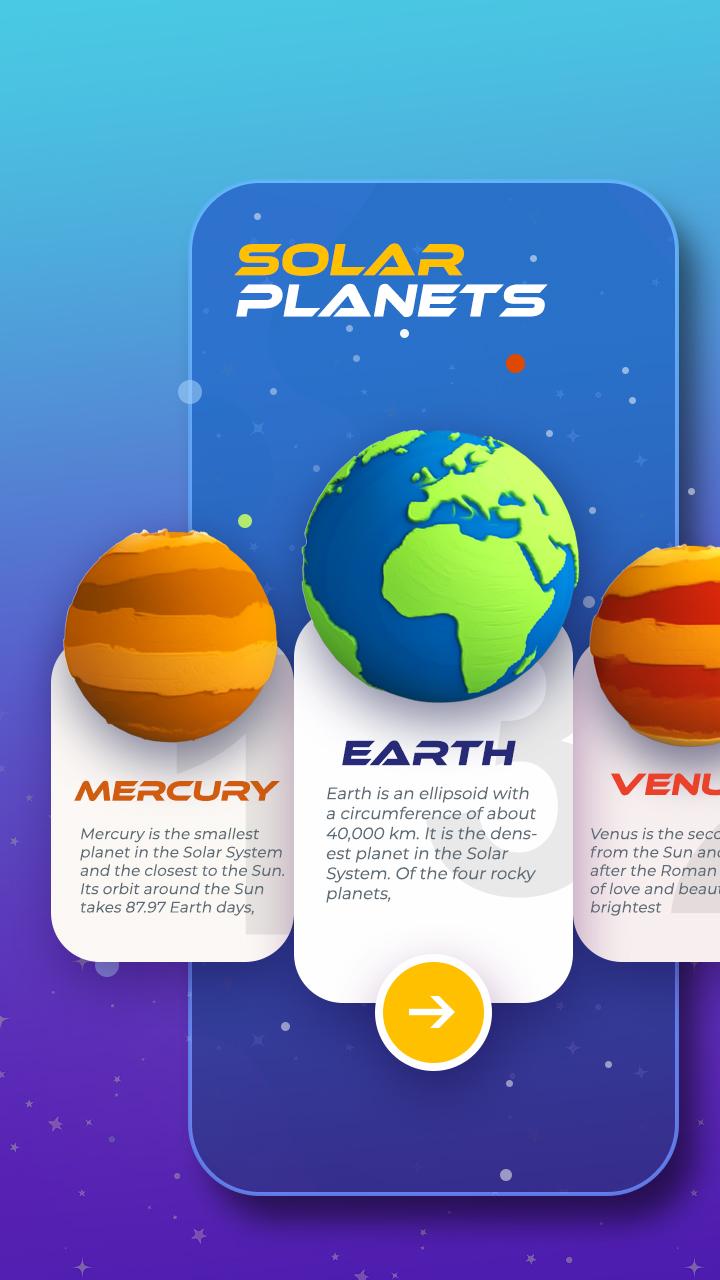
Mercury is the smallest planet in the Solar System and the closest to the Sun. Its orbit around the Sun takes 87.97 Earth days, the shortest of all the Sun's planets.
Venus Planet:
Venus is the second planet from the Sun and is the hottest planet in the solar system. It is sometimes called Earth's "sister" or "twin" planet and the brightest planet.
Earth Planet:
Earth is the third planet from the Sun. The earth is the only astronomical object known to harbor life. Study age, radius, surface area, distance from the sun and much more about earth in this app.
Planet Mars:
Mars the red planet is the fourth planet from the Sun and the second-smallest planet in the Solar System, being larger than only Mercury. Study facts about mars, mission to mars, mars gravity.
Jupiter Planet:
Jupiter is the fifth planet from the Sun and the largest in the Solar System. It is a gas giant and comes under Jovian planets. It is the largest planet in the solar system having largest moon in the solar system.
Saturn Planet:
Saturn is the sixth planet from the Sun and planet with rings. Study Saturn rings and Saturn moon. Titan moon is one of the Saturn moons.
Uranus planet:
Uranus is the seventh planet from the Sun. This app has some interesting facts about Uranus, Uranus moon, Uranus rotation and fun facts about Uranus.
Neptune Planet:
Neptune is the eighth planet from the Sun and the farthest known solar planet. Study facts about Neptune, Neptune ring and Neptune moon.
Pluto Planet:
Pluto is a dwarf planet in the Kuiper belt, a ring of bodies beyond the orbit of Neptune. Pluto is not a planet.
Install now solar system planets 3d view app and don’t forget to review 5 stars. In case of any issue email us at lymbdaapps@gmail.com.
Preview
Tags
EducationInformation
Developer
Lymbda Apps
Latest Version
1.0.4
Last Updated
2023-08-10
Category
Education
Available on
Google Play
Show More
How to play Solar System Planets 3D View with GameLoop on PC
1. Download GameLoop from the official website, then run the exe file to install GameLoop
2. Open GameLoop and search for “Solar System Planets 3D View” , find Solar System Planets 3D View in the search results and click “Install”
3. Enjoy playing Solar System Planets 3D View on GameLoop
Minimum requirements
OS
Windows 8.1 64-bit or Windows 10 64-bit
GPU
GTX 1050
CPU
i3-8300
Memory
8GB RAM
Storage
1GB available space
Recommended requirements
OS
Windows 8.1 64-bit or Windows 10 64-bit
GPU
GTX 1050
CPU
i3-9320
Memory
16GB RAM
Storage
1GB available space