Car games and puzzles for kids PC
Abuzz
Download Car games and puzzles for kids on PC With GameLoop Emulator
Car games and puzzles for kids on PC
Car games and puzzles for kids, coming from the developer Abuzz, is running on Android systerm in the past.
Now, You can play Car games and puzzles for kids on PC with GameLoop smoothly.
Download it in the GameLoop library or search results. No more eyeing the battery or frustrating calls at the wrong time any more.
Just enjoy Car games and puzzles for kids PC on the large screen for free!
Car games and puzzles for kids Introduction
Cars, trucks, planes, trains, rockets — if it moves, your kid can play with it here!
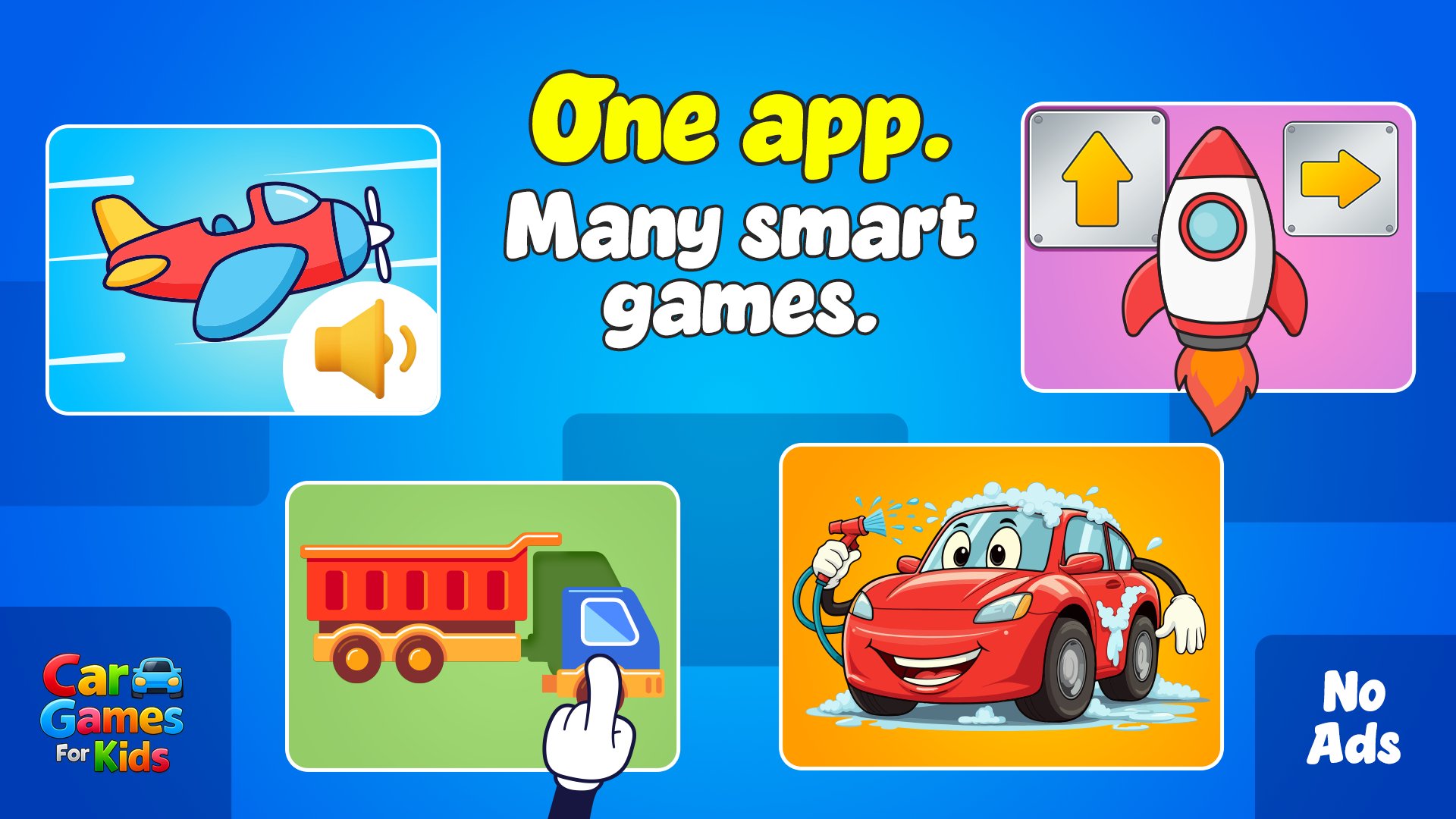
Vehicles Puzzle is a big collection of car games and puzzles for kids and toddlers, all in one app. Boys and girls love it, and parents love that it actually teaches something while they play.
Inside there are 20+ different games and activities, so kids don't get bored fast like with other apps:
🧩 Puzzles:
Classic puzzles with 100+ vehicles — finish it and hear the name + the real vehicle sound.
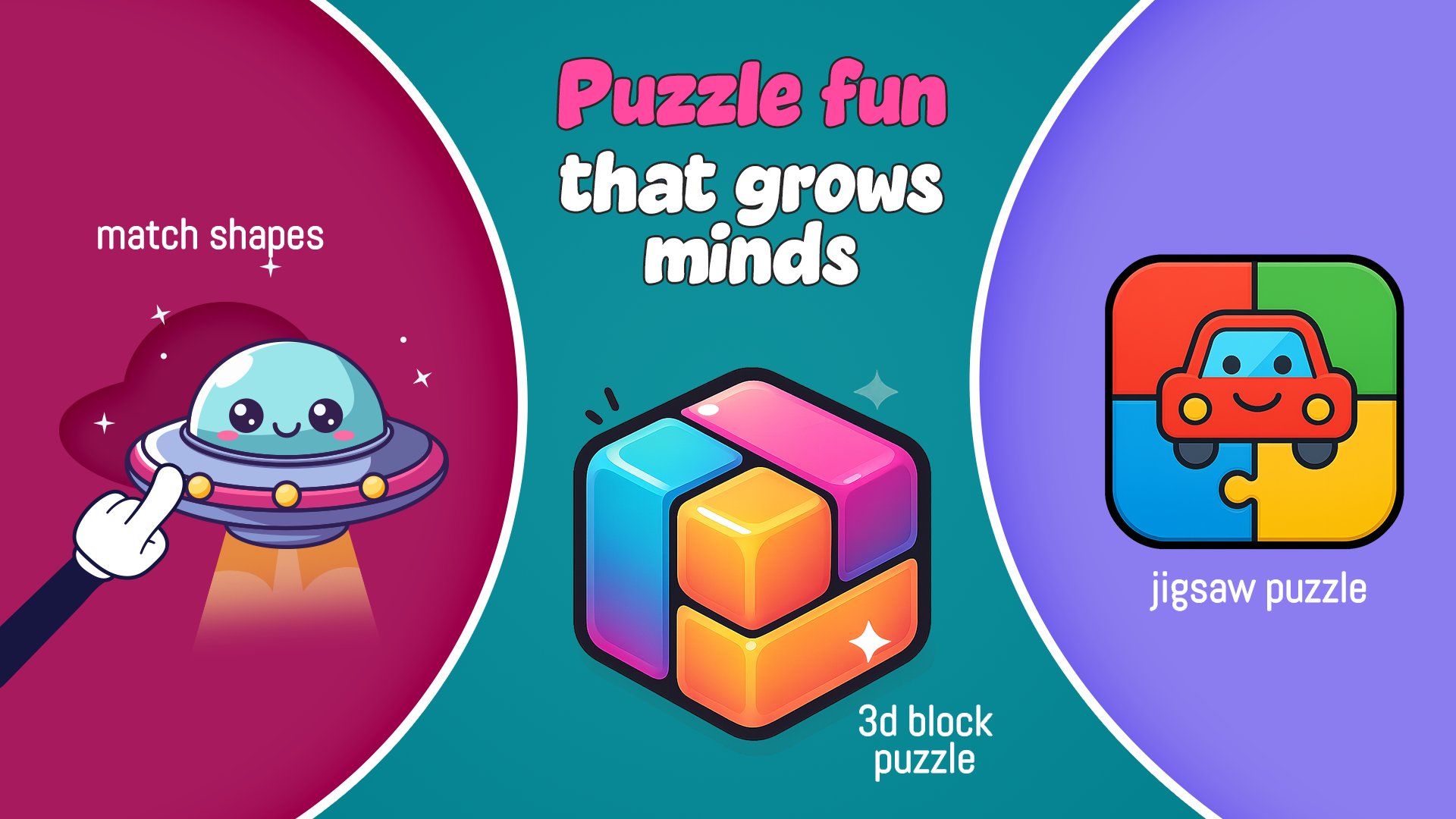
Jigsaw puzzles.
Shadow puzzles — match the car to its shadow in the scene.
3D block puzzles — rotate the pieces to build the vehicle.
🚗 Racing games:
Easy racing for toddlers (just go!).
Arcade racing with a jump button to jump over obstacles.
Different cars, terrains and levels.
🧠 Brain & memory:
Memory match (find the pairs).
The train memory game — watch what passes, then put it back.
UFO pattern game — copy the blinking lights.
Odd one out, direction matching, pair tapping.
🔊 Learning games:
Listen to the sound, pick the right vehicle
Hear the name, find it
Right name or wrong? (great for reading)
Sorting — land, air, water… where does it go?
🎈 And more:
Balloon pop with hidden vehicles
Car washing — clean the dirty car step by step (kids ask for this one again and again)
Kids learn vehicle names, sounds and pronunciation in 30+ languages, and build memory, focus, matching and fine motor skills without even realising it.
Made for little hands — simple, colourful, no confusing menus.
We add new games and content regularly. Got an idea or feedback? Write us at kids@iabuzz.com or visit www.iabuzz.com
Preview
Tags
EducationInformation
Developer
Abuzz
Latest Version
10.0.5
Last Updated
2026-08-13
Category
Education
Available on
Google Play
Show More
How to play Car games and puzzles for kids with GameLoop on PC
1. Download GameLoop from the official website, then run the exe file to install GameLoop
2. Open GameLoop and search for “Car games and puzzles for kids” , find Car games and puzzles for kids in the search results and click “Install”
3. Enjoy playing Car games and puzzles for kids on GameLoop
Minimum requirements
OS
Windows 8.1 64-bit or Windows 10 64-bit
GPU
GTX 1050
CPU
i3-8300
Memory
8GB RAM
Storage
1GB available space
Recommended requirements
OS
Windows 8.1 64-bit or Windows 10 64-bit
GPU
GTX 1050
CPU
i3-9320
Memory
16GB RAM
Storage
1GB available space