Bookbot Phonics Books for Kids PC
Bookbot
Download Bookbot Phonics Books for Kids on PC With GameLoop Emulator
Bookbot Phonics Books for Kids on PC
Bookbot Phonics Books for Kids, coming from the developer Bookbot, is running on Android systerm in the past.
Now, You can play Bookbot Phonics Books for Kids on PC with GameLoop smoothly.
Download it in the GameLoop library or search results. No more eyeing the battery or frustrating calls at the wrong time any more.
Just enjoy Bookbot Phonics Books for Kids PC on the large screen for free!
Bookbot Phonics Books for Kids Introduction
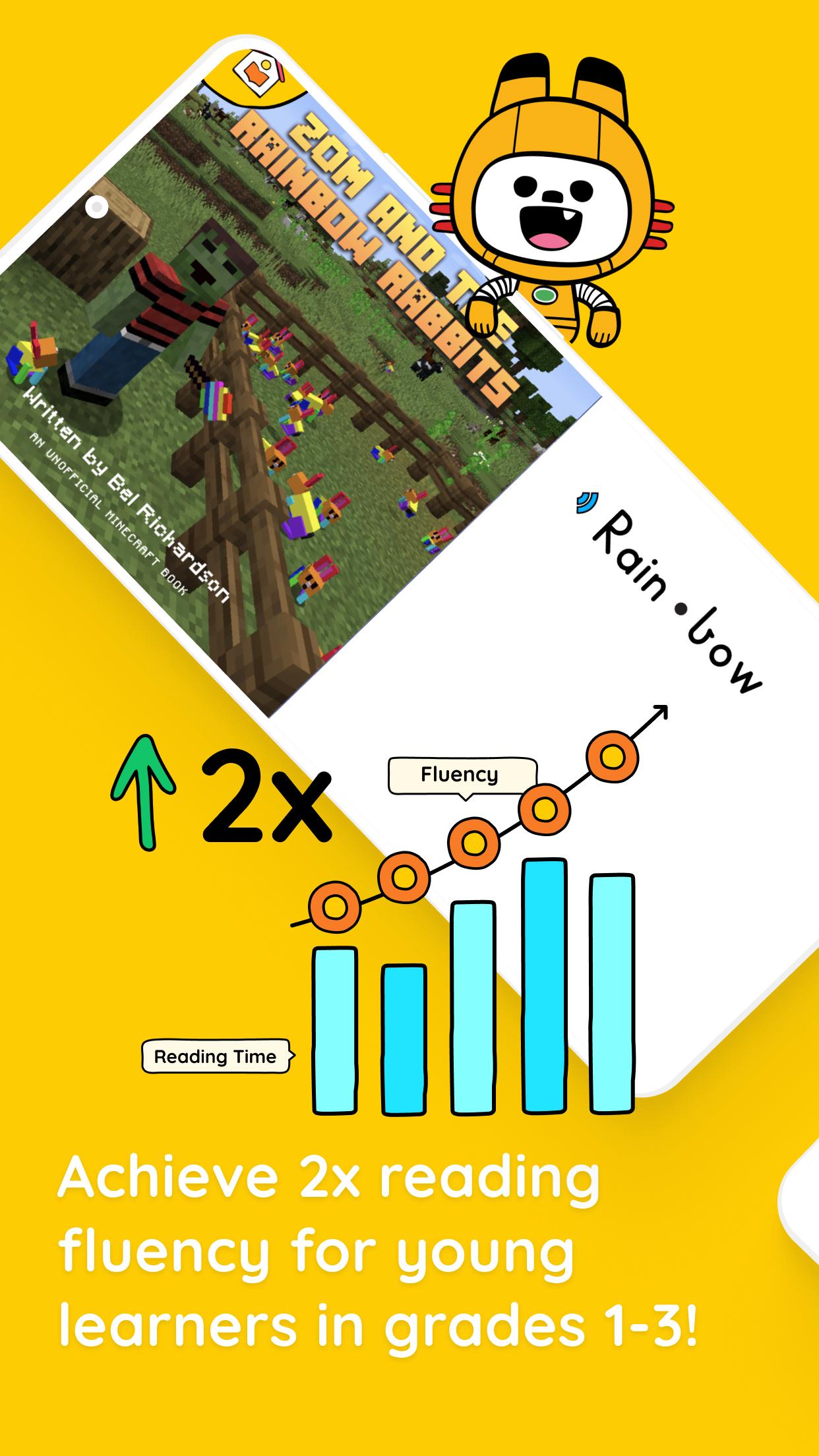
Is your child having a hard time with reading? No worries! Give your child a boost with Bookbot – a virtual reading assistant that will listen to your child read aloud, helping them along the way. Your child will gain valuable confidence as their reading skills improve.
Features
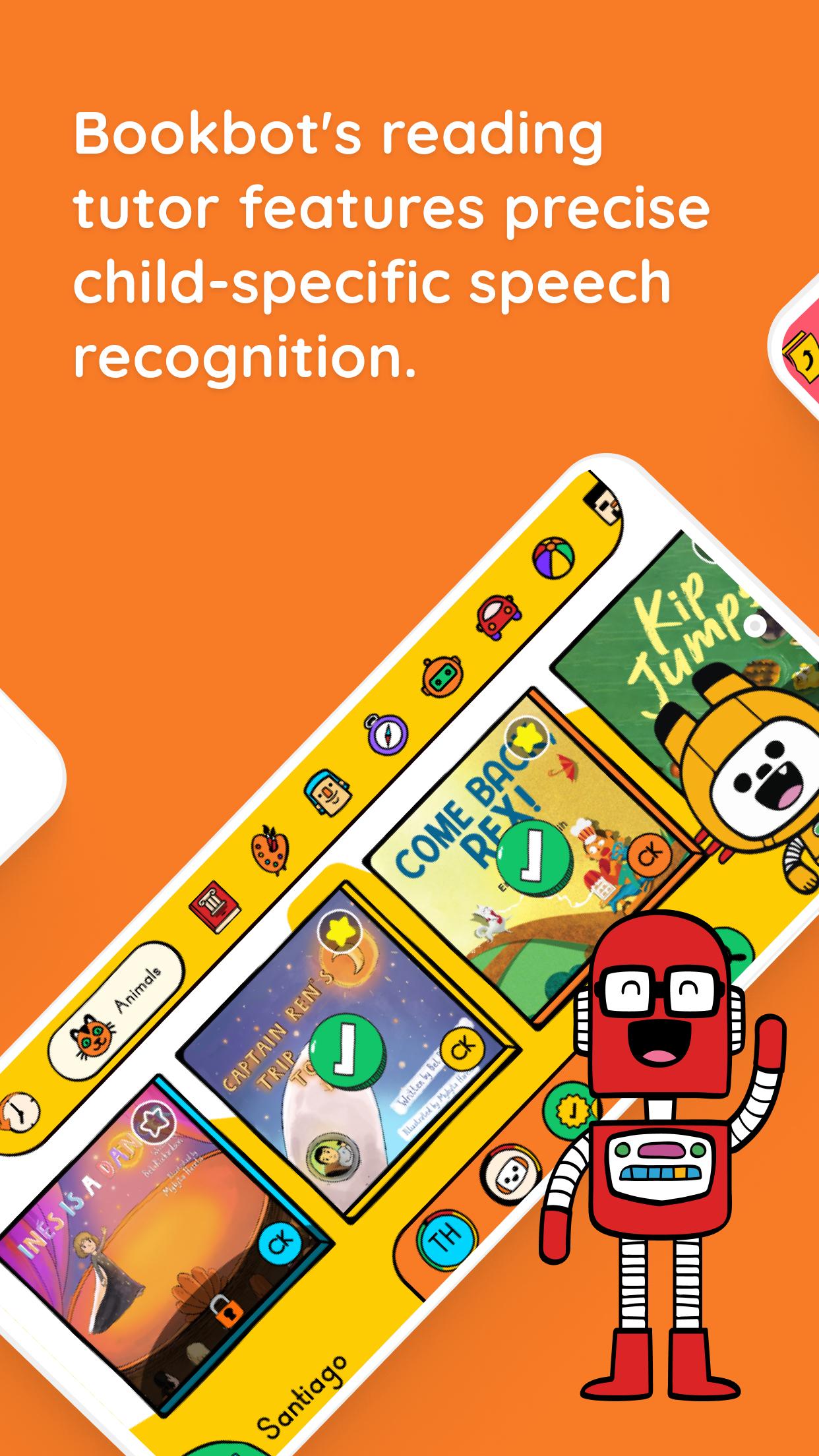
* Bookbot listens to your child read out loud, giving feedback as they go.
* Hundreds of phonics books to build reading confidence.
* Words and syllables are spoken to help pronunciation.
* Awards and stamps to get your child reading more.
* Bookbot reads aloud while your child follows along.
* Proven approach: Dramatic improvements in fluency and accuracy.
Bookbot was developed by a team passionate about creating the best learn-to-read app based on scientifically proven techniques. Using a phonics approach endorsed by numerous reading experts, Bookbot will develop your child’s reading confidence at their pace. Bookbot was inspired by children who need a dyslexia app, but it works for everyone.
Preview
Tags
EducationInformation
Developer
Bookbot
Latest Version
3.2.30
Last Updated
2024-08-15
Category
Education
Available on
Google Play
Show More
How to play Bookbot Phonics Books for Kids with GameLoop on PC
1. Download GameLoop from the official website, then run the exe file to install GameLoop
2. Open GameLoop and search for “Bookbot Phonics Books for Kids” , find Bookbot Phonics Books for Kids in the search results and click “Install”
3. Enjoy playing Bookbot Phonics Books for Kids on GameLoop
Minimum requirements
OS
Windows 8.1 64-bit or Windows 10 64-bit
GPU
GTX 1050
CPU
i3-8300
Memory
8GB RAM
Storage
1GB available space
Recommended requirements
OS
Windows 8.1 64-bit or Windows 10 64-bit
GPU
GTX 1050
CPU
i3-9320
Memory
16GB RAM
Storage
1GB available space