
Baby Shark World for Kids PC
The Pinkfong Company
Download Baby Shark World for Kids on PC With GameLoop Emulator
Baby Shark World for Kids on PC
Baby Shark World for Kids, coming from the developer The Pinkfong Company, is running on Android systerm in the past.
Now, You can play Baby Shark World for Kids on PC with GameLoop smoothly.
Download it in the GameLoop library or search results. No more eyeing the battery or frustrating calls at the wrong time any more.
Just enjoy Baby Shark World for Kids PC on the large screen for free!
Baby Shark World for Kids Introduction
From trending favorites to personalized picks — all in one place!
Discover Baby Shark and Bebefinn videos and games your child will love—no guesswork, only on Baby Shark World for Kids. (Some content may be excluded)
Baby Shark World for Kids: an all-in-one fun learning app for babies, toddlers, and kindergarten children!
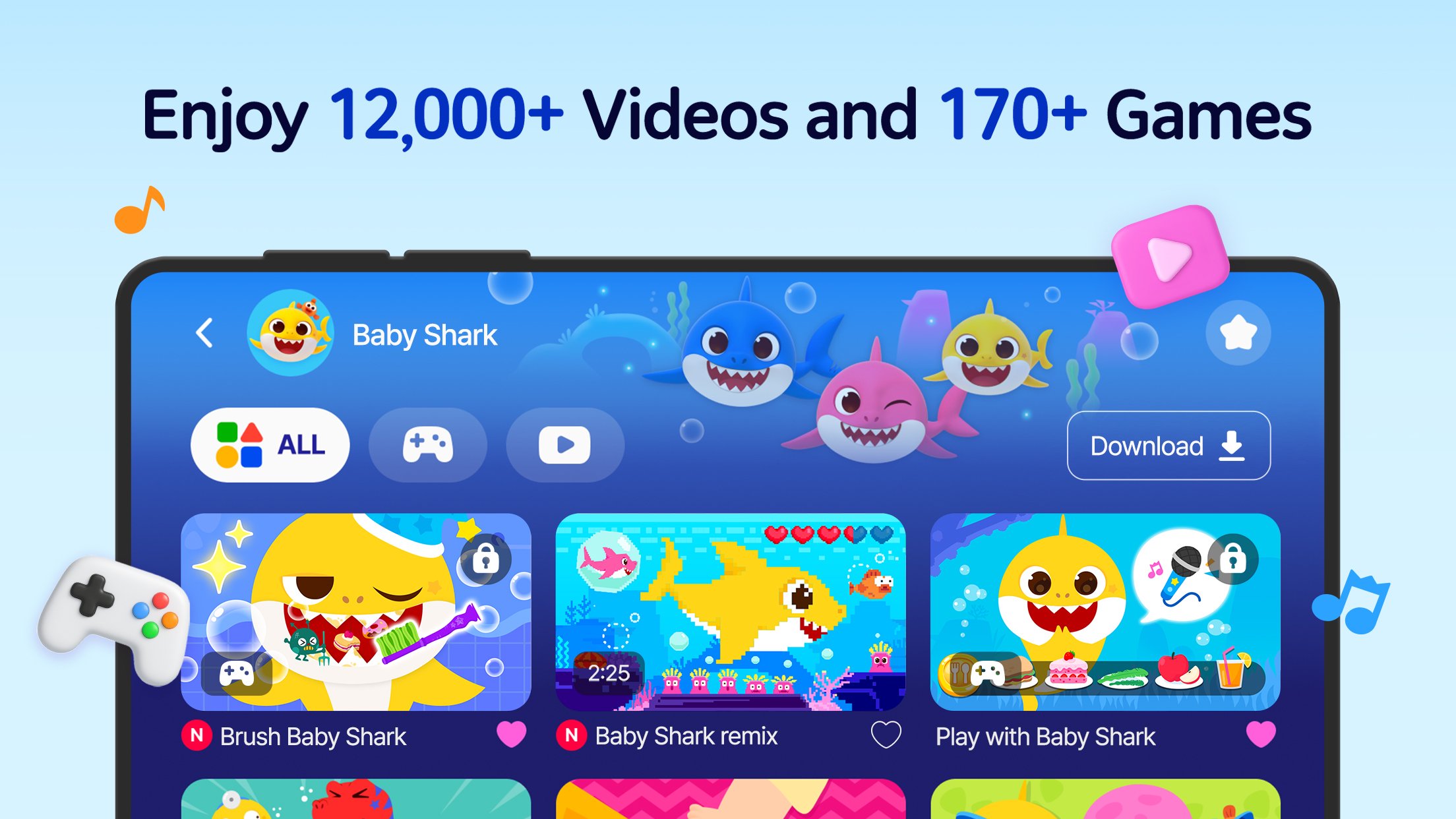
YouTube stars Baby Shark, Pinkfong and friends invite kids to enjoy 12,000+ songs, videos, and learning games for kids.
Explore 25 educational topics, including Phonics, Numbers, Shapes and Colors, Dinosaurs and other creative activities.
*Available Languages: English, Korean, Simplified Chinese, Japanese, Spanish, Portuguese, Indonesian.
[Learn through Play]
- Build English vocabulary and explore other languages through songs, stories, and interactive activities.
- Enjoy cool math games for 123 numbers and counting.
- Develop basic concepts like shapes&colors and animals, and boost your child’s imagination through coloring activities.
- Learn about dinosaurs by digging up fossils and brushing dino teeth in fun-filled dino games.
[High-quality Songs & Videos]
- Sing along to fun educational songs with Baby Shark and friends.
- Enjoy colorful cartoon videos featuring Baby Shark, Pinkfong, and Bebefinn.
- Nursery rhyme videos like Baby Shark remix help preschoolers, toddlers, and babies boost their creativity.
[Personalized Learning for Your Child]
- Get personalized recommendations based on your child’s watch history and content keywords.
- Enjoy the “Today’s Picks” board, updated 3 times a day to help you find your child’s favorite videos even faster.
- Add videos and games to Favorites anytime, even while watching, and save up to 500 favorite items.
- Check out the daily Top 10, based on global user’s veiwing data, and see what other kids love watching.
[Safe & Parent-Friendly Features]
- New Kids Timer feature! Set daily screen time limits in Settings to help build healthy media habits.
- Download content to watch offline.
- Contains professionally-made and safe content for all children.
- Use the Kids Lock feature to prevent children from exiting the app.
-----------------
Baby Shark is now the most-viewed video on YouTube with over 10 billion views!
Join us and explore a world of fun learning activities now!
Start your kindergarten child’s learning journey with trusted songs, games for kids, and engaging cartoons today.
You can also access more premium educational content with a Pinkfong Plus membership!
-
A World of Play + Learning
- Discover a premium kids' membership designed by Pinkfong's unique expertise!
• Official Website: https://fong.kr/pinkfongplus/
• What's so great about Pinkfong Plus:
1. 30+ apps with different themes and levels for each stage of child development!
2. Interactive play and educational content that allows for self-directed learning!
3. Unlock all premium content
4. Block unsafe ads and inappropriate content
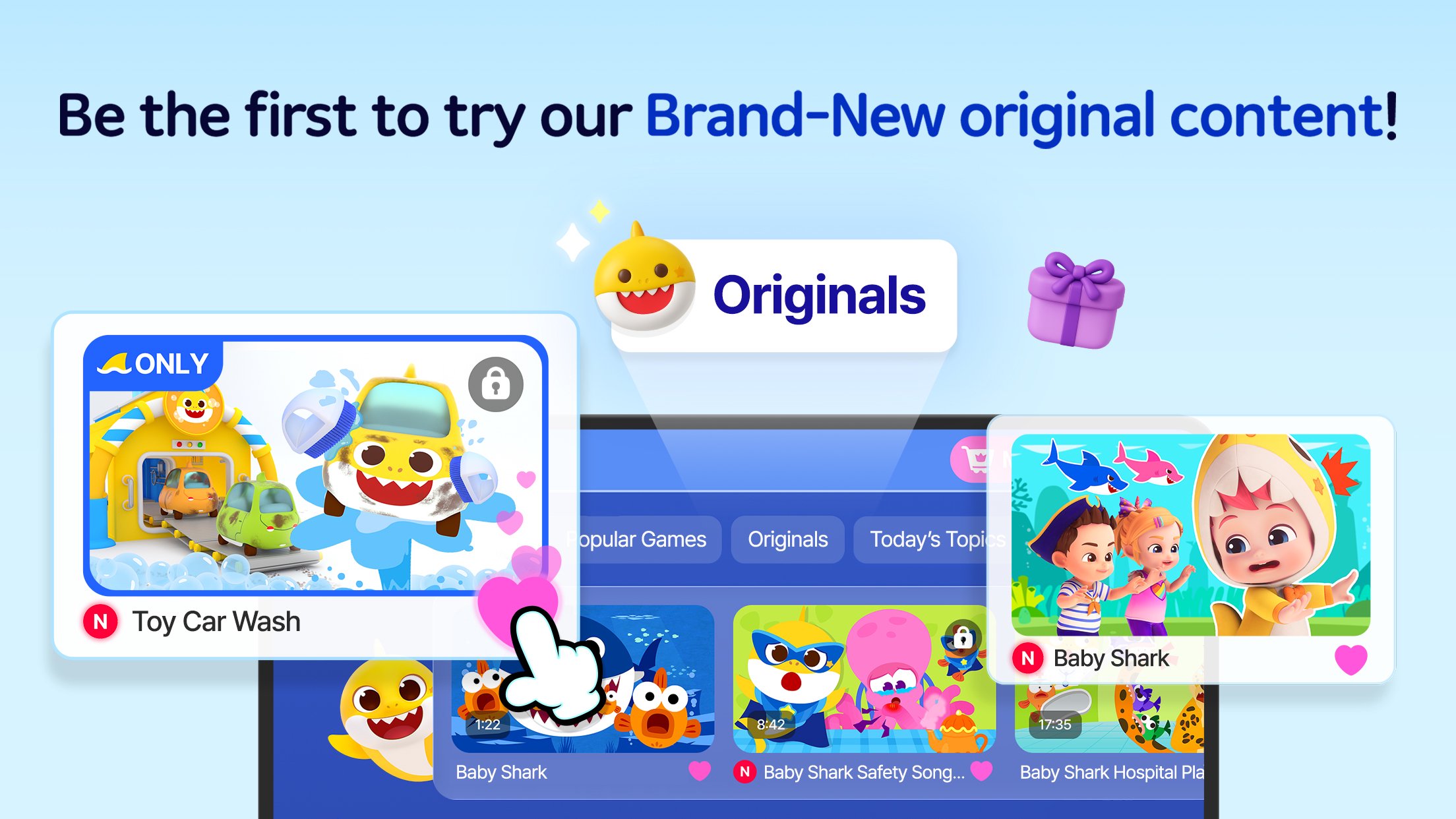
5. Exclusive Pinkfong Plus original content only available to members!
6. Connect with various devices such as smartphones, tablets, and smart TVs
7. Certified by teachers and professional organizations!
• Unlimited apps available with Pinkfong Plus:
- Bebefinn Town, Bebefinn Birthday Party, Baby Shark English, Bebefinn Play Phone, Baby Shark Dentist Play, Bebefinn Baby Care, Baby Shark Hospital Play + more!
- More available apps will be updated soon.
- Click the 'More Apps' button on each app's main screen or search for the app on Google Play!
-
Privacy Policy:
https://pid.pinkfong.com/terms?type=privacy-policy
Terms of Use of Pinkfong Integrated Services:
https://pid.pinkfong.com/terms?type=terms-and-conditions
Terms of Use of Pinkfong Interactive App:
https://pid.pinkfong.com/terms?type=interactive-terms-and-conditions
Preview
Tags
EducationInformation
Developer
The Pinkfong Company
Latest Version
4.28
Last Updated
2026-08-13
Category
Education
Available on
Google Play
Show More
How to play Baby Shark World for Kids with GameLoop on PC
1. Download GameLoop from the official website, then run the exe file to install GameLoop
2. Open GameLoop and search for “Baby Shark World for Kids” , find Baby Shark World for Kids in the search results and click “Install”
3. Enjoy playing Baby Shark World for Kids on GameLoop
Minimum requirements
OS
Windows 8.1 64-bit or Windows 10 64-bit
GPU
GTX 1050
CPU
i3-8300
Memory
8GB RAM
Storage
1GB available space
Recommended requirements
OS
Windows 8.1 64-bit or Windows 10 64-bit
GPU
GTX 1050
CPU
i3-9320
Memory
16GB RAM
Storage
1GB available space