
Analitik Kimya Laboratuvarı PC
Kürşat ÖZTAŞ
Download Analitik Kimya Laboratuvarı on PC With GameLoop Emulator
Analitik Kimya Laboratuvarı on PC
Analitik Kimya Laboratuvarı, coming from the developer Kürşat ÖZTAŞ, is running on Android systerm in the past.
Now, You can play Analitik Kimya Laboratuvarı on PC with GameLoop smoothly.
Download it in the GameLoop library or search results. No more eyeing the battery or frustrating calls at the wrong time any more.
Just enjoy Analitik Kimya Laboratuvarı PC on the large screen for free!
Analitik Kimya Laboratuvarı Introduction
Application Description:
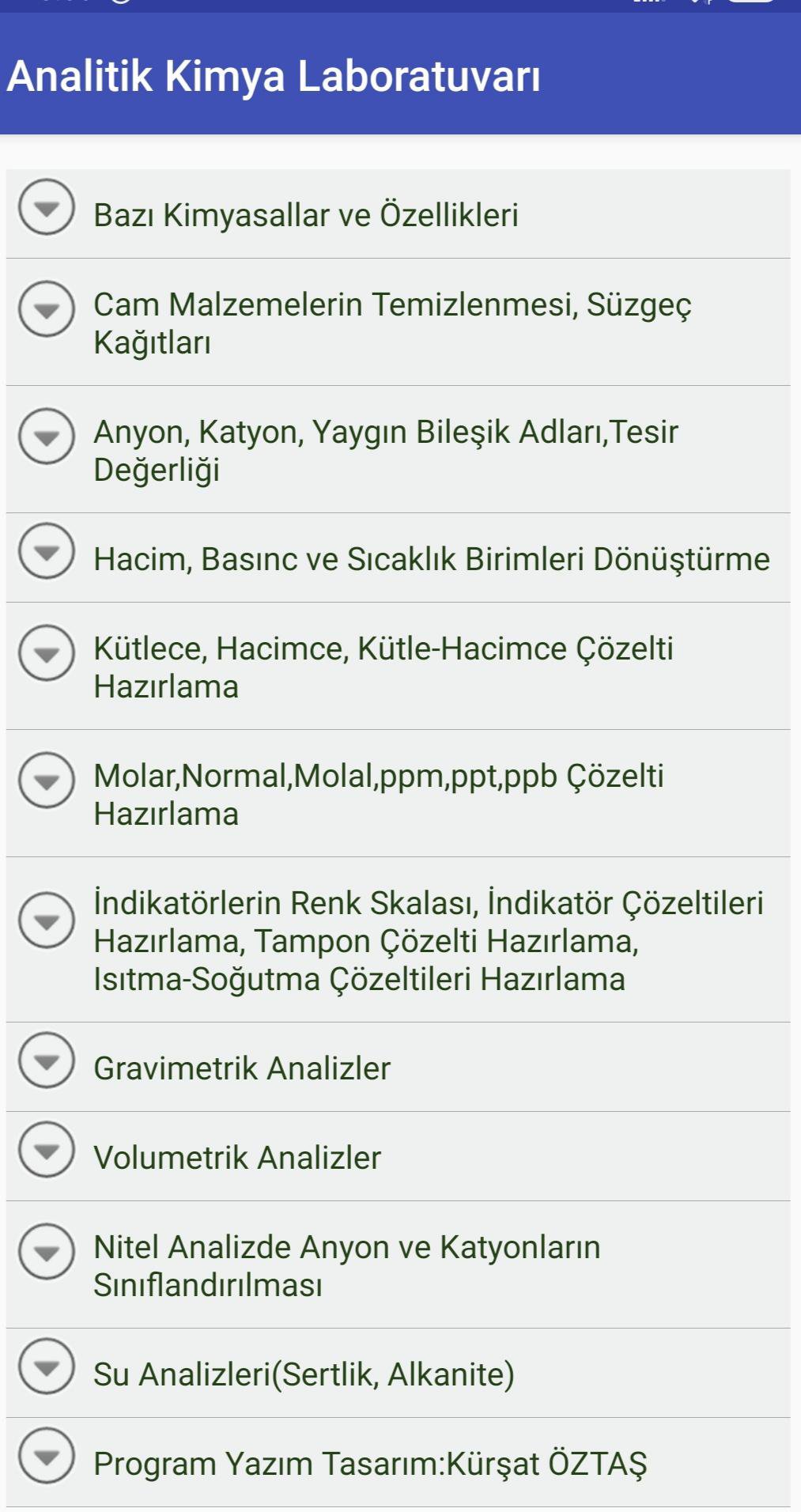
This application is an educational tool that focuses on basic laboratory procedures. Here are the main features available in the application:
Molarity, Normality, Molality Calculations:
Tools including molarity, normality and molality calculations. It guides the user to accurately calculate the concentration in chemical solutions.
Gravimetric and Volumetric Analyzes:
Detailed steps and calculations including gravimetric and volumetric analysis methods. These analyzes cover the basic methods used to determine the amount of substances in the laboratory environment.
Reading and Writing Commonly Known Compounds:
It provides the opportunity to learn the names and formulas of compounds frequently used in chemistry. This gives students a strong foundation in chemical compounds.
Water Analysis - Hardness and Alkalinity Calculations:
It includes hardness and alkalinity calculations used to evaluate water quality. It offers a practical tool for the analysis of water samples.
Percent by Mass, Percent by Volume and Percent by Mass-Volume Calculations:
Interactive tools to understand percent by mass, percent by volume, and percent by mass-volume calculations. The ability to determine the proportions of ingredients in mixtures.
Preparation of Indicator Solutions:
It includes the steps to correctly prepare indicator solutions used in volumetric analyses. Increases practice on titrimetric methods.
Color Tables and Heating-Cooling Solutions:
Explains the use of color tables and details how to prepare heating-cooling solutions.
This app is aimed at students and professionals who want to learn the basics in the chemistry laboratory. It is a comprehensive resource for anyone looking to improve their chemistry education and laboratory skills.
Preview
Tags
EducationInformation
Developer
Kürşat ÖZTAŞ
Latest Version
K.26
Last Updated
2024-08-26
Category
Education
Available on
Google Play
Show More
How to play Analitik Kimya Laboratuvarı with GameLoop on PC
1. Download GameLoop from the official website, then run the exe file to install GameLoop
2. Open GameLoop and search for “Analitik Kimya Laboratuvarı” , find Analitik Kimya Laboratuvarı in the search results and click “Install”
3. Enjoy playing Analitik Kimya Laboratuvarı on GameLoop
Minimum requirements
OS
Windows 8.1 64-bit or Windows 10 64-bit
GPU
GTX 1050
CPU
i3-8300
Memory
8GB RAM
Storage
1GB available space
Recommended requirements
OS
Windows 8.1 64-bit or Windows 10 64-bit
GPU
GTX 1050
CPU
i3-9320
Memory
16GB RAM
Storage
1GB available space