
100 Fruits and Vegetables for PC
KeepKid
Download 100 Fruits and Vegetables for on PC With GameLoop Emulator
100 Fruits and Vegetables for on PC
100 Fruits and Vegetables for , coming from the developer KeepKid, is running on Android systerm in the past.
Now, You can play 100 Fruits and Vegetables for on PC with GameLoop smoothly.
Download it in the GameLoop library or search results. No more eyeing the battery or frustrating calls at the wrong time any more.
Just enjoy 100 Fruits and Vegetables for PC on the large screen for free!
100 Fruits and Vegetables for Introduction
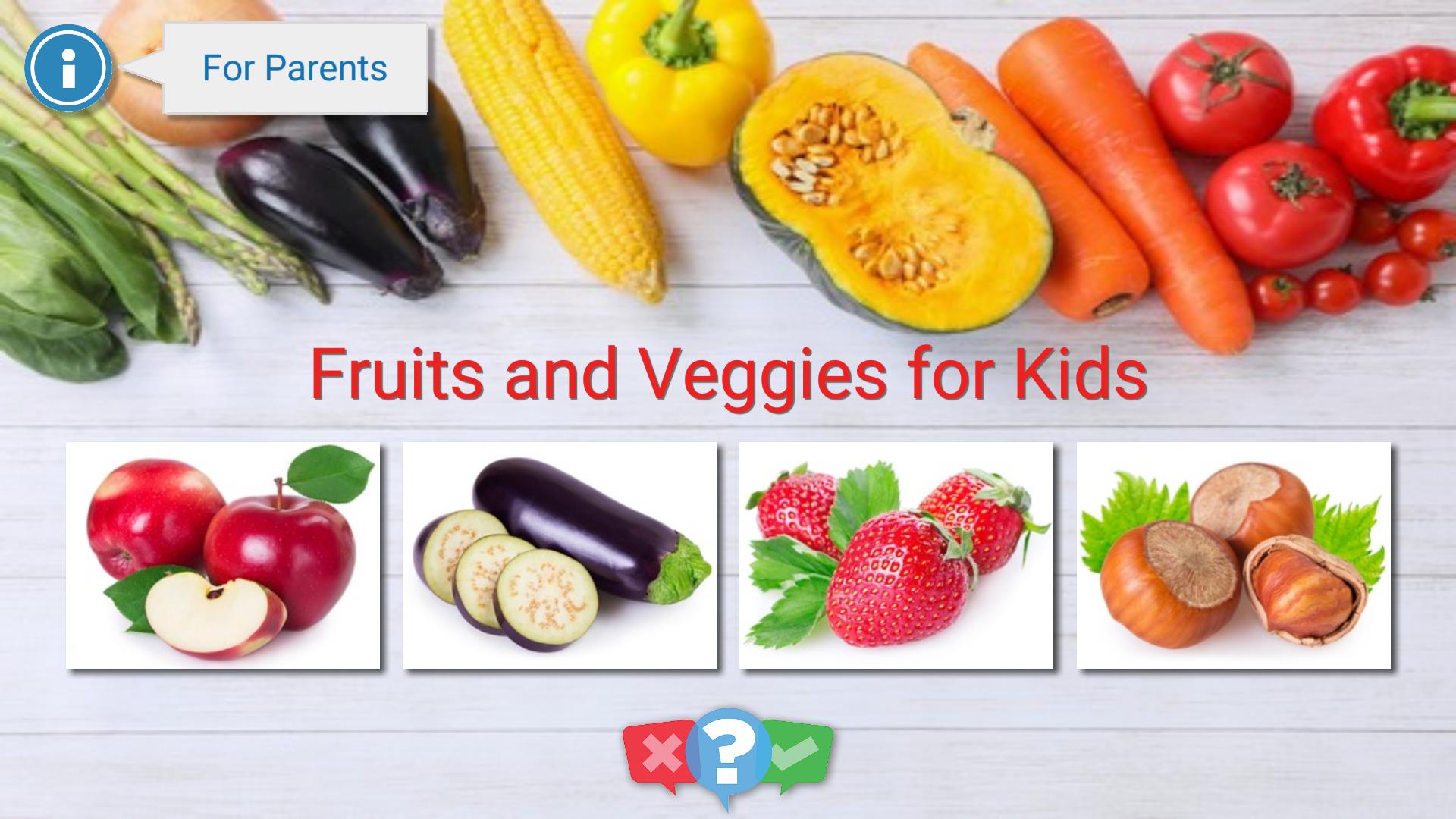
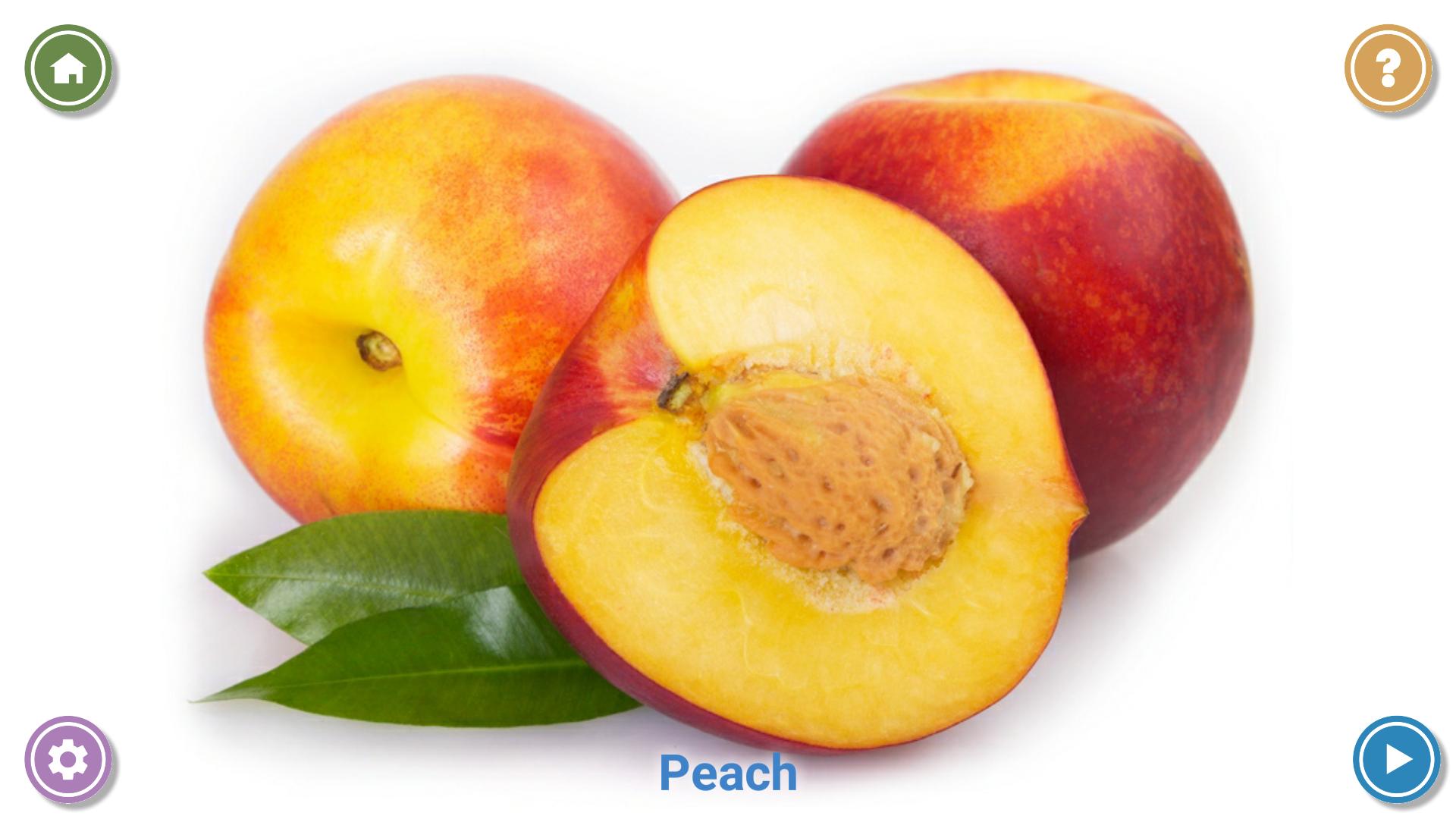
This education app allows kids to learn fruits, vegetables, nuts and berries. 100 high-quality professional photos are available.
A child can view and scroll the photos with his finger. It's really easy, because the gallery is specially adapted for the smallest kids.
When a child views the photo, he/she hears the name of the fruit, and thus remembers it.
The big advantage of the app is an ability to customize the list of the photos.
Parents can disable unwanted (atypical for their country) fruits, vegetables or berries.
After the fruits learning the application offers to check the knowledge gained. It shows 4 different photos, and pronounces the name of the fruit / vegetable to be found. A child must tap on the correct photo. It is very funny and also good for memory development!
If a child is too small for interacting with the app, it's possible to use the Automatic Slideshow mode. In this mode, photos alternate automatically every few seconds.
Features:
* 100 high-quality photos.
* 4 separate categories: learn fruits, learn vegetables, berries and nuts.
* Pronunciation of the name of each fruit / vegetable in your language.
* Ability to disable unwanted photos.
* Simple interface, adapted for the smallest children.
* The settings are protected. Only parents can configure the app, and to close it.
* Automatic mode for the smallest children.
* Knowledge check.
* Absolutely free app without ads.
Preview
Tags
EducationInformation
Developer
KeepKid
Latest Version
2.0
Last Updated
2021-07-25
Category
Education
Available on
Google Play
Show More
How to play 100 Fruits and Vegetables for with GameLoop on PC
1. Download GameLoop from the official website, then run the exe file to install GameLoop
2. Open GameLoop and search for “100 Fruits and Vegetables for ” , find 100 Fruits and Vegetables for in the search results and click “Install”
3. Enjoy playing 100 Fruits and Vegetables for on GameLoop
Minimum requirements
OS
Windows 8.1 64-bit or Windows 10 64-bit
GPU
GTX 1050
CPU
i3-8300
Memory
8GB RAM
Storage
1GB available space
Recommended requirements
OS
Windows 8.1 64-bit or Windows 10 64-bit
GPU
GTX 1050
CPU
i3-9320
Memory
16GB RAM
Storage
1GB available space