
有聲桌遊-蘇軾 PC
夢想盒子@教育桌遊研究團隊
Download 有聲桌遊-蘇軾 on PC With GameLoop Emulator
有聲桌遊-蘇軾 on PC
有聲桌遊-蘇軾, coming from the developer 夢想盒子@教育桌遊研究團隊, is running on Android systerm in the past.
Now, You can play 有聲桌遊-蘇軾 on PC with GameLoop smoothly.
Download it in the GameLoop library or search results. No more eyeing the battery or frustrating calls at the wrong time any more.
Just enjoy 有聲桌遊-蘇軾 PC on the large screen for free!
有聲桌遊-蘇軾 Introduction
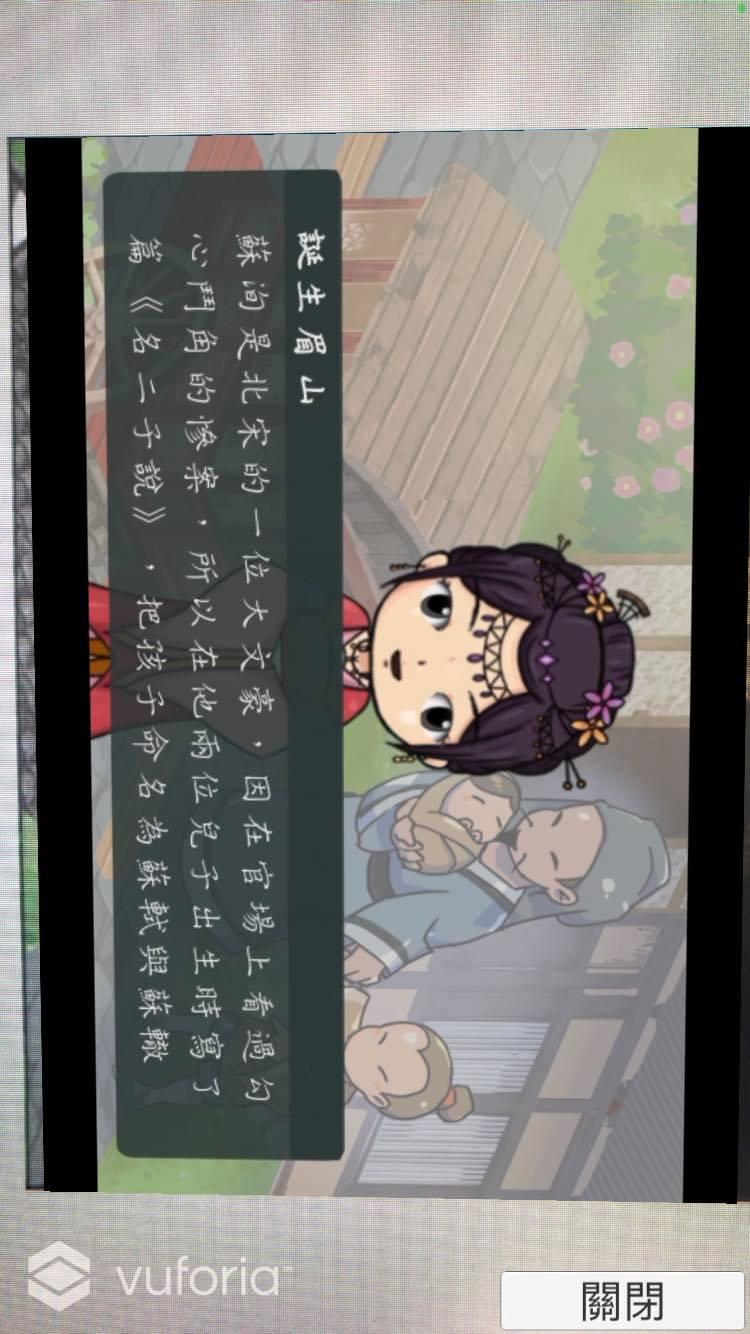
"Sound Board Game - Su Shi APP" was developed and designed by the Dream Box@educational board game research team to expand the functions and applications of the "Dongpo Jushi - Su Shi" educational board game.
"Jushi Dongpo - Su Shi" is an educational game to understand Su Shi's life story and classic texts. It first uses puzzles to present twenty key experiences of Su Shi, and then uses this as a situational anchor to further connect locations, classic texts, etc. Allow players to have a more comprehensive and in-depth understanding of the classic character Su Shi. In addition, you can play with maps, character cards, task cards, and cultural relic cards, and experience Su Shi's twists and turns in the game, as well as his open-minded spirit.
Preview

Tags
EducationInformation
Developer
夢想盒子@教育桌遊研究團隊
Latest Version
10.0
Last Updated
2023-03-15
Category
Education
Available on
Google Play
Show More
How to play 有聲桌遊-蘇軾 with GameLoop on PC
1. Download GameLoop from the official website, then run the exe file to install GameLoop
2. Open GameLoop and search for “有聲桌遊-蘇軾” , find 有聲桌遊-蘇軾 in the search results and click “Install”
3. Enjoy playing 有聲桌遊-蘇軾 on GameLoop
Minimum requirements
OS
Windows 8.1 64-bit or Windows 10 64-bit
GPU
GTX 1050
CPU
i3-8300
Memory
8GB RAM
Storage
1GB available space
Recommended requirements
OS
Windows 8.1 64-bit or Windows 10 64-bit
GPU
GTX 1050
CPU
i3-9320
Memory
16GB RAM
Storage
1GB available space