
ZERO Messenger PC
zero_tech
Download ZERO Messenger on PC With GameLoop Emulator
ZERO Messenger on PC
ZERO Messenger, coming from the developer zero_tech, is running on Android systerm in the past.
Now, You can play ZERO Messenger on PC with GameLoop smoothly.
Download it in the GameLoop library or search results. No more eyeing the battery or frustrating calls at the wrong time any more.
Just enjoy ZERO Messenger PC on the large screen for free!
ZERO Messenger Introduction
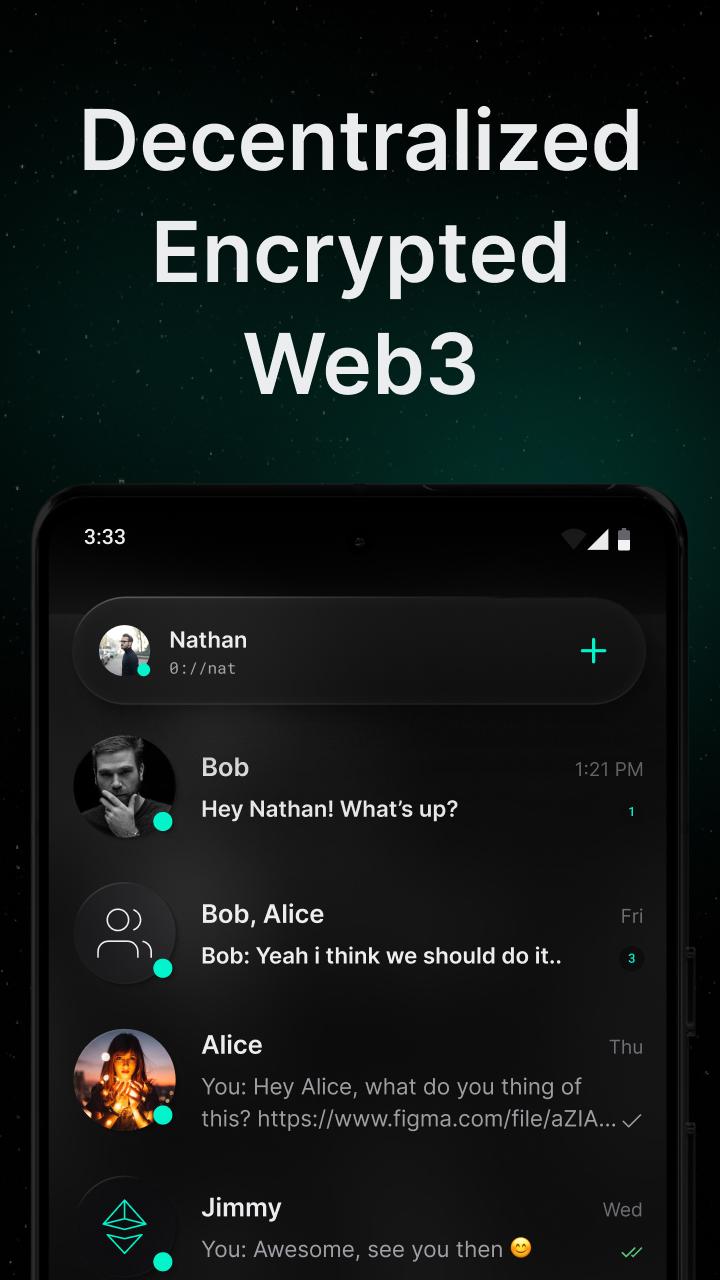
Decentralized messaging for everyone. ZERO Messenger is secure, private, and free. No ads, no surveillance, no predatory data harvesting. Reclaim your digital rights with ZERO.
Decentralized - ZERO Messenger is built on decentralized architecture. Encrypted data is hosted on and shared between ZODEs; you can choose which ZODE will host your account, or you can run one of your own!
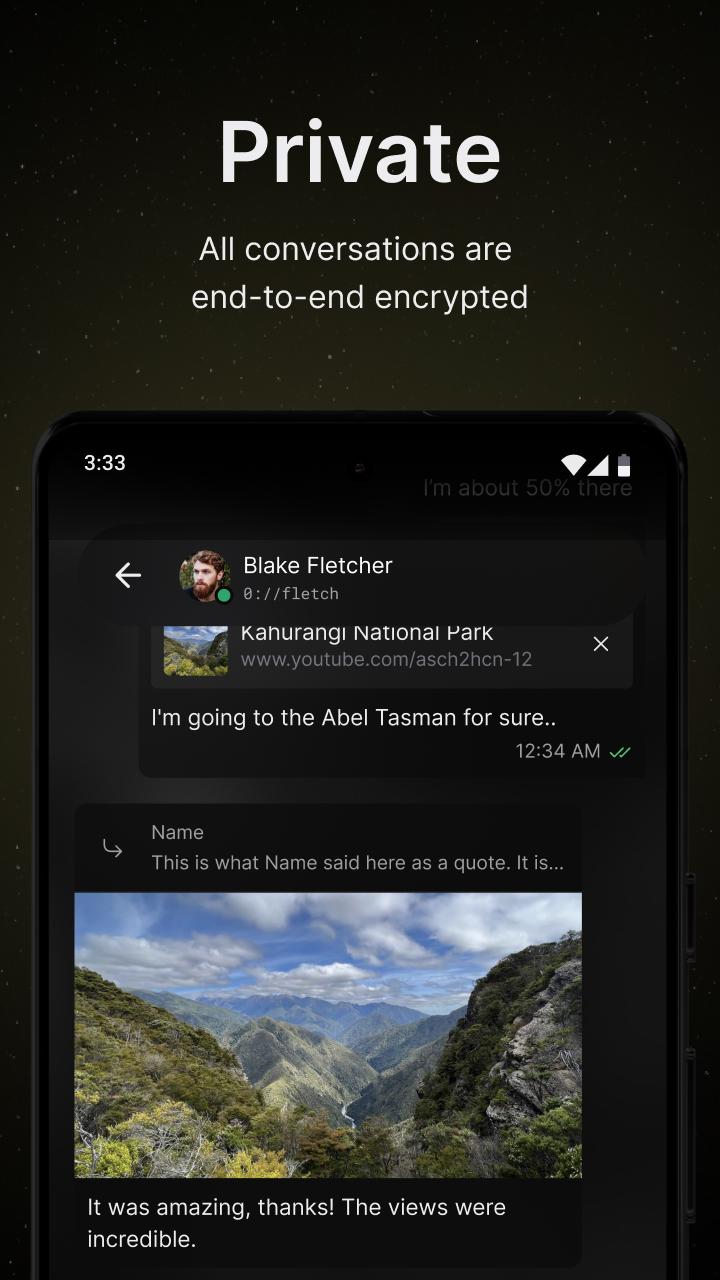
Private - All conversations are end-to-end encrypted. No ads, no surveillance, completely anonymous; users are not required to provide personal data to create an account.
Web3-Native - ZERO Messenger boasts Web3 (Ethereum) wallet login, identity verification with ZERO ID, the ability to create and join token-gated chats, and more.
All Your Devices - Available on Web and Mobile. Access your conversations on all your devices.
Secure Conversations of Any Size - Collaborate and share with individuals or groups of people in private, encrypted conversations.
No Phone Number Required - Sign up with an Ethereum wallet and verify your identity with a ZERO ID.
Sleek and Minimal - Designed with simplicity and ease of use in mind.
Who are we?
ZERO is a small startup empowering the citizens of our digital age with Web3 and decentralized technology. ZERO apps are built according to our values: Sovereignty, Decentralization, Security, Open Source, and Censorship Resistance.
Preview
Tags
CommunicationsInformation
Developer
zero_tech
Latest Version
0.7.3
Last Updated
2025-01-19
Category
Communications
Available on
Google Play
Show More
How to play ZERO Messenger with GameLoop on PC
1. Download GameLoop from the official website, then run the exe file to install GameLoop
2. Open GameLoop and search for “ZERO Messenger” , find ZERO Messenger in the search results and click “Install”
3. Enjoy playing ZERO Messenger on GameLoop
Minimum requirements
OS
Windows 8.1 64-bit or Windows 10 64-bit
GPU
GTX 1050
CPU
i3-8300
Memory
8GB RAM
Storage
1GB available space
Recommended requirements
OS
Windows 8.1 64-bit or Windows 10 64-bit
GPU
GTX 1050
CPU
i3-9320
Memory
16GB RAM
Storage
1GB available space