
Zello PTT Custom Button - Fast PC
www.SmartWalkie.com
Download Zello PTT Custom Button - Fast on PC With GameLoop Emulator
Zello PTT Custom Button - Fast on PC
Zello PTT Custom Button - Fast, coming from the developer www.SmartWalkie.com, is running on Android systerm in the past.
Now, You can play Zello PTT Custom Button - Fast on PC with GameLoop smoothly.
Download it in the GameLoop library or search results. No more eyeing the battery or frustrating calls at the wrong time any more.
Just enjoy Zello PTT Custom Button - Fast PC on the large screen for free!
Zello PTT Custom Button - Fast Introduction
Use Volume Down or any custom button to start PTT (Push to Talk) for Walkie Talkie Apps like Zello and VoicePing.
This app uses accessibility permission to detect a button press. You can select a volume button or a custom button to start a Push-To-Talk.
Features
- Compatible with Zello and VoicePing.
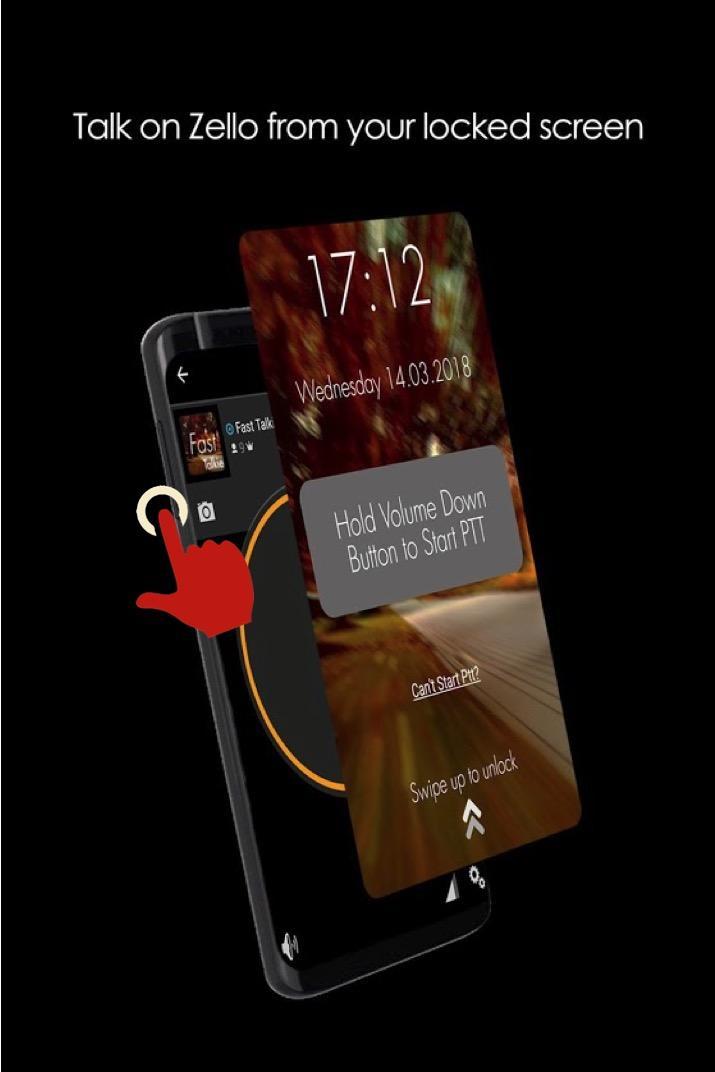
- Push to Talk without unlocking your phone.
- Accessibility Mode: Allow PTT as long as screen is switched on. Depending on your smartphone, this could even allow PTT even if screen is switched off
PRO Features
- Use a Custom Button (i.e SOS/Programmable/Camera buttons) for PTT
- Use any supported PTT App (Normally only Zello and VoicePing)
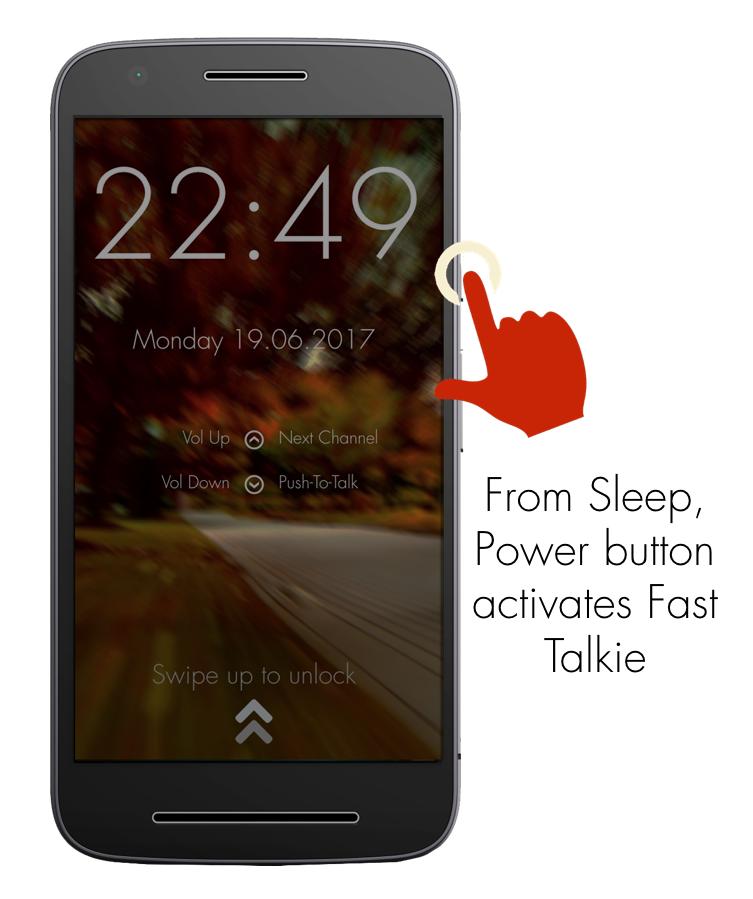
- Next Channel Button for apps that support changing channels
- PTT Only when screen is ON: Useful if your PTT button is too sensitive
How It Works
The fastest way to start or reply to PTT
1: Press Power button to wake up phone
2: Hold Volume Down/Custom button to PTT in the previously selected Zello/VoicePing Channel
Required Setup
1: Install Fast Talkie
2: Enable Accessibility Permission
3: Choose a Zello Contact or Channel
4: Hold your selected PTT button
Verified Phone models that work with custom button even when screen off
- Samsung Xcover Pro, Samsung Xcover 5
- Blackview Series
PTT Intent generated by Fast Talkie
- android.intent.action.PTT.down
- android.intent.action.PTT.up
Reach out to us via our website: https://www.fasttalkie.com/
Preview
Tags
CommunicationsInformation
Developer
www.SmartWalkie.com
Latest Version
3.0.2
Last Updated
2022-08-24
Category
Communications
Available on
Google Play
Show More
How to play Zello PTT Custom Button - Fast with GameLoop on PC
1. Download GameLoop from the official website, then run the exe file to install GameLoop
2. Open GameLoop and search for “Zello PTT Custom Button - Fast” , find Zello PTT Custom Button - Fast in the search results and click “Install”
3. Enjoy playing Zello PTT Custom Button - Fast on GameLoop
Minimum requirements
OS
Windows 8.1 64-bit or Windows 10 64-bit
GPU
GTX 1050
CPU
i3-8300
Memory
8GB RAM
Storage
1GB available space
Recommended requirements
OS
Windows 8.1 64-bit or Windows 10 64-bit
GPU
GTX 1050
CPU
i3-9320
Memory
16GB RAM
Storage
1GB available space