
Zangi - Private Messenger PC
Secret Phone, Inc
Download Zangi - Private Messenger on PC With GameLoop Emulator
Zangi - Private Messenger on PC
Zangi - Private Messenger, coming from the developer Secret Phone, Inc, is running on Android systerm in the past.
Now, You can play Zangi - Private Messenger on PC with GameLoop smoothly.
Download it in the GameLoop library or search results. No more eyeing the battery or frustrating calls at the wrong time any more.
Just enjoy Zangi - Private Messenger PC on the large screen for free!
Zangi - Private Messenger Introduction
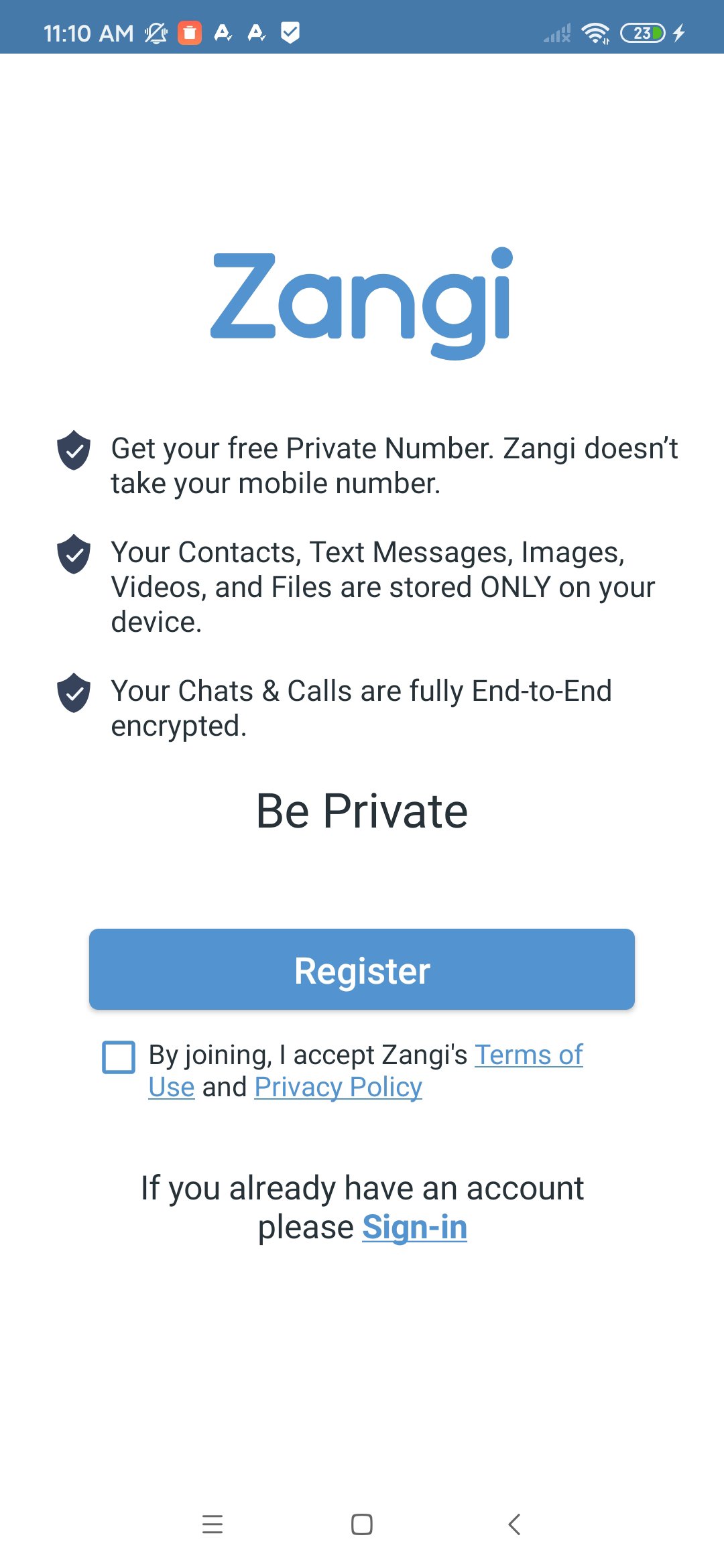
PRIVATE REGISTRATION
No SIM card required. Registration without a phone number & without sharing personal contacts. Your privacy messenger for private texting. Designed to protect from stalking, surveillance and account hacking.
NO UNSOLICITED CONTACTS
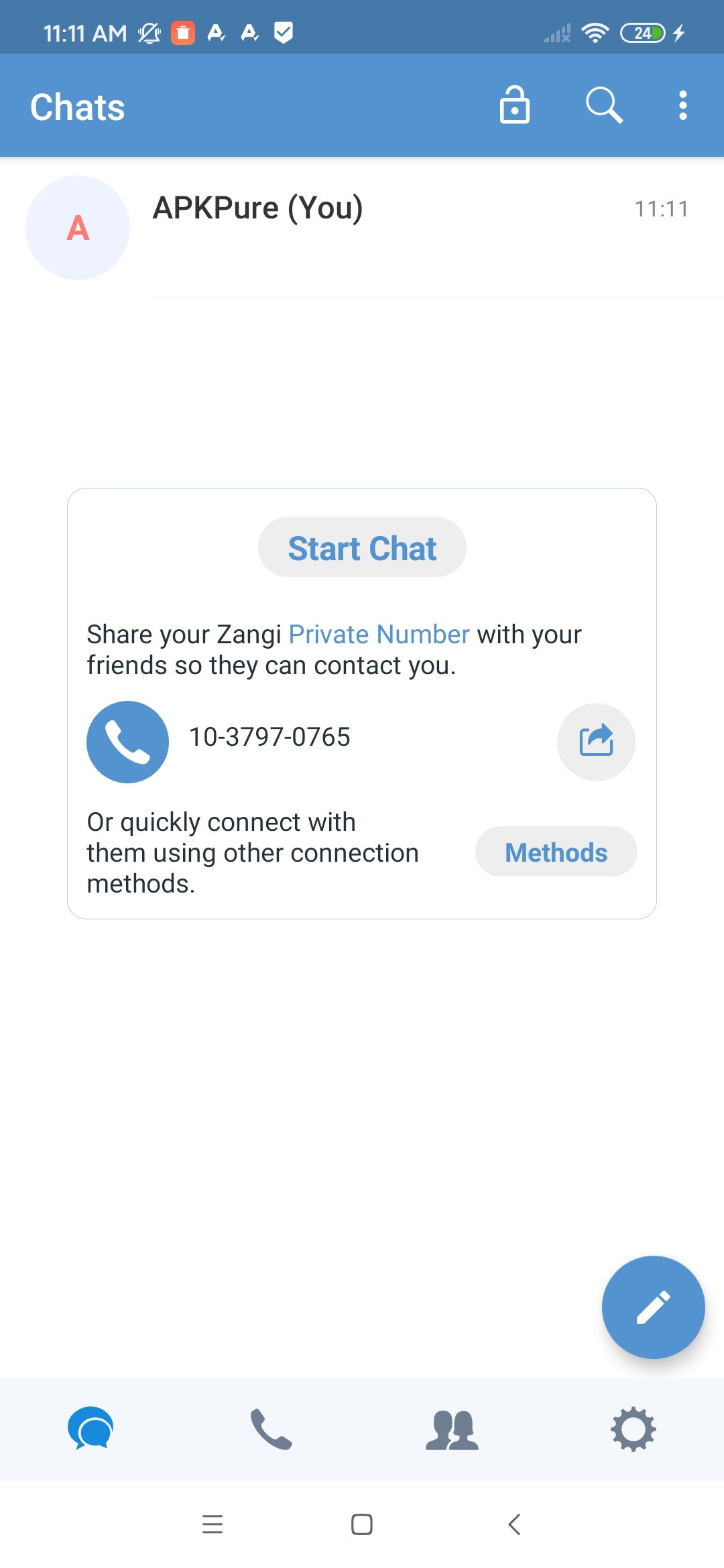
Share your Zangi Number only with those you trust. Other users can't find your profile if they don't know your exact Zangi number.
Chat, call, video chat, share files and media with your friends, family and colleagues safely, without being exposed to unknown users.
NO DATA COLLECTION
Your data is stored ONLY on your phone, making Zangi a safe and secure messenger for friends chat and family messenger use. Zangi does not collect, analyze, or store your personal messages on servers. Your conversations, files, and private chat history remain under your control.
END-TO-END ENCRYPTION
Zangi operates as a secure messenger that applies strong cryptographic standards to all communication layers.
Texts, media, files, voice & video calls are encrypted with End-to-End AES-GCM 256 algorithm, so every call, secret message, and chat session stays private and protected.
QUALITY WITHOUT COMPROMISE
Zangi works where other messenger apps struggle. Minimized dependency on the speed of your internet connection.
Preview
Tags
CommunicationsBoardInformation
Developer
Secret Phone, Inc
Latest Version
6.5.3
Last Updated
2026-05-26
Category
Communications
Available on
Google Play
Show More
How to play Zangi - Private Messenger with GameLoop on PC
1. Download GameLoop from the official website, then run the exe file to install GameLoop
2. Open GameLoop and search for “Zangi - Private Messenger” , find Zangi - Private Messenger in the search results and click “Install”
3. Enjoy playing Zangi - Private Messenger on GameLoop
Minimum requirements
OS
Windows 8.1 64-bit or Windows 10 64-bit
GPU
GTX 1050
CPU
i3-8300
Memory
8GB RAM
Storage
1GB available space
Recommended requirements
OS
Windows 8.1 64-bit or Windows 10 64-bit
GPU
GTX 1050
CPU
i3-9320
Memory
16GB RAM
Storage
1GB available space