
All Deleted Messages Recovery PC
Appsborn
Download All Deleted Messages Recovery on PC With GameLoop Emulator
All Deleted Messages Recovery on PC
All Deleted Messages Recovery, coming from the developer Appsborn, is running on Android systerm in the past.
Now, You can play All Deleted Messages Recovery on PC with GameLoop smoothly.
Download it in the GameLoop library or search results. No more eyeing the battery or frustrating calls at the wrong time any more.
Just enjoy All Deleted Messages Recovery PC on the large screen for free!
All Deleted Messages Recovery Introduction
View and recover deleted messages easily.
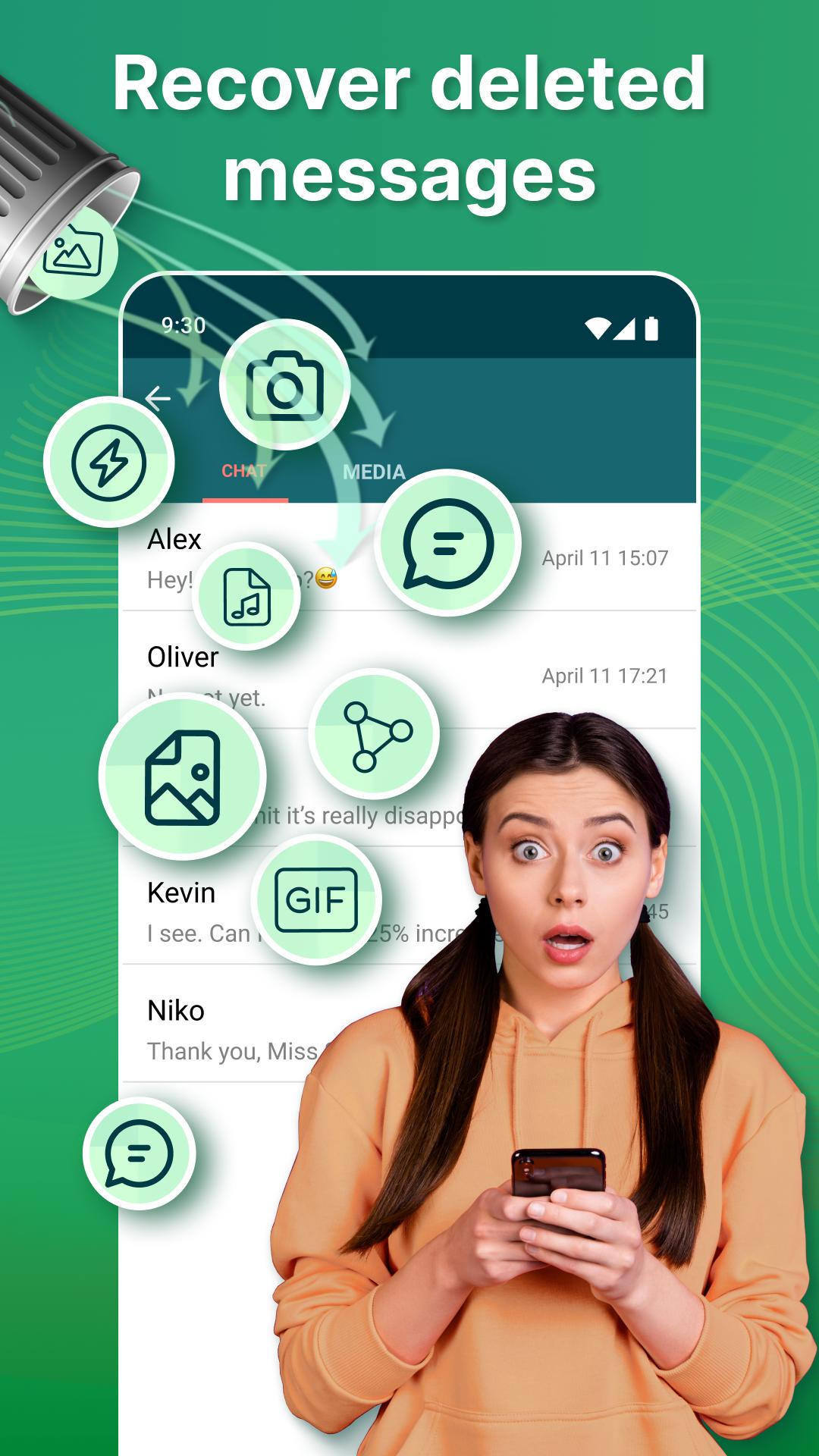
Would you like to know how to recover deleted messages? Yes, it can be annoying when someone deletes messages and media such as videos, pictures, stickers, and voice notes before you can download and see them. Recover Deleted Messages app is here to help! ⭐
Recover Messages Instantly.
Do you want to recover deleted messages from Telegram or any other social media app? Don't worry; we have a solution. The Message Recovery app will help you to view deleted messages and media.
Messages Recovery and view deleted messages tool is what you are looking for, and there are many fantastic features inside the single app. With the help of this recovers deleted messages app, you can recover deleted messages from Telegram or any other app. You can restore any media attachment, such as videos, audio, voice notes, and stickers.
The ultimate solution to recover lost or deleted messages from popular messaging platforms. ✅
Fantastic features Features:
🌟 Recover deleted messages and media such as pictures, videos, voice notes, etc.
🌟 Message recovery from any social network app.
🌟 Read messages without being seen.
🌟 View and restore messages tool works as a status saver.
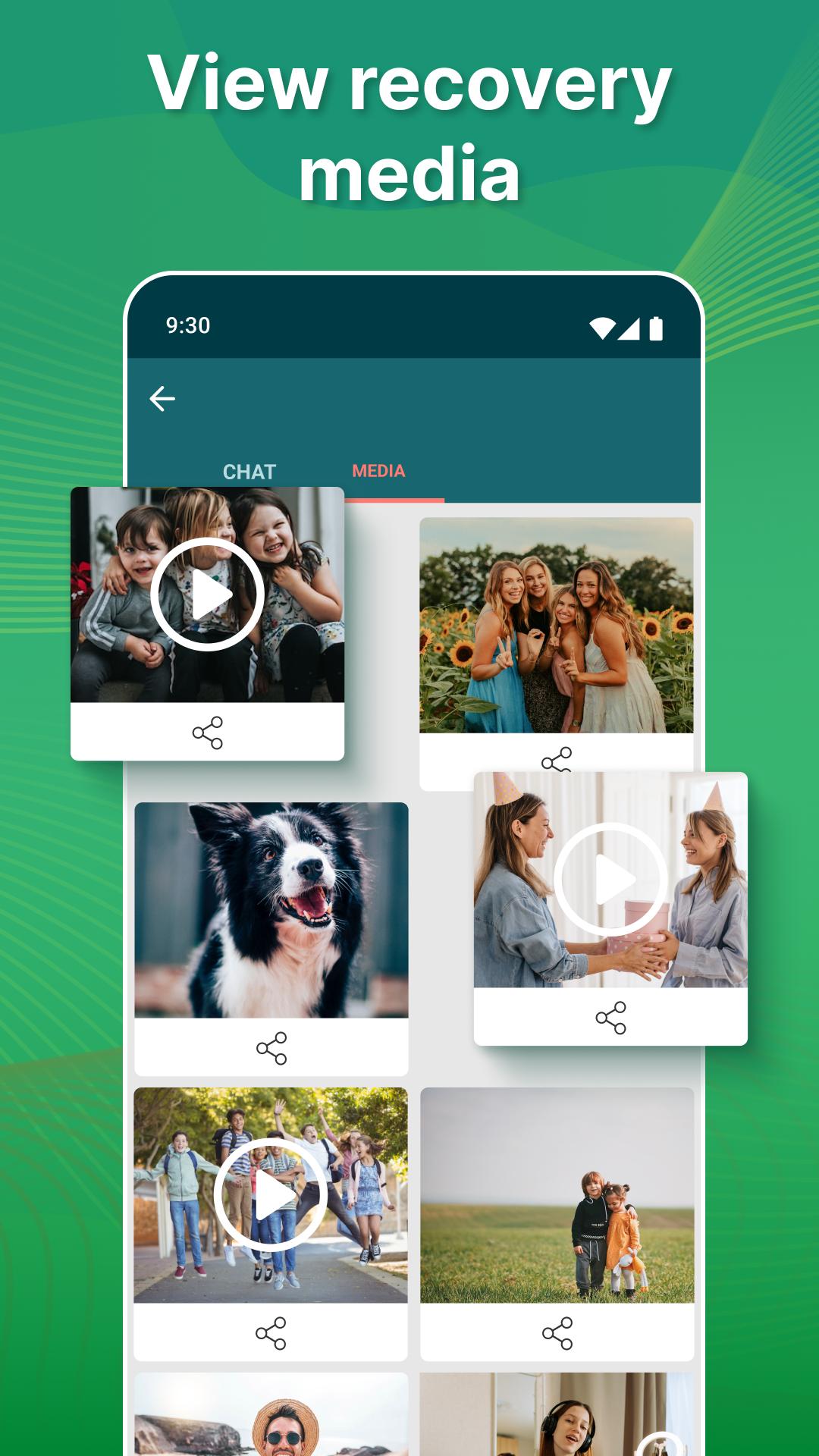
🌟 View deleted messages and other media files such as Audio, Video, Picture, Stickers, etc.
How It Works:
By default, all messages are encrypted, so Recover Deleted Messages app can't view deleted messages directly.
The only solution to Recover deleted messages is to read from received notifications and instantly save the message before it gets deleted. When the app detects any deleted media file or message, it will immediately notify you.
We take your privacy seriously, and our app does not collect or store any of your data. Your messages are securely recovered and saved directly to your device. ✅
Recover Deleted Pictures and Videos.
View Deleted Messages tool will recover deleted data if the sender deletes it immediately. You will get a notification that we recovered deleted videos or photos. You can view deleted messages and media by clicking the notifications or by manually opening the restore app.
You can recover pictures, videos, documents, animated gifs, voice notes, audio, and stickers.
Want to read messages without being seen?
The time has come to protect your privacy on social network applications. With the retrieve deleted messages tool, you can also read your family, and friends' messages, without leaving any blue check marks or being seen online.
Status Saver.
Like your friend's status and want to download them without the internet? Don't worry; we have a status saver feature here for you. By using Recover Deleted Messages, you can download any videos or images status. 💥
- Disclaimer
All product names, logos, brands, trademarks, and registered trademarks, which are not owned by us, are the property of their respective owners.
All company, product, and service names used in this app are for identification purposes only. Use of these names, trademarks, and brands does not imply endorsement.
Recover Deleted Messages app is owned by us. We are not affiliated, associated, authorized, endorsed by, or in any way officially connected with any other apps or companies.
Preview
Tags
CommunicationsInformation
Developer
Appsborn
Latest Version
2.1.5
Last Updated
2024-11-05
Category
Communications
Available on
Google Play
Show More
How to play All Deleted Messages Recovery with GameLoop on PC
1. Download GameLoop from the official website, then run the exe file to install GameLoop
2. Open GameLoop and search for “All Deleted Messages Recovery” , find All Deleted Messages Recovery in the search results and click “Install”
3. Enjoy playing All Deleted Messages Recovery on GameLoop
Minimum requirements
OS
Windows 8.1 64-bit or Windows 10 64-bit
GPU
GTX 1050
CPU
i3-8300
Memory
8GB RAM
Storage
1GB available space
Recommended requirements
OS
Windows 8.1 64-bit or Windows 10 64-bit
GPU
GTX 1050
CPU
i3-9320
Memory
16GB RAM
Storage
1GB available space