Wi-Fi PCAP Capture PC
Kismet Wireless
Download Wi-Fi PCAP Capture on PC With GameLoop Emulator
Wi-Fi PCAP Capture on PC
Wi-Fi PCAP Capture, coming from the developer Kismet Wireless, is running on Android systerm in the past.
Now, You can play Wi-Fi PCAP Capture on PC with GameLoop smoothly.
Download it in the GameLoop library or search results. No more eyeing the battery or frustrating calls at the wrong time any more.
Just enjoy Wi-Fi PCAP Capture PC on the large screen for free!
Wi-Fi PCAP Capture Introduction
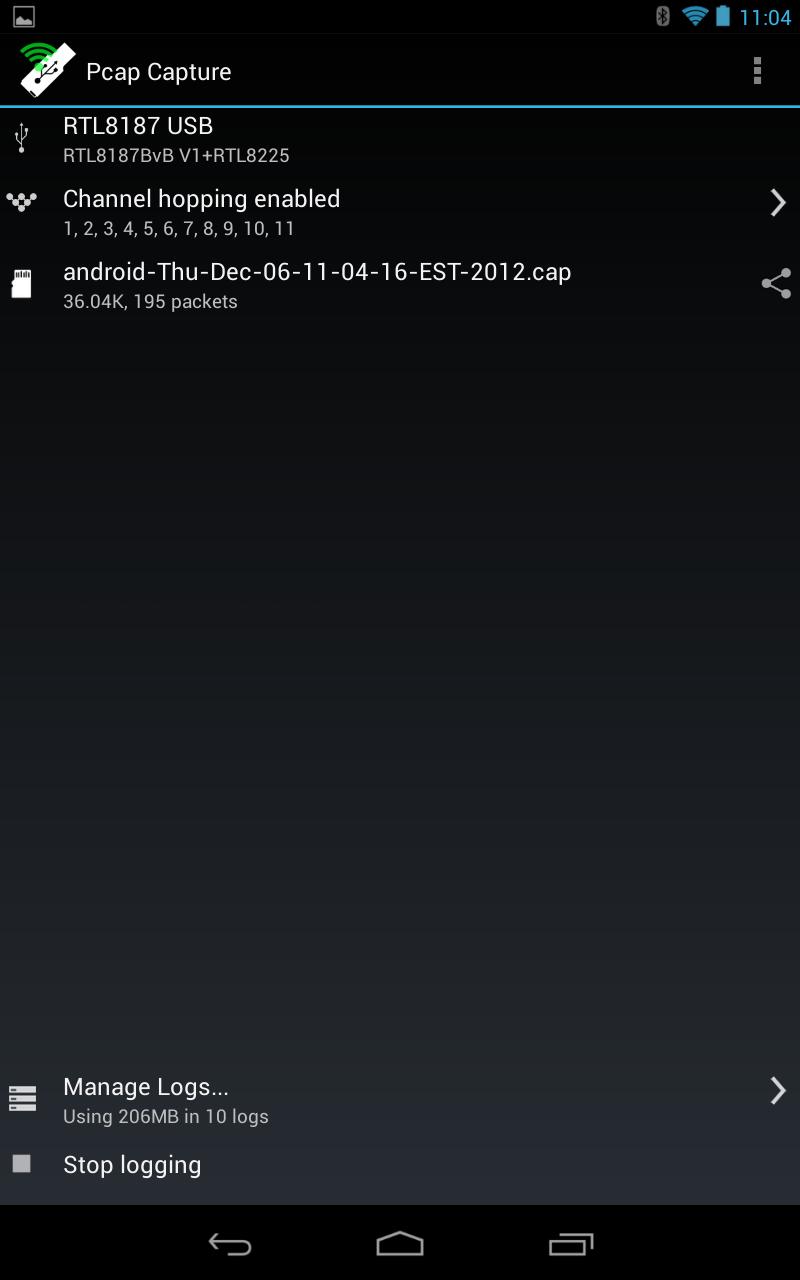
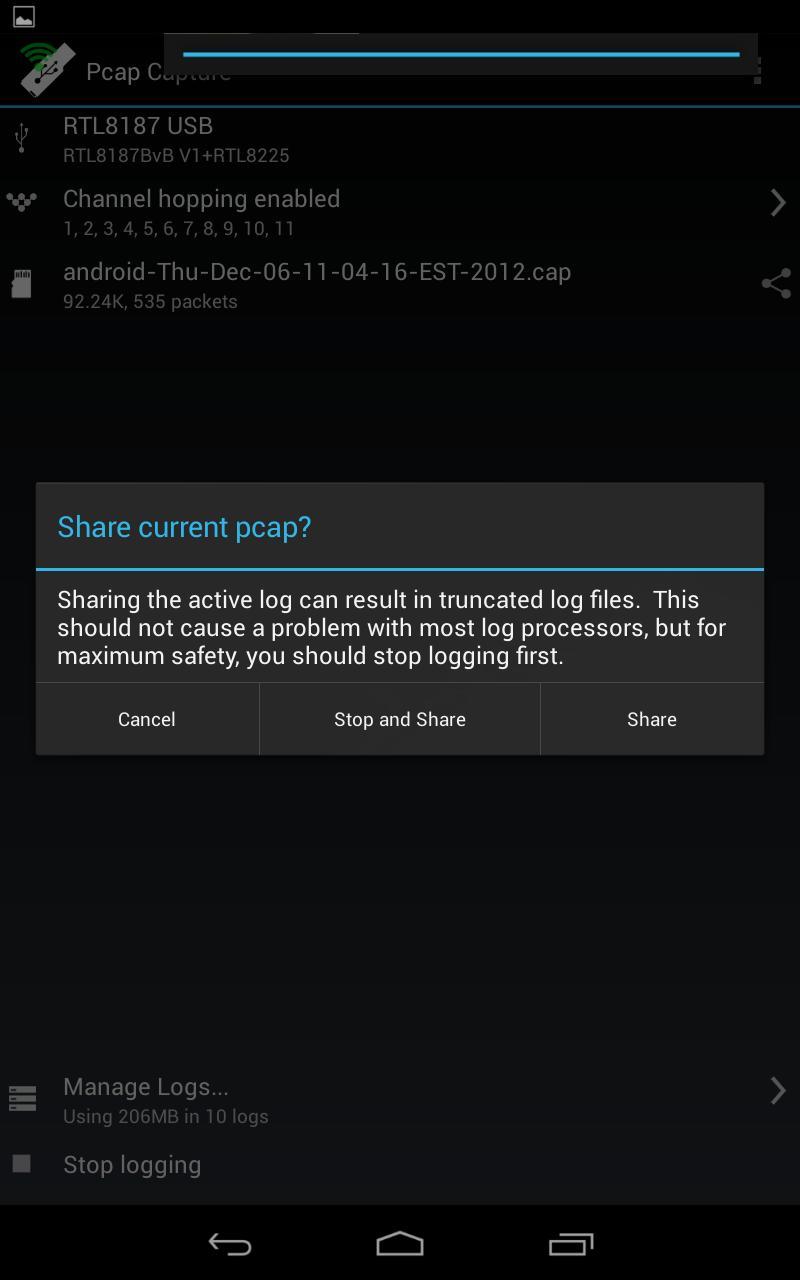
Wi-Fi PCAP Capture is a utility for capturing raw 802.11 frames (“Monitor mode”, or sometimes referred to as “Promiscuous mode”).
Wi-Fi PCAP Capture uses an external USB RTL8187 Wi-Fi card and does not require a custom ROM or root privileges.
You will need a device running Android 4 or newer (for USB host support), a working USB host mode implementation (some manufacturers do not have a working implementation), a USB OTG cable or USB host port (some tablet devices offer standard USB ports, other devices and phones will require a compatible USB OTG adapter cable), and a RTL8187 (802.11b/g) based wireless NIC, such as the Alfa One.
Currently other wireless chipsets are not supported, though hopefully in the future they will be. Capture from the internal wireless device is not possible at this time.
Wi-Fi PCAP Capture is GPL, source is available on the website at http://www.kismetwireless.net/android-pcap/
Preview
Information
Developer
Kismet Wireless
Latest Version
2012.12.1
Last Updated
2012-12-06
Category
Communications
Available on
Google Play
Show More
How to play Wi-Fi PCAP Capture with GameLoop on PC
1. Download GameLoop from the official website, then run the exe file to install GameLoop
2. Open GameLoop and search for “Wi-Fi PCAP Capture” , find Wi-Fi PCAP Capture in the search results and click “Install”
3. Enjoy playing Wi-Fi PCAP Capture on GameLoop
Minimum requirements
OS
Windows 8.1 64-bit or Windows 10 64-bit
GPU
GTX 1050
CPU
i3-8300
Memory
8GB RAM
Storage
1GB available space
Recommended requirements
OS
Windows 8.1 64-bit or Windows 10 64-bit
GPU
GTX 1050
CPU
i3-9320
Memory
16GB RAM
Storage
1GB available space