
UN-ASIGN PC
AnsuR Technologies AS
Download UN-ASIGN on PC With GameLoop Emulator
UN-ASIGN on PC
UN-ASIGN, coming from the developer AnsuR Technologies AS, is running on Android systerm in the past.
Now, You can play UN-ASIGN on PC with GameLoop smoothly.
Download it in the GameLoop library or search results. No more eyeing the battery or frustrating calls at the wrong time any more.
Just enjoy UN-ASIGN PC on the large screen for free!
UN-ASIGN Introduction
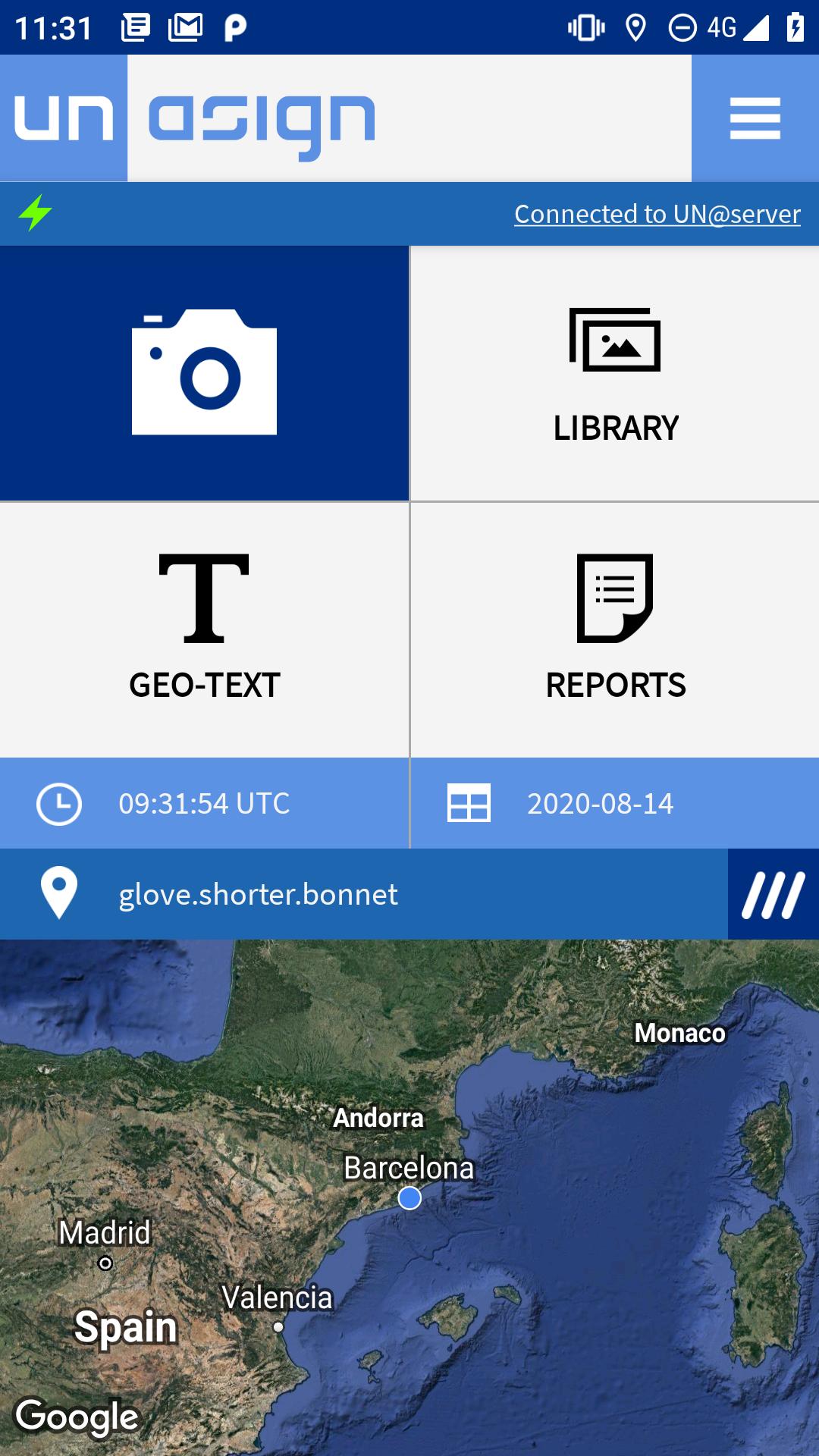
This UN-ASIGN application has been developed by AnsuR for crowd sourcing geo-tagged photos and text from areas affected by larger humanitarian disasters to the United Nations entity UNITAR/UNOSAT. Seconds after you send a geo-tagged photo it will be available in a map at the receiver side.
The input of in-situ visual information will help UNOSAT assess damages and situations from satellite imagery in particular and will help various entities in the UN-system conduct operations. Selected images and data provided via this application will be integrated into professional on-line mapping portals and will normally be made available to the public.
Contributors by definition will allow use of the images and data for non-commercial purposes related to managing the disasters they are related to. They will not be used commercially.
Images provided by the Crowd will help affected countries, UN, EC, Red Cross family and NGOs to make better and faster decisions in disaster management.
Please add text to describe the photos. Your input is being received at a UN server hosted by CERN in Geneva and images are being assessed by OCHA and UNITAR/UNOSAT, as the information is useful for both effective co-ordination as well as validation of satellite image analysis related to natural disasters.
The photos are automatically timestamped and geo-tagged (geo-pictures). GPS is most precise, but basically only works outdoors, hence the ASIGN solution also includes positioning via cellular (3G) and Wi-Fi networks.
Photos are compressed significantly to save time, cost and bandwidth, but higher resolution parts can be automatically requested later if needed, in which case the photo-provider is notified with an SMS if the phone number is properly registered. Please note how this is done.
UN-ASIGN has been developed by AnsuR, as part of a European FP7 Funded Project called GEO-PICTURES, and is being operated in collaboration with UNITAR/UNOSAT.
This application is a simplified version of ASIGN, that been developed by AnsuR as a professional tool for disaster management and early responders.
Preview

Tags
CommunicationsInformation
Developer
AnsuR Technologies AS
Latest Version
2.1.5
Last Updated
2025-03-22
Category
Communications
Available on
Google Play
Show More
How to play UN-ASIGN with GameLoop on PC
1. Download GameLoop from the official website, then run the exe file to install GameLoop
2. Open GameLoop and search for “UN-ASIGN” , find UN-ASIGN in the search results and click “Install”
3. Enjoy playing UN-ASIGN on GameLoop
Minimum requirements
OS
Windows 8.1 64-bit or Windows 10 64-bit
GPU
GTX 1050
CPU
i3-8300
Memory
8GB RAM
Storage
1GB available space
Recommended requirements
OS
Windows 8.1 64-bit or Windows 10 64-bit
GPU
GTX 1050
CPU
i3-9320
Memory
16GB RAM
Storage
1GB available space