iMail: Sync Cloud mail PC
io.mt
Download iMail: Sync Cloud mail on PC With GameLoop Emulator
iMail: Sync Cloud mail on PC
iMail: Sync Cloud mail, coming from the developer io.mt, is running on Android systerm in the past.
Now, You can play iMail: Sync Cloud mail on PC with GameLoop smoothly.
Download it in the GameLoop library or search results. No more eyeing the battery or frustrating calls at the wrong time any more.
Just enjoy iMail: Sync Cloud mail PC on the large screen for free!
iMail: Sync Cloud mail Introduction
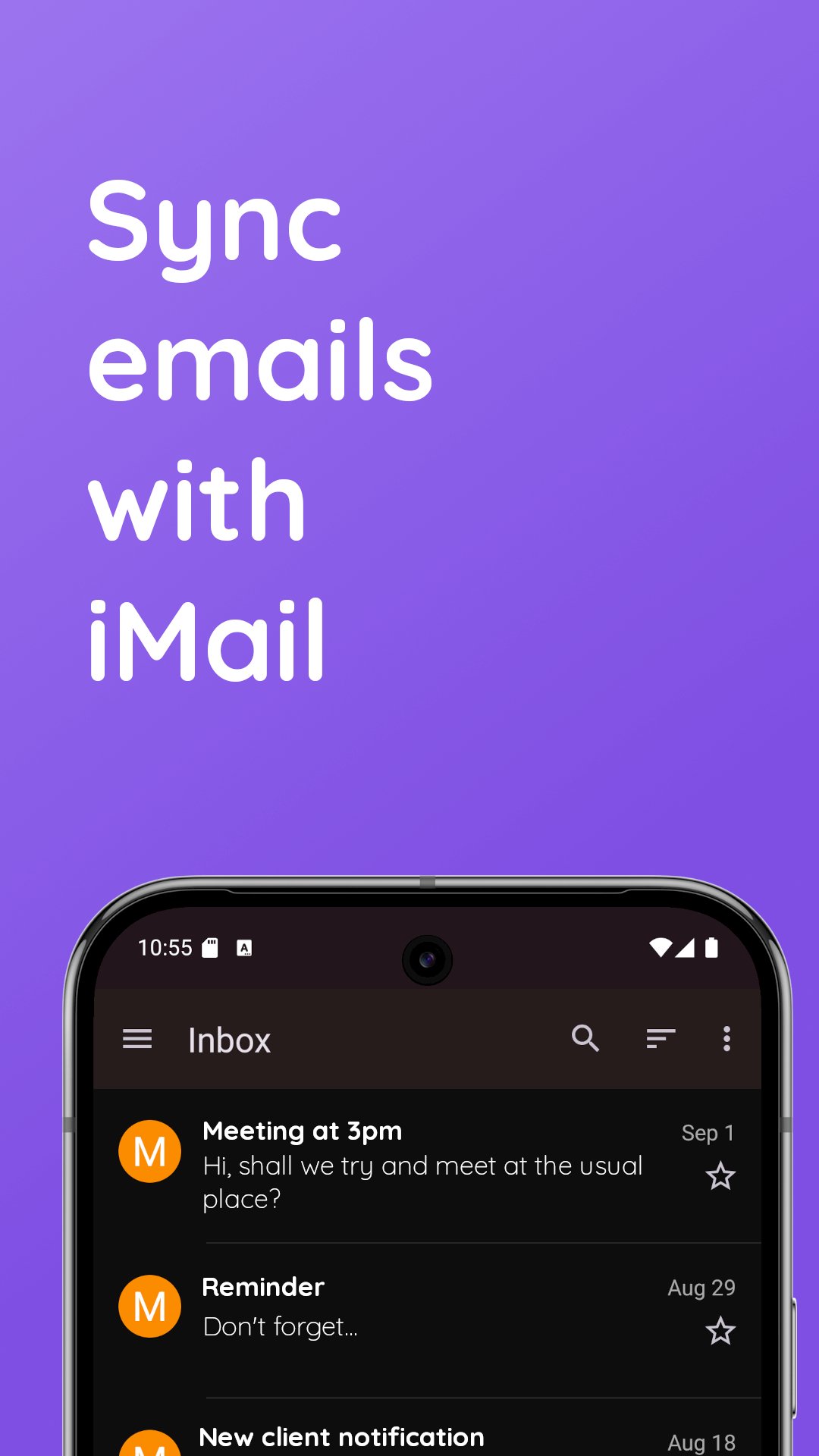
iMail lets you sync email accounts on your Android device.
iMail supports iCloud and Me.com accounts. You can log in without an iCloud app specific password.
Features:
* Add and manage multiple iCloud accounts
* Aggregated or split inbox
* Unlimited accounts
* Integrated contacts manager - access your Contacts stored on iCloud right within iMail. View, create and edit your contacts easily.
* On-the-fly web browser: You can access cloud services and websites directly from the app
* Login in with normal password or app-specific password
* Search functionality
* Low-data mode - download email images on demand
Best Privacy Around
iMail connects directly to email servers through an encrypted connection. This means your username and password are safe and secure. Your account information is never collected by us. We do not collect email subject headers and no data from your inbox is collected by us. Notifications are strictly handled on your device.
iMail works on phones and tablets. If using a tablet, or a phone with a large screen, you can enable split-viewing from the settings.
This application connects directly to email servers, and does not connect through any third party servers or proxies.
Preview
Tags
CommunicationsInformation
Developer
io.mt
Latest Version
14.47
Last Updated
2025-12-09
Category
Communications
Available on
Google Play
Show More
How to play iMail: Sync Cloud mail with GameLoop on PC
1. Download GameLoop from the official website, then run the exe file to install GameLoop
2. Open GameLoop and search for “iMail: Sync Cloud mail” , find iMail: Sync Cloud mail in the search results and click “Install”
3. Enjoy playing iMail: Sync Cloud mail on GameLoop
Minimum requirements
OS
Windows 8.1 64-bit or Windows 10 64-bit
GPU
GTX 1050
CPU
i3-8300
Memory
8GB RAM
Storage
1GB available space
Recommended requirements
OS
Windows 8.1 64-bit or Windows 10 64-bit
GPU
GTX 1050
CPU
i3-9320
Memory
16GB RAM
Storage
1GB available space