
Status Downloader & Saver PC
Mobile Notepad Apps
Download Status Downloader & Saver on PC With GameLoop Emulator
Status Downloader & Saver on PC
Status Downloader & Saver, coming from the developer Mobile Notepad Apps, is running on Android systerm in the past.
Now, You can play Status Downloader & Saver on PC with GameLoop smoothly.
Download it in the GameLoop library or search results. No more eyeing the battery or frustrating calls at the wrong time any more.
Just enjoy Status Downloader & Saver PC on the large screen for free!
Status Downloader & Saver Introduction
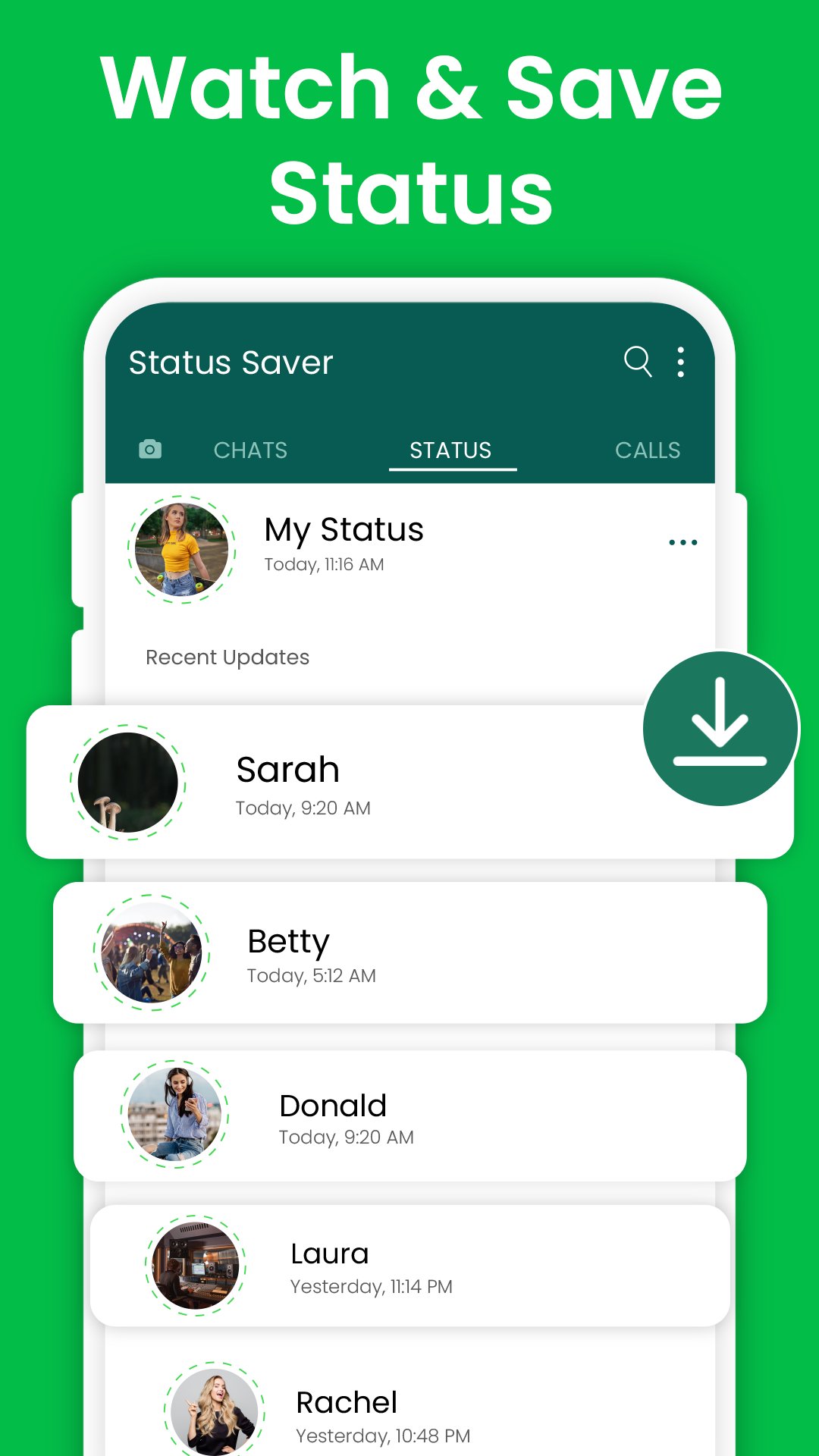
Status downloader is made to save status with just a tap. Status saver makes it super easy to save, watch, and share statuses – all with in one place. Simple, fast, and free – is built to status download photo and video to phone's gallery.
Status downloader comes with a built-in photo and video viewer. Whether it's an image or a video, everything is and easy view, share and download. Status app can quickly download status with just one tap and status saver will keep it saved in the phone gallery. With real-time notifications, status downloader will alert whenever a new status is posted, so never miss a moment with status app.
Key features of status saver app
• Save, Share & Repost: Save status photos and videos from friends statuses. Easily share it with others or repost it with just a tap
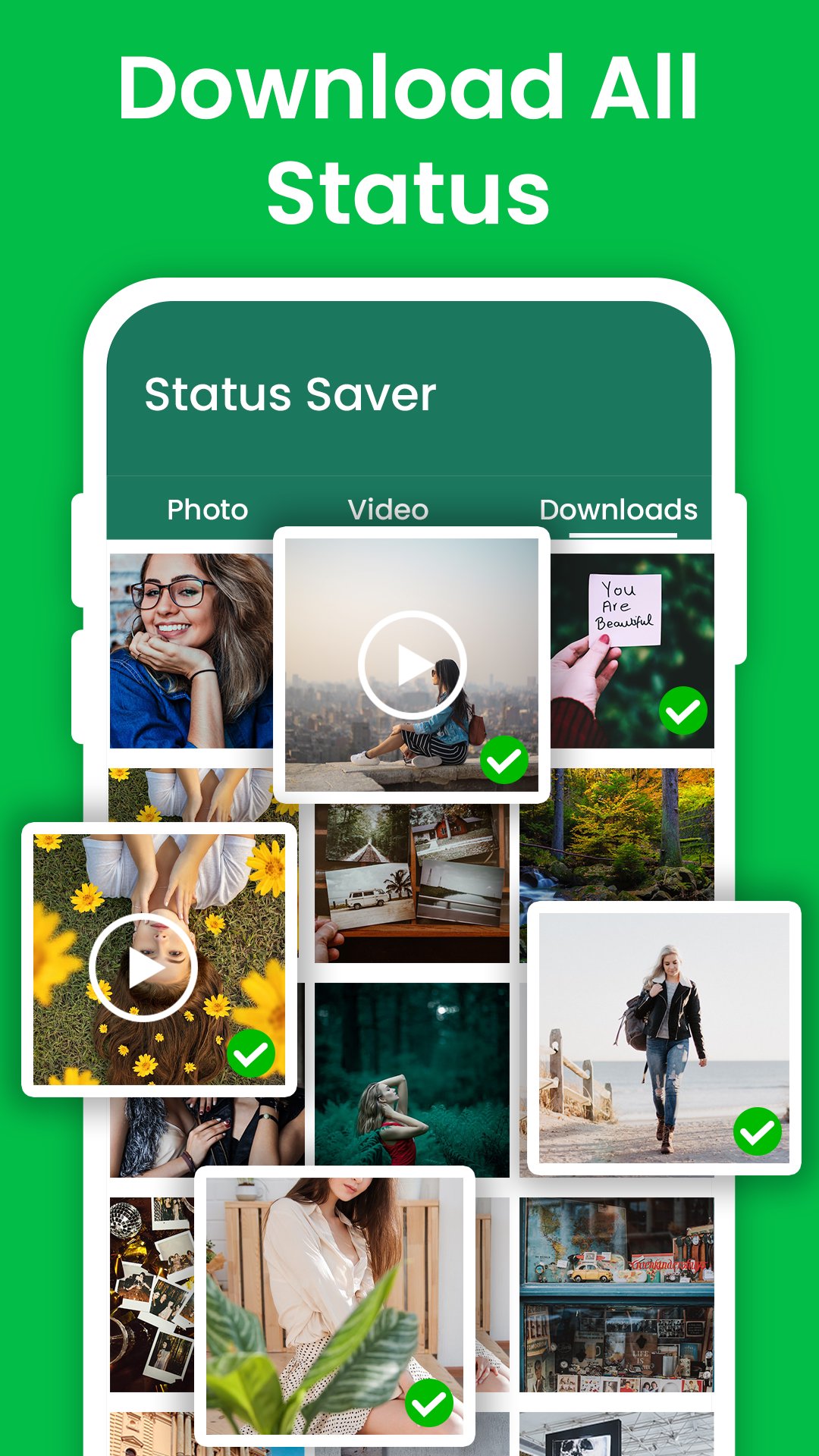
• Download All Statuses: Status app to download status in HD quality. Download photos, videos and audio statuses.
• New Status Alerts: Real-time notifications the moment a new status is posted, be the first to see what's new.
• Download Multiple Statuses: Select and download multiple photos and save video status at once. Save status directly into the phone gallery.
• Trending Video Shorts: Explore trending video shorts right within the status video saver, easily repost them to own status.
Status downloader is all-in-one solution for saving, viewing, and sharing statuses with ease. With just a single tap, download status photo, video, and audio directly to the phone's gallery in high quality. The built-in media viewer gives HD view to enjoy photo video status. The real-time notifications in status saver notifies whenever a new status is posted, so never miss an update to save status. Whether its to save a single status or download multiple at once, status app makes it fast and hassle-free. Also view and repost or download trending shorts.
Disclaimer:
Status downloader is an independent tool designed solely to save status. It is not affiliated with, endorsed by, or associated with any other app or platform.
Copyright and Permissions:
We deeply respect the intellectual property rights of content owners. Therefore, please do not download or repost videos, photos, or any media clips without obtaining explicit permission from the original owners. It's crucial to ensure you have the right to share or download status before you download any status with the status saver app.
Contact Us:
Do you have suggestions or questions about status downloader app? Please don't hesitate to contact us anytime! We're always here to help.
Preview
Tags
CommunicationsInformation
Developer
Mobile Notepad Apps
Latest Version
1.2.12
Last Updated
2025-07-28
Category
Communications
Available on
Google Play
Show More
How to play Status Downloader & Saver with GameLoop on PC
1. Download GameLoop from the official website, then run the exe file to install GameLoop
2. Open GameLoop and search for “Status Downloader & Saver” , find Status Downloader & Saver in the search results and click “Install”
3. Enjoy playing Status Downloader & Saver on GameLoop
Minimum requirements
OS
Windows 8.1 64-bit or Windows 10 64-bit
GPU
GTX 1050
CPU
i3-8300
Memory
8GB RAM
Storage
1GB available space
Recommended requirements
OS
Windows 8.1 64-bit or Windows 10 64-bit
GPU
GTX 1050
CPU
i3-9320
Memory
16GB RAM
Storage
1GB available space