
ST Call PC
SmarTone
Download ST Call on PC With GameLoop Emulator
ST Call on PC
ST Call, coming from the developer SmarTone, is running on Android systerm in the past.
Now, You can play ST Call on PC with GameLoop smoothly.
Download it in the GameLoop library or search results. No more eyeing the battery or frustrating calls at the wrong time any more.
Just enjoy ST Call PC on the large screen for free!
ST Call Introduction
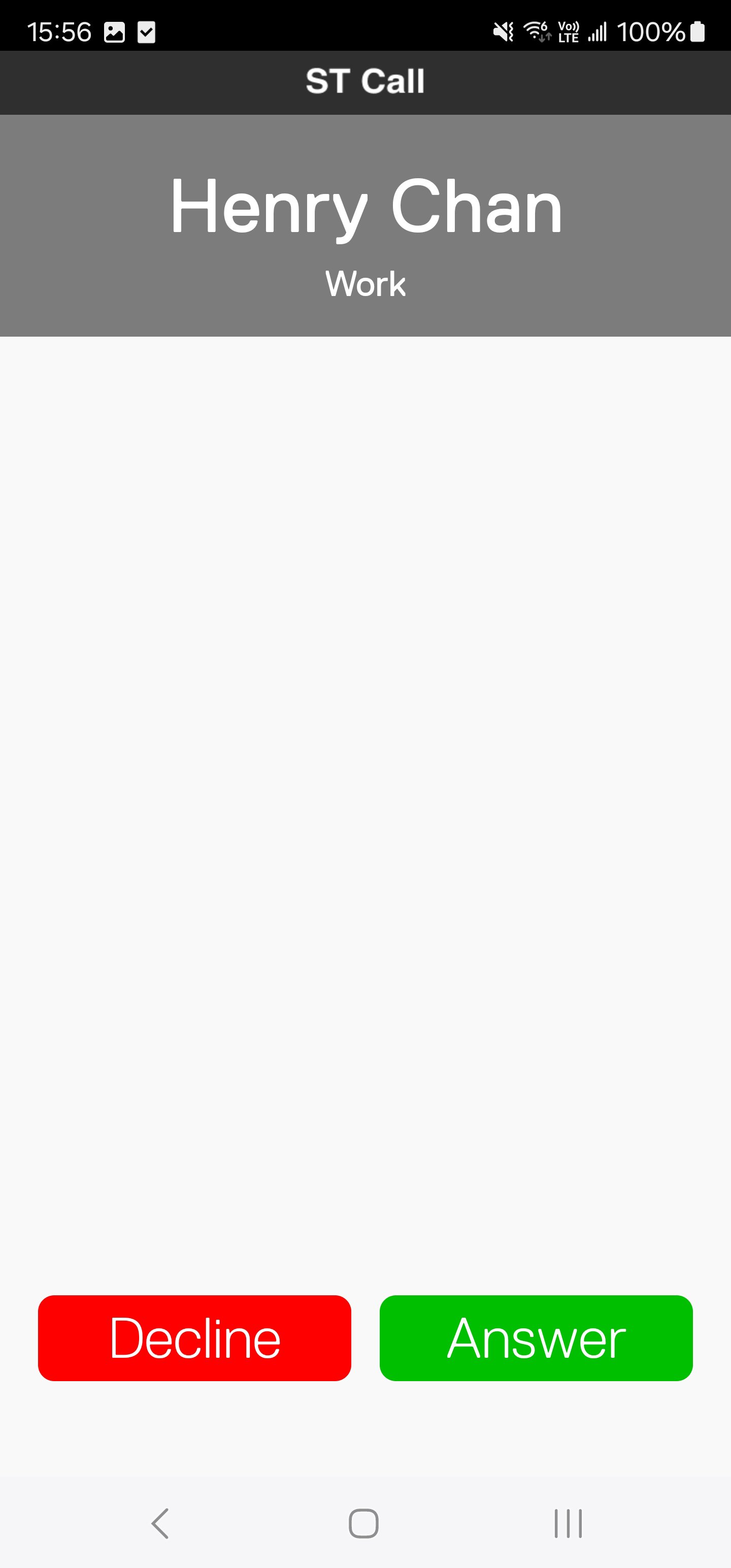
ST Call saves roaming charges for calls to any Hong Kong numbers and for receiving calls from anywhere in the world.
The other party of the call does not have to be a SmarTone subscriber nor does he need to install the ST Call app.
What’s more, when you are in Hong Kong and places where mobile signal is weak or suffers from interference, you can still make and receive calls with ST Call and stay fully connected.
Features:
• Use your own mobile number so your receiving party can see your usual caller ID
• Voicemail together with alerts for any missed calls
• Supports call waiting and lets you keep your usual connecting tone
• Shares your handset’s phone book for easy contact management
• Support Dual SIM and eSIM
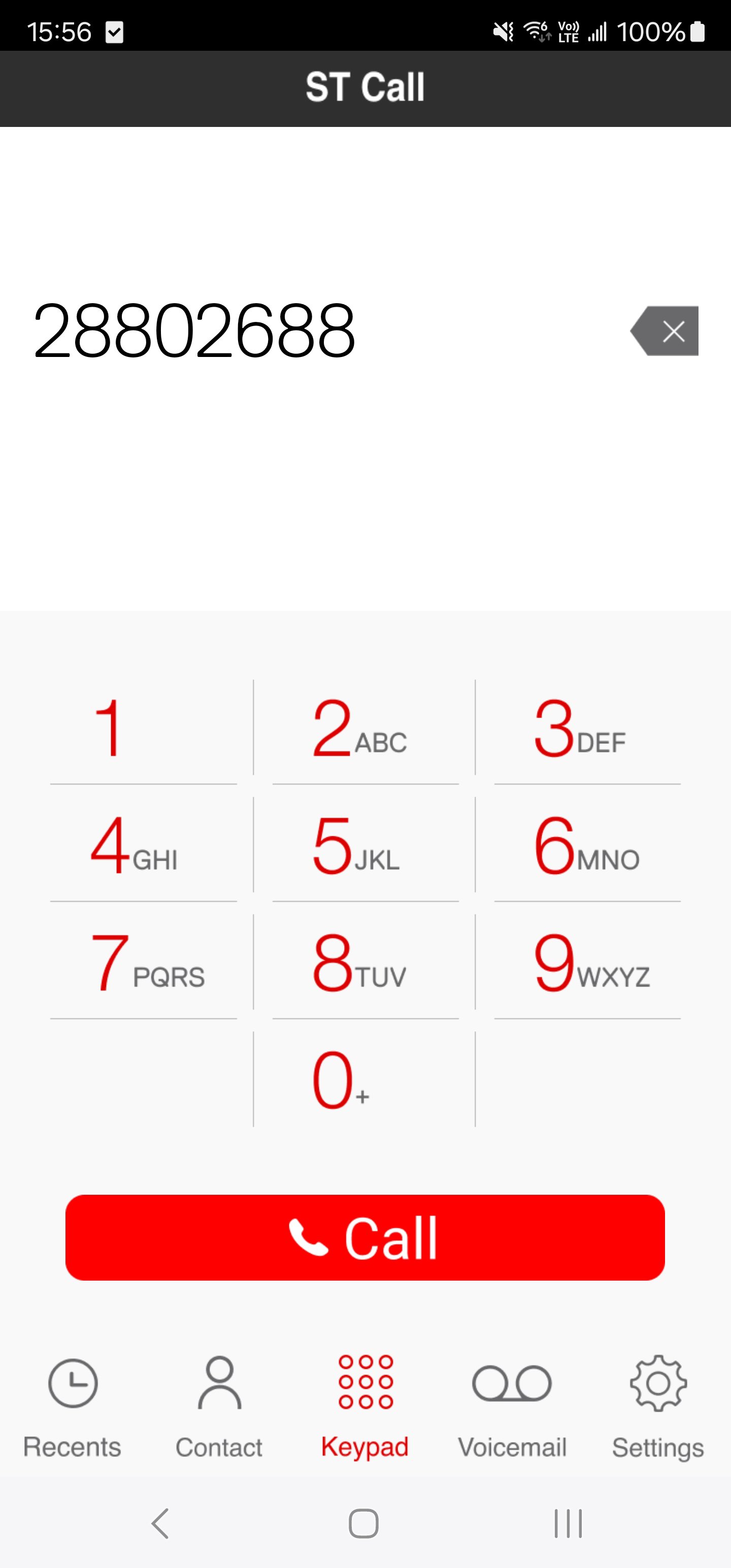
• Simple User Flow: Connect to WiFi, then open the "ST Call" app and keep it running in the background to call out or receive calls
Remarks:
• ST Call is available exclusively to SmarTone customers of designated service plans. Please visit smartone.com/STWiFiCalling/en for details
• The use of WiFi may incur charges levied by third party WiFi service providers.
• Outgoing calls to non-Hong Kong phone numbers will incur applicable IDD charges
• Compatible with designated smartphones running Android5.0 or above
• Download, usage and content update of this service will incur data (including local and roaming) which will be deducted from SmarTone’s relevant subscribed service plans or charged at the applicable thereafter fee. For customers without a data plan, standard data charges will apply
Preview
Tags
CommunicationsInformation
Developer
SmarTone
Latest Version
27.4
Last Updated
2024-10-30
Category
Communications
Available on
Google Play
Show More
How to play ST Call with GameLoop on PC
1. Download GameLoop from the official website, then run the exe file to install GameLoop
2. Open GameLoop and search for “ST Call” , find ST Call in the search results and click “Install”
3. Enjoy playing ST Call on GameLoop
Minimum requirements
OS
Windows 8.1 64-bit or Windows 10 64-bit
GPU
GTX 1050
CPU
i3-8300
Memory
8GB RAM
Storage
1GB available space
Recommended requirements
OS
Windows 8.1 64-bit or Windows 10 64-bit
GPU
GTX 1050
CPU
i3-9320
Memory
16GB RAM
Storage
1GB available space