
Messages: SMS Messaging PC
Apps Specials
Download Messages: SMS Messaging on PC With GameLoop Emulator
Messages: SMS Messaging on PC
Messages: SMS Messaging, coming from the developer Apps Specials, is running on Android systerm in the past.
Now, You can play Messages: SMS Messaging on PC with GameLoop smoothly.
Download it in the GameLoop library or search results. No more eyeing the battery or frustrating calls at the wrong time any more.
Just enjoy Messages: SMS Messaging PC on the large screen for free!
Messages: SMS Messaging Introduction
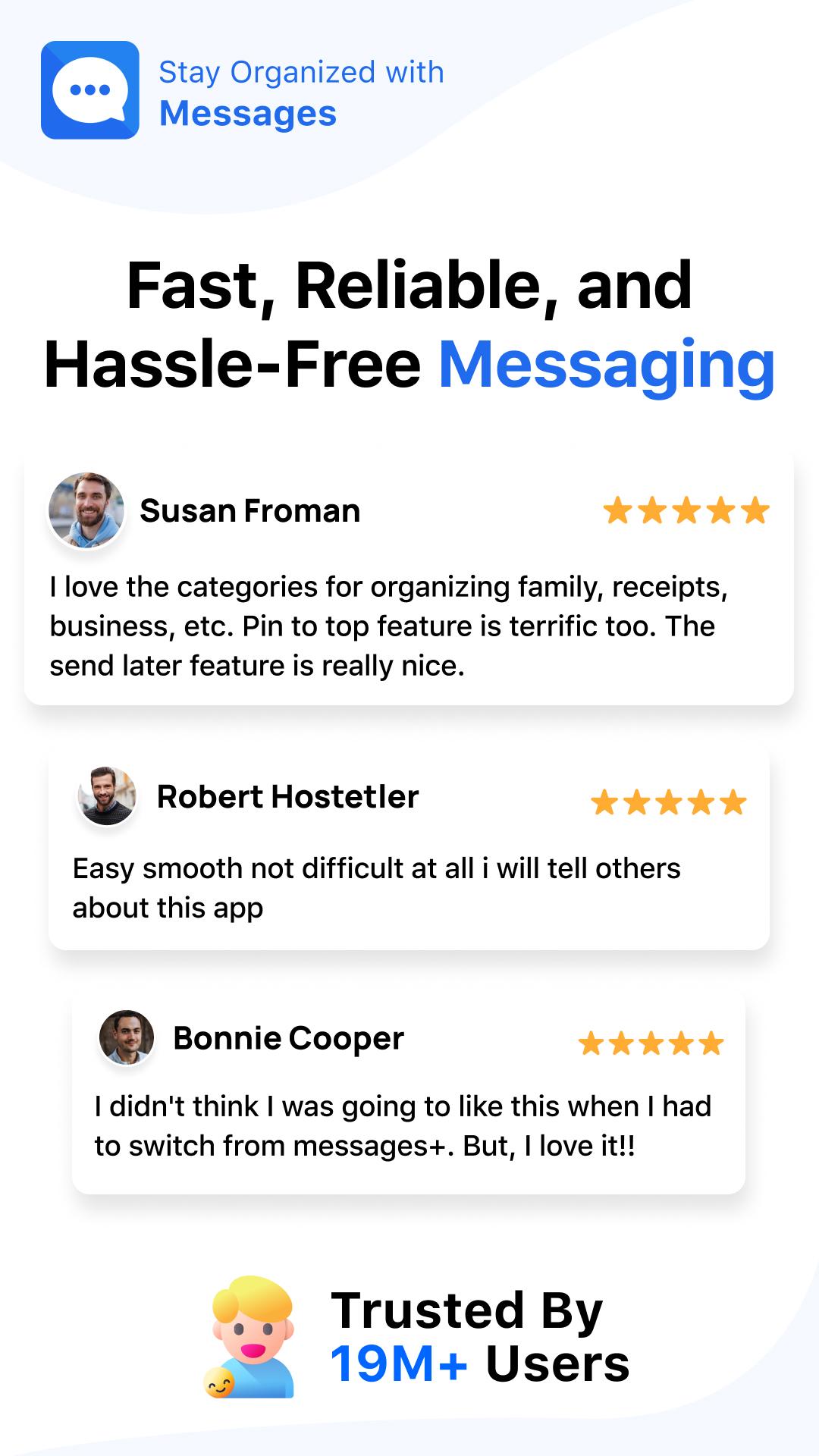
Messages App to stay connected securely with your friends and family using Apps Specials easy-to-use SMS and MMS messaging app. Join over 16 million users already benefiting from our smart, fast, and secure SMS message app.
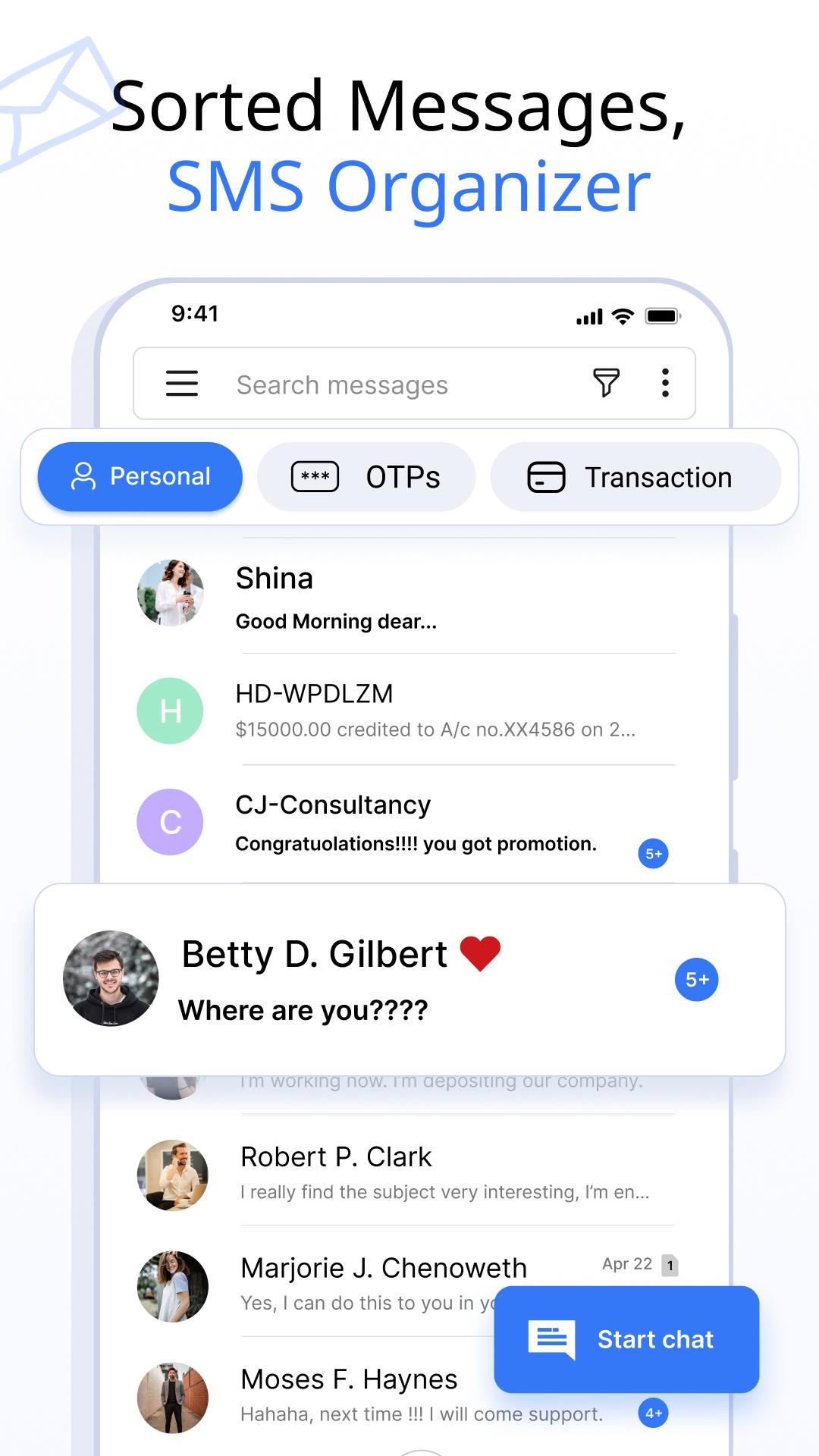
Using a built-in SMS Organizer to organize all text messages, chats or conversations automatically into Personal, Transactions, OTPs and Offers categories.
Get benefits from the messages app to enhance your SMS text messaging experience. Express yourself with emojis and stickers, schedule message, block unwanted contacts, and backup & restore your conversations and much more.
▌Here are the Features of the SMS, MMS Messaging App:
Customize Notification Alert 🥰
Take control of your notifications of an Android messages app for individual contacts and chats. Customize notifications preview, ringtone, wake screen, vibrate, and DND settings for a personalized experience.
Schedule Messages 😎
- The Easy, Smart, and Cool message app provides a schedule message feature to schedule SMS and deliver at the exact time & date you wish.
- Easily schedule birthday SMS Message, work-related SMS reminders, etc., in advance.
SMS Backup and Restore 🔃
Securely take a backup of your SMS or Conversations into your internal storage and restore it whenever you want with just one click.
Delivery Confirmation 😜
The SMS messaging app delivery confirmation feature provides peace of mind by ensuring that your message has been successfully sent.
Auto Delete Conversation 😍
Keep your message inbox clutter-free using Auto Delete Conversation. You don’t need to select a message or chat one by one. The free SMS and MMS messaging app will do it automatically.
Emojis, Stickers & GIFs 🤩
The messages app allows you to use expressive emojis, a variety of stickers, and GIFs to enhance your message. Send emojis, stickers, and GIFs in your SMS text messages to express yourself better.
Swipe Actions 👈
- With our customizable quick swipe actions feature, Keep your inbox messages organized. You have the power to tailor your interactions exactly how you like them.
- Whether you prefer to swipe left or right, choose actions like archive, delete, call, or mark messages as read or unread, the choice is yours.
Block Contacts 🚫
Keep your messaging experience free from distractions by blocking contacts with a simple tap. Enjoy a clutter-free messages inbox and experience peace of mind.
Voice Calls 📞
Stay connected with friends and family through crystal-clear voice calls alongside your SMS message with just a tap.
This Message app is designed to support all popular devices such as Samsung, Xiaomi, Google, Motorola, Redmi, Oppo, Vivo, etc. Fast simple Messaging App also supports all Android Versions like Android versions 7, 8, 9, 10, 11, 12, 13, and 14.
Connect with friends, stay organized, read messages, and express yourself like never before. Upgrade your messaging game today with our Smart & Fast Messages app!
Messages, an all-in-one smart, secure and fast messages app. Send and receive messages offline. Experience the most popular message app for yourself by downloading it now.
Support: We always strive to improve our Messaging App, have any issues or suggestions about the SMS Message app, then contact us via mail.
Preview
Tags
CommunicationsInformation
Developer
Apps Specials
Latest Version
2.5.5
Last Updated
2025-07-09
Category
Communications
Available on
Google Play
Show More
How to play Messages: SMS Messaging with GameLoop on PC
1. Download GameLoop from the official website, then run the exe file to install GameLoop
2. Open GameLoop and search for “Messages: SMS Messaging” , find Messages: SMS Messaging in the search results and click “Install”
3. Enjoy playing Messages: SMS Messaging on GameLoop
Minimum requirements
OS
Windows 8.1 64-bit or Windows 10 64-bit
GPU
GTX 1050
CPU
i3-8300
Memory
8GB RAM
Storage
1GB available space
Recommended requirements
OS
Windows 8.1 64-bit or Windows 10 64-bit
GPU
GTX 1050
CPU
i3-9320
Memory
16GB RAM
Storage
1GB available space