
Send Message + SMS Server PC
UniqTec Inc.
Download Send Message + SMS Server on PC With GameLoop Emulator
Send Message + SMS Server on PC
Send Message + SMS Server, coming from the developer UniqTec Inc., is running on Android systerm in the past.
Now, You can play Send Message + SMS Server on PC with GameLoop smoothly.
Download it in the GameLoop library or search results. No more eyeing the battery or frustrating calls at the wrong time any more.
Just enjoy Send Message + SMS Server PC on the large screen for free!
Send Message + SMS Server Introduction
Send Message is the ultimate tool for users to send, receive and relay/forward SMS messages. The scenarios and usage of the app is endless.
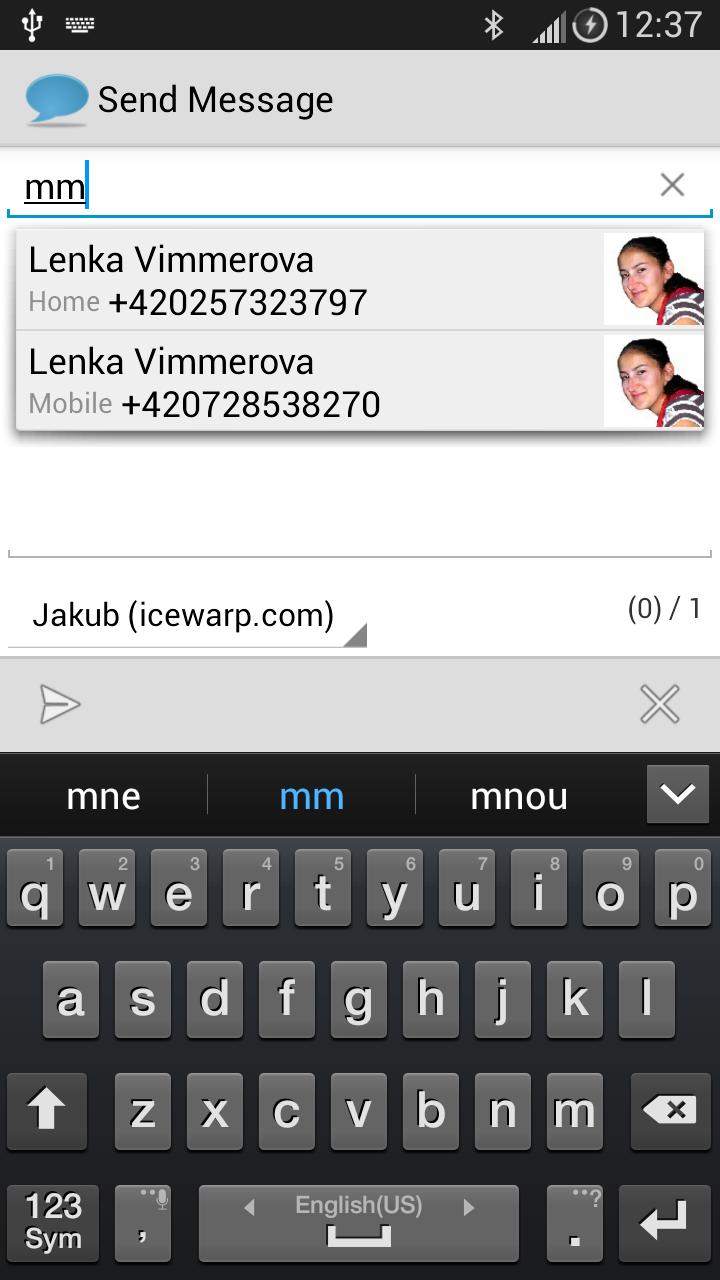
The main emphasis is on sending SMS using your phone Contacts and selecting from multiple accounts of different SMS gateways.
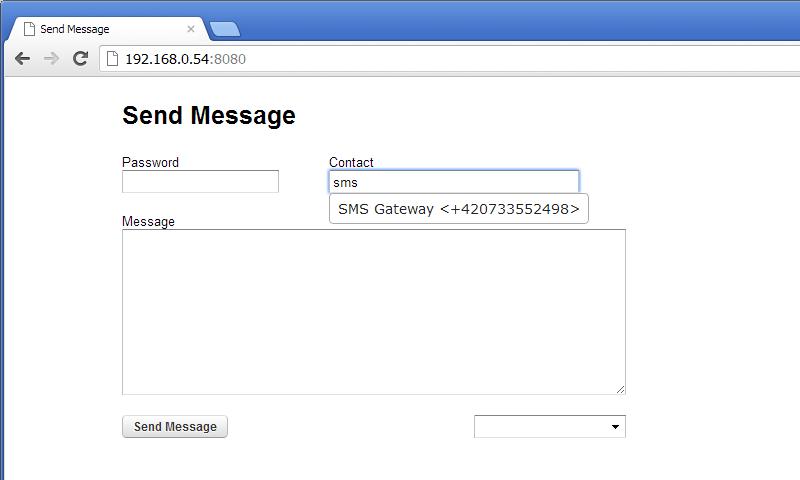
The built-in SMS server provides you with an HTTP SMS gateway to send messages from your browser on any computer.
It can also be used from another Send Message app instance on a different device (such as a tablet).
So in fact you can send messages from your tablet through your phone with the Send Message app installed on both devices.
The rich settings Incoming Messages Rules allows you to process messages based on several conditions and actions.
You can setup literally hundreds of different handy rules to forward received messages to other SMS device, HTTP gateway or even Email account.
YOU NEED TO FIND AND SPECIFY YOUR OWN SMS HTTP GATEWAY
General Features:
- Free SMS delivery
- Nice and clean UI
- Multiple accounts
- HTTP (send via HTTP gateway, gateway templates)
- SMS (send via SMS)
- Email (send via email)
- Inbox SMS (broadcasts local message to any SMS receiver - supports multipart, UTF8 and all PDU)
- Sent Archive (put sent messages to Messaging Sent folder)
- UTF-8 and large message compliant
- Character and message counters
- No SIM card required (only Internet connection)
SMS Server Features:
- HTTP server
- API (GET and POST, can be used as HTTP gateway)
- Notification with URL
- Send Message from your browser with nice CSS
- Phone Contacts integration and auto complete
Incoming Messages Features:
- Define multiple rules for any SMS received
- Multiple actions
- Forward, relay and delete messages via any account defined
- RegExp
- Integrate with another Send Message on a different device
Requirements:
- A configured SMS account (IceWarp http://www.icewarp.com/ account or any other (Clickatel or other SMS gateways))
Preview
Information
Developer
UniqTec Inc.
Latest Version
3.0.3
Last Updated
2019-12-16
Category
Communications
Available on
Google Play
Show More
How to play Send Message + SMS Server with GameLoop on PC
1. Download GameLoop from the official website, then run the exe file to install GameLoop
2. Open GameLoop and search for “Send Message + SMS Server” , find Send Message + SMS Server in the search results and click “Install”
3. Enjoy playing Send Message + SMS Server on GameLoop
Minimum requirements
OS
Windows 8.1 64-bit or Windows 10 64-bit
GPU
GTX 1050
CPU
i3-8300
Memory
8GB RAM
Storage
1GB available space
Recommended requirements
OS
Windows 8.1 64-bit or Windows 10 64-bit
GPU
GTX 1050
CPU
i3-9320
Memory
16GB RAM
Storage
1GB available space