
SecuGen RD Service 1.0.1 for U20/HU20 PC
Secugen India Private Limited
Download SecuGen RD Service 1.0.1 for U20/HU20 on PC With GameLoop Emulator
SecuGen RD Service 1.0.1 for U20/HU20 on PC
SecuGen RD Service 1.0.1 for U20/HU20, coming from the developer Secugen India Private Limited, is running on Android systerm in the past.
Now, You can play SecuGen RD Service 1.0.1 for U20/HU20 on PC with GameLoop smoothly.
Download it in the GameLoop library or search results. No more eyeing the battery or frustrating calls at the wrong time any more.
Just enjoy SecuGen RD Service 1.0.1 for U20/HU20 PC on the large screen for free!
SecuGen RD Service 1.0.1 for U20/HU20 Introduction
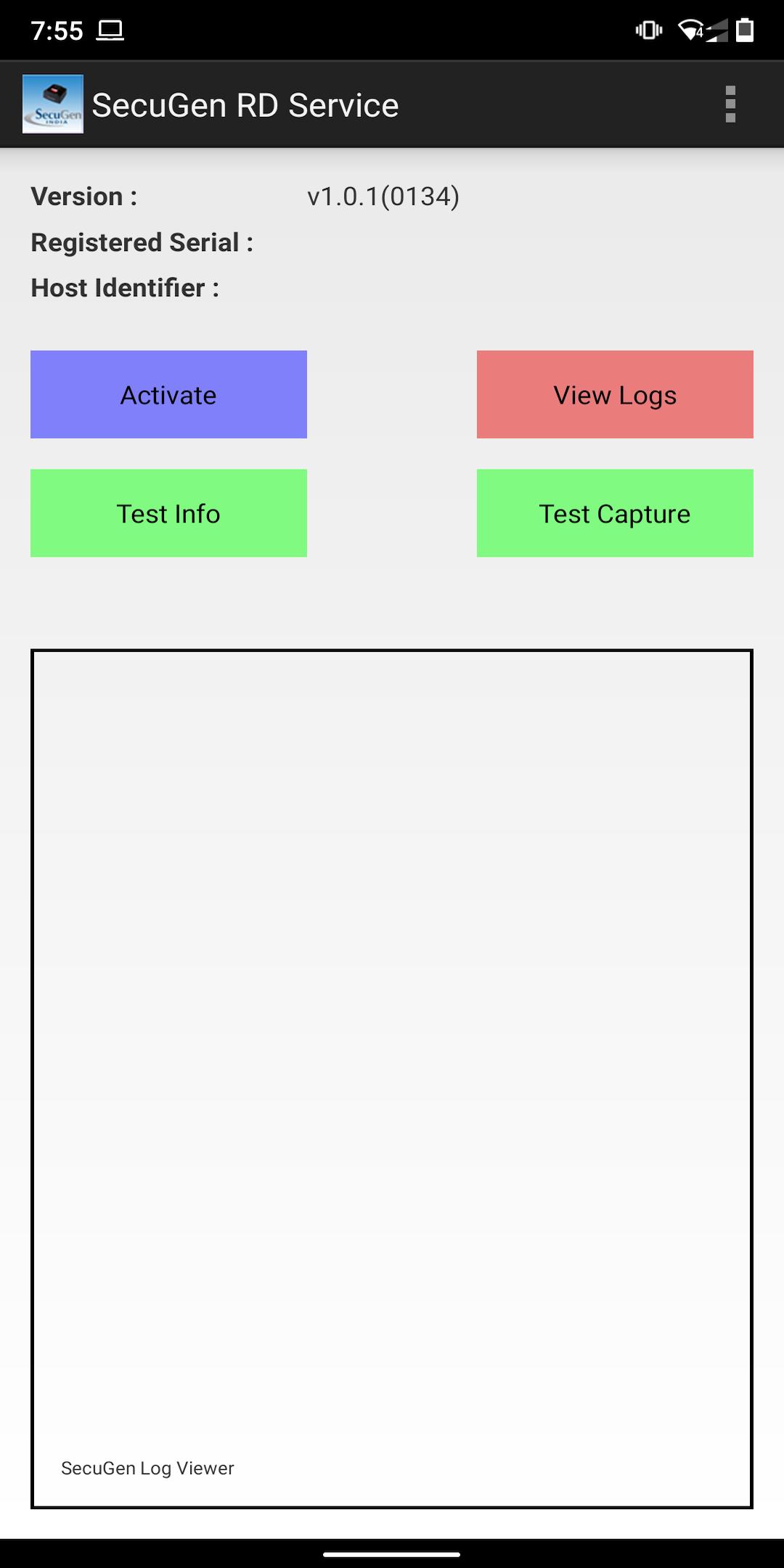
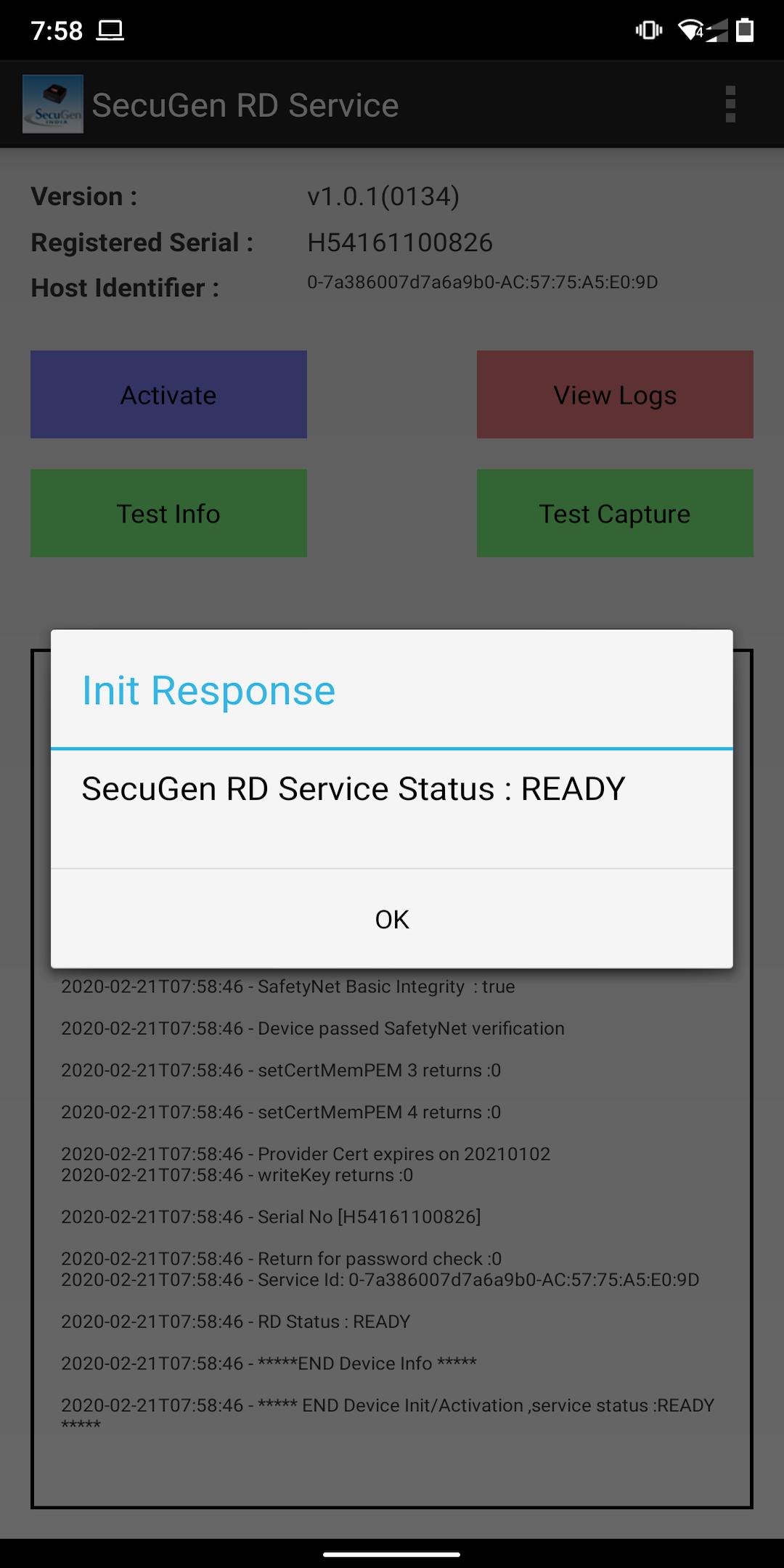
SecuGen Registered Device Service is designed to work with Hamster Pro 20 Devices.
The Hamster Pro 20 device is SecuGen's new ultra-compact, high image quality USB fingerprint reader that is FBI Certified as meeting FIPS 201 (PIV) and Mobile ID FAP 20 requirements. Featuring a low-profile and IP65 rated dust- and water-resistant design, the Hamster Pro 20 is built with the industry's most rugged and advanced optical sensor using patented fingerprint technology.
SecuGen Hamster Pro 20 can be used for authentication, identification and verification functions that let your fingerprints act like digital passwords that cannot be lost, forgotten or stolen. As with all devices containing SecuGen's advanced U20 sensor, the Hamster Pro 20 features Fake Finger Rejection for enhanced security.
Preview
Information
Developer
Secugen India Private Limited
Latest Version
1.0.1
Last Updated
2020-02-21
Category
Communications
Available on
Google Play
Show More
How to play SecuGen RD Service 1.0.1 for U20/HU20 with GameLoop on PC
1. Download GameLoop from the official website, then run the exe file to install GameLoop
2. Open GameLoop and search for “SecuGen RD Service 1.0.1 for U20/HU20” , find SecuGen RD Service 1.0.1 for U20/HU20 in the search results and click “Install”
3. Enjoy playing SecuGen RD Service 1.0.1 for U20/HU20 on GameLoop
Minimum requirements
OS
Windows 8.1 64-bit or Windows 10 64-bit
GPU
GTX 1050
CPU
i3-8300
Memory
8GB RAM
Storage
1GB available space
Recommended requirements
OS
Windows 8.1 64-bit or Windows 10 64-bit
GPU
GTX 1050
CPU
i3-9320
Memory
16GB RAM
Storage
1GB available space