
Propio ONE PC
Propio Language Services
Download Propio ONE on PC With GameLoop Emulator
Propio ONE on PC
Propio ONE, coming from the developer Propio Language Services, is running on Android systerm in the past.
Now, You can play Propio ONE on PC with GameLoop smoothly.
Download it in the GameLoop library or search results. No more eyeing the battery or frustrating calls at the wrong time any more.
Just enjoy Propio ONE PC on the large screen for free!
Propio ONE Introduction
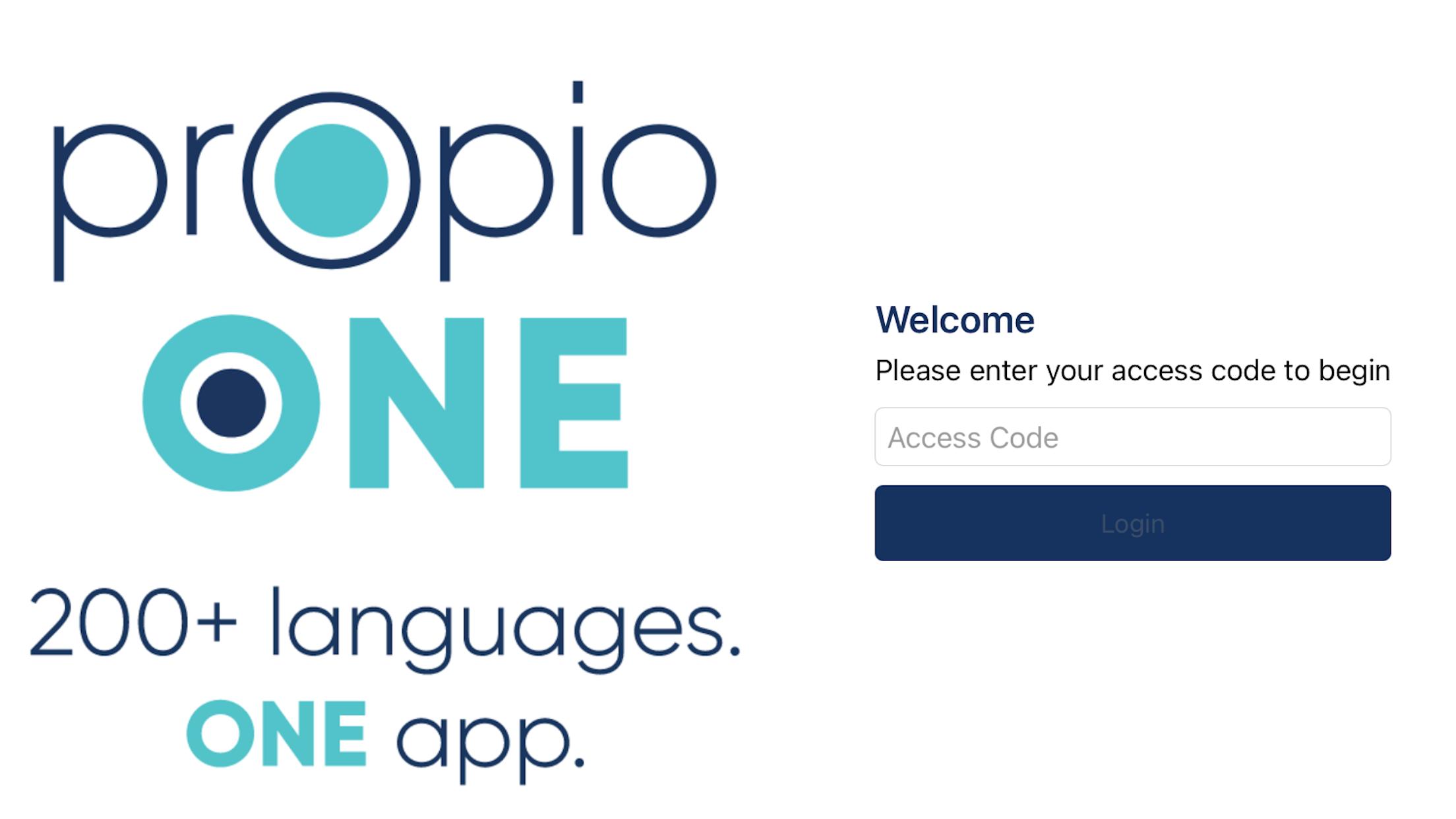
200+ Languages. One App.
A qualified interpreter is at your fingertips in seconds with Propio ONE.
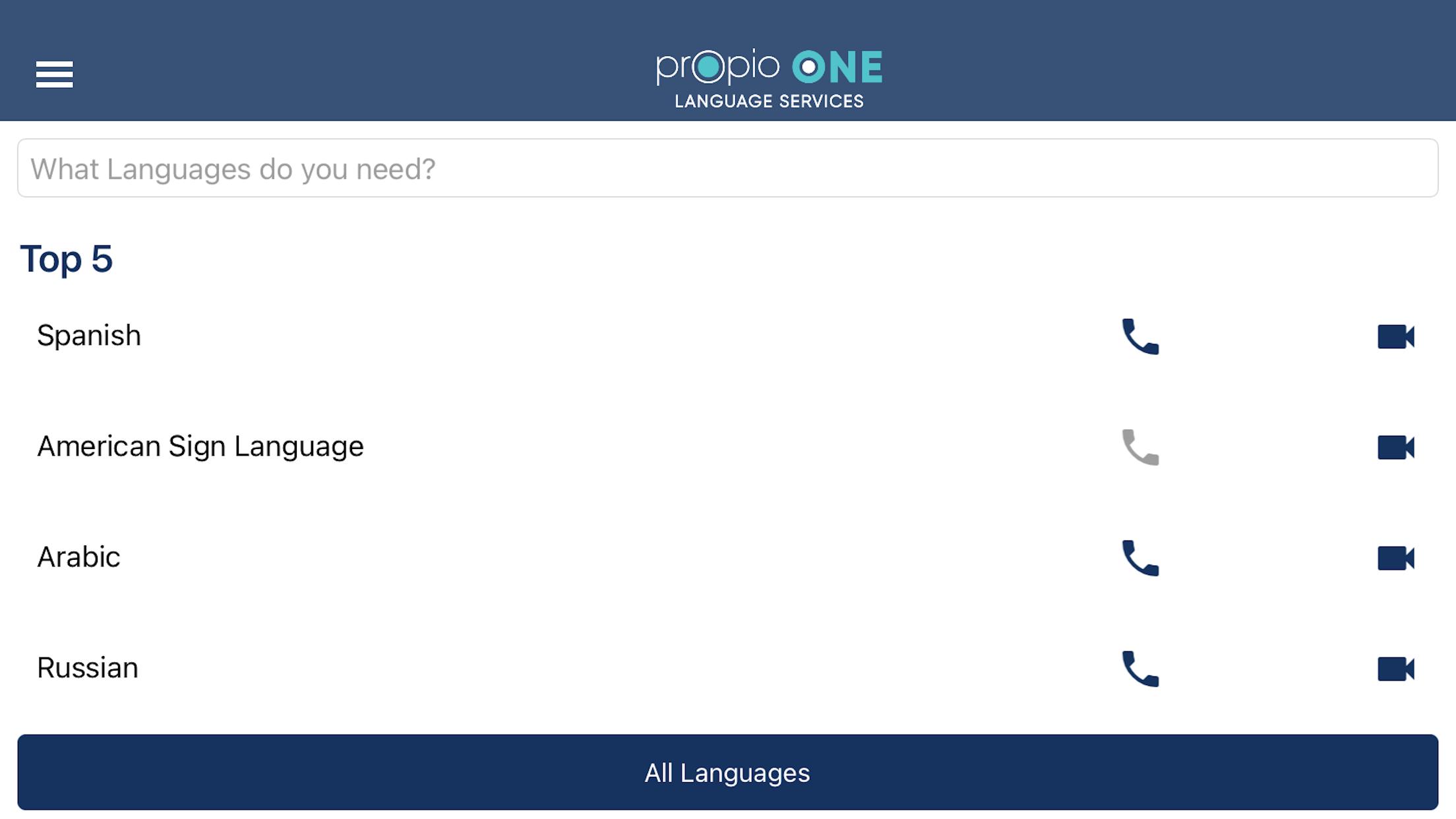
Simply select video or audio for over 200 languages, get connected, and the interpreter takes care of the rest. With Propio ONE—our proprietary app has the fastest connection times for Video Remote Interpreting (VRI) and Over-the-Phone Interpreting (OPI) services.
• Runs on iOS, Mac, and desktop browsers
• Connect with over 5,000 qualified interpreters in seconds
• Have confidence in secure connections with secure access
• Get the best rates for VRI & OPI in the industry
• Invite others to join a call with one-tap 3rd party dial-out
Propio ONE simplifies the process and offers reliable technology, fast connection times, quality interpreters, and best in class customer service.
Access to language services just got easier.
To use, click on the app, choose the language, and are connected to an interpreter in seconds.
E-mail clientservices@propio-ls.com if you need a User Code for services.
Preview
Tags
CommunicationsInformation
Developer
Propio Language Services
Latest Version
6.18
Last Updated
2025-09-10
Category
Communications
Available on
Google Play
Show More
How to play Propio ONE with GameLoop on PC
1. Download GameLoop from the official website, then run the exe file to install GameLoop
2. Open GameLoop and search for “Propio ONE” , find Propio ONE in the search results and click “Install”
3. Enjoy playing Propio ONE on GameLoop
Minimum requirements
OS
Windows 8.1 64-bit or Windows 10 64-bit
GPU
GTX 1050
CPU
i3-8300
Memory
8GB RAM
Storage
1GB available space
Recommended requirements
OS
Windows 8.1 64-bit or Windows 10 64-bit
GPU
GTX 1050
CPU
i3-9320
Memory
16GB RAM
Storage
1GB available space