NXRadio PC
Syscom
Download NXRadio on PC With GameLoop Emulator
NXRadio on PC
NXRadio, coming from the developer Syscom, is running on Android systerm in the past.
Now, You can play NXRadio on PC with GameLoop smoothly.
Download it in the GameLoop library or search results. No more eyeing the battery or frustrating calls at the wrong time any more.
Just enjoy NXRadio PC on the large screen for free!
NXRadio Introduction
NXRad.IO
Everything under control
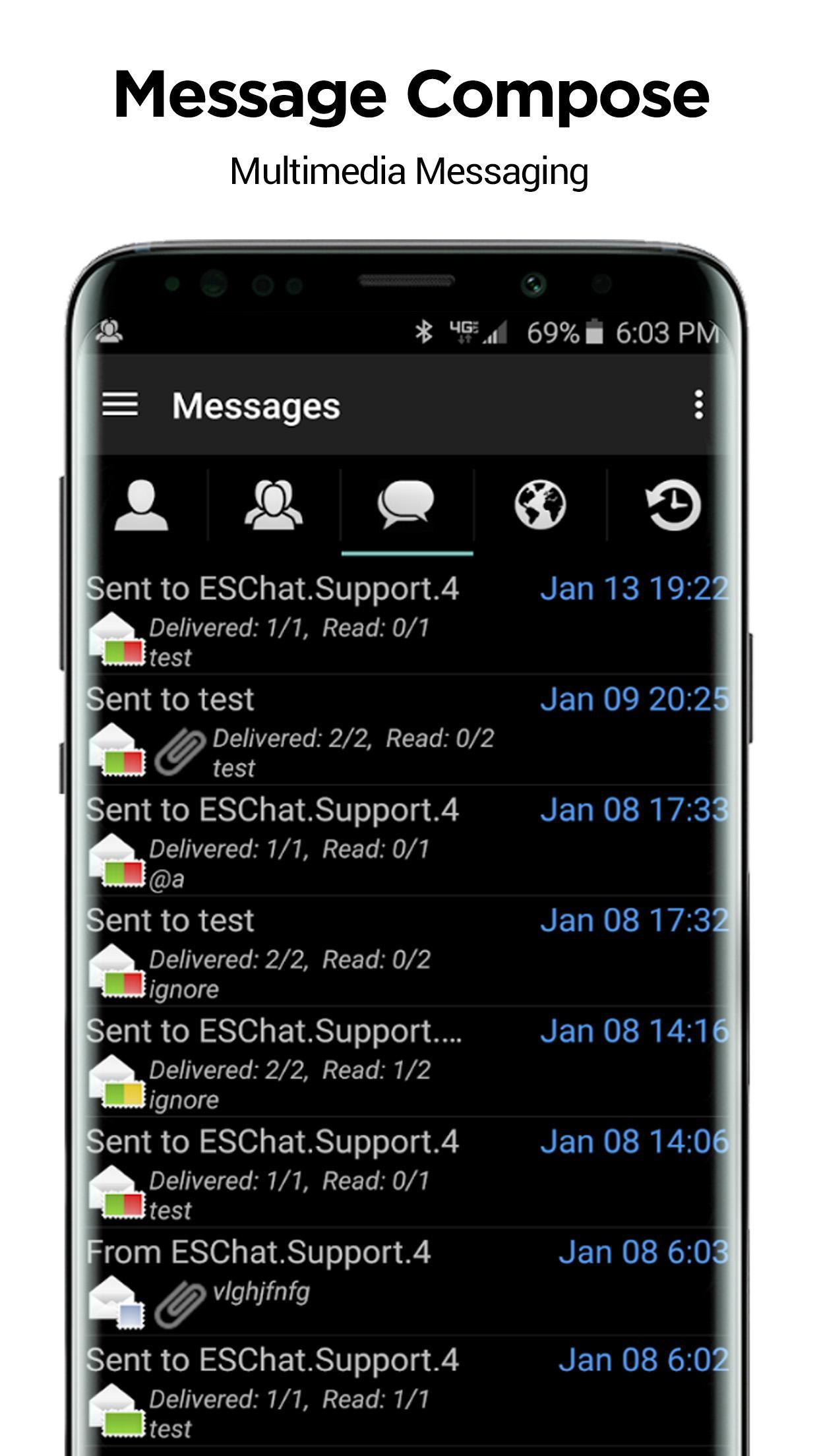
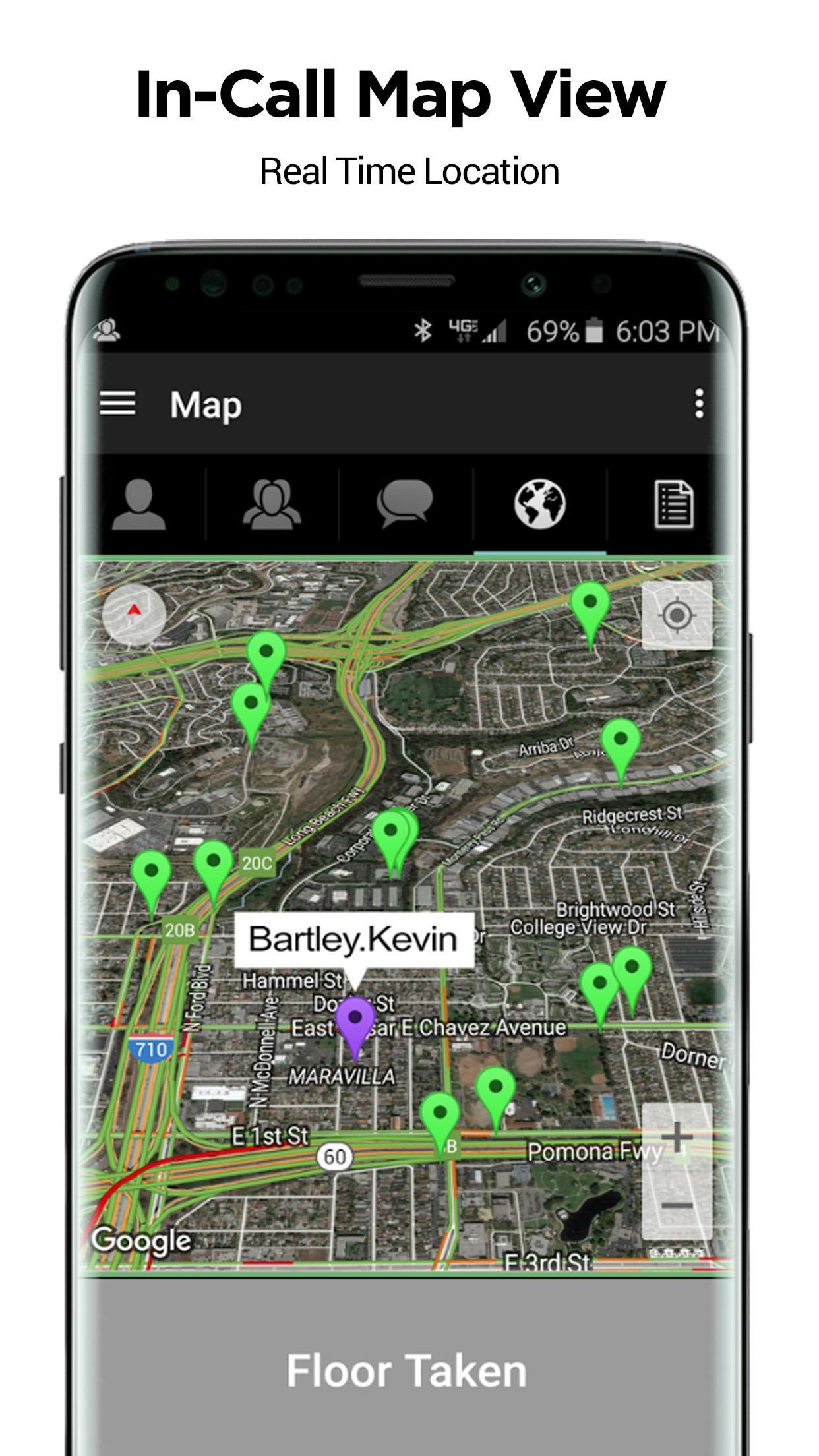
NXRad.IO is professional communication platform high security (AES-256), fast-end communication (without delay) one to one or groups as 40,000 terminals only by pressing one button.
NXRad.IO is our 100% solution developed in U.S.A., our servers (high redundancy), our people and back in 3 locations (Texas, Florida and Mexico):
Their communications are secure under public safety standards US
Do not rely on a third party, we are not "another Chinese solution", your information is encrypted on our servers in U.S.A.
For demanding customers: zero delay, high security, stable application (always work, always ready) and the best audio quality in the industry.
"NXRad.IO is a new working strategy effective, fast and error"
Note: This application can use your location even when not open, which can decrease the battery life of the device.
Preview
Tags
CommunicationsInformation
Developer
Syscom
Latest Version
30.1
Last Updated
2023-05-10
Category
Communications
Available on
Google Play
Show More
How to play NXRadio with GameLoop on PC
1. Download GameLoop from the official website, then run the exe file to install GameLoop
2. Open GameLoop and search for “NXRadio” , find NXRadio in the search results and click “Install”
3. Enjoy playing NXRadio on GameLoop
Minimum requirements
OS
Windows 8.1 64-bit or Windows 10 64-bit
GPU
GTX 1050
CPU
i3-8300
Memory
8GB RAM
Storage
1GB available space
Recommended requirements
OS
Windows 8.1 64-bit or Windows 10 64-bit
GPU
GTX 1050
CPU
i3-9320
Memory
16GB RAM
Storage
1GB available space