NAVER Mail PC
NAVER Corp.
Download NAVER Mail on PC With GameLoop Emulator
NAVER Mail on PC
NAVER Mail, coming from the developer NAVER Corp., is running on Android systerm in the past.
Now, You can play NAVER Mail on PC with GameLoop smoothly.
Download it in the GameLoop library or search results. No more eyeing the battery or frustrating calls at the wrong time any more.
Just enjoy NAVER Mail PC on the large screen for free!
NAVER Mail Introduction
※ The new NAVER Mail app (v3.0.9) can only be used on Android OS 9.0 and up.
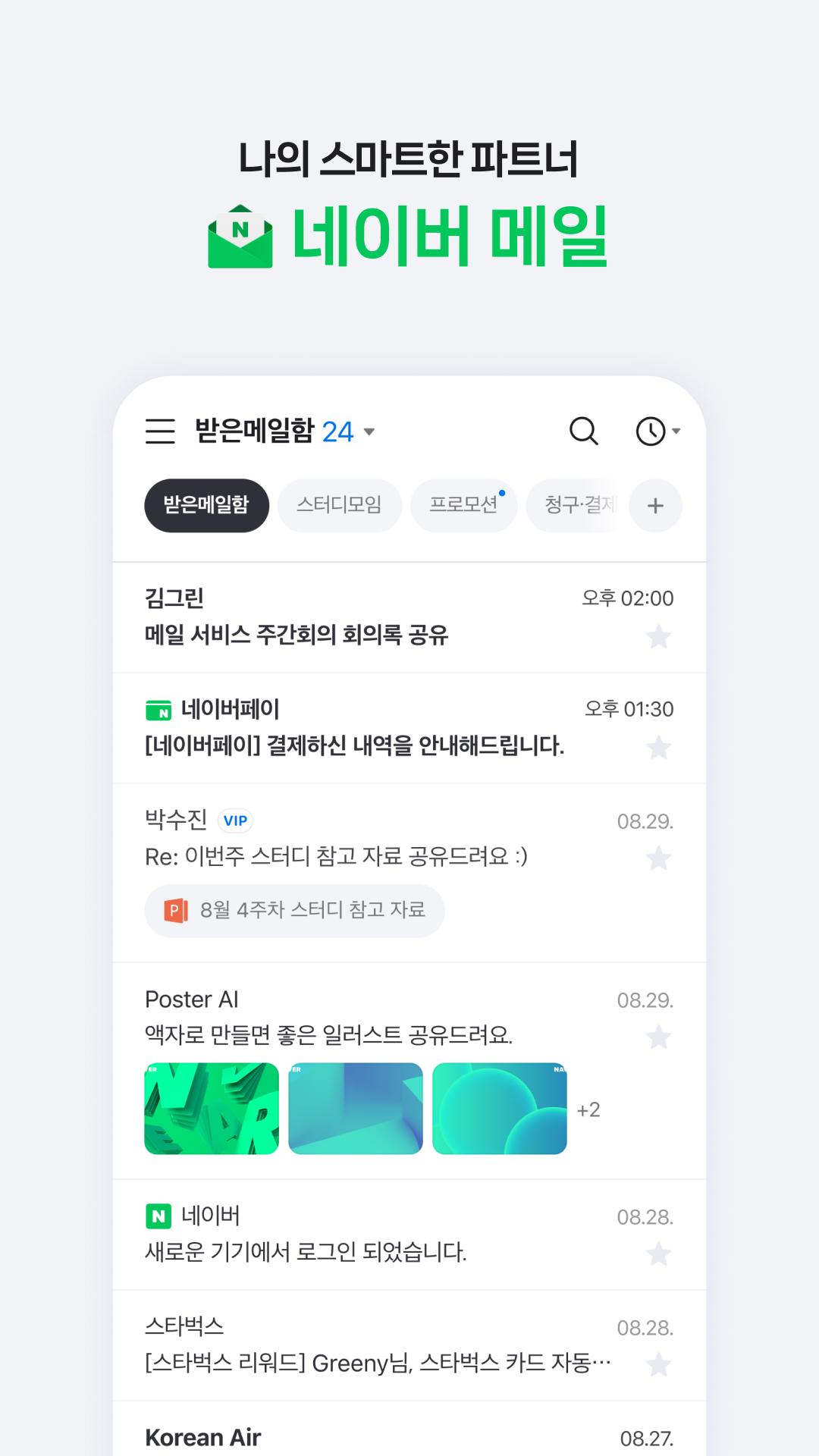
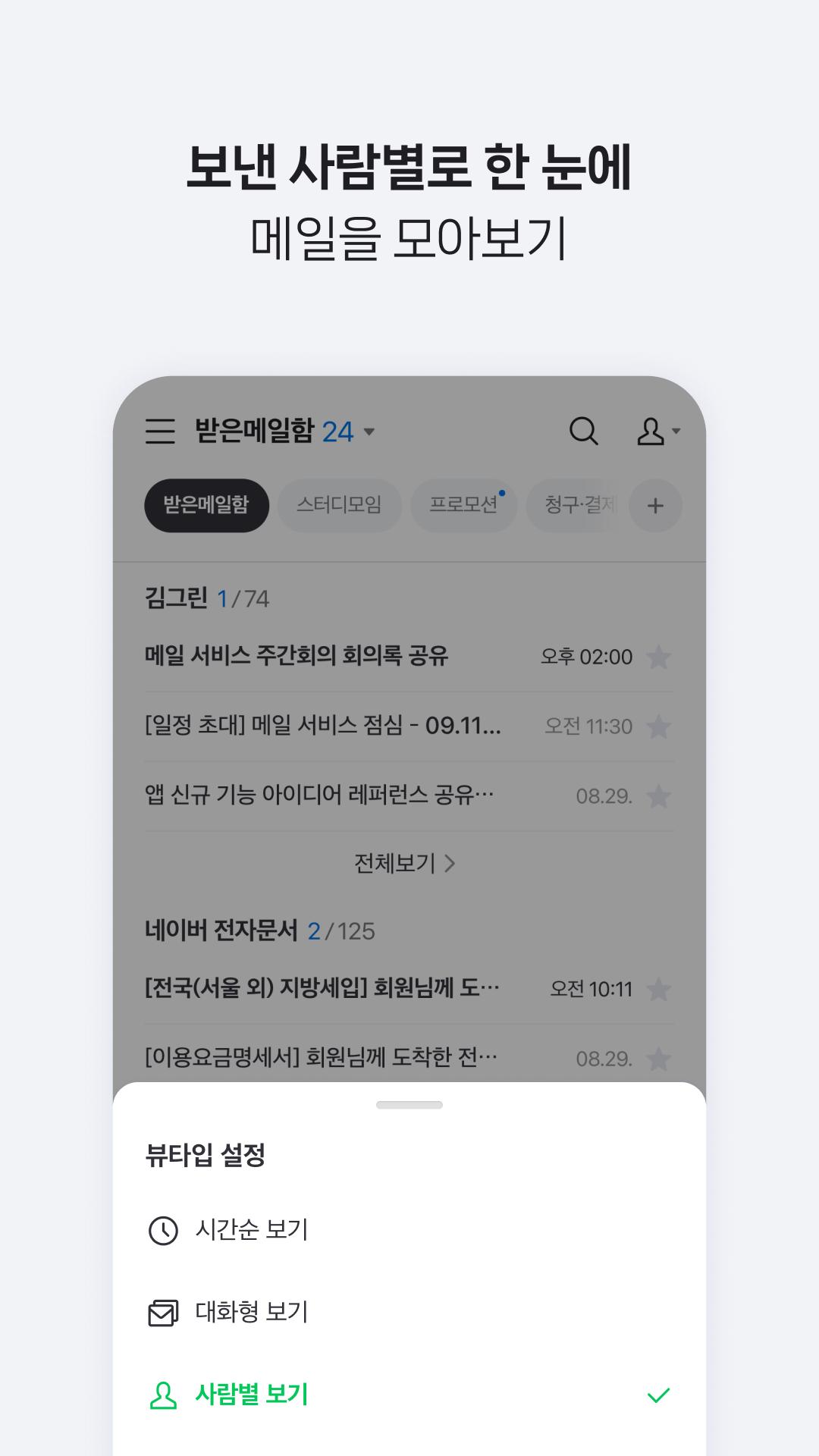
1. Easily find the mails you want.
· You can group and view the mails collected in chronological order by conversation or person.
· Use the filter feature to quickly group unread mails/important mails/mails with attachments/VIP mails.
· You can separately view promotion mails, invoice/payment mails, and mails from social media services or NAVER Café, which are automatically classified to the smart mailbox.
· The NAVER Mail app allows you to view and manage your frequently used external mailing accounts, such as Gmail and Outlook.
2. Write smart emails on the app.
· Use bold/underline/colored fonts to emphasize important words, and insert images in your mail body.
· You can attach and send files uploaded to your MYBOX.
· Use the translation feature to write mails in foreign languages hassle-free.
3. Safeguard your mail.
· We will detect and inform you in advance of files with viruses/malicious codes before attaching/downloading them.
· Use the password lock to keep your mail app safe.
Please contact NAVER Customer Center ( http://naver.me/5j7M4G2y ) for any issue or inquiry while using the app.
■ Details of Mandatory Access Authorization
· Contact information (Contact list) : Bring the email contact information stored on the contact list of your device to write mails, or use NAVER’s simple login (only for devices below OS 6.0).
· Notifications : You can receive notifications for new mails, mail delivery failure messages, etc. (Only for devices running on OS 13.0 or up)
· Images and videos (file, media, or storage) : You can attach image and video files taken with your camera or stored on the device’s gallery app to an email. (However, not available when using the NAVER Mail app v3.0.9 on devices with OS version 10.0 or higher.)
Preview
Tags
CommunicationsInformation
Developer
NAVER Corp.
Latest Version
3.0.9
Last Updated
2025-02-18
Category
Communications
Available on
Google Play
Show More
How to play NAVER Mail with GameLoop on PC
1. Download GameLoop from the official website, then run the exe file to install GameLoop
2. Open GameLoop and search for “NAVER Mail” , find NAVER Mail in the search results and click “Install”
3. Enjoy playing NAVER Mail on GameLoop
Minimum requirements
OS
Windows 8.1 64-bit or Windows 10 64-bit
GPU
GTX 1050
CPU
i3-8300
Memory
8GB RAM
Storage
1GB available space
Recommended requirements
OS
Windows 8.1 64-bit or Windows 10 64-bit
GPU
GTX 1050
CPU
i3-9320
Memory
16GB RAM
Storage
1GB available space