Mobile Hotspot PC
kirici
Download Mobile Hotspot on PC With GameLoop Emulator
Mobile Hotspot on PC
Mobile Hotspot, coming from the developer kirici, is running on Android systerm in the past.
Now, You can play Mobile Hotspot on PC with GameLoop smoothly.
Download it in the GameLoop library or search results. No more eyeing the battery or frustrating calls at the wrong time any more.
Just enjoy Mobile Hotspot PC on the large screen for free!
Mobile Hotspot Introduction
SHARE INTERNET BY TURNING YOUR PHONE INTO A MOBILE HOTSPOT PORTABLE WIFI
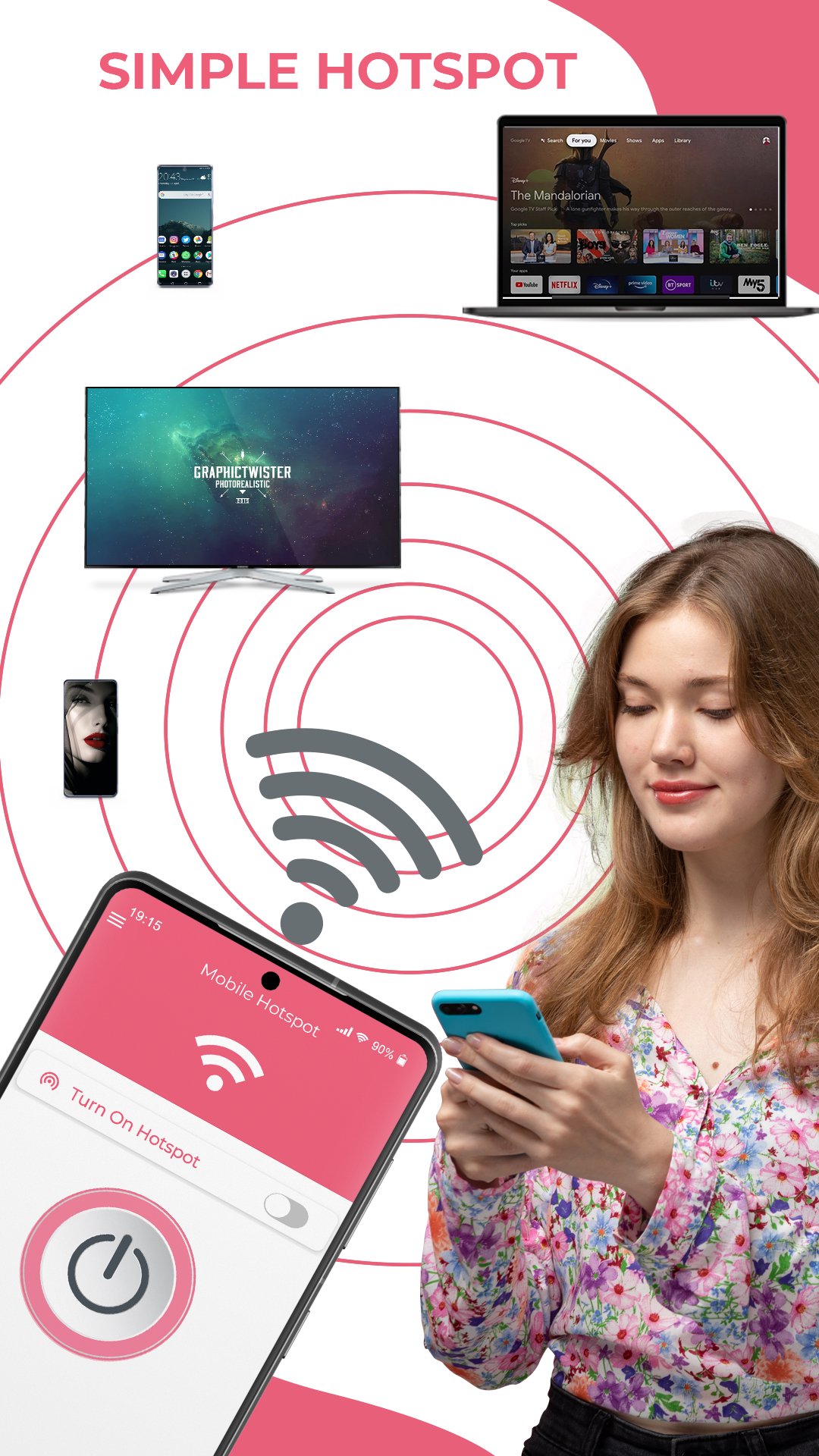
Share your internet connection simply with devices nearby with the Mobile Hotspot app. Turn your phone into a portable wifi router that tethers the internet while giving you amazing control. No Root required.
PERSONAL MOBILE HOT SPOT WITH WIDGET, BATTERY & DATA LIMIT, TIMER AND MORE
Install now and set up a mobile wifi hotspot with one tap (you can share a connection without or with a password). Even more, our free personal hotspot app comes with a widget for even faster internet sharing.
HOTSPOT TIMER
⏲️ Unlike other free hotspot apps, Mobile Hotspot gives you the ability to set hotspot timers. When used the hotspot automatically turns off at the end of the predefined 5 minutes, 15 minutes, 30 minutes, or any custom time set by you.
SET DATA LIMIT
📶 Our security hotspot app allows you to control the shared mobile data through the hotspot connection. If you use the data limit, the app will automatically turn off when the user reaches the predefined data limit of 50MB, 100MB, 150MB, or a data limit set by you.
SET BATTERY LIMIT
🔋 When you set a battery limit, our personal privacy hotspot will turn off automatically when the phone reaches predefined battery levels such as 10%, 15%, 20%, or the battery level set by you.
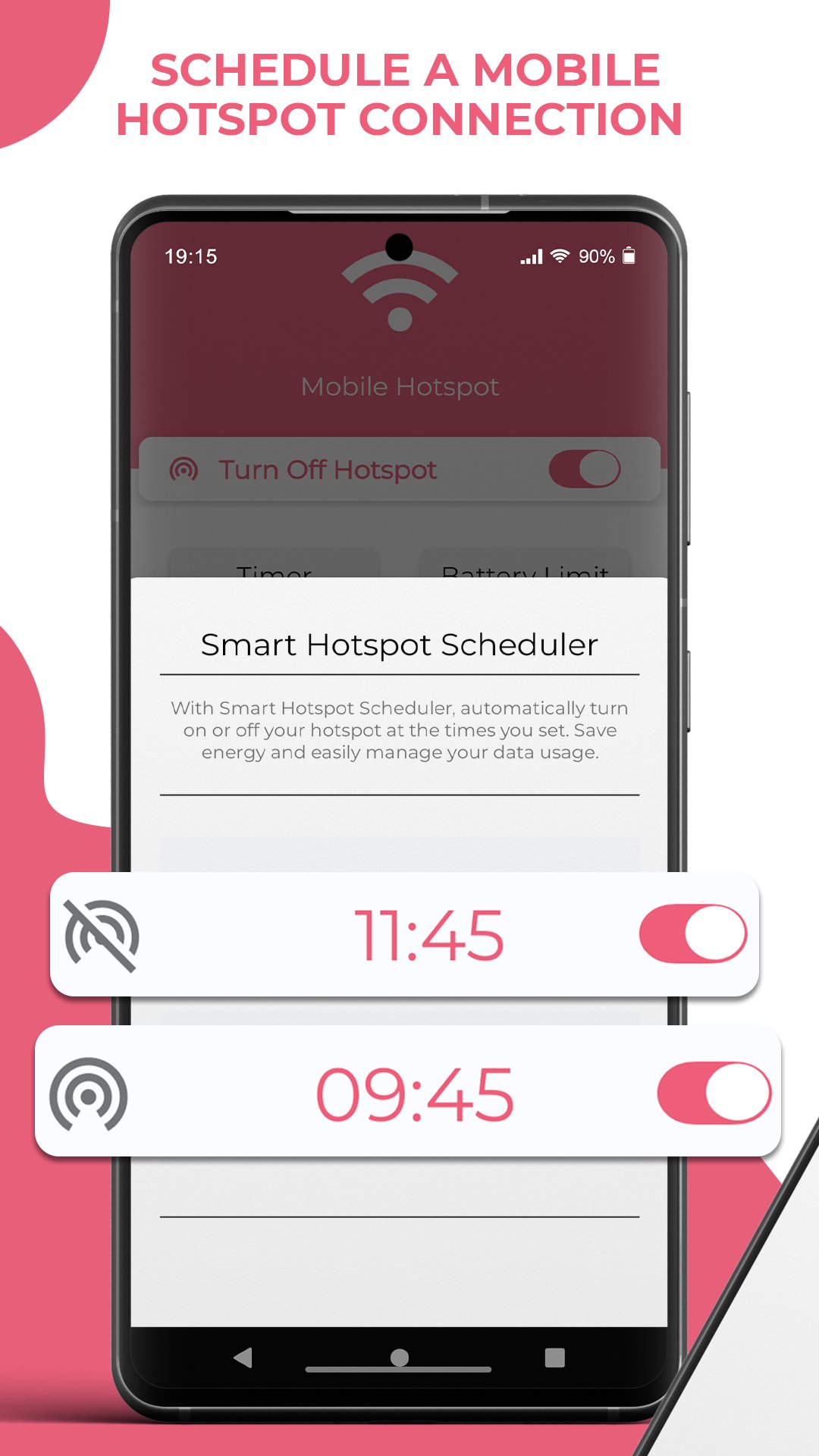
SMART HOTSPOT SCHEDULER (ALARM-STYLE)
🗓️ Mobile Hotspot is the only app with a real "Scheduler". Just like an alarm clock, you can set specific days and times (e.g., Every Monday at 08:00 AM) to turn on/off your hotspot automatically. Create multiple schedules for work, school, or travel.
INTERNET SPEED TEST
🚀 Doubting that you don’t have the best hotspot connection? Well, you can easily test the internet speed within our personal hotspot free app.
SHARE AN INTERNET CONNECTION VIA QR CODE
📤 Don’t want to give a password to share a connection? Well, you can share a QR code that others can scan to connect to your mobile internet.
SEE ALL CONNECTED DEVICES
📱💻 Our mobile hotspot app can be shared as hotspot for iPhone, android devices, computers, and laptops. If you share it with multiple people, you can see the IP and Mac addresses of all connected devices, and even give a name to each connected device (only available in Android 11 or later).
MOBILE HOTSPOT APP FEATURES:
- set mobile hotspot and tethering
- support Bluetooth, USB, and Ethernet tethering
- QR code mobile hotspot sharing
- set data and battery limit to automatically turn off the mobile hotspot
- set timer to automatically turn off the mobile hotspot
- schedule mobile hotspot connections (Weekly/Daily)
- test your internet speed
- see all connected devices
- No Root Required
If you are looking for a simple, fast, stable, and feature-rich mobile hot spot app that works you are at the right place.
✅Transform your phone into a portable Wifi – download Mobile Hotspot for FREE
Preview
Tags
CommunicationsToolsInformation
Developer
kirici
Latest Version
2.0.20
Last Updated
2026-05-04
Category
Communications
Available on
Google Play
Show More
How to play Mobile Hotspot with GameLoop on PC
1. Download GameLoop from the official website, then run the exe file to install GameLoop
2. Open GameLoop and search for “Mobile Hotspot” , find Mobile Hotspot in the search results and click “Install”
3. Enjoy playing Mobile Hotspot on GameLoop
Minimum requirements
OS
Windows 8.1 64-bit or Windows 10 64-bit
GPU
GTX 1050
CPU
i3-8300
Memory
8GB RAM
Storage
1GB available space
Recommended requirements
OS
Windows 8.1 64-bit or Windows 10 64-bit
GPU
GTX 1050
CPU
i3-9320
Memory
16GB RAM
Storage
1GB available space