
Linphone PC
Belledonne communications
Download Linphone on PC With GameLoop Emulator
Linphone on PC
Linphone, coming from the developer Belledonne communications, is running on Android systerm in the past.
Now, You can play Linphone on PC with GameLoop smoothly.
Download it in the GameLoop library or search results. No more eyeing the battery or frustrating calls at the wrong time any more.
Just enjoy Linphone PC on the large screen for free!
Linphone Introduction
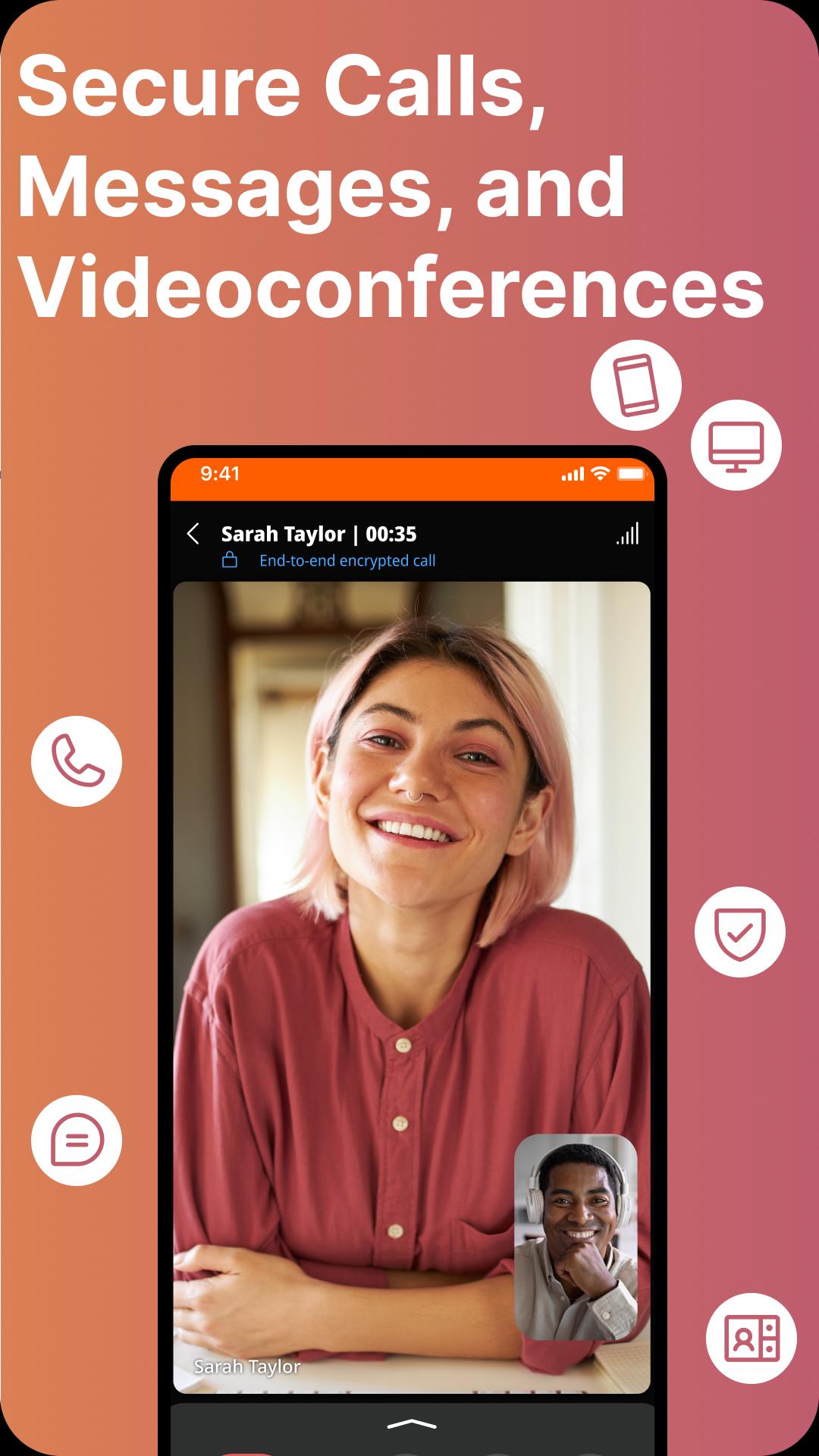
Linphone is an open source app offering free audio/video calls and text messaging. With Linphone, you can be reachable at any time, even if the app is closed, with a WiFi or 3G/4G internet connection.
Linphone key features:
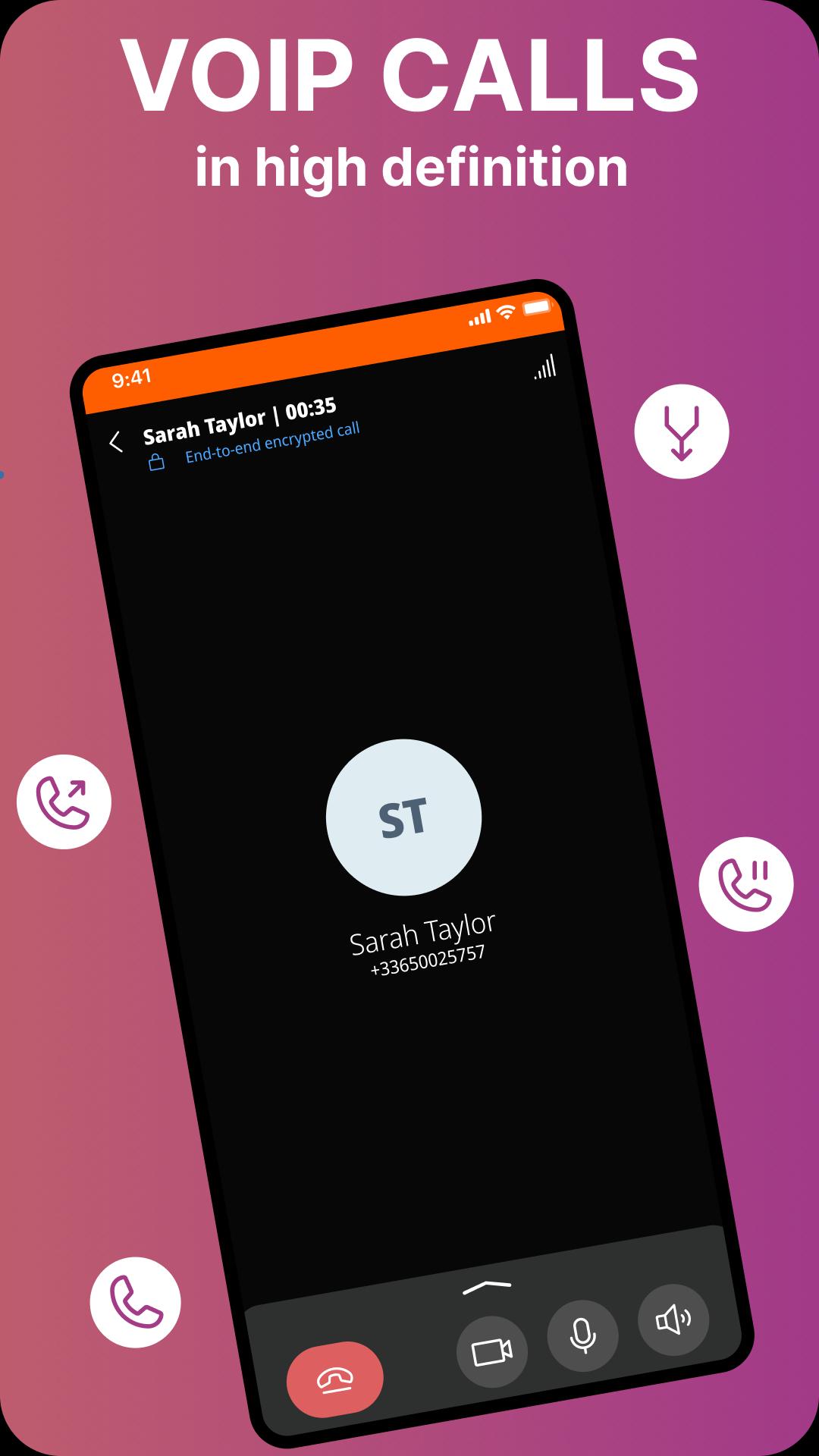
* high definition audio and video calls
* audio conference calls with various participants
* pictures and file sharing
* Linphone accounts reachable at any time, even if the app is closed (thanks to push notifications)
* secure communication (encryption options)
* compliant with a large number of SIP-compatible VoIP service providers allowing to reach everyone that has a "classic" phone line.
Linphone is available on the main mobile and desktop operating systems and offers various specific features for advanced users (codecs, transport standard, encryption options, DTMF...). For more information, see Linphone project website: www.linphone.org
Note for developers and professionals:
Linphone can be rebranded and customized to meet specific needs. Contact Belledonne Communications www.belledonne-communications.com for any specific development query.
Preview
Tags
CommunicationsInformation
Developer
Belledonne communications
Latest Version
6.0.18
Last Updated
2025-09-15
Category
Communications
Available on
Google Play
Show More
How to play Linphone with GameLoop on PC
1. Download GameLoop from the official website, then run the exe file to install GameLoop
2. Open GameLoop and search for “Linphone” , find Linphone in the search results and click “Install”
3. Enjoy playing Linphone on GameLoop
Minimum requirements
OS
Windows 8.1 64-bit or Windows 10 64-bit
GPU
GTX 1050
CPU
i3-8300
Memory
8GB RAM
Storage
1GB available space
Recommended requirements
OS
Windows 8.1 64-bit or Windows 10 64-bit
GPU
GTX 1050
CPU
i3-9320
Memory
16GB RAM
Storage
1GB available space